noddy
SOH-CM-2026
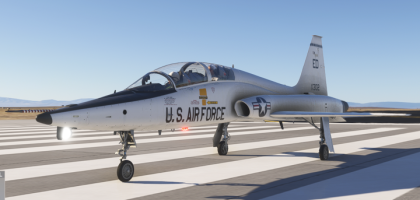
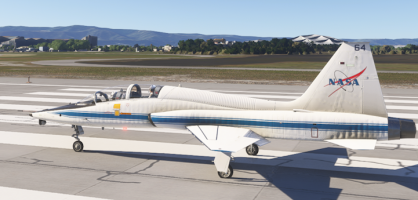
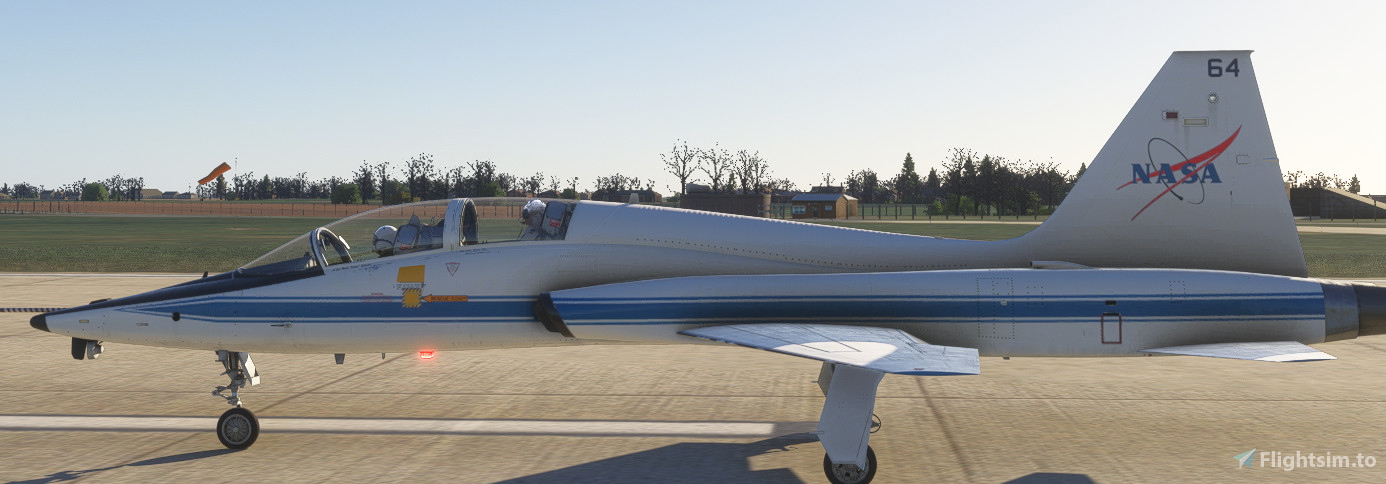
Keithb77 has added a further update to the NASA scheme.
https://flightsim.to/file/103705/nasa-logo-on-the-tail-for-the-famous-flyer-t-38a
https://flightsim.to/file/103705/nasa-logo-on-the-tail-for-the-famous-flyer-t-38a

Please see the most recent updates in the "Where did the .com name go?" thread. Posts number 16 and 17.
Just when you think you have everything running some what better...
You get a message from the Hosting company. Short story they need to move us to a new server. I have been working with them to plan a good date for all concerned. Here is what we have come up with as a schedule.
If all goes well we should be back online on November 8th.
To keep you updated we will post updates on AVSIM forums.
Thank you for your support.

 flightsim.to

Also, Keith's dropbox file linked in his post has additional PDN/PNG fles that might be helpful if you're doing repaints...Ok, I'm stumped. Where do we look for the ktx2 textures for this aircraft. Can't find anything in Packages. Steam version of MSFS2024.
Thanks Keith. Finally found them when using VFS Projector.Either select it for local Download or use the Debug mode VFS Projector to get the streamed files.
Psyched about the CF-5B paint! I kept hoping we’d see some more Canadian paints for the SC Designs F-5 besides the low-viz version that DC kindly added in ann update, but never saw any. Love that plane in the natural metal scheme. Visually the T-38 is definitely close enough!Thanks Keith. Finally found them when using VFS Projector.

These reflections are unfortunately inherent in the MSFS Glass material and are not controlled. They made it worse in 2024. One of the issues is that they reflect the environment regardless of the fact that there is a cockpit in between, for example you see the ground or the runway reflected on the windshield... It is even worse on the SR-71 that has flat panels on the windshield.Question for the talented re-painters here - is there any possibility that both the internal canopy reflections can be toned down, as well as the over done scratches on the canopy?
 ), more investigation needed.
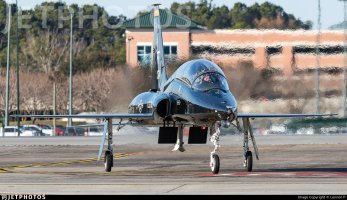
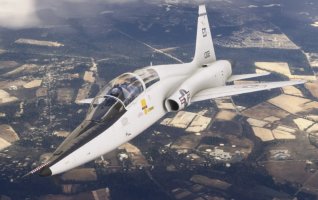
......and being flown by two kindergarden teachers without any sort of Seatbelts,Flightsuit,Chute,G-Suit,Survivalvest,Helmet nore O2 Mask. Happy Flying !Ugh, I hate Microsoft's legal being ridiculously anal about things like NASA logos, so we end up with stuff like two NASA T-38s with no NASA insignia.
View attachment 181403
flightsim.to
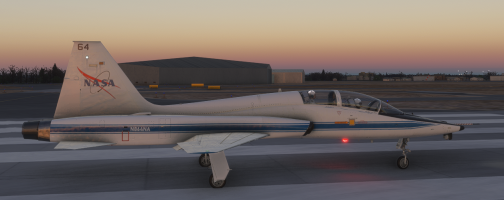
I just upgraded to the Winwing Orion 2 throttle and the T-38 still works for me, throttle is fine just using the MSFS in-game mapping.I spent one frustraing day trying to get the throttles to work on this airplane. I used the 'Behavior' tool to locate the trottles and assign them. I for the life of me cannot figure out how to get a Huffer to start C&D. So, I started on the runway. The airplane renders at 100% throttles and goes zipping down the runway. However, after about 4000' the power retards and nozzles close to near idle.
This usually means conflicting peripherals, but I made sure the WinWing throttles were the only throttles set up and only through one controller app. I tried Axis &Ohs, FSUIPC, and good old (pos) MS2024 controller setup. Nothing helped. So, I gave up and went back to the Aero Dynamics version.
I was looking forward to this version. in the FSX/P3D days it was the king. of T-38s.

 www.youtube.com