G
gajit
Guest
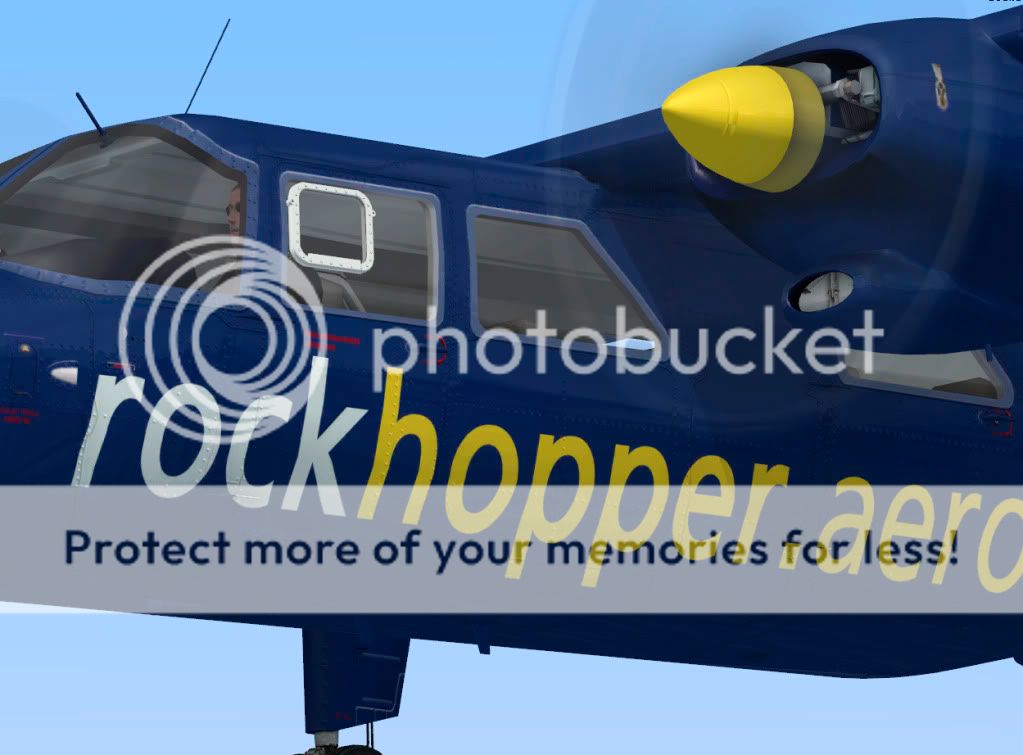
Im working on this simple one to start with...


Please see the most recent updates in the "Where did the .com name go?" thread. Posts number 16 and 17.
Please see this thread for updates. Update Thread
SOH ADMINISTRATION


Someone up to do an Belgian (Light Aviation) Army example?
http://www.airliners.net/photo/Belgium---Army/Britten-Norman-BN-2A-21-Islander/0273523/L/
is the British Army Bird included? if not that'd be a simple paint...

is the British Army Bird included? if not that'd be a simple paint...
Aren't the Army ones BN-2T's with turboprops?

aye thats right, either way still be nice to have a UKAA (United Kingdom Army Aviation) scheme...
My Photoshop elements does not like the paintkit on this product - it has to merge and repair some of the layers and so again i have the prob of not being able to change the alpha - so i seem to be stuck with a matt finish.
It`s not really that hard to add the alpha layer to a repaint.
Here is what i tend to do: First, Export the existing alpha from one of the repaints allready in the package. (using dxtbmp) Then... Import it to your repaint bmp file. All you then have to do is to convert the bmp to dds. (I use imagetool for that)
Voila! a nice shiny plane.