• There seems to be an uptick in Political comments in recent months. Those of us who are long time members of the site know that Political and Religious content has been banned for years. Nothing has changed. Please leave all political and religious comments out of the forums.

    If you recently joined the forums you were not presented with this restriction in the terms of service. This was due to a conversion error when we went from vBulletin to Xenforo. We have updated our terms of service to reflect these corrections.

    Please note any post refering to a politician will be considered political even if it is intended to be humor. Our experience is these topics have a way of dividing the forums and causing deep resentment among members. It is a poison to the community. We appreciate compliance with the rules.

    The Staff of SOH

  • Please see the most recent updates in the "Where did the .com name go?" thread. Posts number 16 and 17.

    Post 16 Update

    Post 17 Warning

Aerospool Dynamic Build 1.3 is now launched

Lionheart

SOH-CM-2014
Hey all,

Build 1.3 of the Aerospool Dynamic is now launched. This is for FSX, not FS2004. FS9 should be soon, next couple of weeks.

The FSX version has been through quite an update;
* Performance tune for better frame rates
* New click and flip Metric to SAE 'Auxilary' gauges added
* 5 New Interior cockpit Camera views
* 7 New Exterior Camera views
* Graphics to rear bulkhead enhanced
* Rear windows sills smoothly recessed
* Leather upholstery totally redone to look like the stock factory leather
* Joystick leather boot assembly modified
* Front carpet edge stripping modified
* Post LHC Paint Scheme addons now included in the Installer Pack
* Exterior model fitted with non functioning instruments for performance boost
* Now features Prepar3D Installer option

The FSX installer now features a dual secondary for Prepar3D. We will soon have a 'pure' Prepar3D only installer for those that are new to simming and can only find Prepar and X-Plane. I increased performance on the Dynamic so it can handle the intense ORBX scenery of FSX and P3D.

Now its 'more' fun....! :wiggle:
 
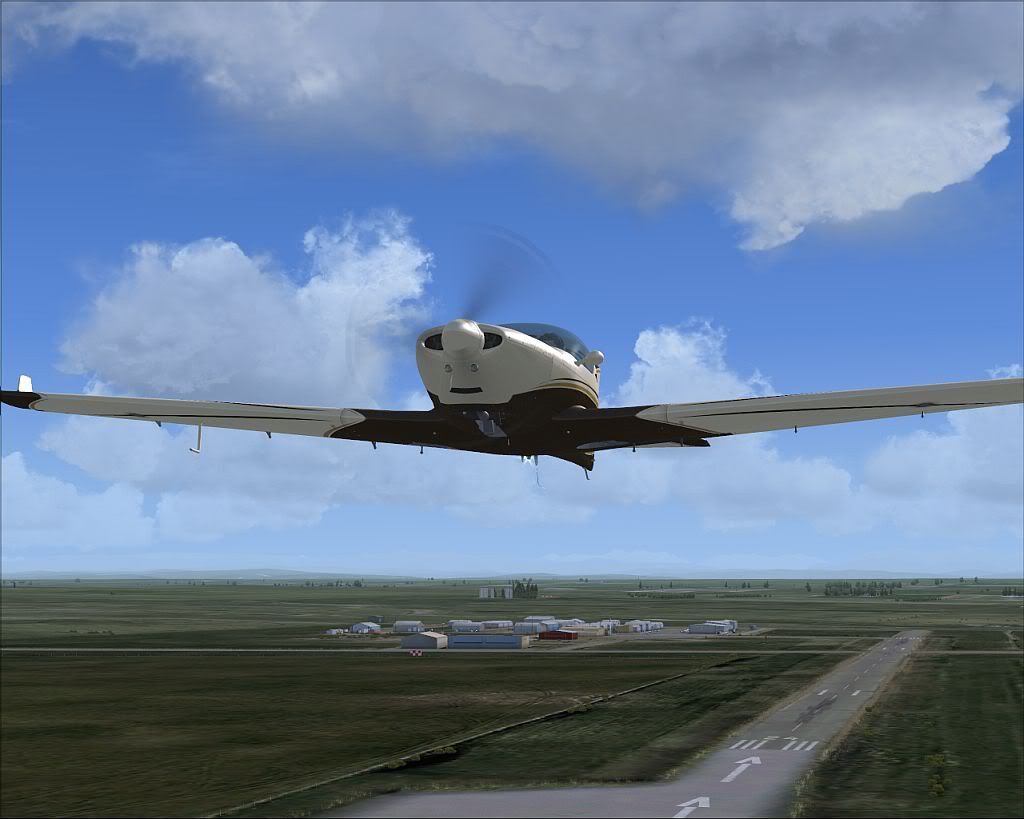
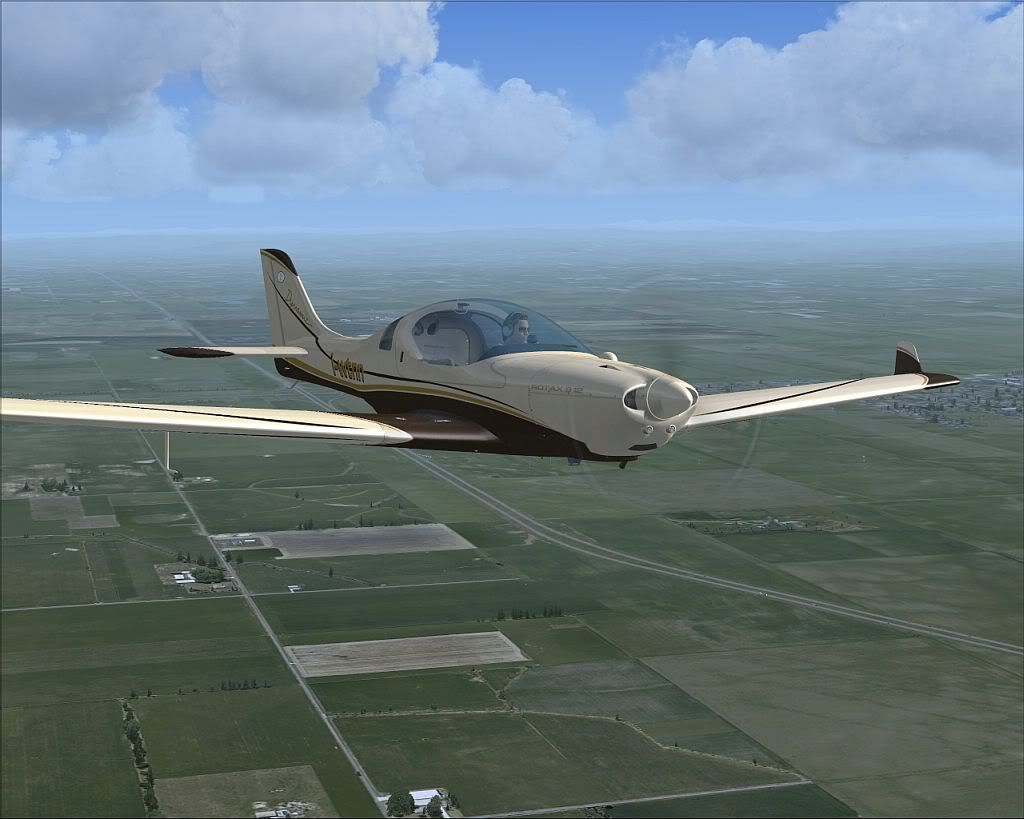
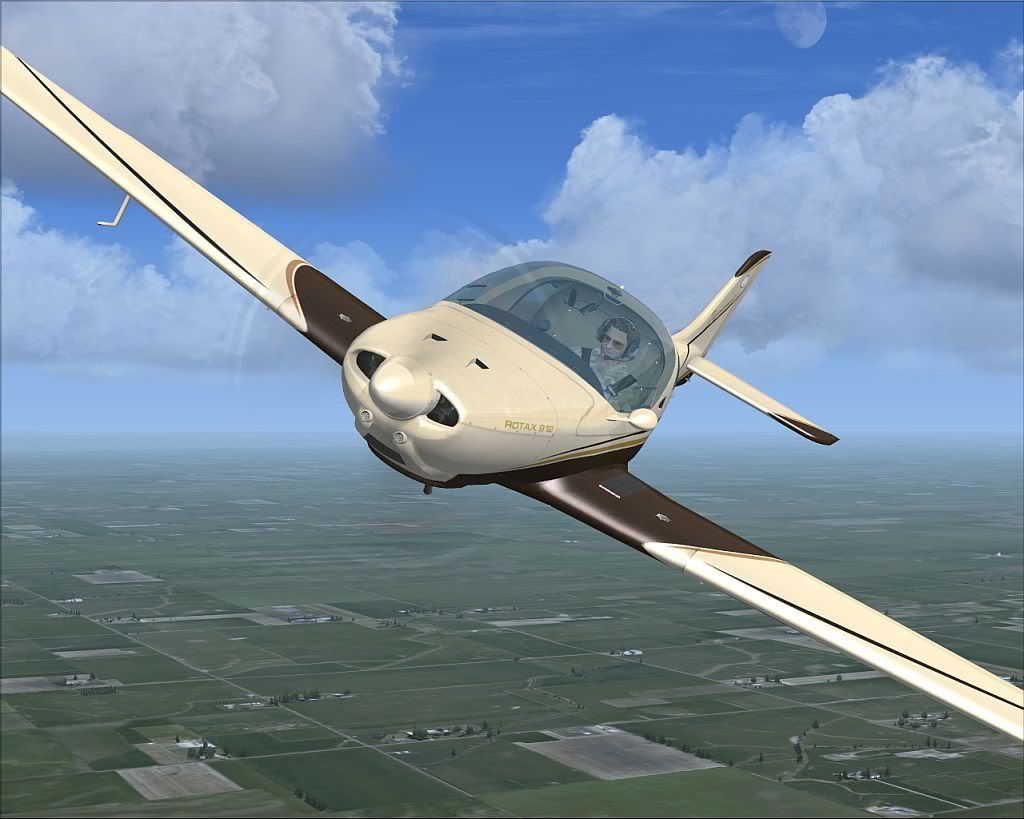
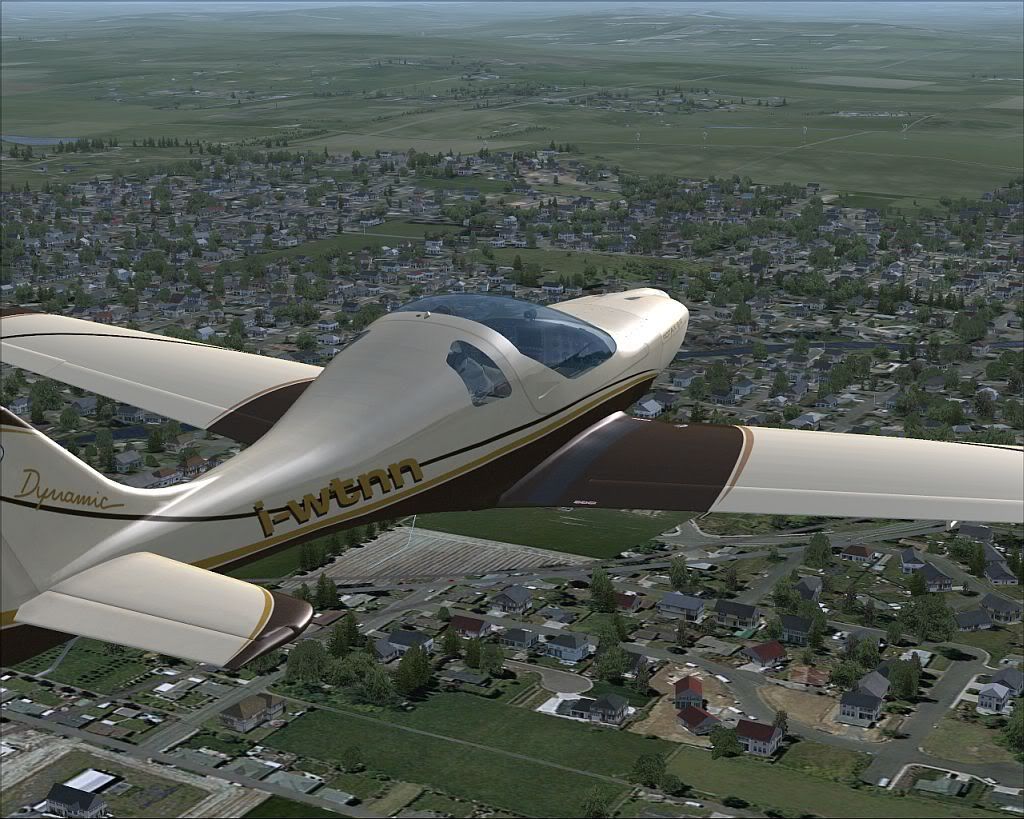
Ive added some new Camera views, pictures speak better...


For getting your FSX updates, please allow the Vendors about a day to get theirs updated. This was only launched a few hours ago.


Bill
 
Thanks, Bill!! Still waiting on Flight1 to upload the updated installer, but really looking forward to it!


Felix, its up now. Sorry about the delay.

I need to check with the FlightSimStore.com and see if Adrian has it uploaded there.


Thanks all for the kind works. It was nice to get it running faster, and I have always been iffy on the metric only AUX gauges. Now that they are 'both' metric and SAE, I am more happy with that as well. Euro pilots can still fly metric and we Americans, Canadians, Britonians, etc, can fly normal Knots and Feet. :D
 
Downloaded, installed, and....

....BEAUTIFUL. Looks and functions flawlessly, and for some yet to be determined reason, my frames are averaging 3 to 5 higher than with build 1.2? smoother panning in the vc and overall better performance! My test was conducted back-to-back with the 1.2 build at 10am at the (only) ga parking spot available at Orbx' 2W3 Swanson airfield. Very happy customer!:icon29:
 
Downloaded, installed, and....

....BEAUTIFUL. Looks and functions flawlessly, and for some yet to be determined reason, my frames are averaging 3 to 5 higher than with build 1.2? smoother panning in the vc and overall better performance! My test was conducted back-to-back with the 1.2 build at 10am at the (only) ga parking spot available at Orbx' 2W3 Swanson airfield. Very happy customer!:icon29:


Hey Felix,

I reduced all textures that were 2048 down to 1024 (except fuselage and panel, the most important graphics centers). That alone brought frame rates way up. It would be massively faster if they were all 1024 or less. You can only skimp so much for performance though, but you must have nice frame rates or its not flyable.

Bill
LHC
 
Well thank you, Bill. It is exceptional. I have been tossing this new build around for a while now, nothing wrong with it at all. I am curious though....do you think there would be a way to incorporate the realityXP Garmin 530W in place of the existing gps unit? I really like the one that is in the plane already, but I like the updated nav database and WAAS capability of the RXP unit....It looks like it would fit ok, but I am not sure how to do it, or if it would alter other functionality of the plane? I noted that the EHSI seems to be integrated into that gps display, making it more of a multifunction unit...that is why I ask...
 
:ernae:

adyn-5.jpg


adyn-6.jpg


adyn-7.jpg


adyn-8.jpg


adyn-9.jpg
 
Looking good. I picked up the Dynamic last July and didn't even know there was a 1.02 version.

Looking forward to getting the new version. I suppose I should send in a request for another download? I didn't get it from the Flightsim store though, I thought I bought it direct. Download site was Payloadz.
In any case, I have the weekend off, so this will give me something to fly.
 
Goodness Roger!

It looks Photo real man!

What kind of rig, resolution capability, graphics card, scenery do you have????


Would you negotiate use of those screenshots?
 
Looking good. I picked up the Dynamic last July and didn't even know there was a 1.02 version.

Looking forward to getting the new version. I suppose I should send in a request for another download? I didn't get it from the Flightsim store though, I thought I bought it direct. Download site was Payloadz.
In any case, I have the weekend off, so this will give me something to fly.


Hey BrittMac,

Fill out the reload form and I'll send over the link.


Bill
 
Well thank you, Bill. It is exceptional. I have been tossing this new build around for a while now, nothing wrong with it at all. I am curious though....do you think there would be a way to incorporate the realityXP Garmin 530W in place of the existing gps unit? I really like the one that is in the plane already, but I like the updated nav database and WAAS capability of the RXP unit....It looks like it would fit ok, but I am not sure how to do it, or if it would alter other functionality of the plane? I noted that the EHSI seems to be integrated into that gps display, making it more of a multifunction unit...that is why I ask...


Hey Matt,

You could see if it will just fit into the space of the present EKP4 unit. Create a copy of the panel config first for backup. Then in the original, copy/paste in the name and location of your other GPS system into that same string that the EKP4 is at (should be 3 total, 1 popup, 2D panel, and VC). Leave the dimensions as they are as you will be fitting it into the area that the EKP4 is at, which is a polygon structure.

See it that works.

Note there are 3D semi flush buttons on the face, so you might have some very slight mismatch. But it should work ok.
 
Well, as a follow-up, my findings are:

---Following Bill's instructions, the realityXP 530W fits perfectly in the VC panel; The bezel from the stock unit still shows through a bit on the bottom and sides, but it isn't terribly intrusive

---The popup function of the RXP garmin needs to be added manually through the RealityXP editor or using a modified .ini file from another 530 equipped aircraft

---The problem that I have encountered, which is what will most likely make me return the panel to original form, is that there is now no HSI. The stock unit integrates the EHSI to the display, and there is no analog HSI to replace it once the RXP unit is installed. But, it does work. Just an fyi in case anyone was interested....
 
Goodness Roger!

It looks Photo real man!

What kind of rig, resolution capability, graphics card, scenery do you have????


Would you negotiate use of those screenshots?

You'd be welcome as always Bill! Regarding the rig see below my sig. It's a 2007 build and struggles in most parts of ORBX PNW but this area is close to CEN4 a freeware ORBX field.
 
Back
Top