jankees
SOH-CM-2026
Back from holiday, and a new computer was waiting for me, so I enjoyed myself with a fresh install of nearly everything. At it for two days now...
Very fast, huge HD, shall I install NL2000? Any suggestions, is it good?
I have faaar too many scenery from orbx, I decided to leave North America off for now..and a lot of aircraft are ending up in my hangar at the end of the field too, we'll continue installing them when I start to miss them..
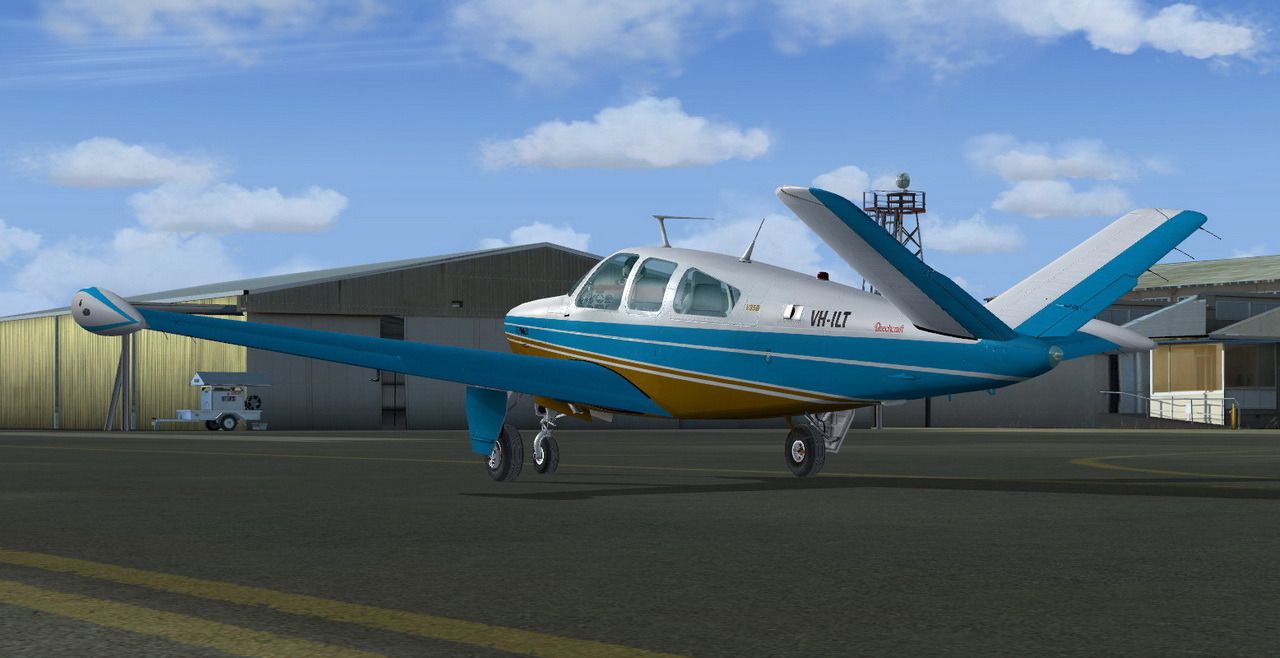
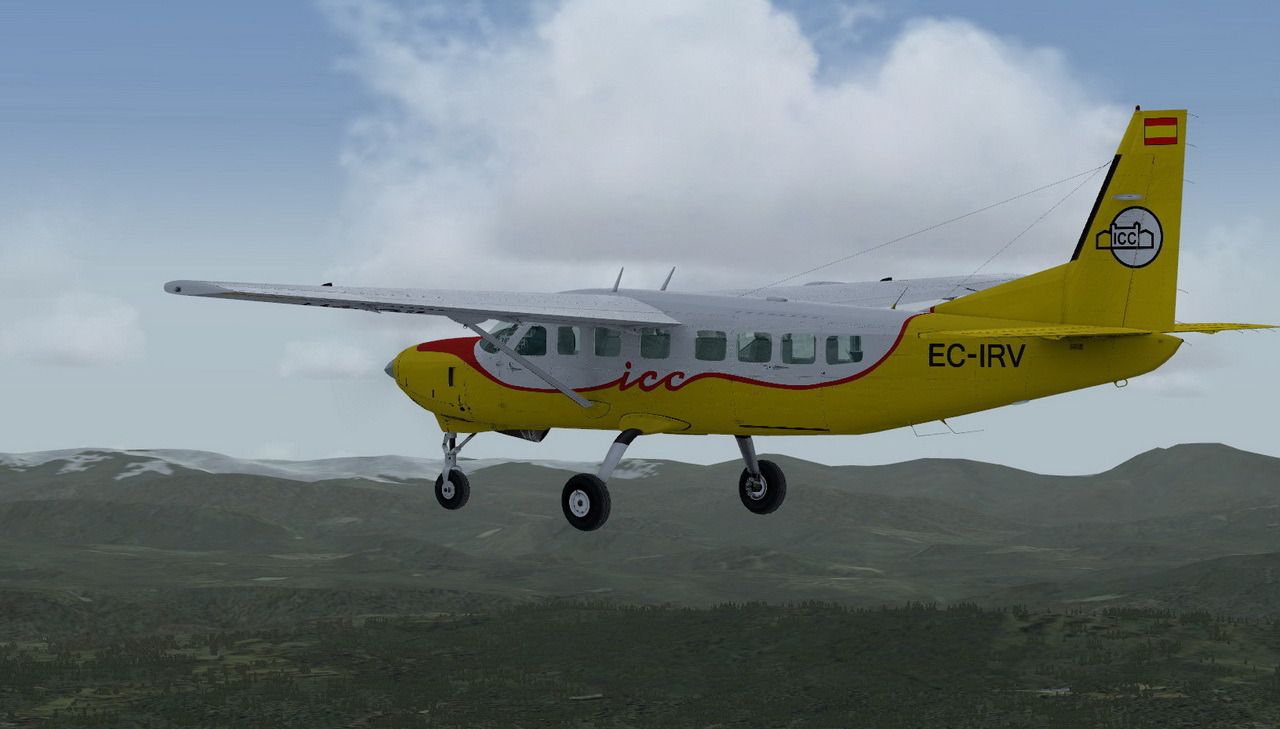
But a couple of old and new friends are welcome of course:
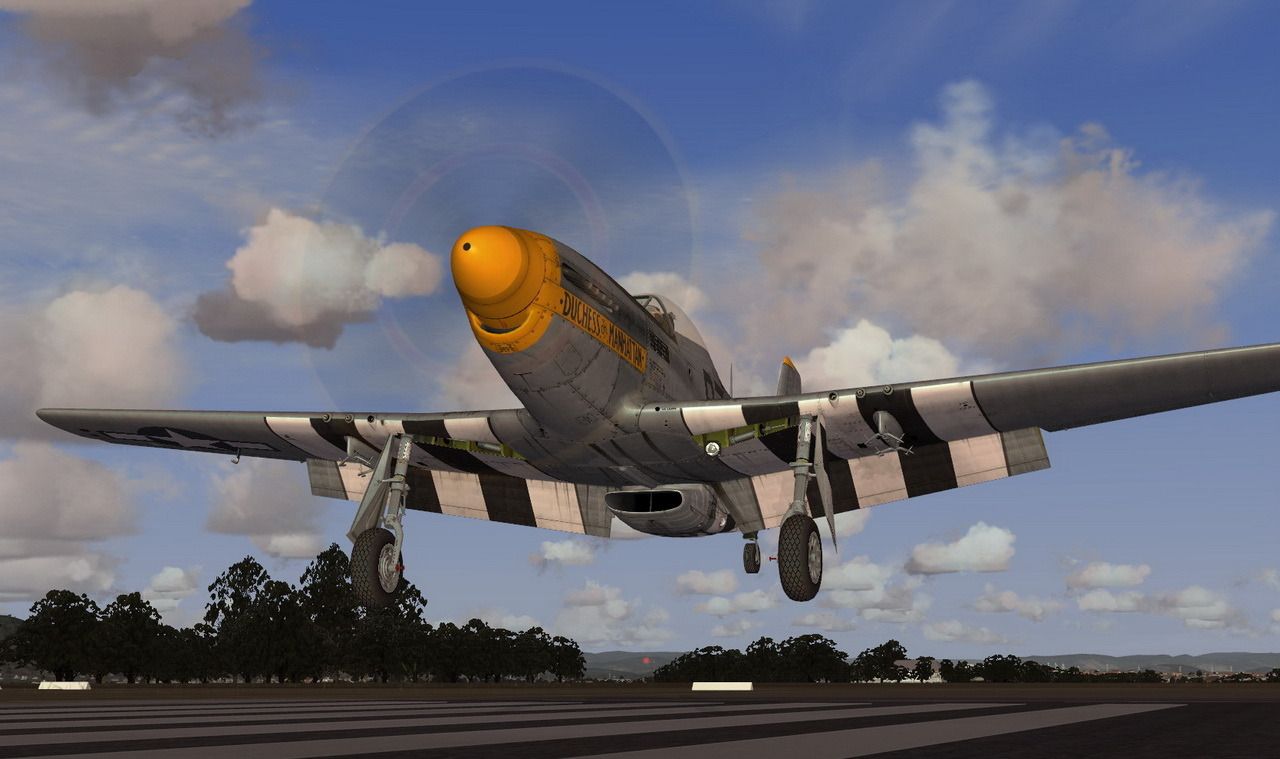
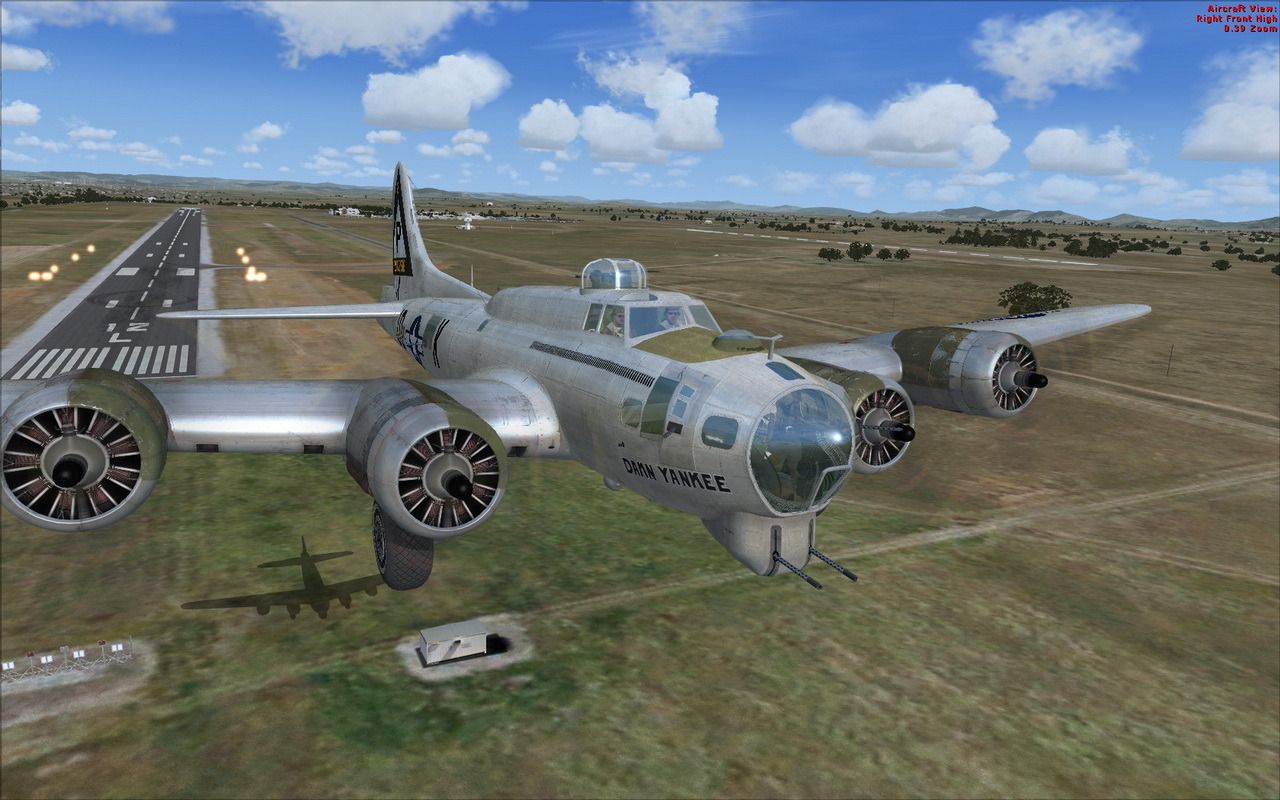
which brings me to a question: how do I get rid of those stupid red letters in the top right corner? I know there was a way, but what it was? And how do I stop those endless "ádjust your altimeter" messages, can anyone help me with those?
Some aircraft are simply copied from one FSX to the next and work perfectly, others....well, less so:
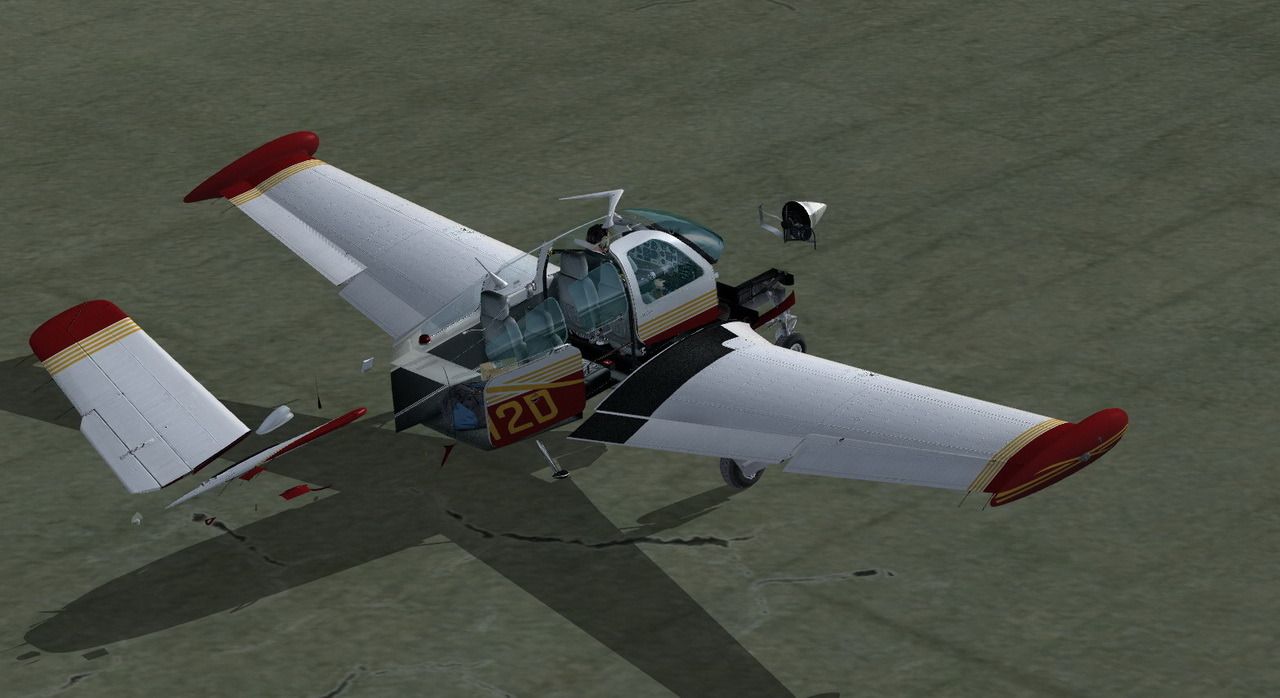
so, where did I leave the original download and the installation codes? Oh wait, Carenado kept them for me, OK, more to install..
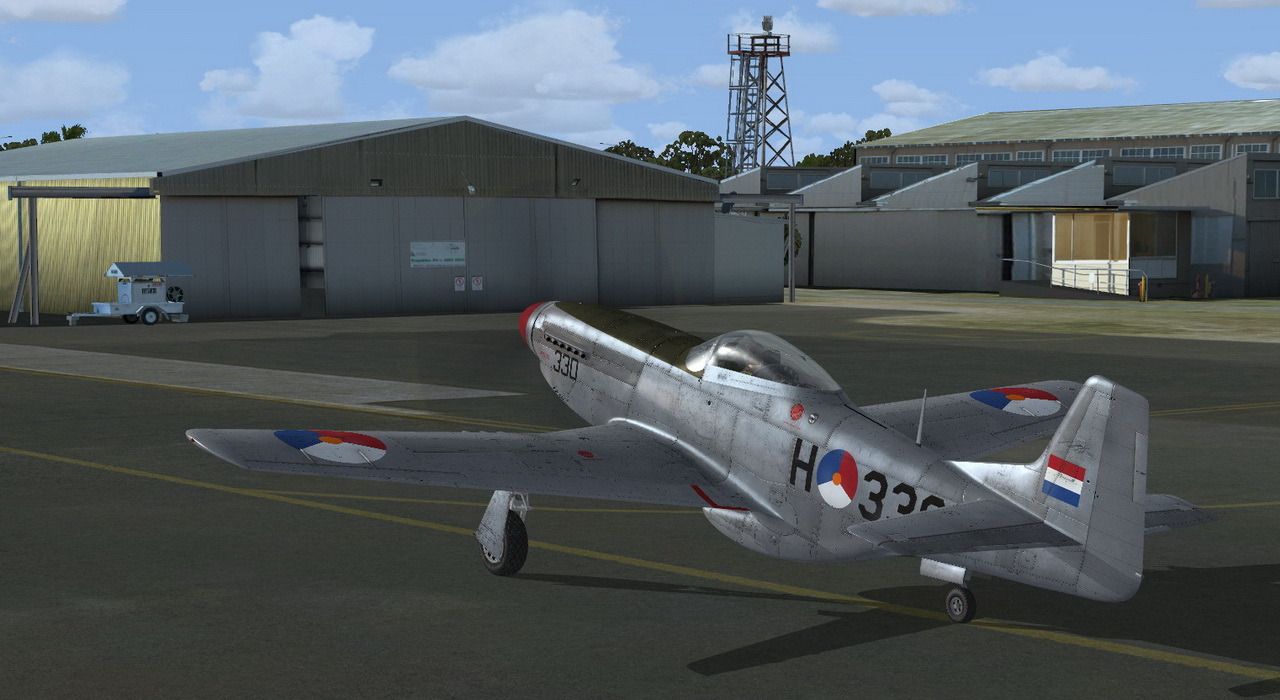
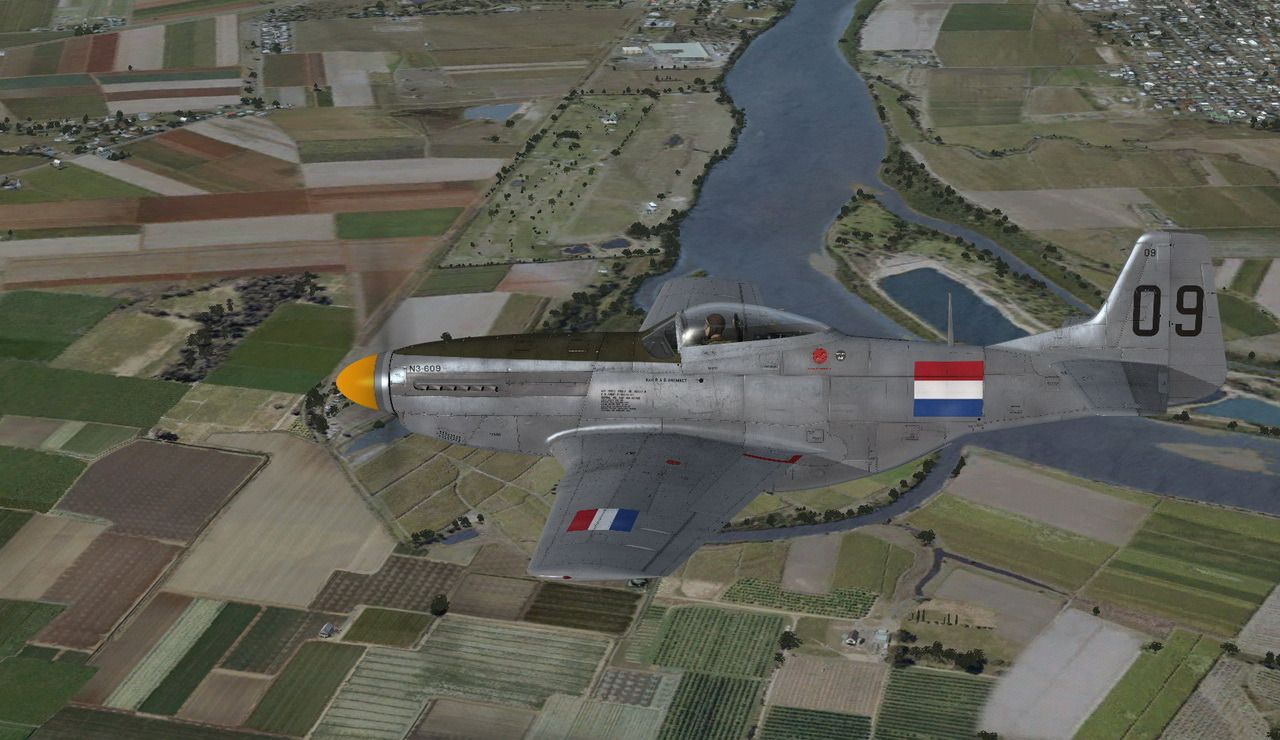
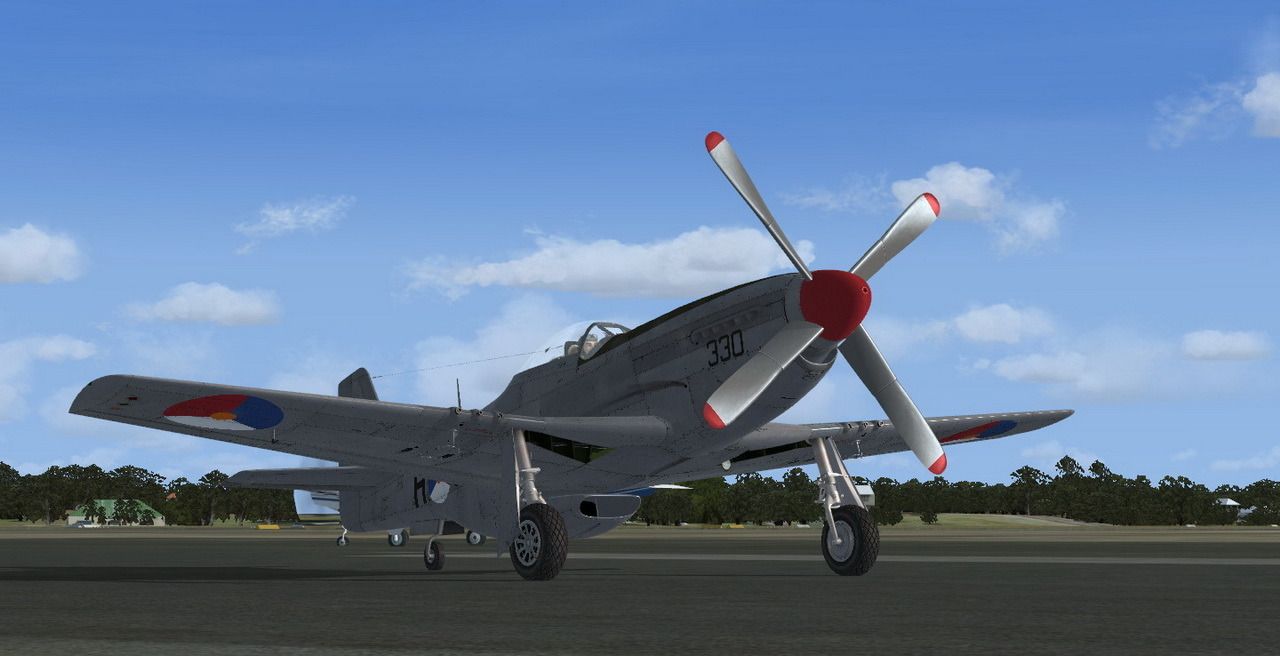
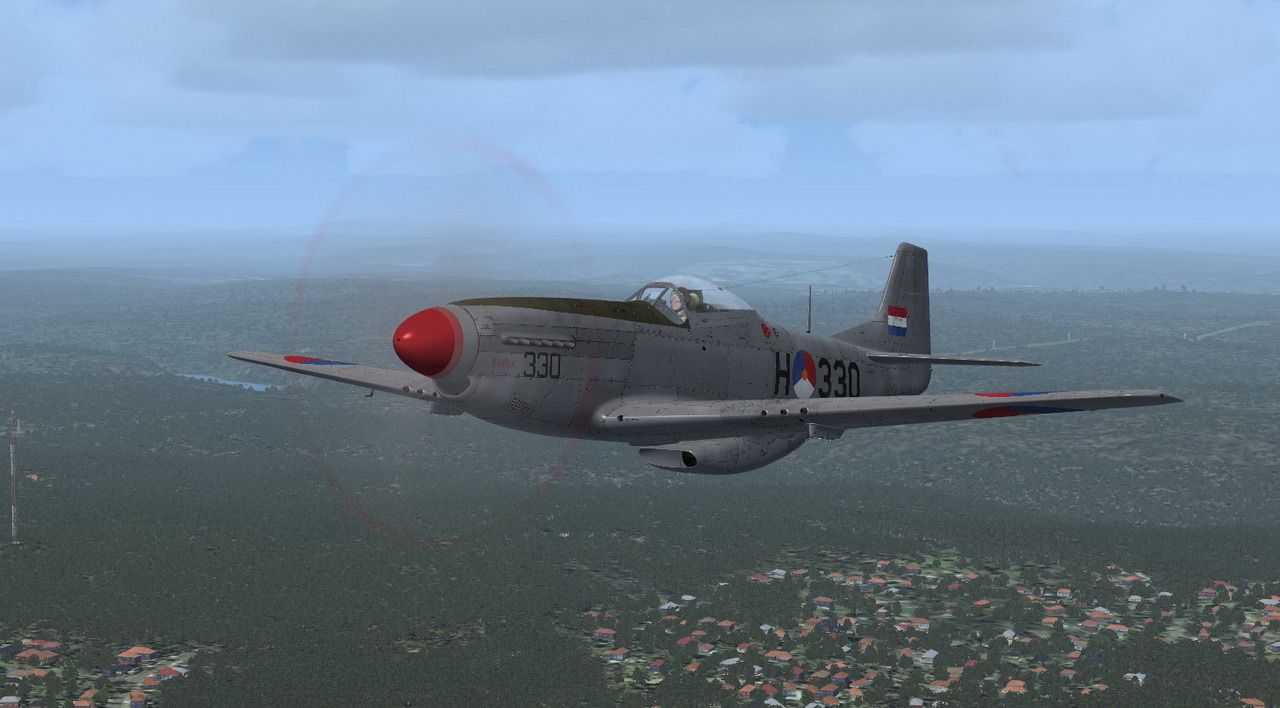
There was also a new photoshop (CS6 already, I thought 5 was the latest) for me, so I might as well splash a bit of paint:
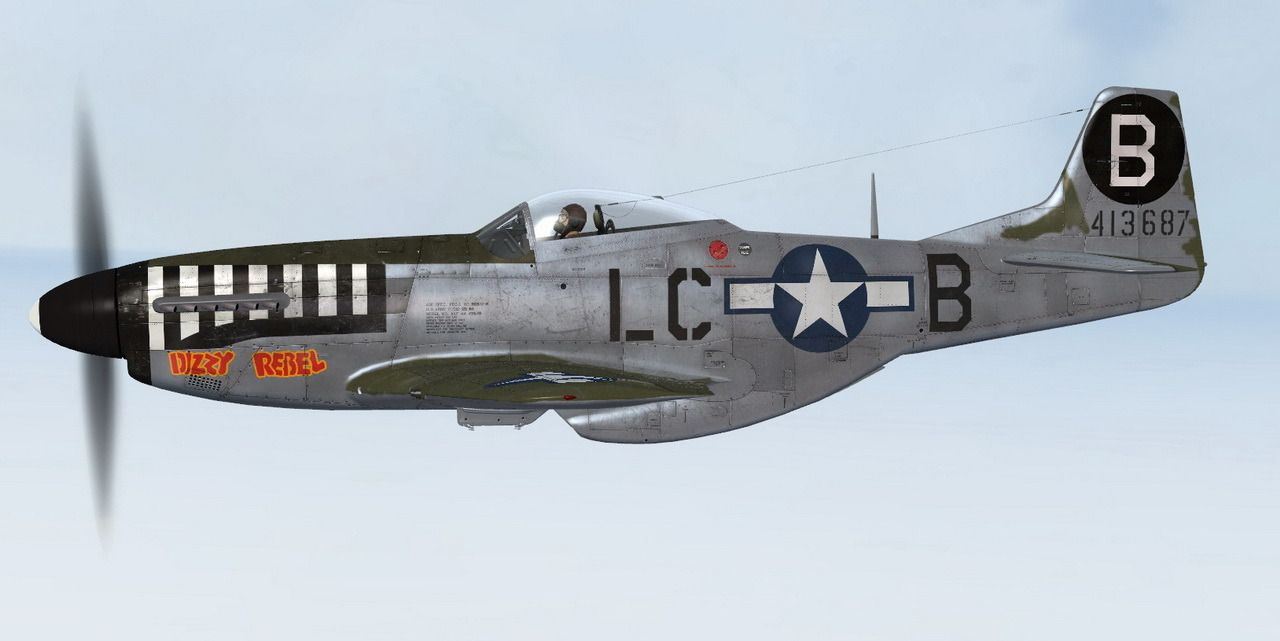


OK, back to the installations...
Very fast, huge HD, shall I install NL2000? Any suggestions, is it good?
I have faaar too many scenery from orbx, I decided to leave North America off for now..and a lot of aircraft are ending up in my hangar at the end of the field too, we'll continue installing them when I start to miss them..
But a couple of old and new friends are welcome of course:
which brings me to a question: how do I get rid of those stupid red letters in the top right corner? I know there was a way, but what it was? And how do I stop those endless "ádjust your altimeter" messages, can anyone help me with those?
Some aircraft are simply copied from one FSX to the next and work perfectly, others....well, less so:
so, where did I leave the original download and the installation codes? Oh wait, Carenado kept them for me, OK, more to install..
There was also a new photoshop (CS6 already, I thought 5 was the latest) for me, so I might as well splash a bit of paint:
OK, back to the installations...


 (if you installed FSX SP1 already).