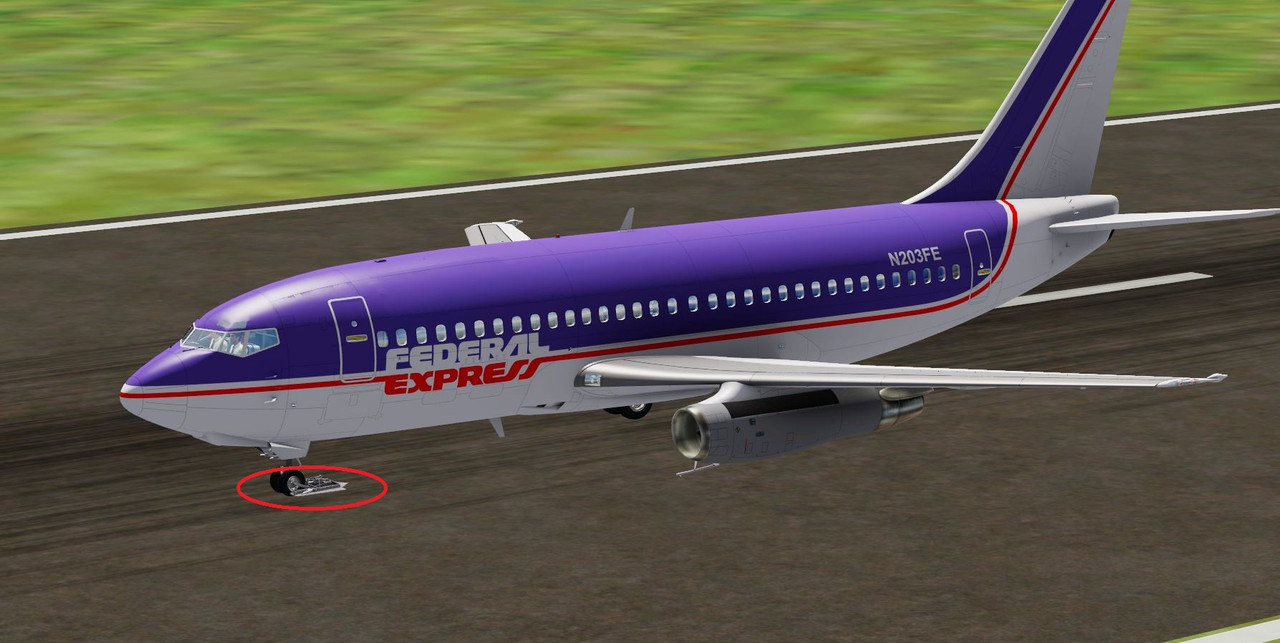
I don't currently have the MV 727 installed but it sounds and looks like the wrong model is being called. Check to see what model folder names you have and then see what model is being called in the [fltsim.X] section for that particular texture scheme. It will be in the 'model =' line. I am guessing the MV 727 folder will have a simple 'model' folder and possibly one or more folders named something like 'model.gravel' or 'model.something else'. If that is the case and the entry in the [fltsim.X] 'model =' section matches one of those named folders (i.e. 'model.gravel') then just make the line read 'model =' and it will revert to the default model folder which probably doesn't have the gravel kit. Don't forget to save the file after any changes and to reload the aircraft after saving.