• There seems to be an uptick in Political comments in recent months. Those of us who are long time members of the site know that Political and Religious content has been banned for years. Nothing has changed. Please leave all political and religious comments out of the forums.

    If you recently joined the forums you were not presented with this restriction in the terms of service. This was due to a conversion error when we went from vBulletin to Xenforo. We have updated our terms of service to reflect these corrections.

    Please note any post refering to a politician will be considered political even if it is intended to be humor. Our experience is these topics have a way of dividing the forums and causing deep resentment among members. It is a poison to the community. We appreciate compliance with the rules.

    The Staff of SOH

  • Please see the most recent updates in the "Where did the .com name go?" thread. Posts number 16 and 17.

    Post 16 Update

    Post 17 Warning

NAS Brunswick scenery

Navy Chief

Senior Member
John Stinstrom redid NAS Brunswick, and it's great! Although it is listed for FS9, I installed it in FSX with no problems at all!

Thanks John!!!

<center>FS2004 (ACOF) - FS2004 Scenery </center> <center>FS2004 Scenery--NAS Brunswick
</center> <center>[SIZE=-1] [ Download | View ] [/SIZE]</center>
Name: knhz_js2.zip Size: 5,725,871 Date: 01-02-2011
[SIZE=-1] FS2004 Scenery--NAS Brunswick (KNHZ). Scenery For the US Navy Air Station in Brunswick, Maine (ME). Custom scenery and AI included. Scenery is a fully functional stand-alone package but can benefit from addtional downloads (see readme in package). Special thanks to Henry Tomkiewicz and Jake Burrus for the the aircraft and Graham King for his repaints. By John Stinstrom.[/SIZE]
 
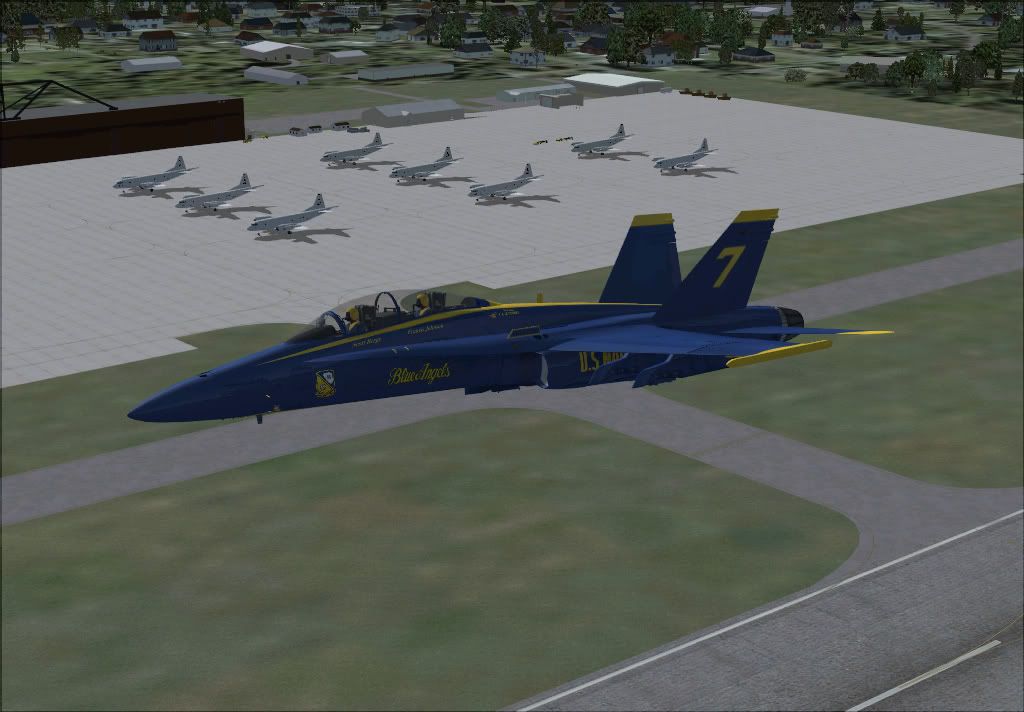
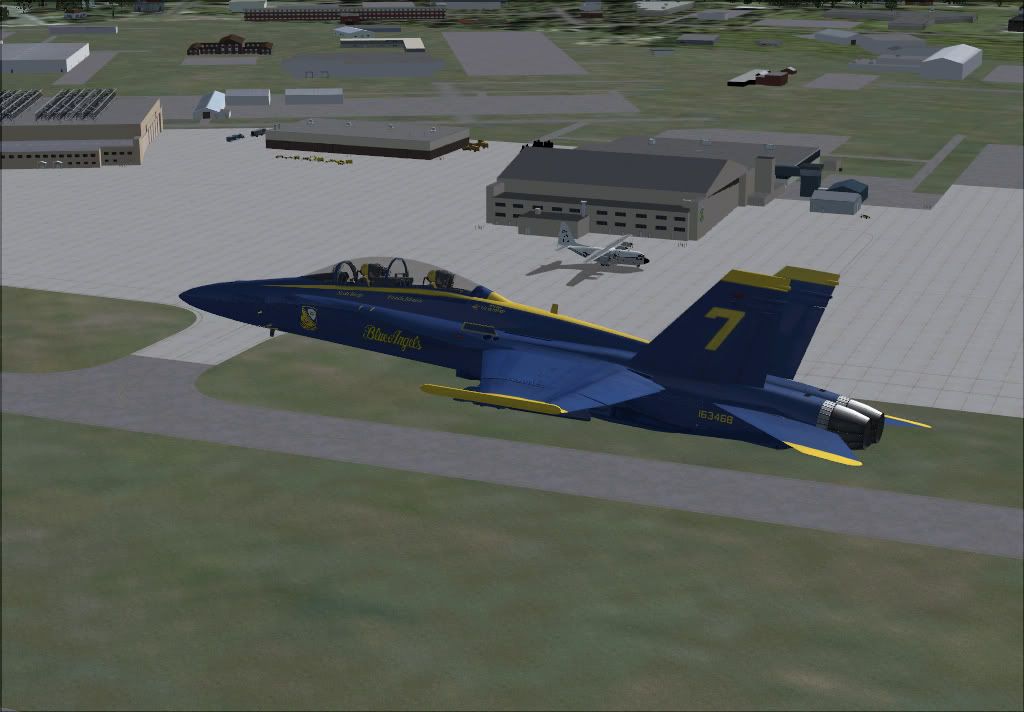
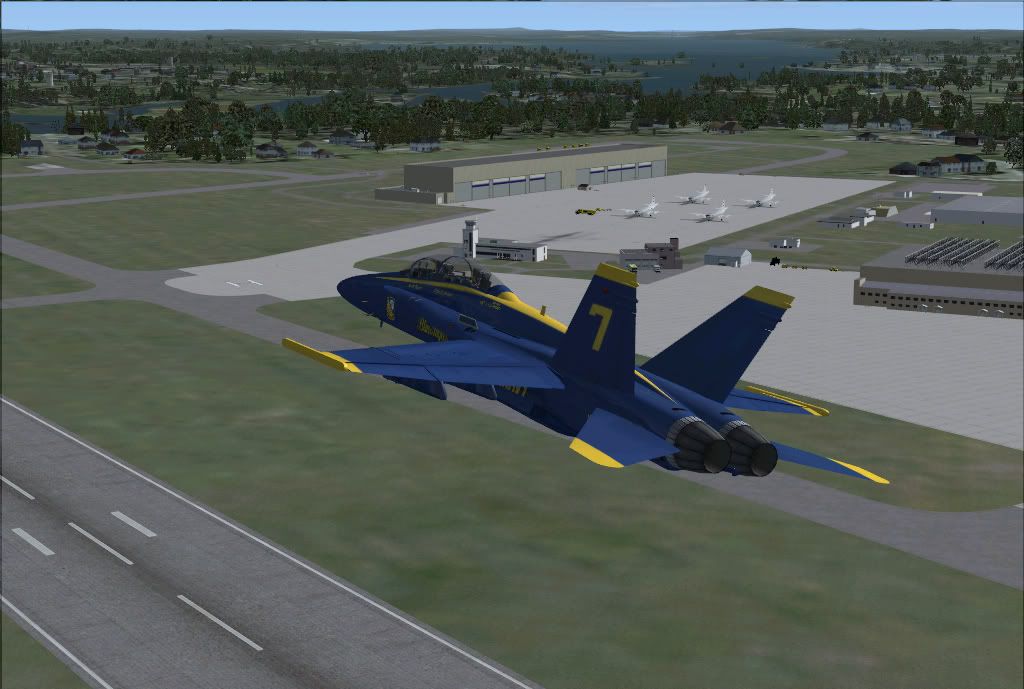
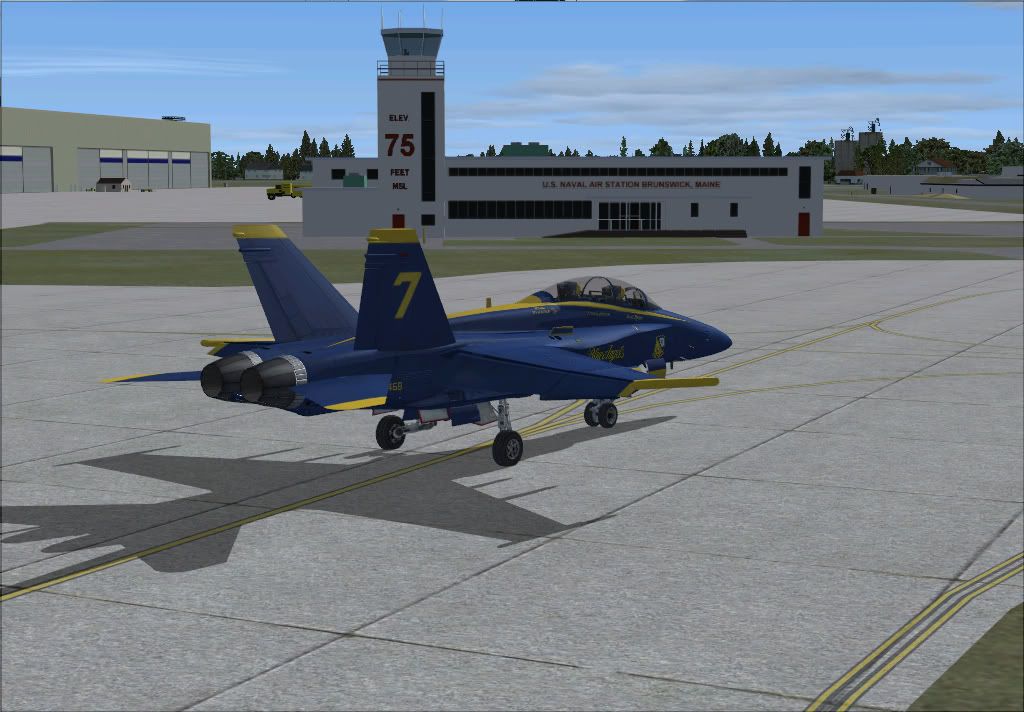
After downloading I didn't install it right away. While our Sim team was planning some locations for the 2011 season, somebody mentioned the Blue's real schedule and low and behold the real Blue's will be there late August. So I installed it and made it one of my many pre-season visits to test out scenery for possible show locations in FSX. And man, John did a amazing job on this scenery even tho its for FS2004. I was a little heavy on the FPS with it but that just might be because of my low end machine.

This is worth the time to download and as I have done so in the past I can say John is one of top scenery makers. So I think we will be using this scenery for sure for one of our shows for this season. Here are just a few shots from my stop over in FSX.

2011-1-7_5-20-34-906.jpg


2011-1-7_5-20-49-171.jpg


2011-1-7_5-20-53-703.jpg


2011-1-7_5-16-54-703.jpg
 
The only issue I had were the trees and fence.

They caused square mirror-like boxes that blocked other scenery.

Simple fix, I just took out the offending bgl and began to add my own trees with Instant scenery. Fences are a frame rate killer anyway.

Great scenery thanks John!
 
The only issue I had were the trees and fence.

They caused square mirror-like boxes that blocked other scenery.

Simple fix, I just took out the offending bgl and began to add my own trees with Instant scenery. Fences are a frame rate killer anyway.

Great scenery thanks John!

Is it possible and/or feasible to share your fix? And would you be so kind as to do so?

Thanks in advance!

NC
 
Simple...remove Brunswick Trees.bgl and Fence1.bgl and all should be well.

Then if you desire, you can always add trees and fence back in with a scenery program using updated libraries that don't cause visual anomalies.
 
Then if you desire, you can always add trees and fence back in with a scenery program using updated libraries that don't cause visual anomalies.

The only problem with using vegetation as scenery objects is that they do not show seasonal variants. So don't be alarmed if things look a little too green come winter time...
 
Actually, up in that neck of the woods there are quite a few varieties that remain green all year round...evergreens etc. Also you can use autogen but I'm not sure if they change by season probably not.
 
Actually, up in that neck of the woods...

That's the catch for me. I've been to 42 states and D.C., but none of the six NE states. Doesn't look like I'll ever make it there either. Hear it's pretty country in the fall.


Vegetation placed via the autogen tool will show variants. There is a methodology using vegetation placed as scenery objects, but not something I've really looked at. It's covered in a thread at FS Developer by Dick Ludowise aka Rhumbaflappy.
 
Simple...remove Brunswick Trees.bgl and Fence1.bgl and all should be well.

Thanks for the tip...works fine. I spent 27 years (7 of 20 active duty Navy and 20 as civilian P-3 Avionics Tech Rep) at NAS Brunswick and this is incredibly accurate scenery. I'm lovin' it.
 
That's the catch for me. I've been to 42 states and D.C., but none of the six NE states. Doesn't look like I'll ever make it there either. Hear it's pretty country in the fall.


Vegetation placed via the autogen tool will show variants. There is a methodology using vegetation placed as scenery objects, but not something I've really looked at. It's covered in a thread at FS Developer by Dick Ludowise aka Rhumbaflappy.

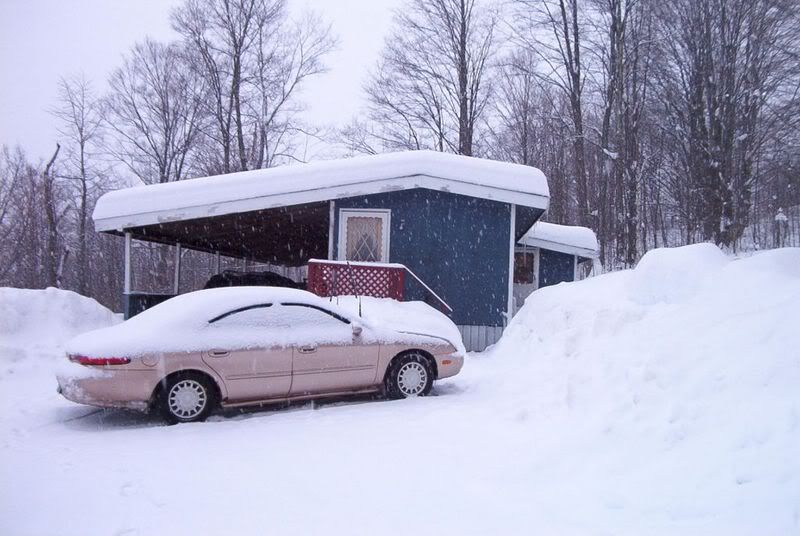
Vermont in winter... Notice the height of the snowbanks....

febsnow.jpg
 
Back
Top