• Please see the most recent updates in the "Where did the .com name go?" thread. Posts number 16 and 17.

    Post 16 Update

    Post 17 Warning old domain name stealing credentials

  • Special Server Maintenance

    Just when you think you have everything running some what better...

    You get a message from the Hosting company. Short story they need to move us to a new server. I have been working with them to plan a good date for all concerned. Here is what we have come up with as a schedule.

    1. November 4th 17:00 -5UTC shut off the forums and start backup proceedures. During this time there will be no access to the forums or the Resource Section.
    2. November 5th Continue with Backups and download same until complete.
    3. November 6th 7:00 turn over server to hosting company to move system to new server
    4. November 7th - 8th restore backups and upgrade forum software.

    If all goes well we should be back online on November 8th.

    To keep you updated we will post updates on AVSIM forums.

    Thank you for your support.

RCS North American B-25J RAF MkII FSX native

Unfortunately the VC model only contains the Cockpit area and very little else which is why they did not provide camera positions for anywhere but the Captains Seat internally.
 
Gray Eagle, maybe you can ask Erwin Welker.

hertzie

I did and he responded with a panel file that is mapped to the bombadier view and side gunner view. Using the SHift + numbers keys, additional views from the plane
have been added to the stock views.

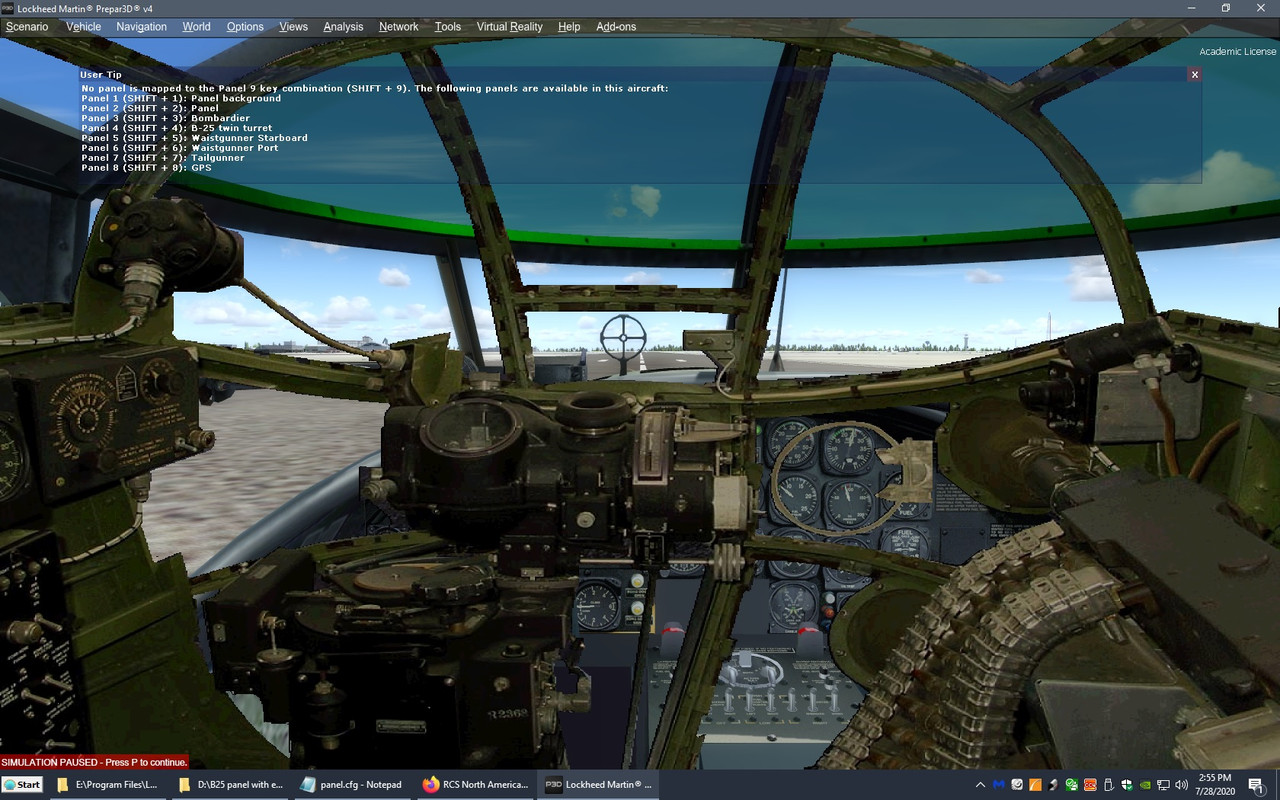
My issue is that the any of these views are superimposed over the cockpit view. I can open any of the other views and they will add to the other views already opened.

Untitled.jpg
 
That's because they are 2d panels and not camera views. In order to use those you need to set your view to Cockpit, not virtual cockpit.
 
That's because they are 2d panels and not camera views. In order to use those you need to set your view to Cockpit, not virtual cockpit.

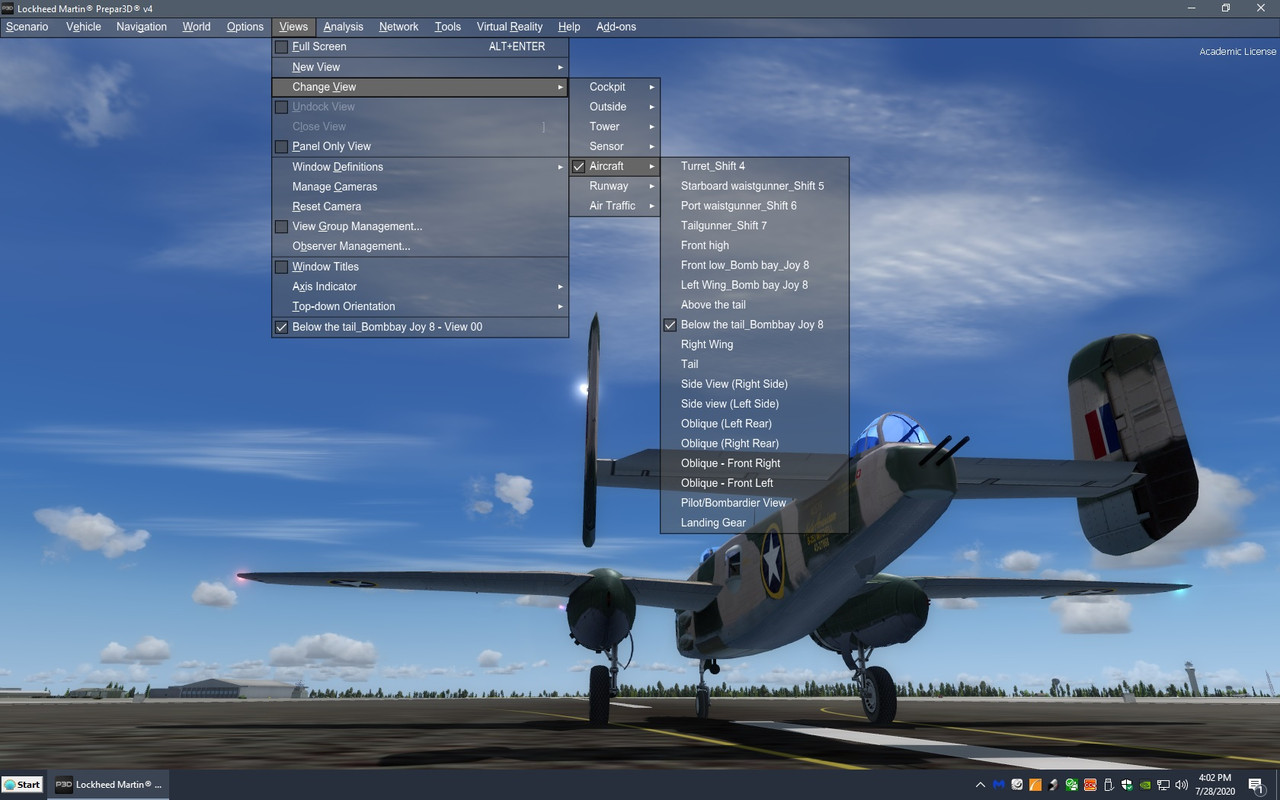
If you mean to select from the view menu then then all I get are camera views and none of them are of the 2d panels.

Not sure about set view to Cockpit view. I can, but none of the SHIFT+ number keys will trigger just one view.

Untitled.jpg
 
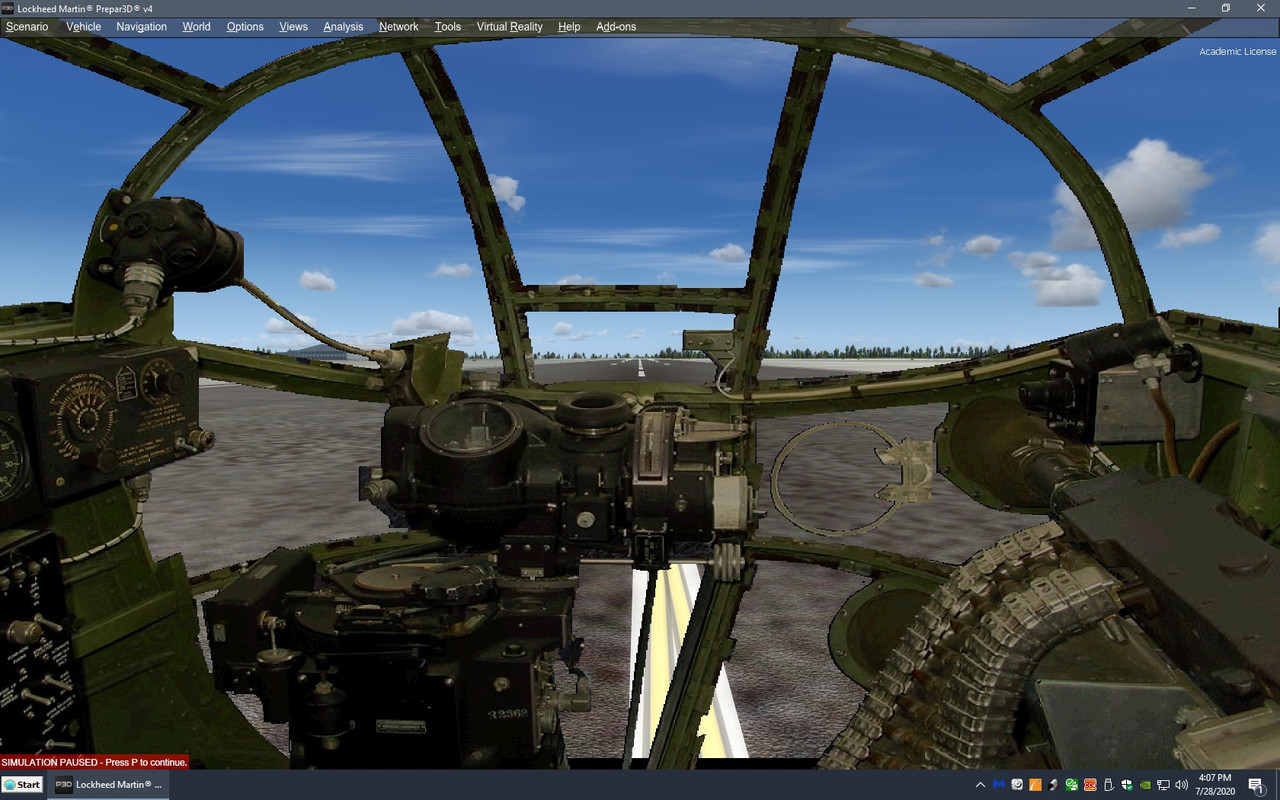
I think I have it sorted now.

View from the bombardier window
Untitled.jpg


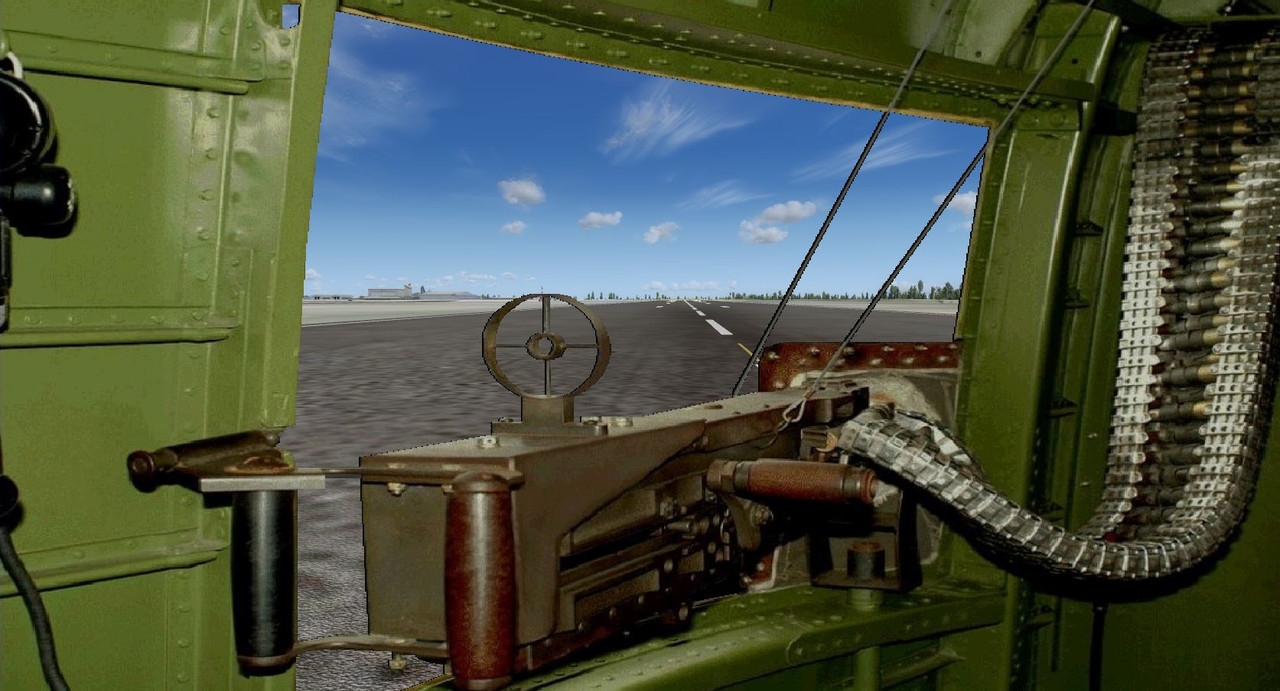
Nice view of side gunners position but in reality, this view would be looking at left side if runway (relative external view) as well and not down the center line
Capture.jpg
 
Last edited:
Back
Top