-
Please see the most recent updates in the "Where did the .com name go?" thread. Posts number 16 and 17.
-
Special Server Maintenance
Just when you think you have everything running some what better...
You get a message from the Hosting company. Short story they need to move us to a new server. I have been working with them to plan a good date for all concerned. Here is what we have come up with as a schedule.
- November 4th 17:00 -5UTC shut off the forums and start backup proceedures. During this time there will be no access to the forums or the Resource Section.
- November 5th Continue with Backups and download same until complete.
- November 6th 7:00 turn over server to hosting company to move system to new server
- November 7th - 8th restore backups and upgrade forum software.
If all goes well we should be back online on November 8th.
To keep you updated we will post updates on AVSIM forums.
Thank you for your support.
You are using an out of date browser. It may not display this or other websites correctly.
You should upgrade or use an alternative browser.
You should upgrade or use an alternative browser.
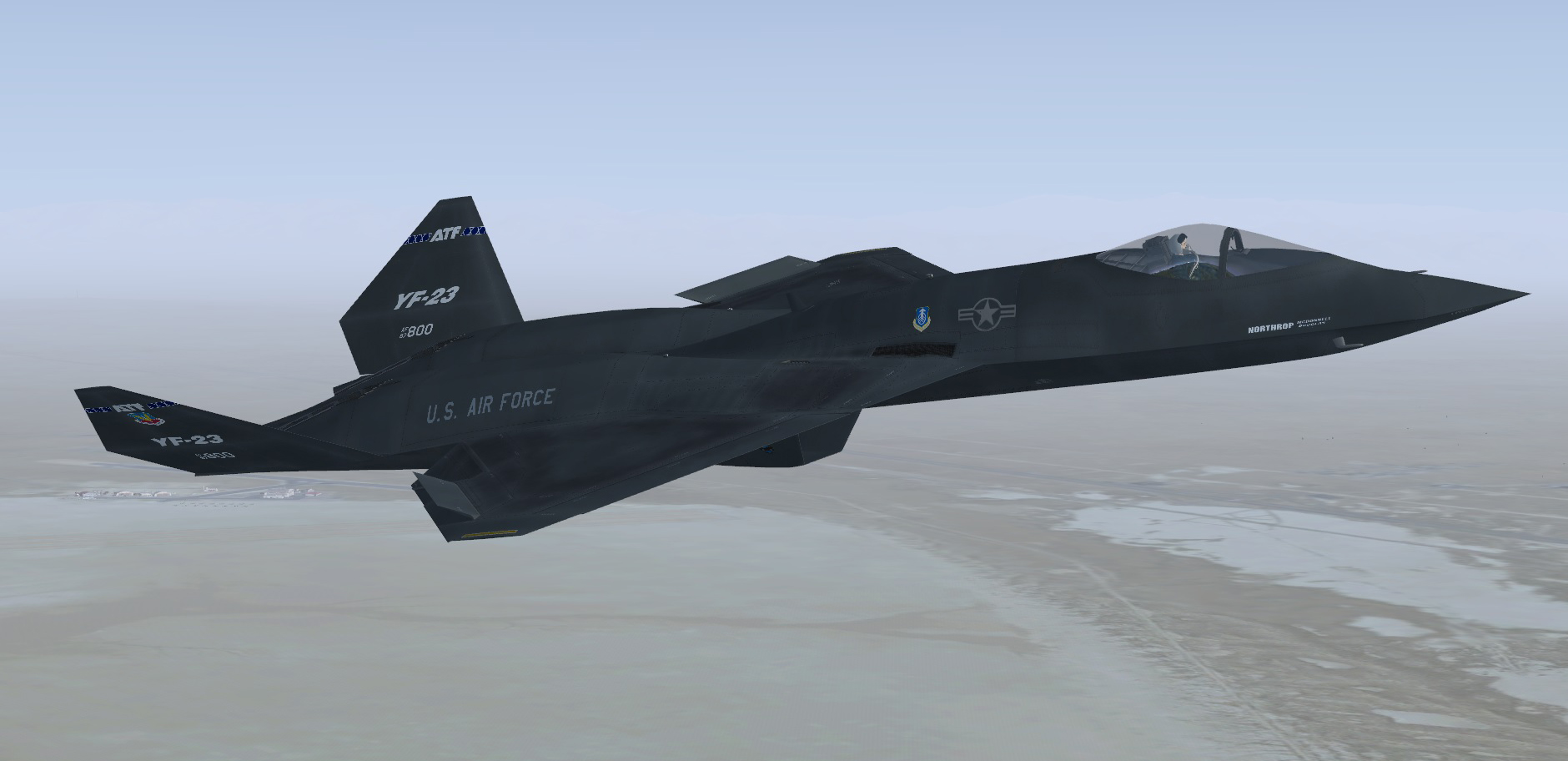
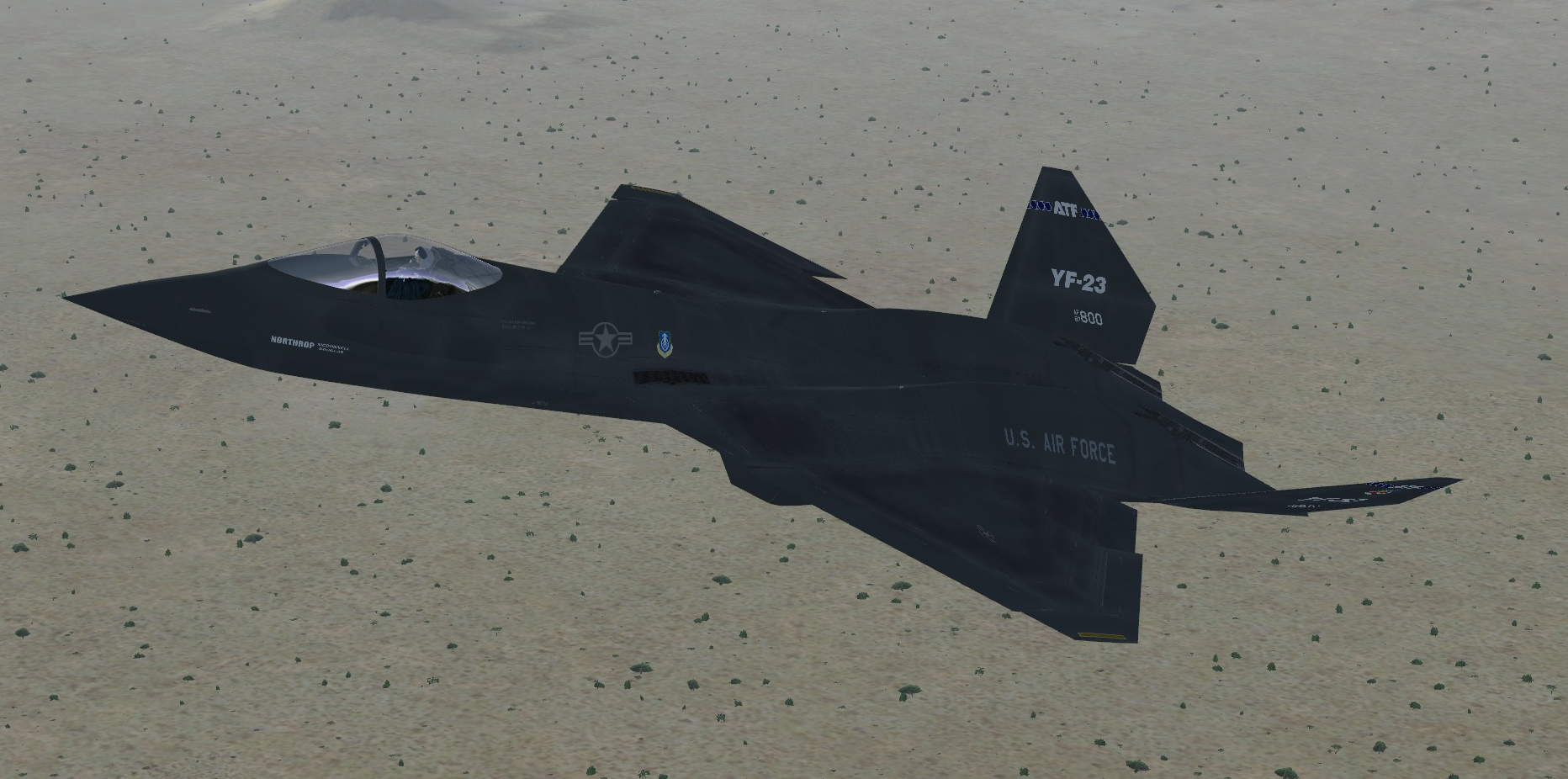
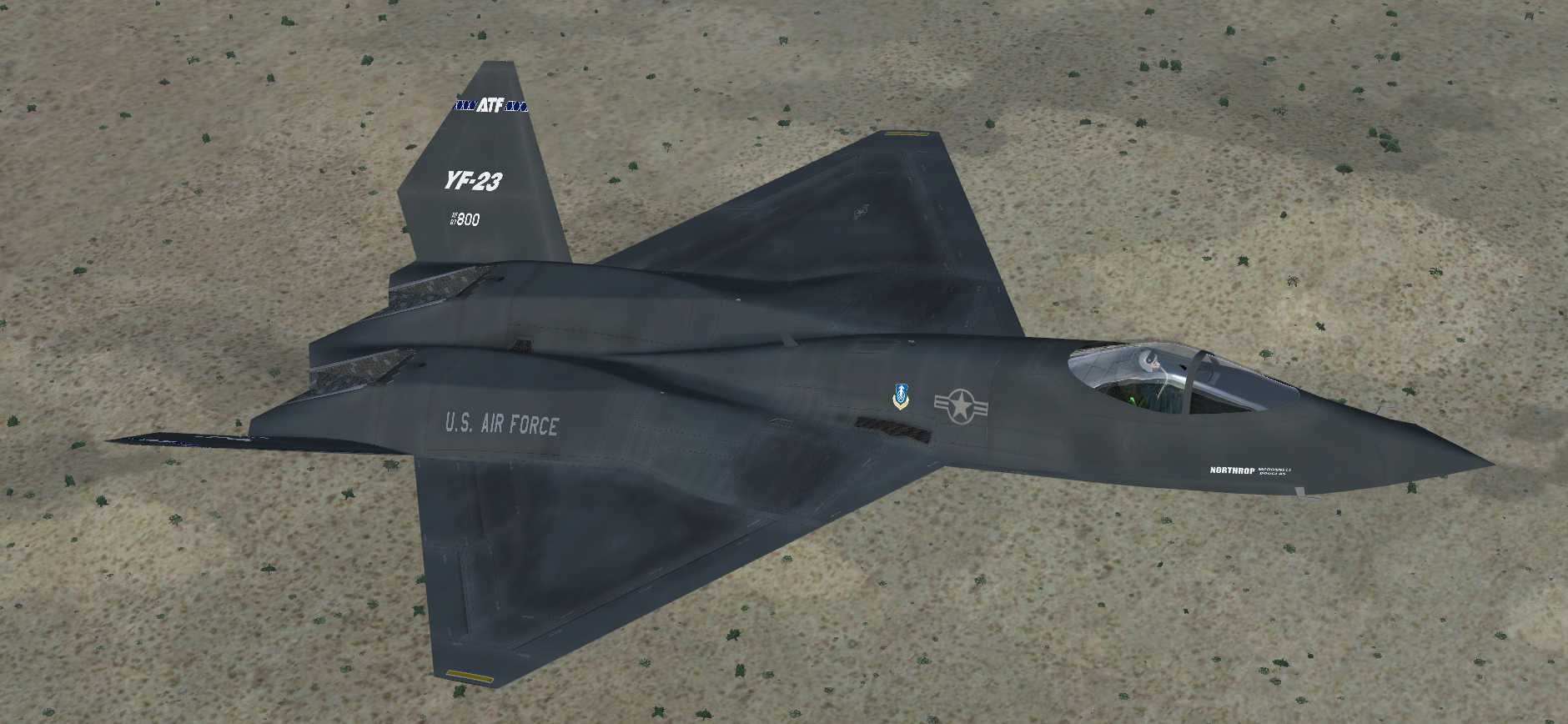
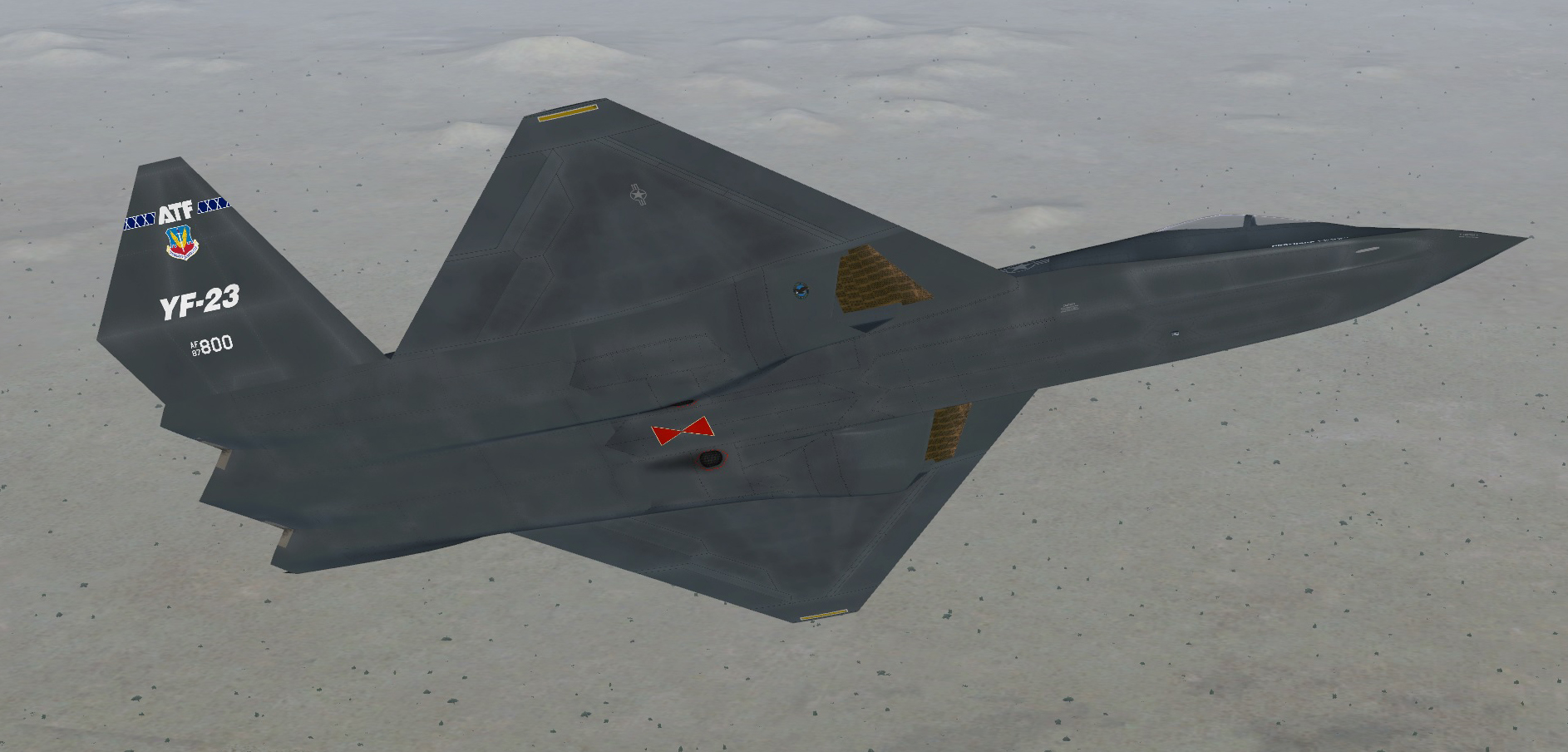
YF-23 PAV 1 v.4
- Thread starter Mach3DS
- Start date


Mach3DS
Charter Member
I should probably state that I made the thing to be completely compatible with P3Dv3. However it will work with FSX but might be a little more contrasted as FSX trends to be more reflective and bright by default thanP3D.. But it shouldn't be very noticeable. Also to get the canopy as in the photo you need to have dynamic reflections set to ON.


Would be nice if some of you could post some screens in FSX. If like to see how it compares in that lighting engine? Any takers?
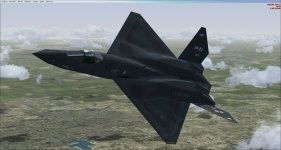
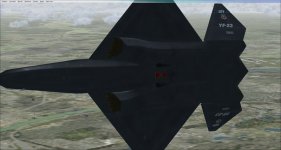
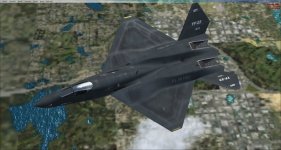
Thanks Rick. Here's a couple pix in FSX.
Attachments
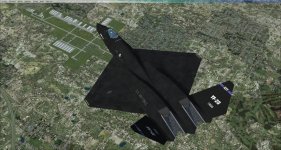
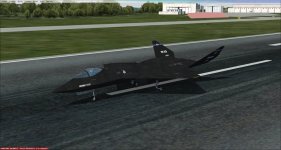
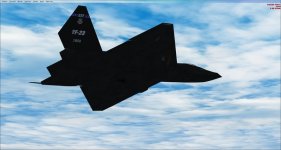
Mach3DS
Charter Member
interesting...those aren't my v4 textures! They are missing the the discoloration over the inlets and on the wings. You sure you loaded the correct one?
Yes, this is definitely it not mine...not sure whose it is. this one uses the incorrect USAF roundel size on the fuselage. Part of v4 is that I added the correct sized per the actual aircraft and spacing. There are many other indicators as well...see below post...maybe this is the issue?
Yes, this is definitely it not mine...not sure whose it is. this one uses the incorrect USAF roundel size on the fuselage. Part of v4 is that I added the correct sized per the actual aircraft and spacing. There are many other indicators as well...see below post...maybe this is the issue?
Last edited:
Hi Rick. I don't have any YF-23 other than Milviz. I will try re-loading the Sim-Outhouse download (I used the link you posted). When I loaded the paint scheme I noted you had "fltsim.4" and changed that to "fltsim.3" because that was next in my aircraft .cfg file. Pulling up the .cfg file I note that fltsim.3 is "title=Milviz PAV 1 v4". I will have more information after I work on it some more.
Edit - Rick, it seems first time I did not have a picture to select your re-paint. After re-loading FSX I could select your re-paint! Looks and performs better than the included paints.
Edit - Rick, it seems first time I did not have a picture to select your re-paint. After re-loading FSX I could select your re-paint! Looks and performs better than the included paints.
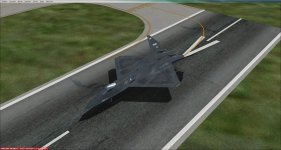
I Have It Now!


Edit: I should have added that pix are from FSX with DX10 enabled and Steve's Fixer and Cloud Shadows. Scenery is FTX Global w/ Vector.
Edit: I should have added that pix are from FSX with DX10 enabled and Steve's Fixer and Cloud Shadows. Scenery is FTX Global w/ Vector.
Attachments
Last edited: