

-
Please see the most recent updates in the "Where did the .com name go?" thread. Posts number 16 and 17.
-
Special Server Maintenance
Just when you think you have everything running some what better...
You get a message from the Hosting company. Short story they need to move us to a new server. I have been working with them to plan a good date for all concerned. Here is what we have come up with as a schedule.
- November 4th 17:00 -5UTC shut off the forums and start backup proceedures. During this time there will be no access to the forums or the Resource Section.
- November 5th Continue with Backups and download same until complete.
- November 6th 7:00 turn over server to hosting company to move system to new server
- November 7th - 8th restore backups and upgrade forum software.
If all goes well we should be back online on November 8th.
To keep you updated Tom Clayton has offered to post updates on AVSIM forums.
Thank you for your support.
You are using an out of date browser. It may not display this or other websites correctly.
You should upgrade or use an alternative browser.
You should upgrade or use an alternative browser.
Heron's Nest is out
- Thread starter StormILM
- Start date


ryanbatc
Charter Member
Apparently it is not compatible with P3D V3.1. I installed it there and get the following message when I start the sim. But it is something I can live with as it is only a mouse click to get rid of it and enjoy the scenery.
I have the same thing as Pat.... how to get rid of this?


gman5250
Charter Member
Apparently it is not compatible with P3D V3.1. I installed it there and get the following message when I start the sim. But it is something I can live with as it is only a mouse click to get rid of it and enjoy the scenery.
The .dll that runs the seasonal vegetation isn't signed for P3Dv3.1 unfortunately. I'm sure in time that will be addressed.
I opted to only run the Nest in v2.5. Still very, very nice though.


doublecool
Charter Member
Fun and Fun... 
Really enjoying,
Thank you
DC
Really enjoying,
Thank you
DC


TuFun
Riveter
Awesome shots, guys! Keep it up, I'm loving them. As for the viva module's P3D3 compatibility, we're working on it. I just heard from the module's dev yesterday, and I think we're nearing a fix. Hang in there!
Very good news! Here's a little video clip, winter flight in FSX.
ryanbatc
Charter Member
Yeah we know... but it keeps popping up each time we start... that's what I'm trying to get rid of.
Anyway, let's see if I can get my Legacy in here!
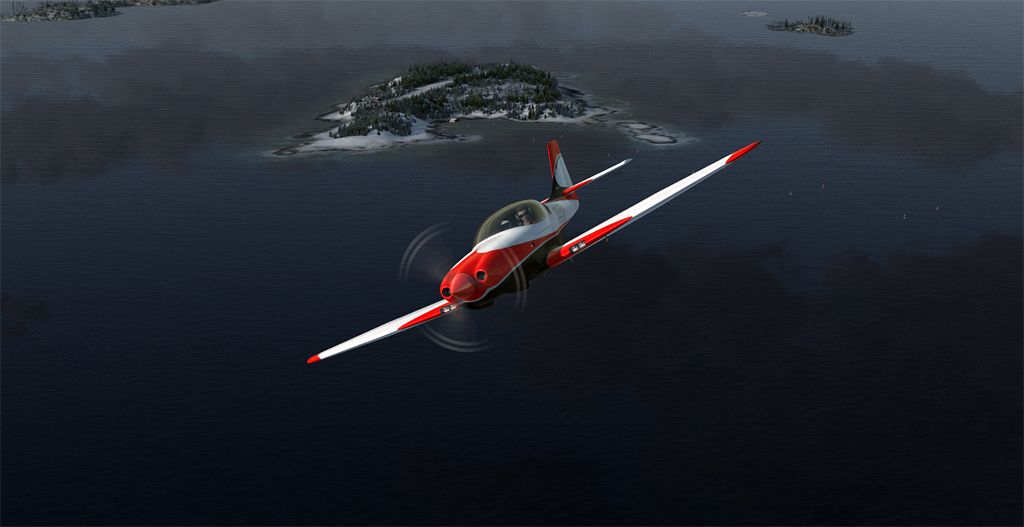
Yes it's doable... though landing is a little rough on the tiny lancair's gear
The turbocharged version makes takeoff easy
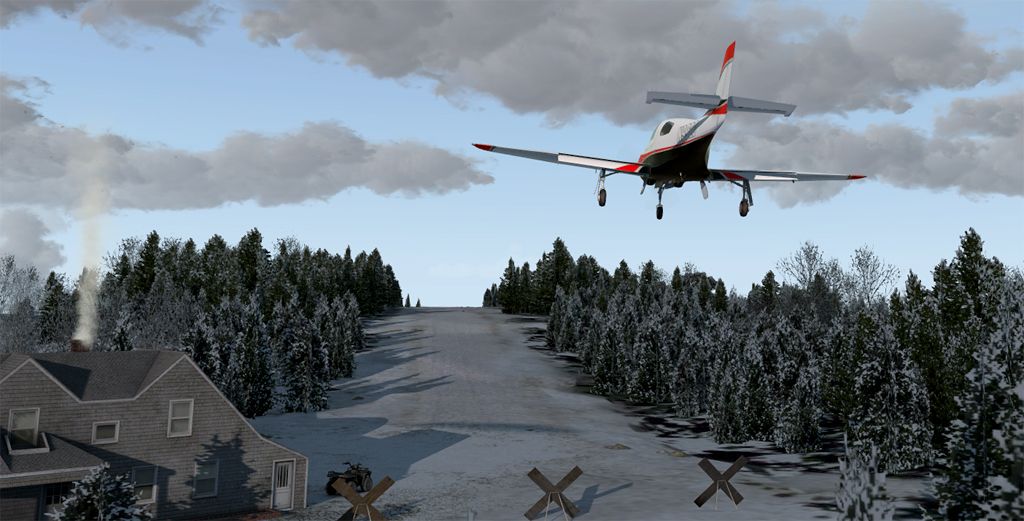
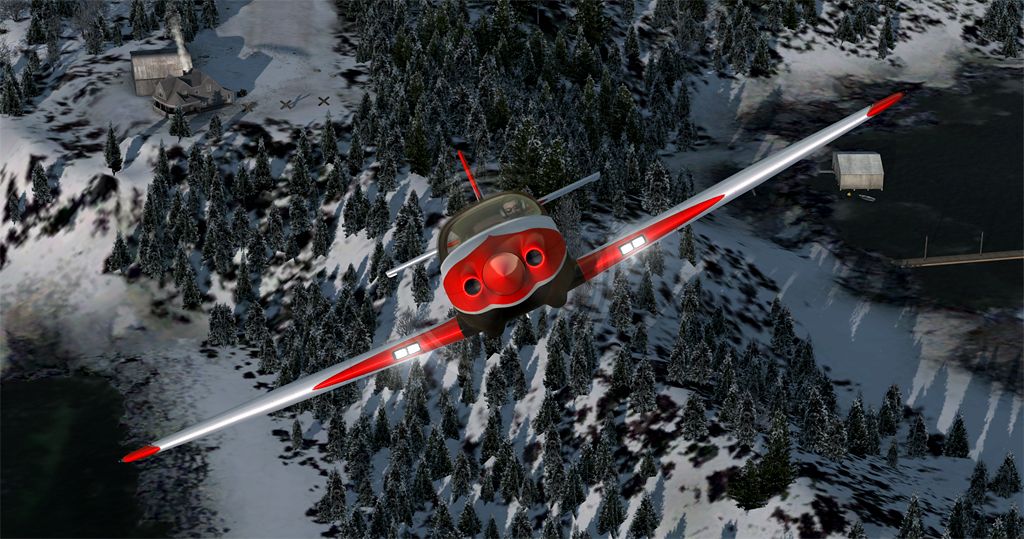
Anyway, let's see if I can get my Legacy in here!

Yes it's doable... though landing is a little rough on the tiny lancair's gear
The turbocharged version makes takeoff easy


falcon409
SOH-CM-2026
One of the advantages to ignoring installation instructions or looking beyond the surface. I only have P3D_v3.1 and so I let it install to 2.5, lol. It made it's own folder and installed. I just moved the main scenery folder to my main scenery folder where I keep all sceneries, added it to the library and voila' no errors. Since I didn't look beyond the main folder I had no idea there was a module installer. . .it wasn't run, hence no messages.If you are running P3Dv3.1 and get the dll message, just click on "run once" and it will run just fine.
Many Great Nearby From-To Options
Hey guys,
I love this little place, and rarely fly outside of the west coast Orbx regions (though you're very well represented over there, Bill. Thanks!). But I have been tempted eastward in the past by some of Ed's (Falcon409) really high quality Maine sceneries:
35ME Matinicus Island
57B Islesboro ME
MES2 Marshall Island ME
. . . there may be others?
All of these make great little short hop trips to or from Heron's Nest.
If you'd like a little longer trip, you can depart from Ed's KBID Block Island RI. Or, if you'd like to approach from terra firma, you could start from Michael Carr's 02ME Old Acton.
Thank you ALL for these beautiful places to visit and enjoy virtually!
Regards,
Michael
Hey guys,
I love this little place, and rarely fly outside of the west coast Orbx regions (though you're very well represented over there, Bill. Thanks!). But I have been tempted eastward in the past by some of Ed's (Falcon409) really high quality Maine sceneries:
35ME Matinicus Island
57B Islesboro ME
MES2 Marshall Island ME
. . . there may be others?
All of these make great little short hop trips to or from Heron's Nest.
If you'd like a little longer trip, you can depart from Ed's KBID Block Island RI. Or, if you'd like to approach from terra firma, you could start from Michael Carr's 02ME Old Acton.
Thank you ALL for these beautiful places to visit and enjoy virtually!
Regards,
Michael

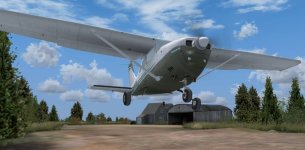
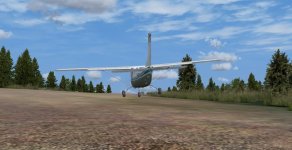
ryanbatc
Charter Member
One of the advantages to ignoring installation instructions or looking beyond the surface. I only have P3D_v3.1 and so I let it install to 2.5, lol. It made it's own folder and installed. I just moved the main scenery folder to my main scenery folder where I keep all sceneries, added it to the library and voila' no errors. Since I didn't look beyond the main folder I had no idea there was a module installer. . .it wasn't run, hence no messages.
That's how I installed mine too. Did you perhaps run your P3D v2 first? I didn't do that. I just copied the folder and ran P3D v3
falcon409
SOH-CM-2026
I only have two sims installed P3D_V3.1 and FSX. When the installer couldn't find P3D_V2 I thought it would quit, but it gave me the option to install anyway. . .to a folder it made up for P3D_v2. So I ran the installer then just moved the Heron's Nest scenery folder to my folder I keep on a separate drive for all my scenery. Since I didn't look beyond being sure it has a "scenery" and "texture" folder, I never saw the module installer sitting inside the scenery folder, lol.That's how I installed mine too. Did you perhaps run your P3D v2 first? I didn't do that. I just copied the folder and ran P3D v3