sixstrings5859
Charter Member
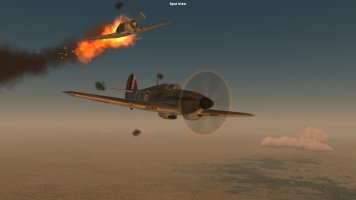
A Spitfire Mk IIa takes on a Bf 109F-2, 1941...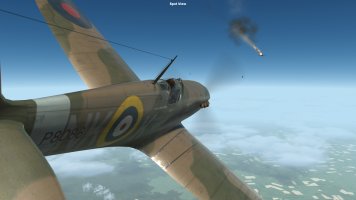

Please see the most recent updates in the "Where did the .com name go?" thread. Posts number 16 and 17.
Just when you think you have everything running some what better...
You get a message from the Hosting company. Short story they need to move us to a new server. I have been working with them to plan a good date for all concerned. Here is what we have come up with as a schedule.
If all goes well we should be back online on November 8th.
To keep you updated we will post updates on AVSIM forums.
Thank you for your support.

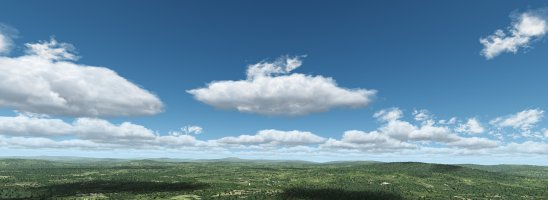


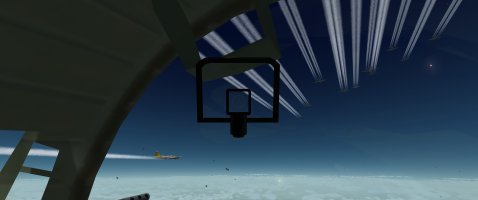
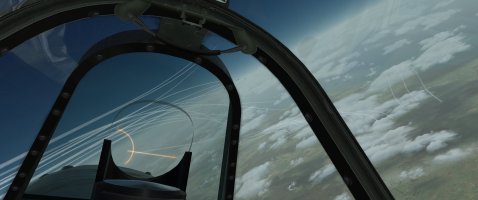
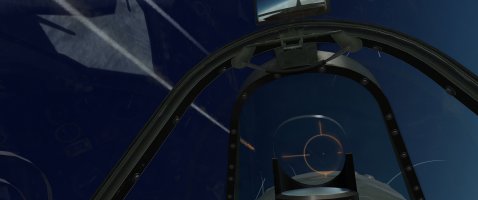
Hey Gecko, how'd you get the dynamic reticle and head tilt? I tried opentrack (the thing that mimics TrackIR) but it doesn't work, even with your Spitfire + Ankor's shaders. Is there some mod to do it? Or am I just stupid?Some more.


Also, I am not getting that issue (i'm in the US)Dan, don't know if anybody else is having the same issue, but I cant see your screen shots, getting the Imgur "Content not available in your region" note.
Crap! I forgot. I'll re-upload when I get home.Dan, don't know if anybody else is having the same issue, but I cant see your screen shots, getting the Imgur "Content not available in your region" note.
If you have the Spitfire and Ankor's shaders installed, the dynamic reticle should be working. There are a good many steps to follow, but they are all explained in the readme files of the two packages.Hey Gecko, how'd you get the dynamic reticle and head tilt? I tried opentrack (the thing that mimics TrackIR) but it doesn't work, even with your Spitfire + Ankor's shaders. Is there some mod to do it? Or am I just stupid?
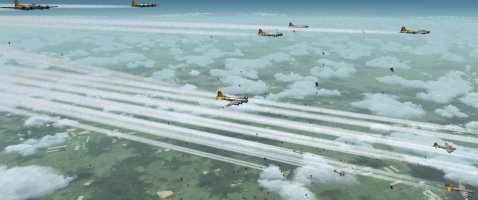
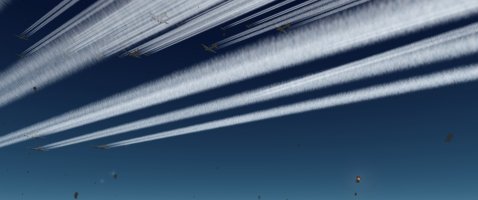
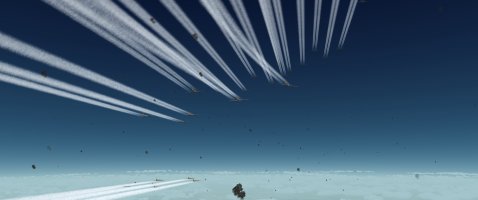
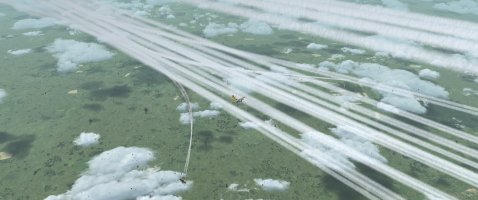
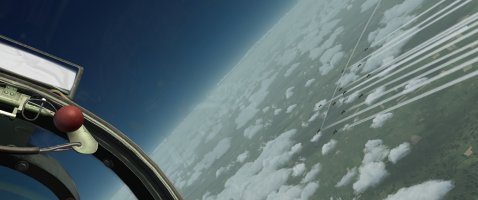
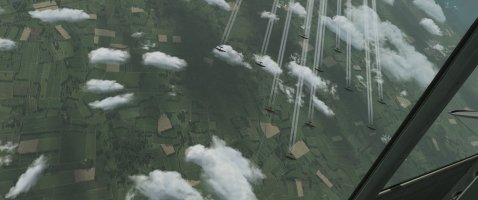
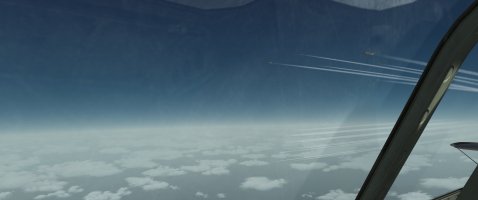
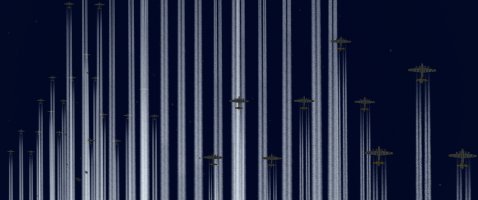
Yes, they can be height controlled via Ankor's shaders in the same way as the others. There is a particle type contrail effect out there, but it really does eat your framerates for breakfast. This one, and my original are both track effects, which are more efficient.I'm not sure of the technical wording in your comments, but I assume, the contrails are height related as per the original ones. If I understand you, the old ones are high memory use? I haven't had an issue with my Schweinfurt missions but my PC is quite powerful.
Okay, thanks!Crap! I forgot. I'll re-upload when I get home.
If you have the Spitfire and Ankor's shaders installed, the dynamic reticle should be working. There are a good many steps to follow, but they are all explained in the readme files of the two packages.
The head tilt function only works if you run CFS3 via the Real Systems Module included with the Spitfire. It should work with any aircraft, but it will only work with TrackIR. Other software isn't supported at this time. Make sure TrackIR is running before you start the Real Systems Module.