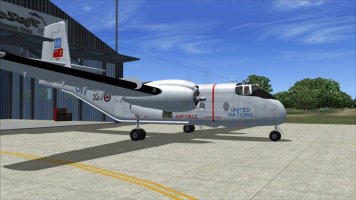
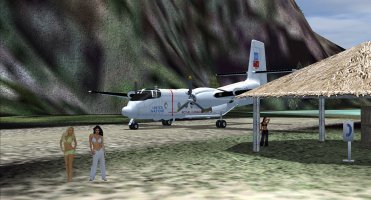
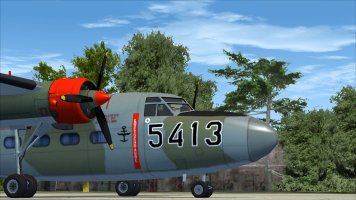
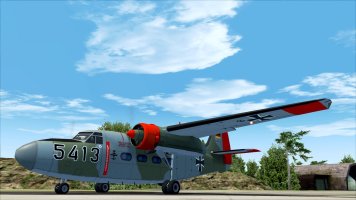
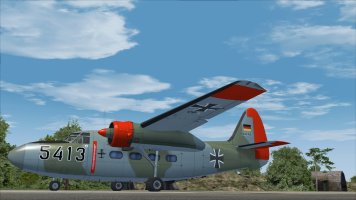
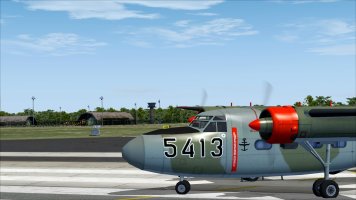
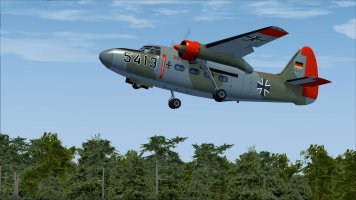
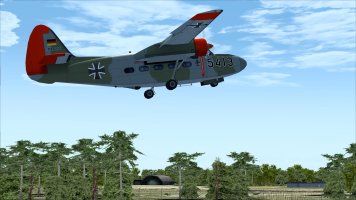
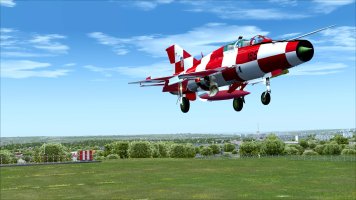
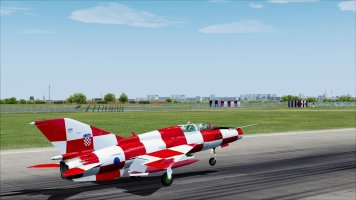
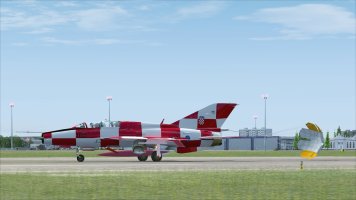
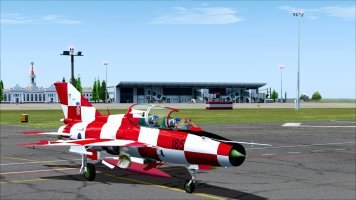
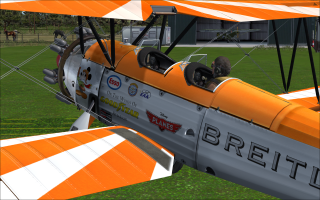
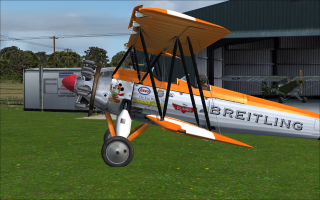
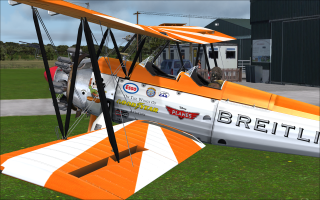
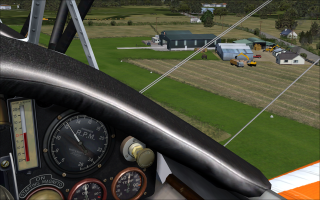
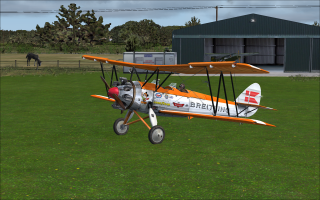
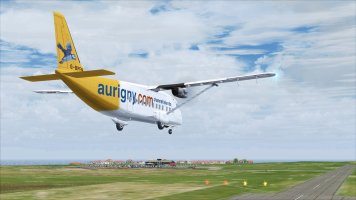
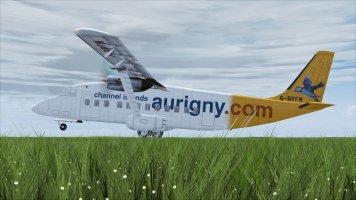
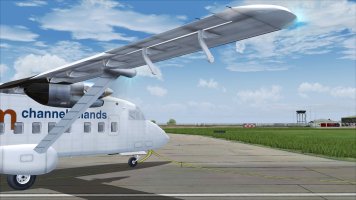
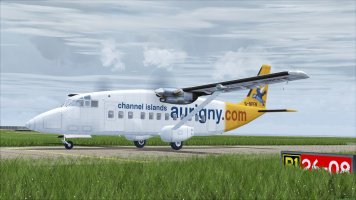
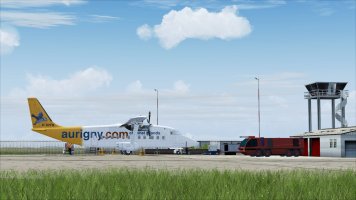
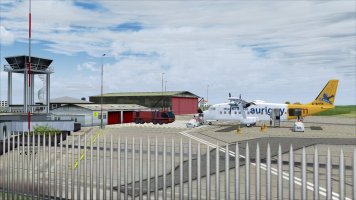
FS2004 Screenshots Here!!!

^ THAT is the basic info you'll need. :wiggle:
Posting screen shots here is really a piece of cake.
I still use Paint Shop Pro 6, mostly because I can run it with eyes closed. :p

I thought I had Paint Shop at one time, a long time ago, but it must have gotten obliterated in some previous computer crash. Is the version you are using a free download? I tried my hand with the borrowed Photoshop again however things seem to be going down hill....
 
Thanks for the info..
If you can pass the tweaks on to me, :jump:
The brochure is great.
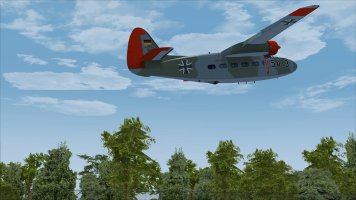
That UN texture is really nice.
Sure, I can do that. I "ll put something together for you and any other De Havilland fans that may be out there. I have an excellent memory, however it's kinda on the short side. The data mining operation will commence, however, my archives are quite large, and some volks might say indecipherable, but there is a system somewhere in place there! So I'm on it, but it could be a while....🤔
 
Sure, I can do that. I "ll put something together for you and any other De Havilland fans that may be out there. I have an excellent memory, however it's kinda on the short side. The data mining operation will commence, however, my archives are quite large, and some volks might say indecipherable, but there is a system somewhere in place there! So I'm on it, but it could be a while....🤔
Ah, heck, you beat me to it. :wavey:

cari.jpg

As far as tweaks, all I did was change the prop ratio for each aircraft :

sim=caribou
model=c7a
panel=
sound=
texture=1
prop_anim_ratio=2.43174
kb_checklists=c7_check
kb_reference=
atc_id=
ui_manufacturer=Virtavia

-and make the contact points a little better with some "tire sink":

point.0 = 1, 22.1396, 0, -8.5, 2000, 0, 1.1, 40, 0.15, 3.5, 0.8, 5, 5, 0, 120, 160
point.1 = 1, -3, -12, -8.8, 2500, 1, 1.4, 0, 0.5, 2.5, 0.85, 5, 7, 2, 120, 160
point.2 = 1, -3, 12, -8.8, 2500, 2, 1.4, 0, 0.5, 2.5, 0.85, 7, 5, 3, 120, 160

I'm trying to remember if I played with the "prop blur" texture? :unsure:
 
I thought I had Paint Shop at one time, a long time ago, but it must have gotten obliterated in some previous computer crash. Is the version you are using a free download? I tried my hand with the borrowed Photoshop again however things seem to be going down hill....

Yes and no. You should still be able to download PSP6 and PSP7 as "eval copies".
Just search on-line and you should find it.
I would avoid anything higher than PSP7, they shifted their focus more to Megapixel Photos and PSP became a LOT more "automated". :dizzy:

My install of PSP6 started out as an "eval copy" for many years but then I found an unopened box set on EBay something like 10 years ago. :geek:
 
Back
Top