
-
Please see the most recent updates in the "Where did the .com name go?" thread. Posts number 16 and 17.
-
IMPORTANT DOWNLOADING INFORMATION - ALL MEMBERS PLEASE READ
Please see this thread for updates. Update Thread
SOH ADMINISTRATION
You are using an out of date browser. It may not display this or other websites correctly.
You should upgrade or use an alternative browser.
You should upgrade or use an alternative browser.
A2A Piper Cub Released!
- Thread starter Rezabrya
- Start date


O
Oli-TUB
Guest
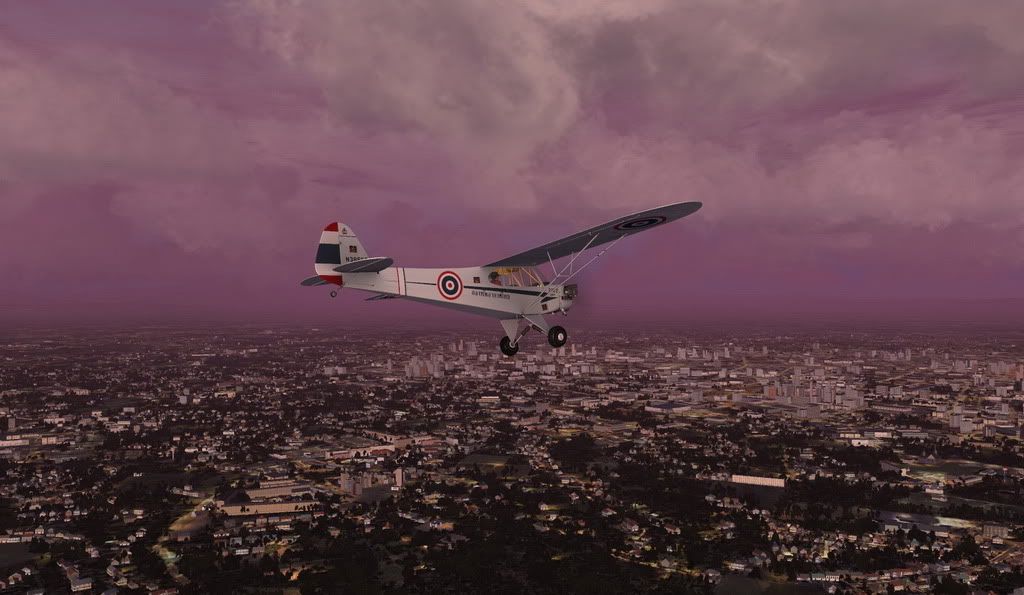
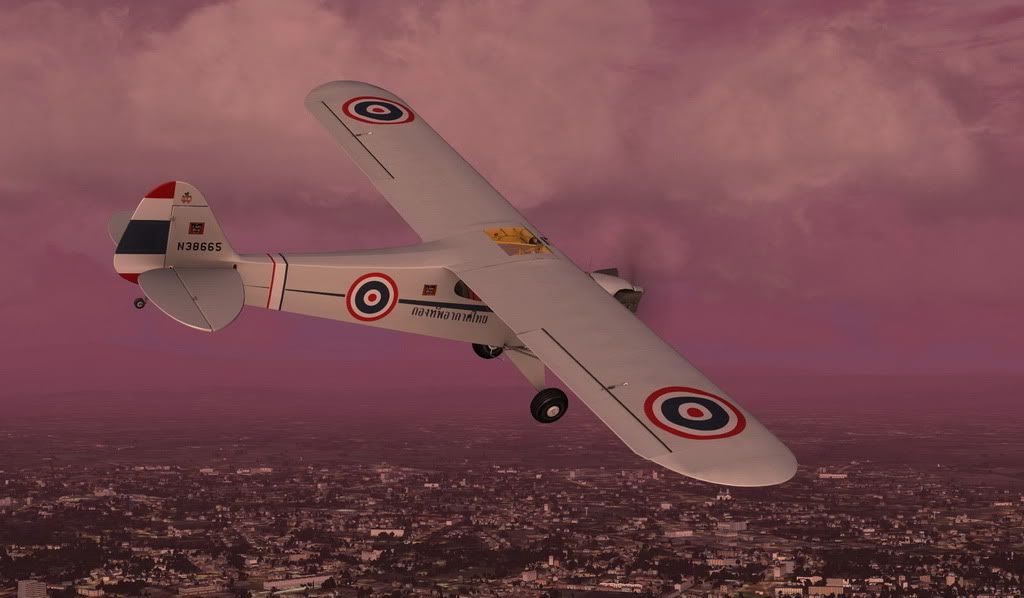
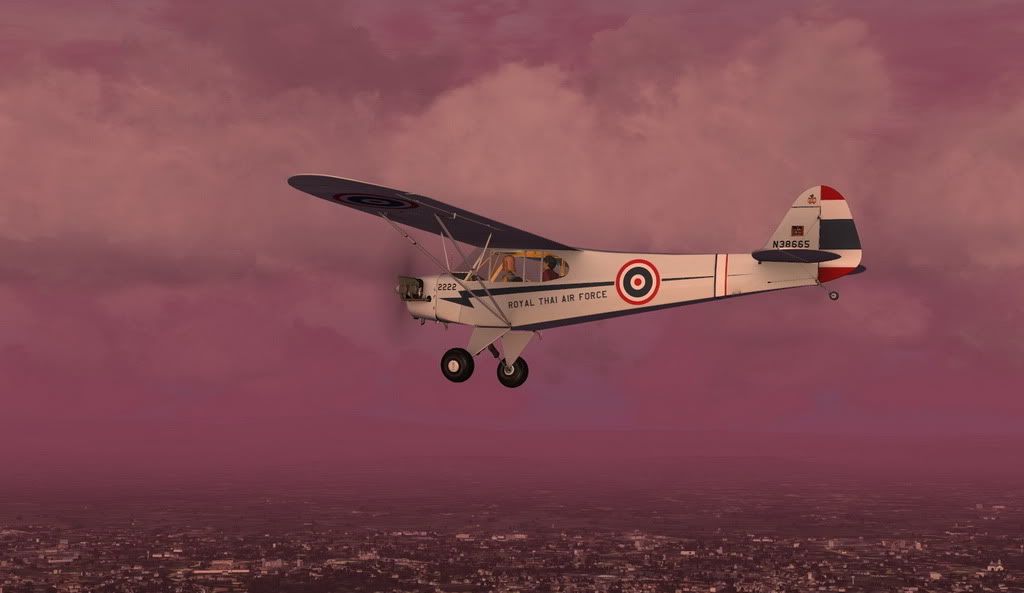
Wow, that's wonderful. Just the right thing for FTX. Thank you. But aren't those wheels green to on that paint? Like here:
http://cdn-www.airliners.net/aviation-photos/photos/8/2/6/0971628.jpg
http://cdn-www.airliners.net/aviation-photos/photos/8/2/6/0971628.jpg


nio
Charter Member
help
I have installed the Cub and Accusim.
Accusim is running but whenever I try and access the Accusim screens using shift 3 etc. I see a flicker of the screen but it does not remain.As a consequence I am unable to load Heidi or access any of the Accusim "bells and whistles",not even the map or radio.
I have Acceleration installed. I have run dxdiag and made sure that all is working well.
I have ensured that advanced animations is ticked,
It is a lovely plane to fly but I am missing out on the full functionality.
Any helpful suggestions would be most welcome if anyone has had a similar problem.
best
nio
I have installed the Cub and Accusim.
Accusim is running but whenever I try and access the Accusim screens using shift 3 etc. I see a flicker of the screen but it does not remain.As a consequence I am unable to load Heidi or access any of the Accusim "bells and whistles",not even the map or radio.
I have Acceleration installed. I have run dxdiag and made sure that all is working well.
I have ensured that advanced animations is ticked,
It is a lovely plane to fly but I am missing out on the full functionality.
Any helpful suggestions would be most welcome if anyone has had a similar problem.
best
nio

jankees
SOH-CM-2026
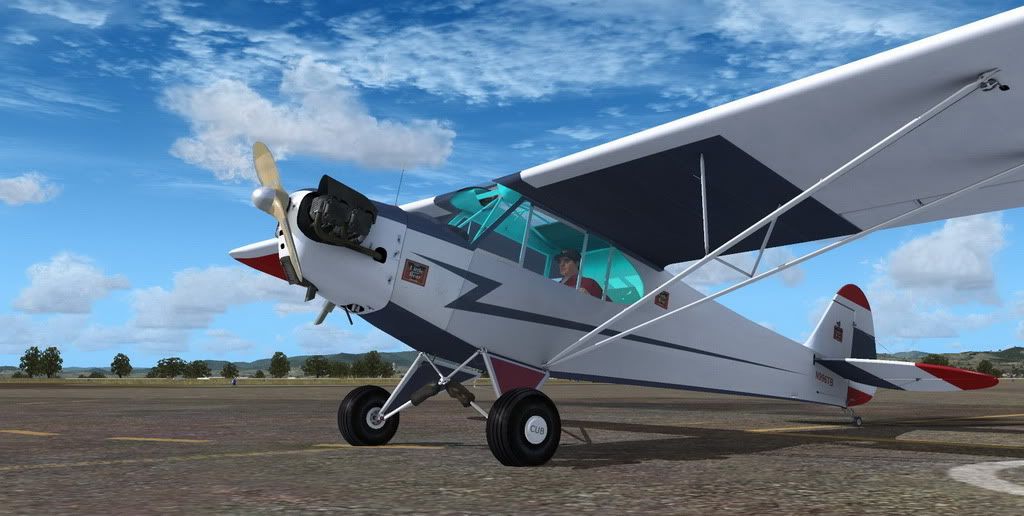
Check the A2A forum would be my advice: http://a2asimulations.com/forum/index.php

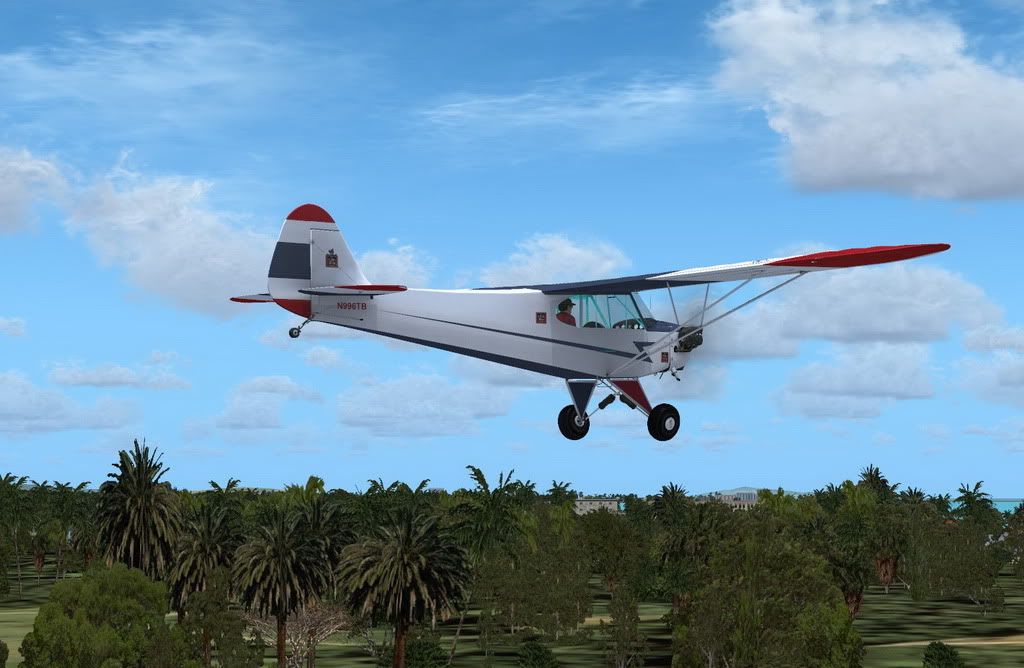
G
gajit
Guest
Very nice 

pbearsailor
SOH-CM-2026
Here's a little quiz:
It looks like a Cub, it sounds like a Cub, it flies like a Cub, but it isn't a Cub...
What is it?
It could be a Wag Aero Sport Trainer: http://www.wagaero.com/sportrain.html and it used to be called the CUBy.
Thanks for the great paints. :ernae:
cheers,
steve
nio
Charter Member
I have installed the Cub and Accusim.
Accusim is running but whenever I try and access the Accusim screens using shift 3 etc. I see a flicker of the screen but it does not remain.As a consequence I am unable to load Heidi or access any of the Accusim "bells and whistles",not even the map or radio.
I have Acceleration installed. I have run dxdiag and made sure that all is working well.
I have ensured that advanced animations is ticked,
It is a lovely plane to fly but I am missing out on the full functionality.
Any helpful suggestions would be most welcome if anyone has had a similar problem.
best
nio
Thanks Jankees.
I searched and found the answer which was
MISC
I cannot see my 2D Panels
Open your SETTINGS / CUSTOMIZE / AIRCRAFT and make sure your 2-D Panel Transparency is moved all the way to the left (0%).
Happy flying all
best
nio
Man, I'm having fun with this aircraft.
Been real busy with my biz lately...thank God...but took the day off to fly the Cub a bit today, and had one of 'those FS moments' when everythigng felt so immersive.
Found a neat little and simple EB-6 software program to calculate my heading for wind, speed, etc. Fired up my Voyager flight plan program with my digitized VFR/Low charts and headed out for some x-country excursions; Finding the roadways, airports, towers, etc along the way after adjusting for wind, and every once in a while 'opened' the 'Cub map' just to check how I was following the flight plan route, corrected for wind, sticking to the EB-6 calculations, and not falling in the habit of turning so the directional arrow aligned with the next way-point via the 'Cub map'. Found the various landmarks on my Low charts to hunt out the airports, and feeling pretty darn good about myself for not feeling the need for a GPS to get from way-point to way-point, airport to airport.
Dang, I felt like I was actually flying
Pretty neat stuff.
I even found a nice ol'Cub hat, and ordered it off the web today to wear as my dedicated TrackIR Cub Hat


I'm obsessed.
Been real busy with my biz lately...thank God...but took the day off to fly the Cub a bit today, and had one of 'those FS moments' when everythigng felt so immersive.
Found a neat little and simple EB-6 software program to calculate my heading for wind, speed, etc. Fired up my Voyager flight plan program with my digitized VFR/Low charts and headed out for some x-country excursions; Finding the roadways, airports, towers, etc along the way after adjusting for wind, and every once in a while 'opened' the 'Cub map' just to check how I was following the flight plan route, corrected for wind, sticking to the EB-6 calculations, and not falling in the habit of turning so the directional arrow aligned with the next way-point via the 'Cub map'. Found the various landmarks on my Low charts to hunt out the airports, and feeling pretty darn good about myself for not feeling the need for a GPS to get from way-point to way-point, airport to airport.
Dang, I felt like I was actually flying
Pretty neat stuff.
I even found a nice ol'Cub hat, and ordered it off the web today to wear as my dedicated TrackIR Cub Hat
I'm obsessed.

Panther_99FS
Retired SOH Administrator
These paints all just look amazing. There is such nice variety, colors and contrast.
Agreed!


Cazzie
SOH-CM-2026
Gajit, I drooled all over the screenshot of your US Navy paint until I couldn't stands no more, as my hero Popeye would say... so I bought the Cub. Thanks, guys, for all these paints, and thanks to A2A for another outstanding plane.
Hey QC, if you have A2A's Wop III T-bolt too, you may as well invest in AccuSim, it will work for both the Cub and the Thud.

Caz

d0mokun
Merovingian Ninja
Hey QC, if you have A2A's Wop III T-bolt too, you may as well invest in AccuSim, it will work for both the Cub and the Thud.
Caz
Hi Caz,
Silly question maybe- isn't the Accusim a different and separate module for the Cub? Or do I not have to buy it again because I have it with the P47?
Thanks
Dan.

Quicksand
SOH-CM-2023
Caz, I just went back and got Accusim for the Cub, and I'm gonna wear it out until my wife, who doubles as the minister of finance, sees the bank statement. I may need you guys to paint me a really good camo pattern for my Cub after that..... This is my first experience with Accusim, and I've yet to get off the ground today. I've been installing the wonderful paints you guys have been sharing, and they're all outstanding.


This is my first experience with Accusim, and I've yet to get off the ground today. I've been installing the wonderful paints you guys have been sharing, and they're all outstanding.