
-
Please see the most recent updates in the "Where did the .com name go?" thread. Posts number 16 and 17.
-
IMPORTANT DOWNLOADING INFORMATION - ALL MEMBERS PLEASE READ
Please see this thread for updates. Update Thread
SOH ADMINISTRATION
You are using an out of date browser. It may not display this or other websites correctly.
You should upgrade or use an alternative browser.
You should upgrade or use an alternative browser.
Wozza'sT6
- Thread starter Thoe6969
- Start date

Thoe6969
Charter Member
Thanks,I like the looks better with lines and rivets.I have uploaded my modified textures to Flightsim.com a few hours ago
Greetings
Tim
What additional features does acceleration give you. I thought it was a ad-don for more airports and some race planes?

Beside sceneries and aircrafts Acceleration adds working superchargers, Anti-Detonation Injection with more advanced engine management for piston engines, carrier ops, multiple engines, hoist and slingload systems for helicopters. All of these can be used in third party aircrafts.

Tim-HH
SOH-CM-2023
Thanks,I like the looks better with lines and rivets.
The modified textures are now available at Flightsim.com

Greetings
Tim

Henry
Retired SOH Administrator
yup got them and been playing
Thanks to all

H
I've added the lines and rivets from the paintkit to the two paints and I think it looks even better now
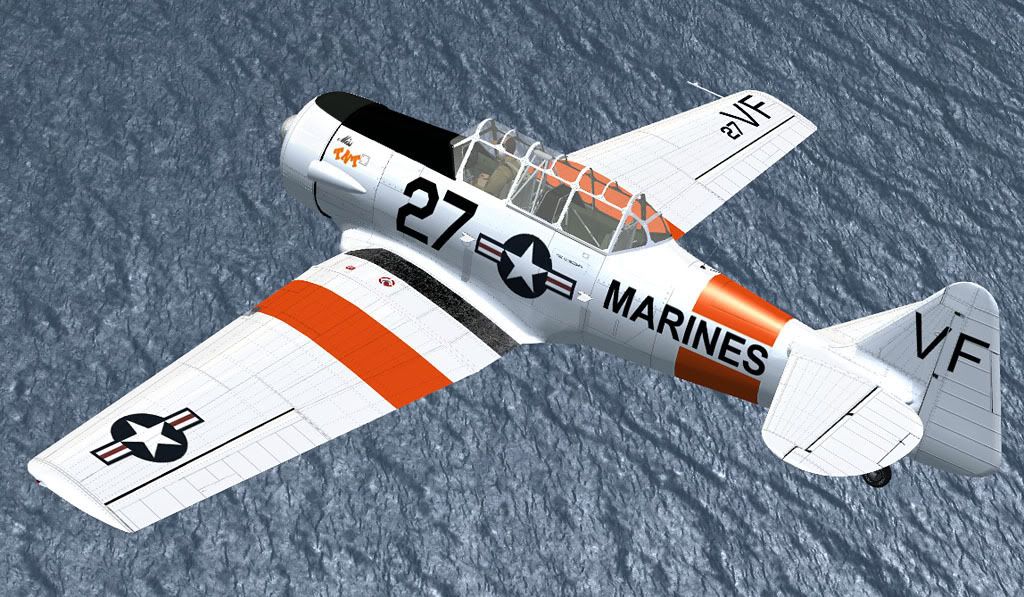
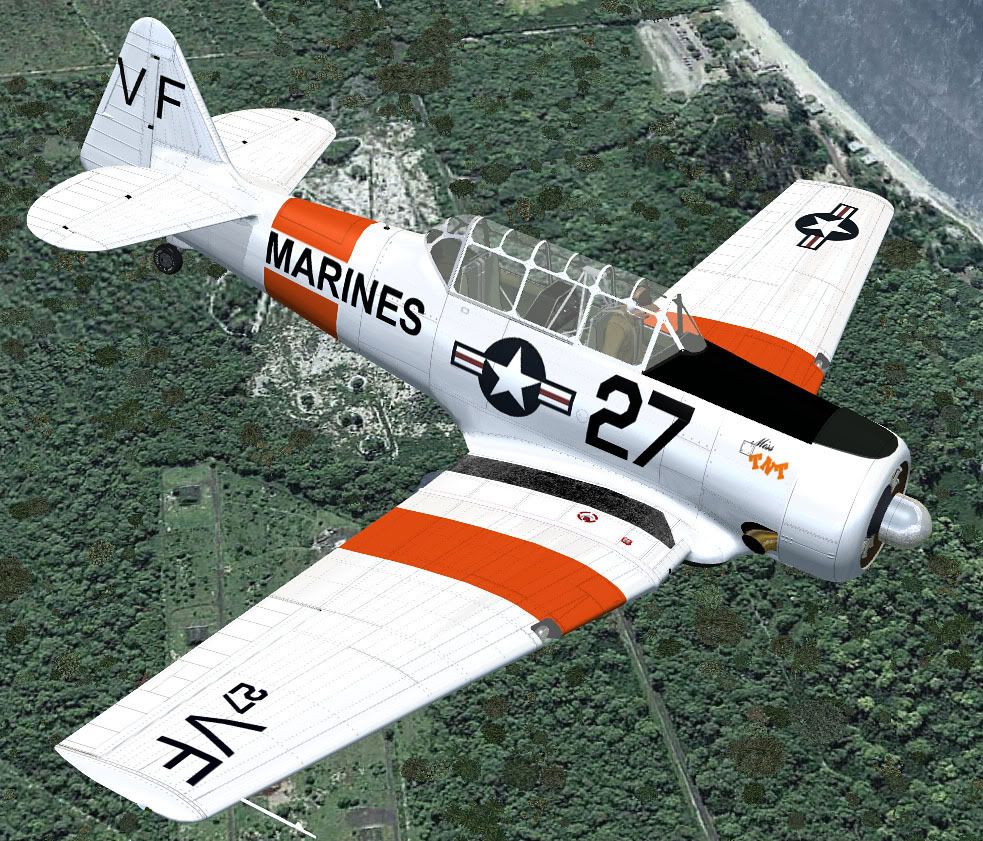
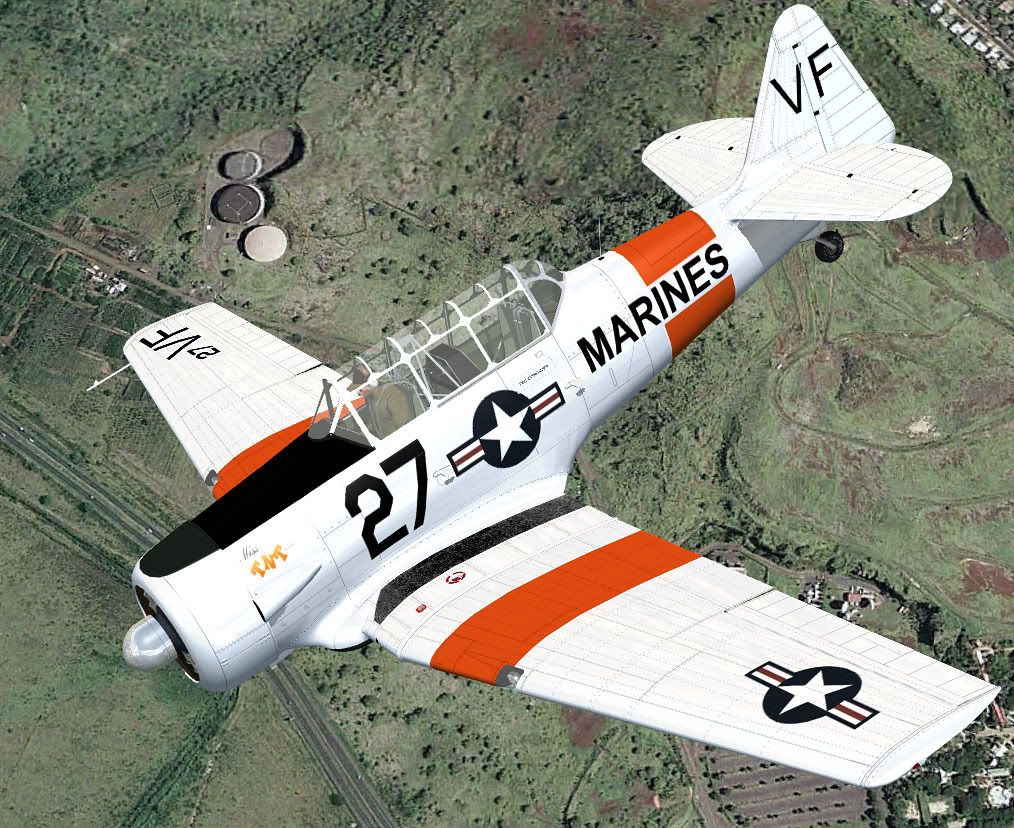
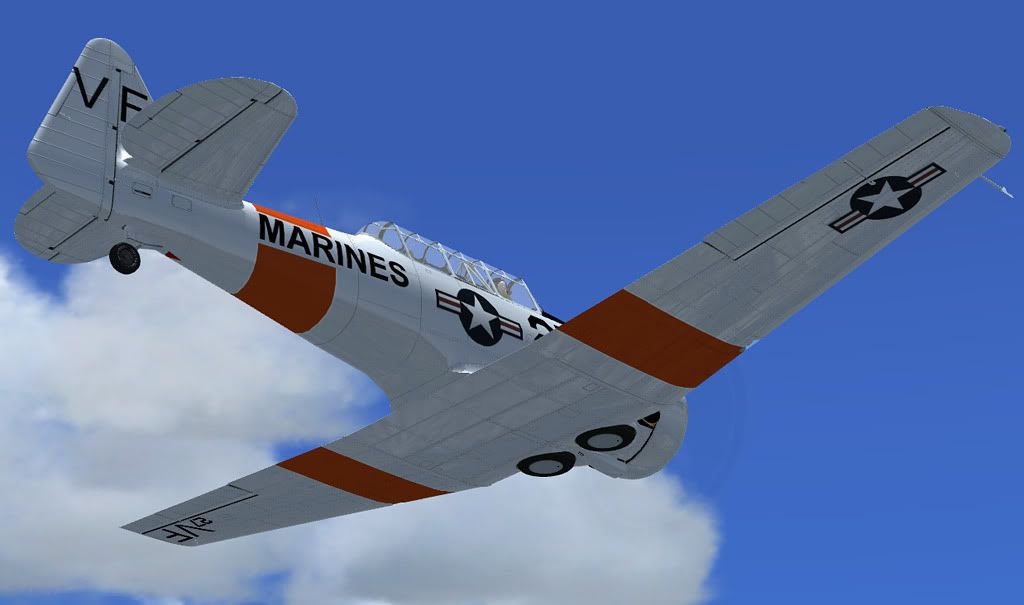
Thanks again for this excellent addon!
Greetings
Tim

Like wise!! Although I have no reason to want any other paint scheme than this one!

 :salute:

Like wise!! Although I have no reason to want any other paint scheme than this one!
I'm with ya Gunny! What more does it need to say.......? S/F:salute:
There was one AT-6D airframe that was fitted with an inline engine. It was a 575 hp V-770-9 inverted V 12 cylinder air cooled high altitude engine. top speed 244mph ceiling 30,000. Higher and faster than regular AT-6. But engine proved to be mechanically unreliable and a maintenance nightmare.
Source -squadron/signal publications T-6 Texan in action, p.33
Source -squadron/signal publications T-6 Texan in action, p.33

Bjoern
worst developer ever
There was one AT-6D airframe that was fitted with an inline engine. It was a 575 hp V-770-9 inverted V 12 cylinder air cooled high altitude engine. top speed 244mph ceiling 30,000. Higher and faster than regular AT-6. But engine proved to be mechanically unreliable and a maintenance nightmare.
Source -squadron/signal publications T-6 Texan in action, p.33
Meh.
Okay, I just found out I still have the A-27 option. It had a 785hp engine and did its 250mph.
You could take the cab out of the panel folder and see if the problem goes away (obviously you'll have no gauges and probably not be able to start the aircraft). That would either eliminate or otherwise the gauges.
Roger,
That xml cab file was the culprit. I removed it from the panel folder and the aircraft works now without freezing the PC when switching views.
I still have gauges. The only difference is when you load the aircraft and start a flight the engine is already running. Otherwise all is well.
-G-

Smashing Time
Charter Member 2014
Beside sceneries and aircrafts Acceleration adds working superchargers, Anti-Detonation Injection with more advanced engine management for piston engines, carrier ops, multiple engines, hoist and slingload systems for helicopters. All of these can be used in third party aircrafts.
Thanks for the info
Meh.
Okay, I just found out I still have the A-27 option. It had a 785hp engine and did its 250mph.
You should be able to easily modify the aircraft.cfg file based on those specs, though I rather like the stock performance. She'll be a real treat to fly in FTX's PNW Blue scenery (when released).
Oh yea, with canopy open.
Dave
HiRoger,
That xml cab file was the culprit. I removed it from the panel folder and the aircraft works now without freezing the PC when switching views.
I still have gauges. The only difference is when you load the aircraft and start a flight the engine is already running. Otherwise all is well.
-G-
Well I suppose thats good news thanks Roger and Lateral-G this ones been bugging me
but it make no sense ahh ya gota love fsx lol
If you dont mind doing a bit of trail and error for me as I cant recreate this issue, can you put the cab file back and then open the panel.cfg in notepad scroll down to the Vcockpit entry and comment out the all the gauges.so the section will now look like this
//gauge00=xml!fuel_sys, 48,10,35,31
//gauge01=xml!fuel_system, 84,9,35,31
//gauge02=xml!Glock, 127,13,14,14
//gauge03=xml!gyro_compass, 0,735,350,350
//gauge04=xml!compass, 336,729,350,350
//gauge05=xml!adf, 102,518,450,164
//gauge06=xml!com, 106,238,450,164
//gauge07=xml!engine, 156,9,35,31
//gauge08=xml!over, 204,12,20,20
now save the panel.cfg but leave it open in notepad,Fire up fsx in window mode (when flight is fully loaded hit ALT + enter key) then see if the issue is gone,if so pause the sim,minimise the sim,go back to the panel.cfg in notepad then remove the comment // from the frst gauge save then back to the sim, then either go to alt menu bar aircraft select aircraft and re select the texan or you can assign a keystroke in controls assignments for aircraft(reload) this will force the changes in the panel.cfg to be applied ion fsx without a full restart.just keep removing the comments form each gauge one at a time, reloading aircraft till it locks and let me know
Sounds complicated but its pretty easy to do if it is,then could you fire up fsx with the texan and
then menu bar,flights,save flights, call it wozza_tex or something like that then email me any wozza_tex files in my documents/Flight Simulator X Files folder
Thanks again
Wozza
Bjoern
worst developer ever
You should be able to easily modify the aircraft.cfg file based on those specs, though I rather like the stock performance.
Yeah, although I might need to dig up a bit more info about the Cyclone.
HiWozza,
I found the culprit:
gauge04=xml!compass, 336,729,350,350
I sent you an email....
-G-
Thanks!!! I have to say thats not one of the gauges I would have picked as being the prob
as the gyro compass uses the same code.....hmmm must be one of the bmp's
Ok looks like there is a slight difference in the bmp size might be corrupt but cant work out why that will cause a lock up on certain pooters
here is a different cab file with the bmp's the same for the gyro and whiskey compass see if that works
rename the ext from txt to cab
Thanks again this one was driving me nuts
Wozza