• There seems to be an uptick in Political comments in recent months. Those of us who are long time members of the site know that Political and Religious content has been banned for years. Nothing has changed. Please leave all political and religious comments out of the forums.

    If you recently joined the forums you were not presented with this restriction in the terms of service. This was due to a conversion error when we went from vBulletin to Xenforo. We have updated our terms of service to reflect these corrections.

    Please note any post refering to a politician will be considered political even if it is intended to be humor. Our experience is these topics have a way of dividing the forums and causing deep resentment among members. It is a poison to the community. We appreciate compliance with the rules.

    The Staff of SOH

  • Please see the most recent updates in the "Where did the .com name go?" thread. Posts number 16 and 17.

    Post 16 Update

    Post 17 Warning

Question from rookie to experienced airport designers

Dimus

SOH-CM-2025
I have nevere ever before been involved in altering anything in FSX. However I was always disappointed by the fact that my home field Tatoi AB (LGTT) was so poorly depicted in FSX and no scenery existing for it like there was in FS9 by HST. So I recently discovered ADE and started messing with it. First of all I decided to move it to its correct location and then correct the taxiways and add all the missing objects and buildings. I have high hopes with this and intend in adding also some GA traffic, the way I know it. This is for my personal use at first but if I test it and am happy with it I intend to of course share it, and may be then do other GA airfields that I'm familiar with in Greece like Megara and Ikaros or the island airports.

I am learning as I go but there are two things that I have not found how to do yet:

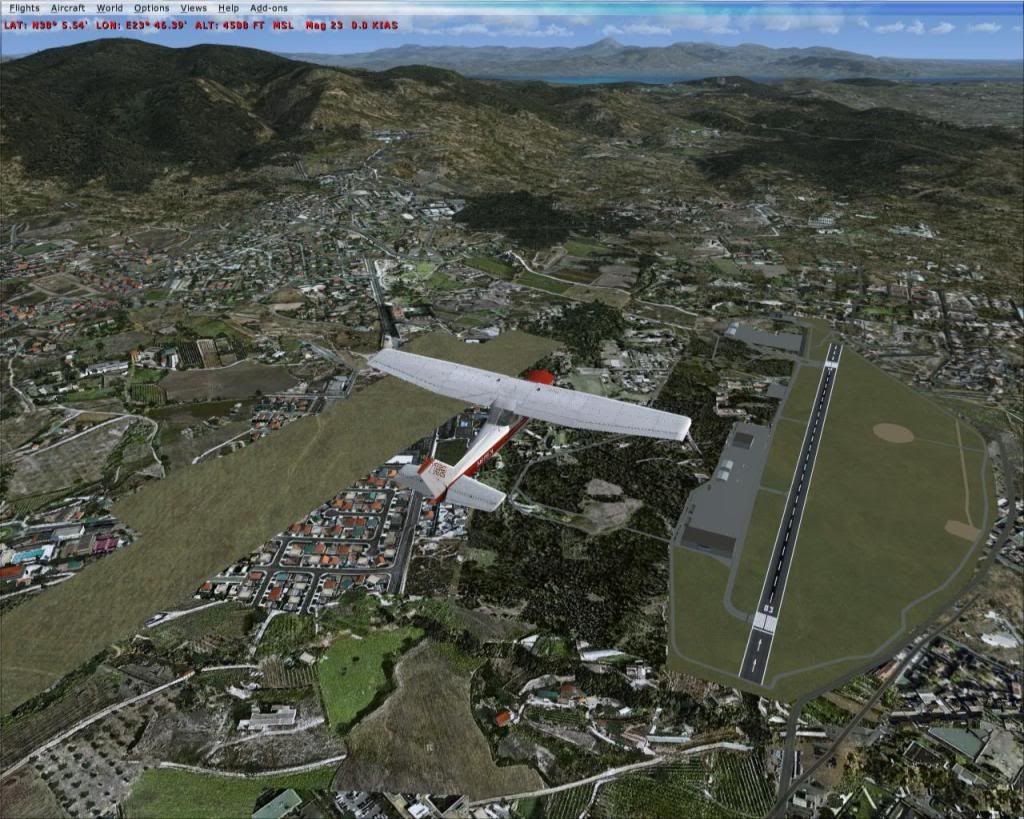
1. I can not get rid of the original background texture that still remains at the wrong airport location (see below on the left side):

2. I do not know how to move the airport NDB at the correct location (which is the circular brown spot at the right side of the picture)

Your help would be much appreciated. Cheers!

fsx2010-04-0423-30-47-40.jpg
 
. . . . .I am learning as I go but there are two things that I have not found how to do yet:

1. I can not get rid of the original background texture that still remains at the wrong airport location (see below on the left side):
I don't use ADE, only SBuilderX (personal preference), but it will require that you do an "exclude airport boundary" poly. Someone versed in ADE can tell you how.
2. I do not know how to move the airport NDB at the correct location (which is the circular brown spot at the right side of the picture)
Your help would be much appreciated. Cheers!
You should be able to change that within the airport properties or one of the options within ADE, again, I can't tell you how as I use AFX for all AFCAD work.

Neither problem is a big one, but it will take someone using ADE to explain exactly how. Good luck!!
 
1. To remove the existing airport flatten use the green polygon tool to make a rectangle that "intersects" with the existing area. Once you double-click to finish the polygon the Properties box will appear and you select Exclude General | Airport Backgrounds.

2. Make sure that the display setting in ADE is set to EXTREMELY DENSE and then under View, select Navaids. There will be a scenery object for the NDB and a red cirular area that symbolizes the NDB's location. Move to your desired location.

Note: When you compile there will be two, maybe three files, depending if you chose to seperate scenery objects from the airport file, like I do. There will be a file prefixed cvx_, that is the ground based file that needs to be in the proper location. But it looks like you have already figured that out.
 
Thanks guys!

I managed to get rid of the old airport pad but apparently, according to ADE manual, stock NDBs can not be moved. It is still within the airport boundary so it is not that bad.

Thanks again!
 
What about excluding the NDB? If it can't be moved, can you exclude it or delete it and then add a new one with the correct location?
 
IIRC, ADE won't allow a stock navaid to be removed. I'm a few versions behind the current one. But the scenery object can be moved.
 
Exclusion of the NDB did not work. A new NDB created in ADE can of course be moved around.

If you guys know another software or method to do this I'd be happy to follow. Otherwise the NDB will stay where it is and it will be about 500m off.

Smoothie, Aktion would be great. Although Tatoi is an air force base and home of the Hellenic air force academy as you know, it is host for three aero clubs and we are grateful to the air force for this. They also offer us their ATC services for free in the afternoons and during the weekends when we are allowed to fly. I will try to depict it the best way I can using stock objects. I am now working on the area around the Athens aero club on the north side which I know very well.
 
be good to have a proper T-41 mescalero, minus spinner in a fancy grey/silver and day-glo orange finish for touring Greece, but we can't have it all... :icon_lol: looking forwards to LGTT.
 
The default AFD is about 5000ft west of its true position.

To remove the default airport background, create an exclusion polygon


You cannot move the NDB but you can add an NDB model in its corect position.
 
Exclusion of the NDB did not work. A new NDB created in ADE can of course be moved around.

Just to be sure, we're referring to the scenery object, not the actual nav aid. The scenery object is a little yellow box. Just click on it to highlight it and then slide it where you want it to be. ADE handles the mechanics in a "different, but effective" manner that I won't go into details about, as I'm only on my second cup of coffee...
 
I just added an NDB object at the correct location but left the actual Navaid where it as as I can not move it.

amanda, that image is interesting. It must be old as it still shows the dirt runway. This is no longer in use and has been "grassed" over.

Thank you all for your help! I have done the basics and I am now searching through the objects to enhance the environment. I'll show some images when I get closer to finishing it.

I will try to include all the landmarks that we use as aids during the pattern flying and approaches. I also intend to work on the surrounding landclass as much as I can.
 
Change of Plan Dimus, i'll give you a clue where i'm looking.... "Αρχάγγελος" is your clue, easy guess huh? lets see if any others can figure it out, :salute:
 
Great! I'm not allowed to land my Cessna there but will be great for the Rollus M-2000!!!:jump:
 
yeah it's a heck of a place, a few i have looked at include my old home.... Larissa, Aktion AB (Preveza) and even some of the small Ultralight/Microlight strips...
 
OK I just realised that the FSX objects library does not cover me well regarding static planes. Do you know where I may find descent low poly models of GA aircraft, namely C152, C172, C182, Piper Cherokee, Piper Saratoga, Piper Seneca, Trinidad or other similar. The south area of the apron also has a lot of static historic aircraft that would be nice to have like a C-47 (already found this one), HU-16 Albatross (I know I'll never find this one), F-5A, F-102, F-86 and others. The HAF also operates PZL M18 Dromaders from Tatoi. Any kind of crop duster aircraft with cranked wings would simulate those well.

I also remember in the past in this forum some kind of 3d high grass that could be put on the sides of taxiways that looked awesome. Any clues if this is available and where?

My apologies for asking too much. You guys have been very helpful so far :salute: and I am getting addicted to this.

Edit:

I just found kjb's fantastic library of GA static aircraft. This will cover my GA needs 100%. What a great job!. Thank you sir!:salute:
 
Yea, kjb's static library is awesome, I've not seen the exact fighters you're looking for, but do s search in flightsim.com for "Guy Diotte". There are 4 pages of low poly aircraft he designed as library objects, you might find something there that will work.
 
That was a good lead Falcon, I got some that will do well, and also picked up some building models while I was at it. Thanks!

Any idea on that long blade grass object?
 
well Tanagra AB has started getting a facelift.... was up all night working on it's layout.... now gotta add buildings etc... back in... always fun. how're you getting on Dimus? where next after Tatoi ? Elefsis? home to the P-3's and CL-415's? or you could go the other way and look at what was once called LGAT.... why i like Scenery if you don't like it change it :icon_lol:

EDIT: Heres an image of 1 nights work, still gotta add an exclusion poly then it's onto really detailling the place...

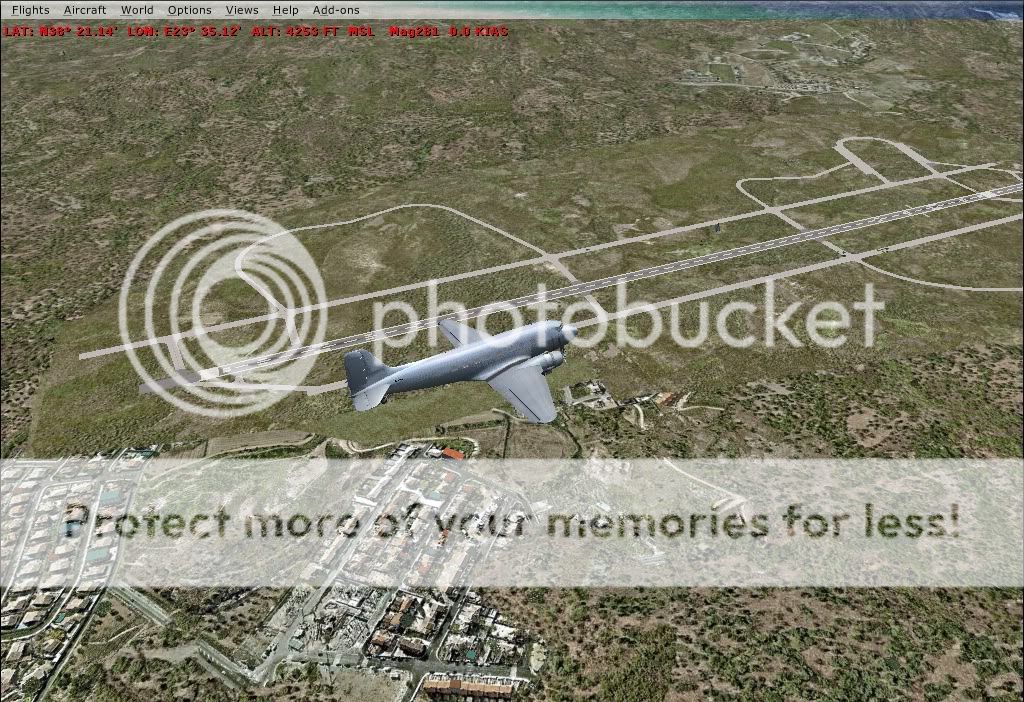
fsx2010-04-0614-34-04-31.jpg
 
Back
Top