• There seems to be an uptick in Political comments in recent months. Those of us who are long time members of the site know that Political and Religious content has been banned for years. Nothing has changed. Please leave all political and religious comments out of the forums.

    If you recently joined the forums you were not presented with this restriction in the terms of service. This was due to a conversion error when we went from vBulletin to Xenforo. We have updated our terms of service to reflect these corrections.

    Please note any post refering to a politician will be considered political even if it is intended to be humor. Our experience is these topics have a way of dividing the forums and causing deep resentment among members. It is a poison to the community. We appreciate compliance with the rules.

    The Staff of SOH

  • Please see the most recent updates in the "Where did the .com name go?" thread. Posts number 16 and 17.

    Post 16 Update

    Post 17 Warning

Shade is released !

Daube

SOH-CM-2025
Hi all,

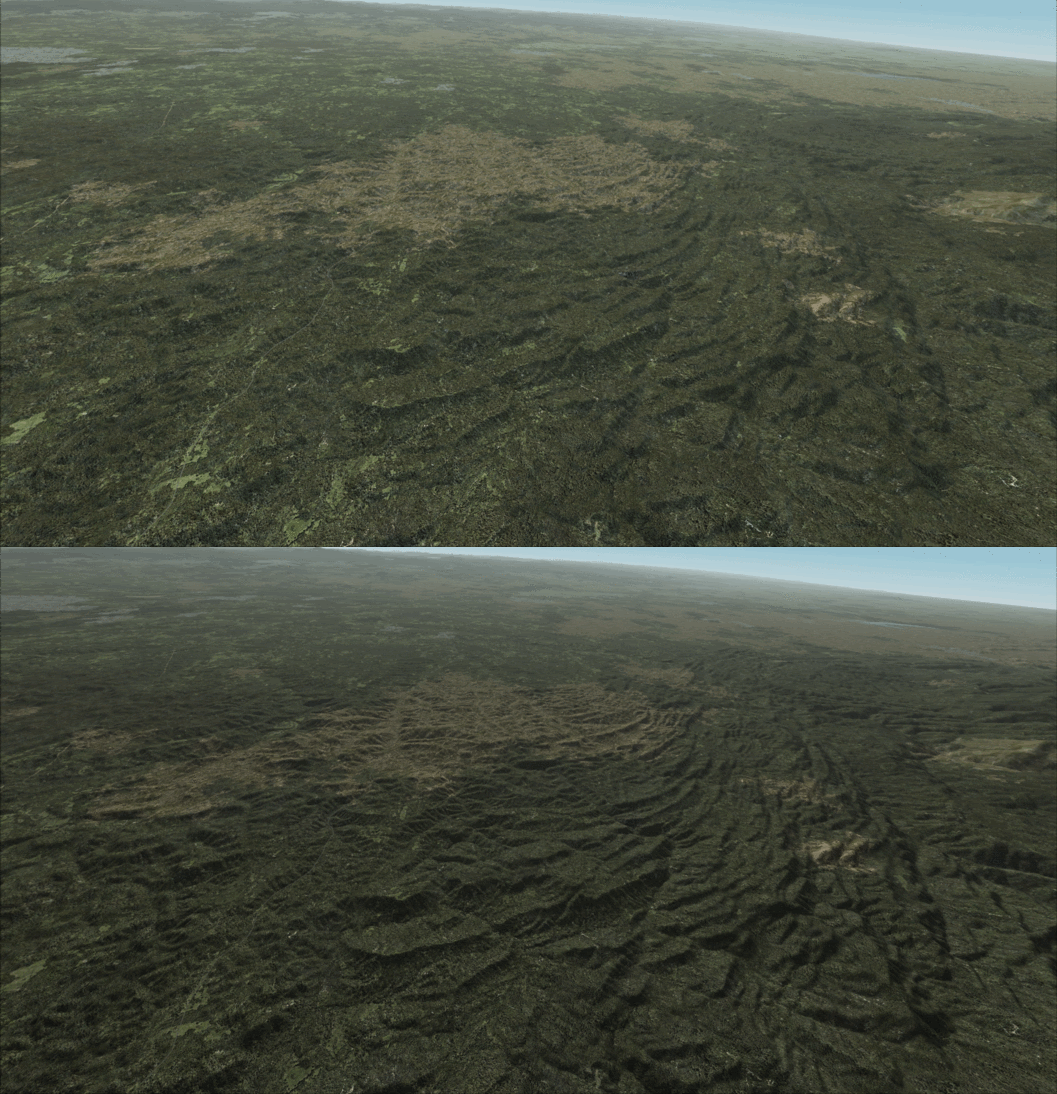
Just found this info on another forum. Shade, the little tool to tweak the lighting and shadows in FSX, has just been released on Flightsimstore.
This animated FIG will explain what it does:
2011-9-2_20-36-23-949.gif


You can find more info on the official blog:
http://shadeforfsx.blogspot.com/

More screenshots there:
http://www.playhorizon.co.uk/forums/viewtopic.php?f=10&t=4593
 
I think the ENB Series does the same thing for free, am i wrong?
I can ajdust contrast, lighting, etc with it adjusting the .ini file
 
Looks good! I'll have to give this a try as I believe it works differently to ENB and I was never too happy with ENB where frame rates were concerned.
 
I think the ENB Series does the same thing for free, am i wrong?
I can ajdust contrast, lighting, etc with it adjusting the .ini file

As I understand it, yes you are wrong.
'Shade' creates sharper, more defined shadows and light effects based on the mesh you have installed in FSX.
ENB is for the overall lighting.
Seems like many of the testers use ENB in conjunction with Shade.

3rd entry down on this Shade blog page shows an example of Orbx PNW in the morning without using ENB:
http://shadeforfsx.blogspot.com/search?updated-max=2011-08-22T09:01:00-07:00&max-results=7
 
Dug a little more...
Here's a quote from the author of the program in the Shade manual:

Shade has no effect on the use of the ENB series Dll rendering hook for FSX

You can get a copy of the Shade manual here, (this same link is provided at the Shade blog site):
http://hotfile.com/dl/129270364/2960327/Shade_userguide.pdf.html

Looks interesting. The screenshots of PNW using Shade without ENB look good to me.
I never really could get good performance using ENB, maybe Shade will be a better solution.
I'd like to have a little sharper look to FSX, personally.
 
Thanks for the information :salute:
ENB is working here for me, so i will wait for more user feedback before getting this one. I know the price is very nice but i have already too many things "working" in my fsx. Rex, enb, ase, fsc9, traffic ....
 
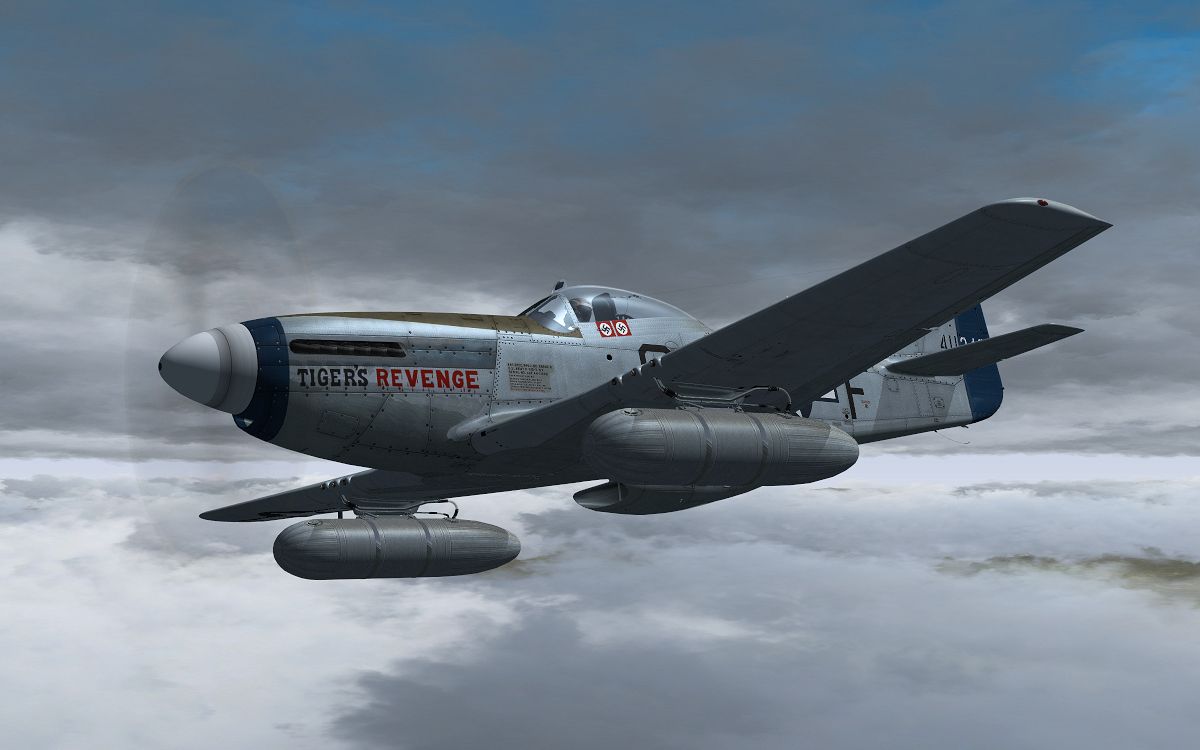
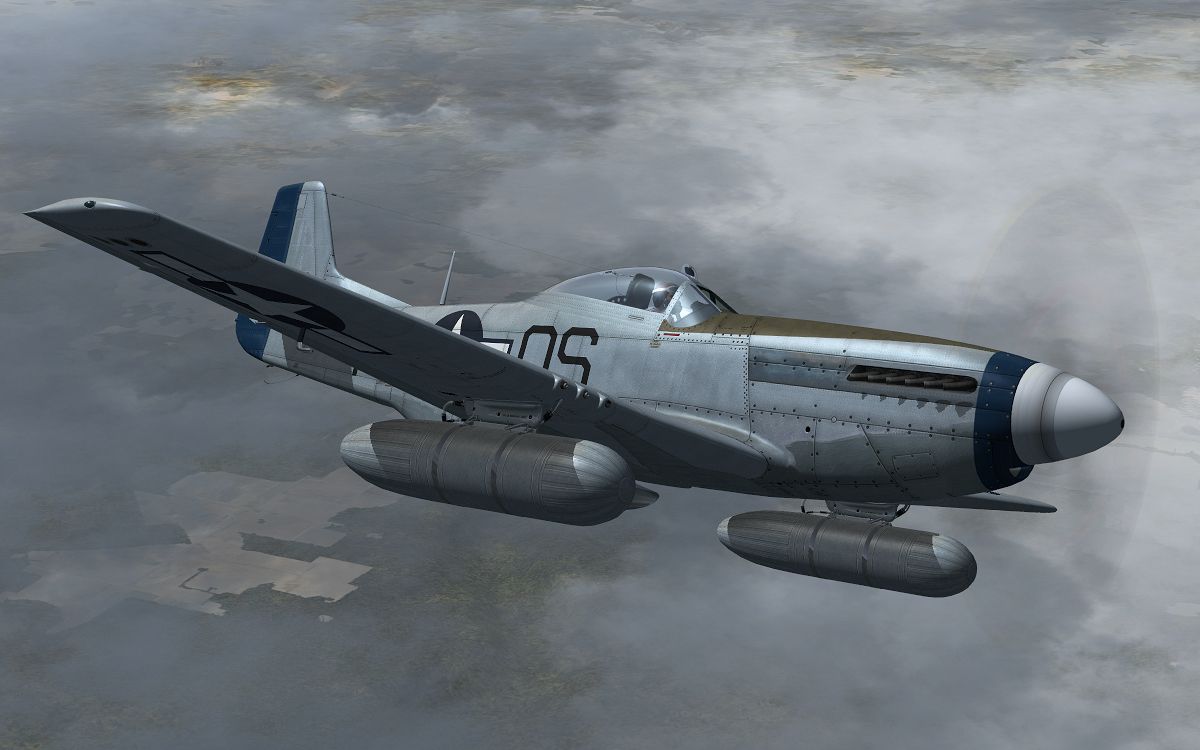
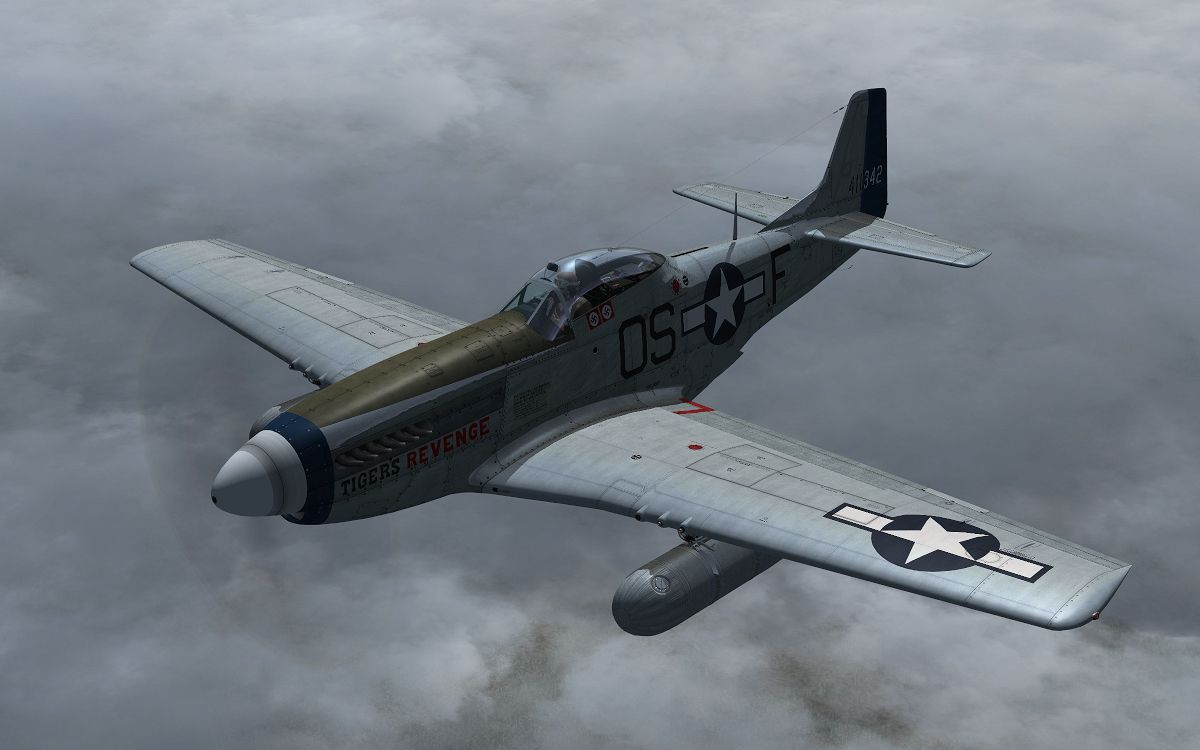
Well, I decided to buy it on a whim, and I can't say I'm disappointed - actually quite impressed by what I have seen in the sim already. My first impressions, is that within the sim, the effects that the program creates, is very similar to what I saw with "ENB", but it doesn't have any connection to 'light bloom', as I believe ENB is (which is fine by me). "Shade" allows you to directly control the brightness/darkness and color of light, shadow, and fog. It provides you with a very easy-to-use user-interface, which allows you to choose one of a good selection of pre-set configurations, or you can make/adjust your own, by selecting individual color/hue swatches, of varying degrees of brightness and darkness.

I wasn't too impressed by the default pre-set configuration (too dark and moody), but choosing one of the pre-sets, called winter chill, it is already quite close to that look that I would like within the sim - much more shading underneath the aircraft and on the ground, while keeping the light rather bright. The program does run in the background, though I haven't noticed a real performance impact.

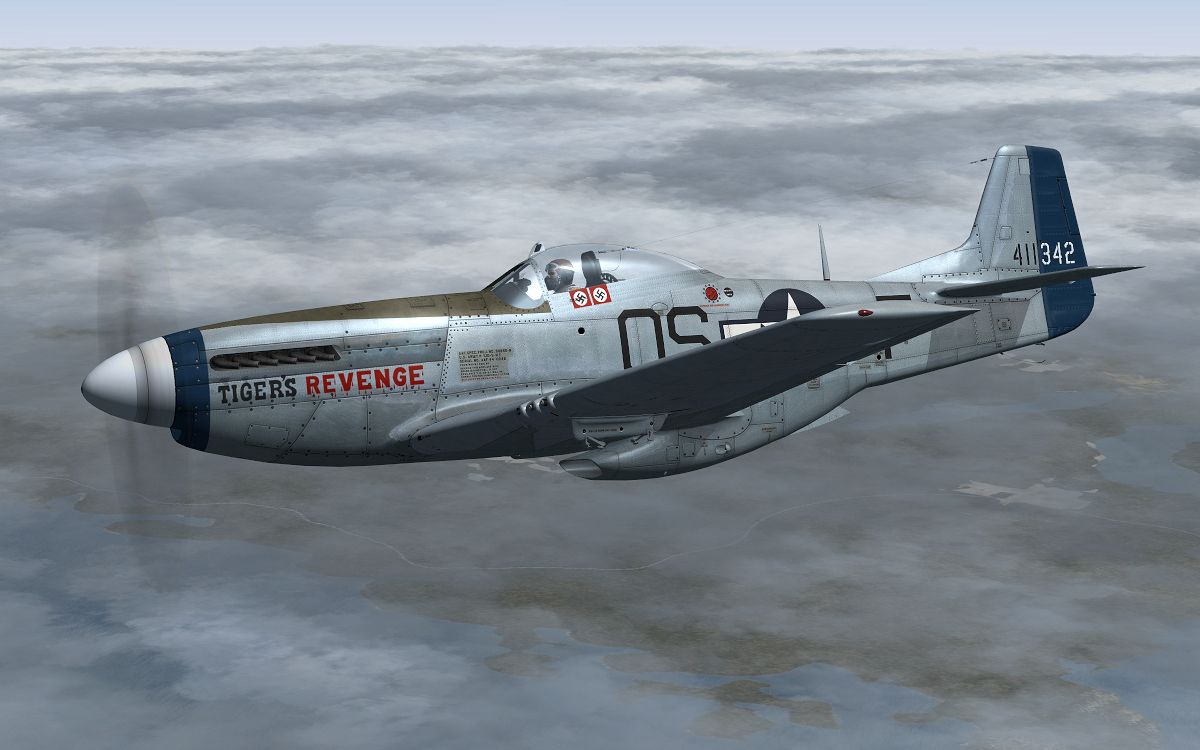
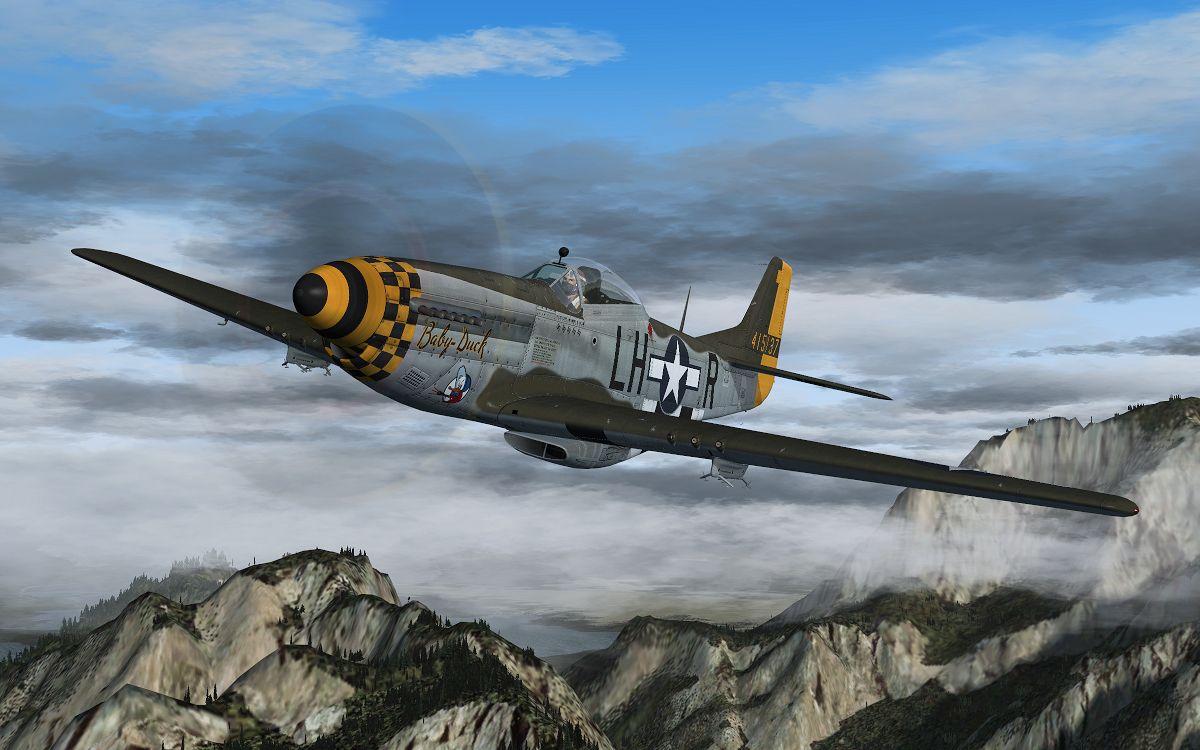
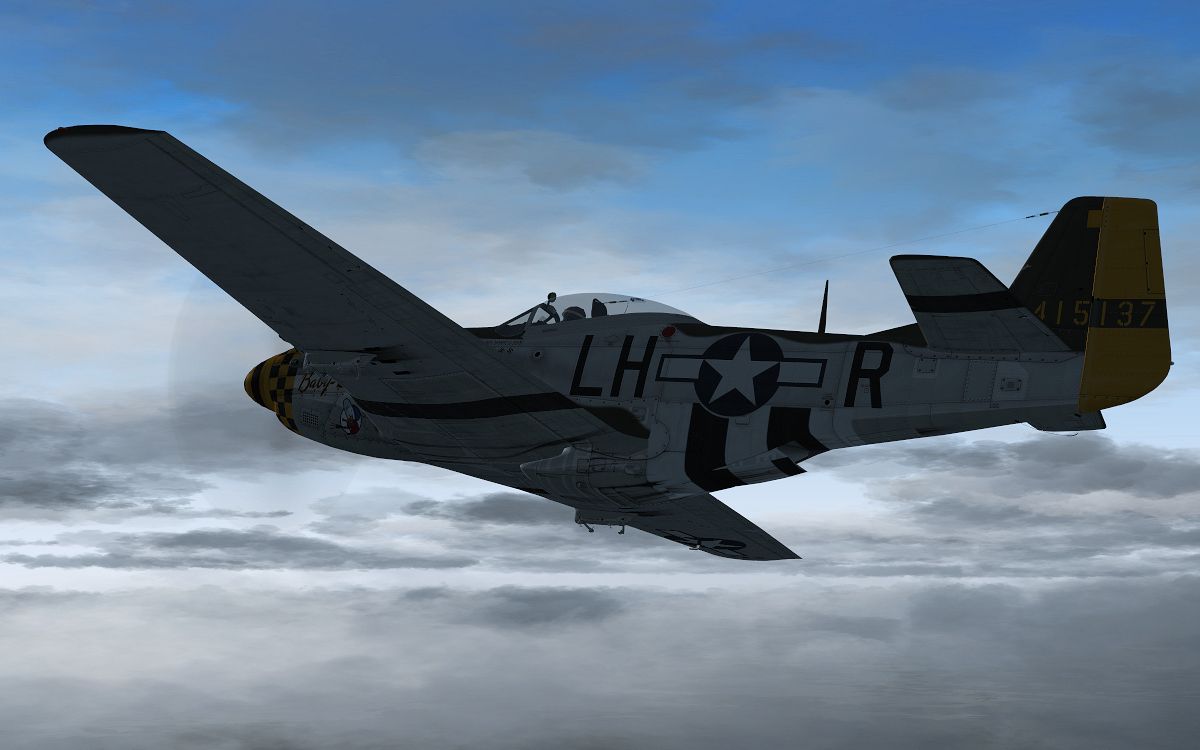
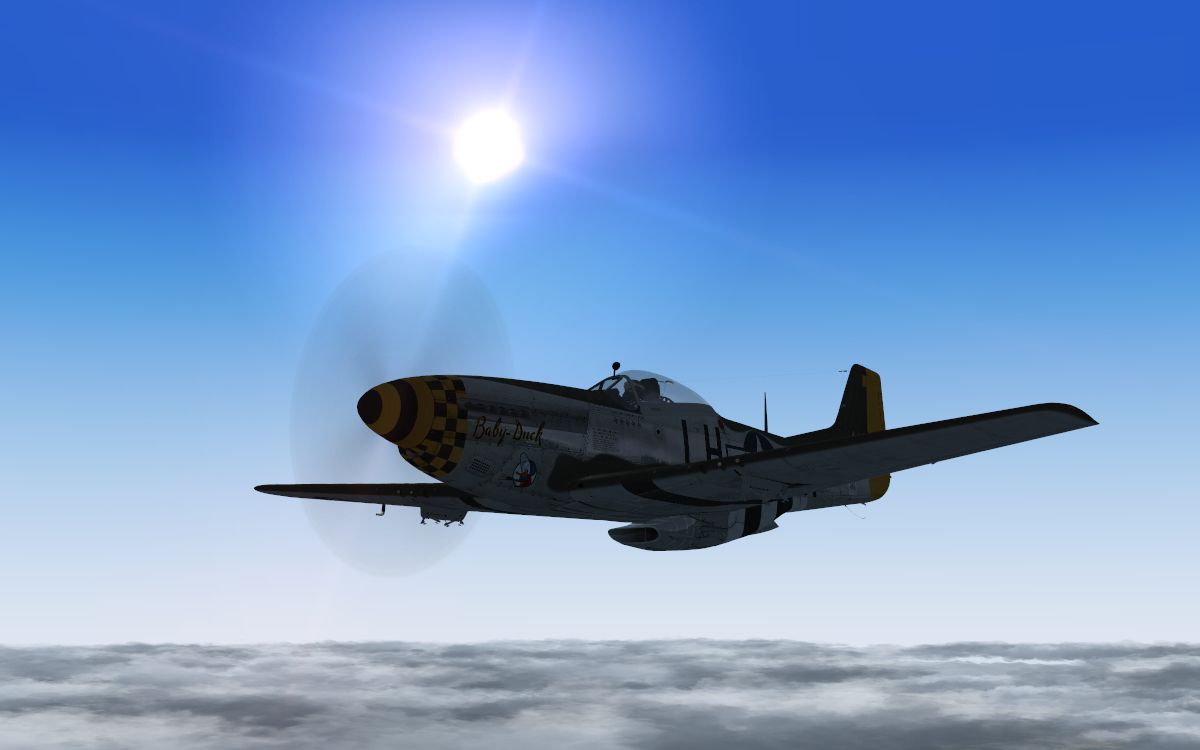
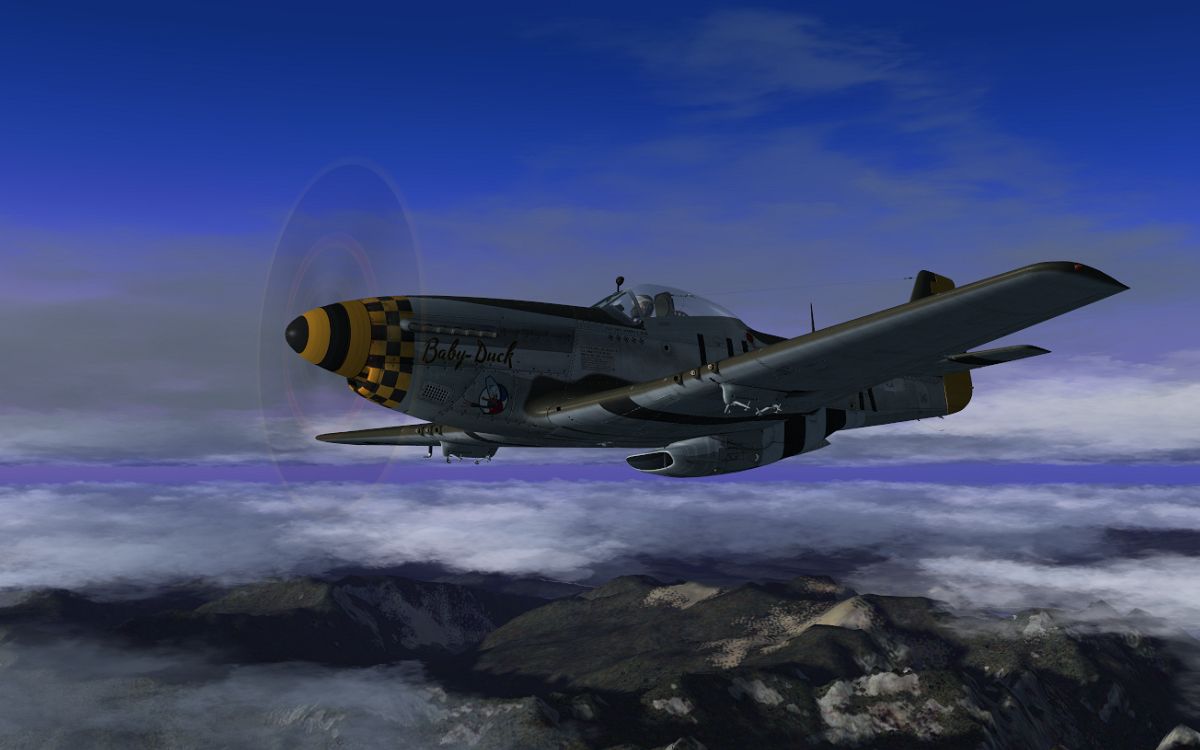
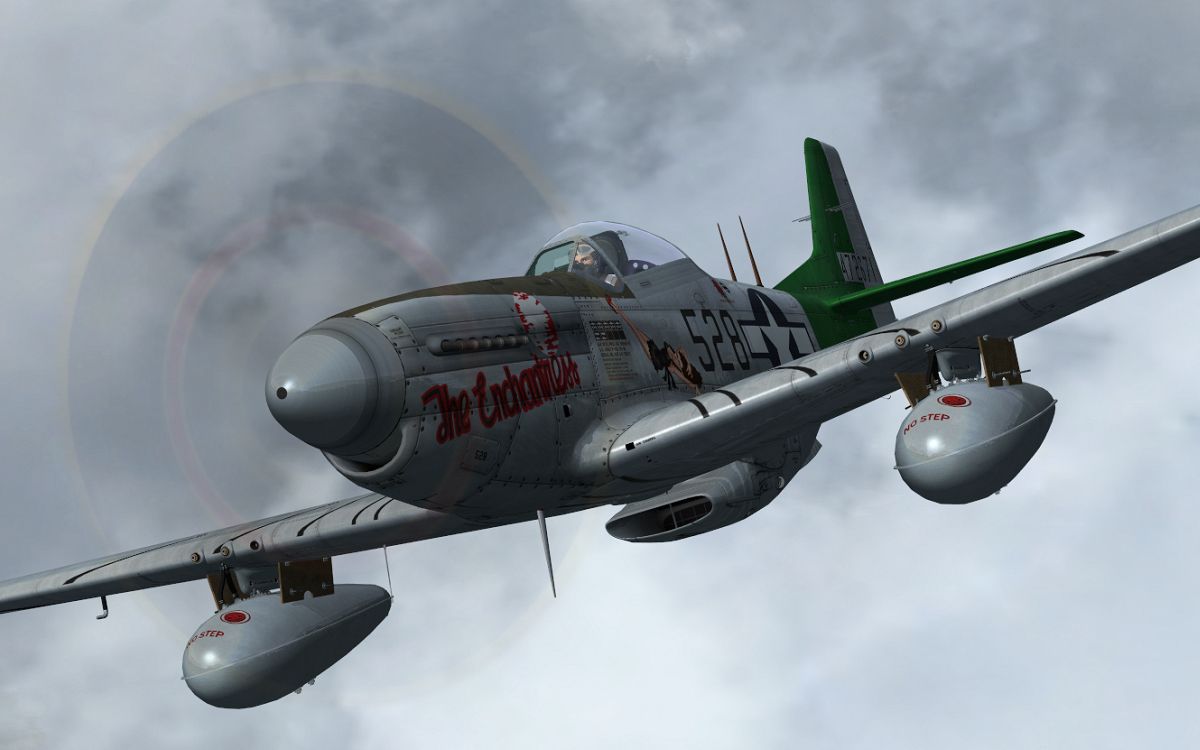
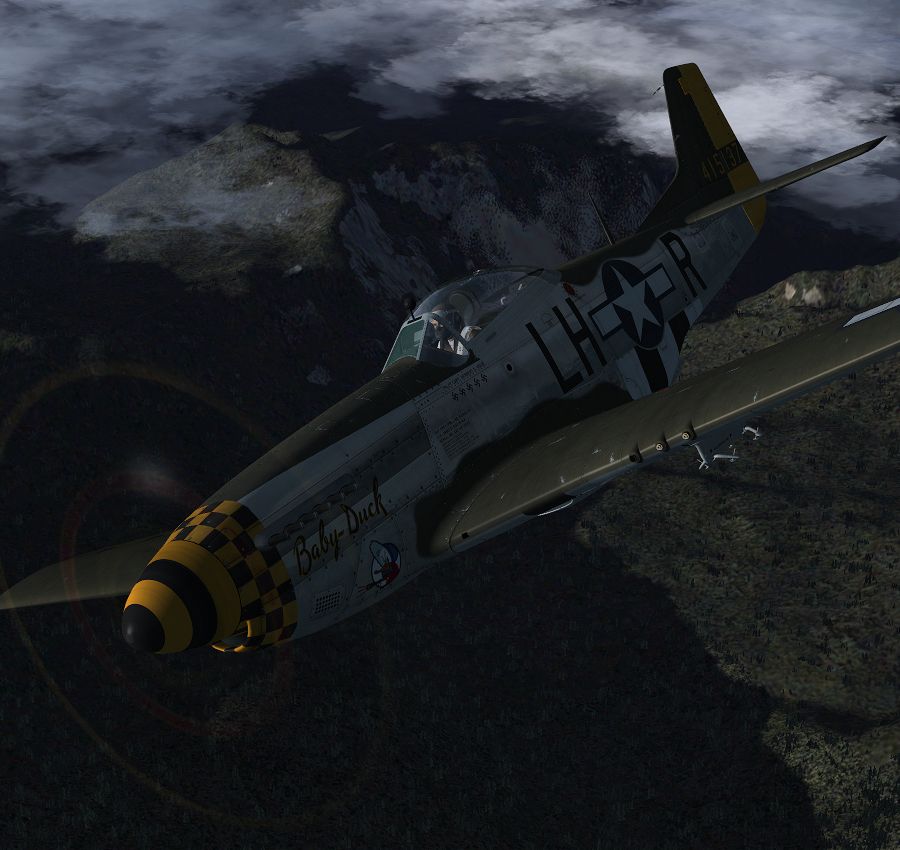
Here are a few first screenshots of mine, that except for cropping, are purely un-edited, in order to show the programs direct effect. For those who like to 'tinker' with FSX, this is another program that allows you to do that. For those who just want to more/less jump in and go (like me), it provides that too, through the pre-sets. All of the ground-scenery in the shots is pure default FSX, though I look forward to trying it out with some of the excellent scenery addons I have installed.

shade_1.jpg


shade_2.jpg


shade_3.jpg


shade_4.jpg


shade_5.jpg


shade_6.jpg


shade_7.jpg


shade_8.jpg


shade_9.jpg


Shade_10.jpg
 
I'm getting very tempted right now. I do use ENB but I also use REX and I'm slightly worried about messing REX up possibly. Also I read on the pdf that you run the shader.exe to start FSX, I assume you can point the shader.exe at a batch file instead, as I also run FPSLimiter.

Might need a couple more happy people but I'm almost there.
 
John, nice shots but I think will be better if You put screenshots of scenery, not airplane in close camera. Now it looks like Enb, so please to add couple shots of terrain :)
 
John, nice shots but I think will be better if You put screenshots of scenery, not airplane in close camera. Now it looks like Enb, so please to add couple shots of terrain :)

Well, it affects everything, including the aircraft - and it is the affect on the aircraft which I really enjoy in itself - in order to get the same contrasts within the screenshots using default FSX, you would have to edit the screenshots.

I tried ENB, but never liked it enough to keep - perhaps because it took too much guess-work to try and get the look I was after, and the performance impact was too much for my tastes (on my older machine).
 
Hey guys

Some really nice shots there john many thanks for posting them and for your possitive comments about Shade glad to hear you dig it hehe :)

The effect of lighting on the aircraft and cockpit isnt something ive really had time to make comments about either on the blog or in any forums i had been hopping to get a bit more info out there for ppl on what Shade does but FFS kinda got the drop on me with releasing it as i was expecting them to reply to me with a release date ect
but it just appeared forsale! TBO i gotta say that i dont have much of a clue about how stuff for FSX gets sold as this is my first payware release,its my own fault for not asking about this stuff first i guess ;)

& if you havent seen me posting on any FSX forums about shade or bigging it up here or there its because im not into that whole toot your own horn thing,that said i understand that i need to be about for ppl to ask things of me so if anyone has any questions feel free to post them here or PM me and i'll check back to see if i provide the info you need/want or you can always email me @ Shade4FSX+Stuff@gmail.com

Im going to try and get some more lighting presets made up in the next few days but as john pointed out and i made note on in the manual what looks good for me might not look good on everyone else's system,its one of the reasons shade evolved into what it did as orginally it was just going to be a set of preset lighting exe's but my lead beta testers Mark/Redline kicked my ass into making it into what it is now so if you see him about give him a thank you for that ;)

im also going to building a small demo that will allow ppl to checkout 1 or 2 of the presets for a limited time in FSX as i understand ppl want to see if its for them before making a purchase

BTW i've seen a few questions asking about what the performance hit is for using Shade with FSX & i can tell you that its a big fat ZERO (yep you read that right ZERO FPS hit)

FSX has always had this feature for its lighting tones to be altered its just that Shade now gives you an easy way (i hope) to access/customise it to your likeing,and unlike ENB which is post process working outside FSX,shade alters the internal lighting tone settings of FSX so it does no more work than ever did before :)

The small monitor program that is part of the launcher doesnt (should'nt) take up any CPU cycles it just sits an a few mb of ram waiting for the os to let it know when FSX finishes running so it can restore things to as they were,i may add a burn-in feature if a lot of ppl request so you can set and forget,so if thats something you'ed rather have than a launcher just the me know

Thanks again for the kind words

Cheers
Steve AKA Gizmo

 
Just one question I didn't see anywhere answered: is it a DirectX-bound modification (like ENB for DX9)?

On *my* rig the "DX10 Preview" gives me 10 - 20 additional FPS and since I prefer to fly in FTX areas I need all FPS I get. That's why I never considered using ENB and DX9. That was probably the biggest setback of DX10. If your modification can alter colour ramps independent from DirectX it would be great news for me.
 
The small monitor program that is part of the launcher doesnt (should'nt) take up any CPU cycles it just sits an a few mb of ram waiting for the os to let it know when FSX finishes running so it can restore things to as they were,i may add a burn-in feature if a lot of ppl request so you can set and forget,so if thats something you'ed rather have than a launcher just the me know
I think a burn-in feature would be cool. :jump:
 
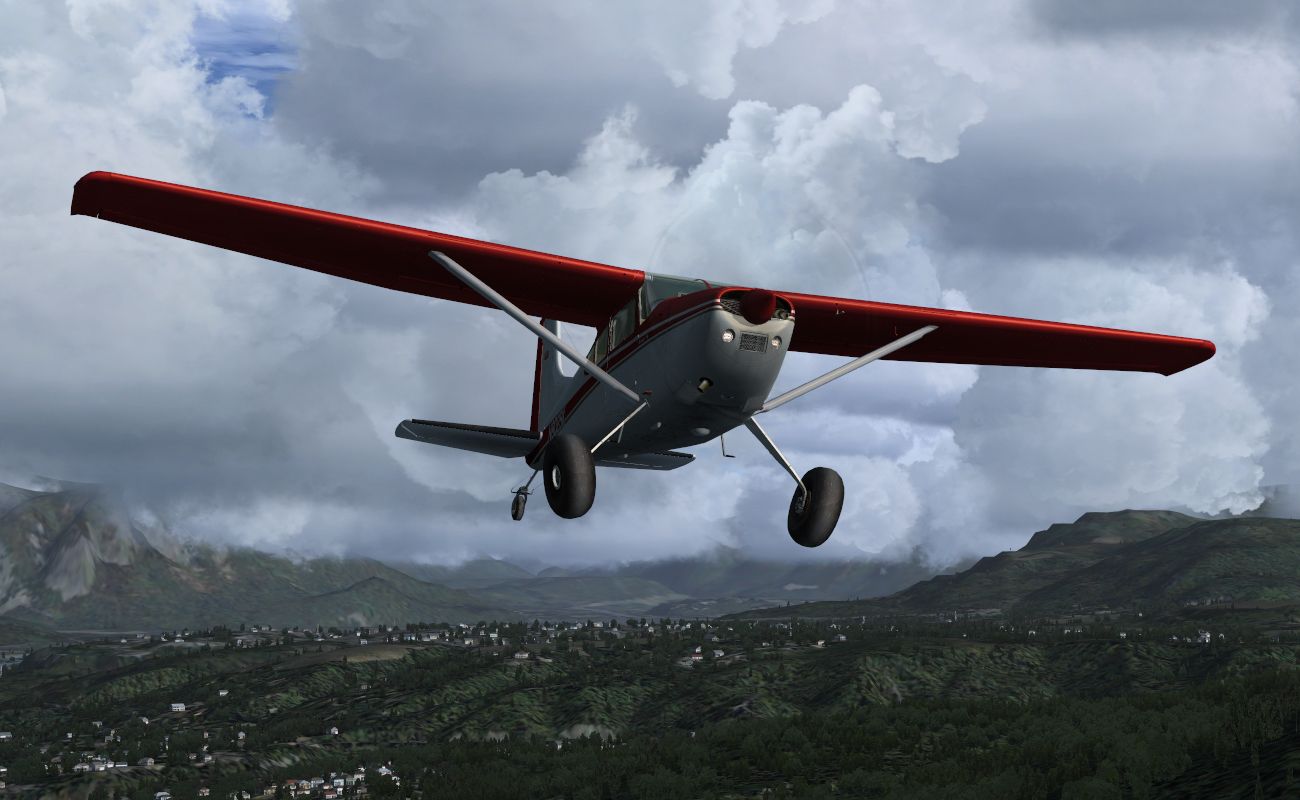
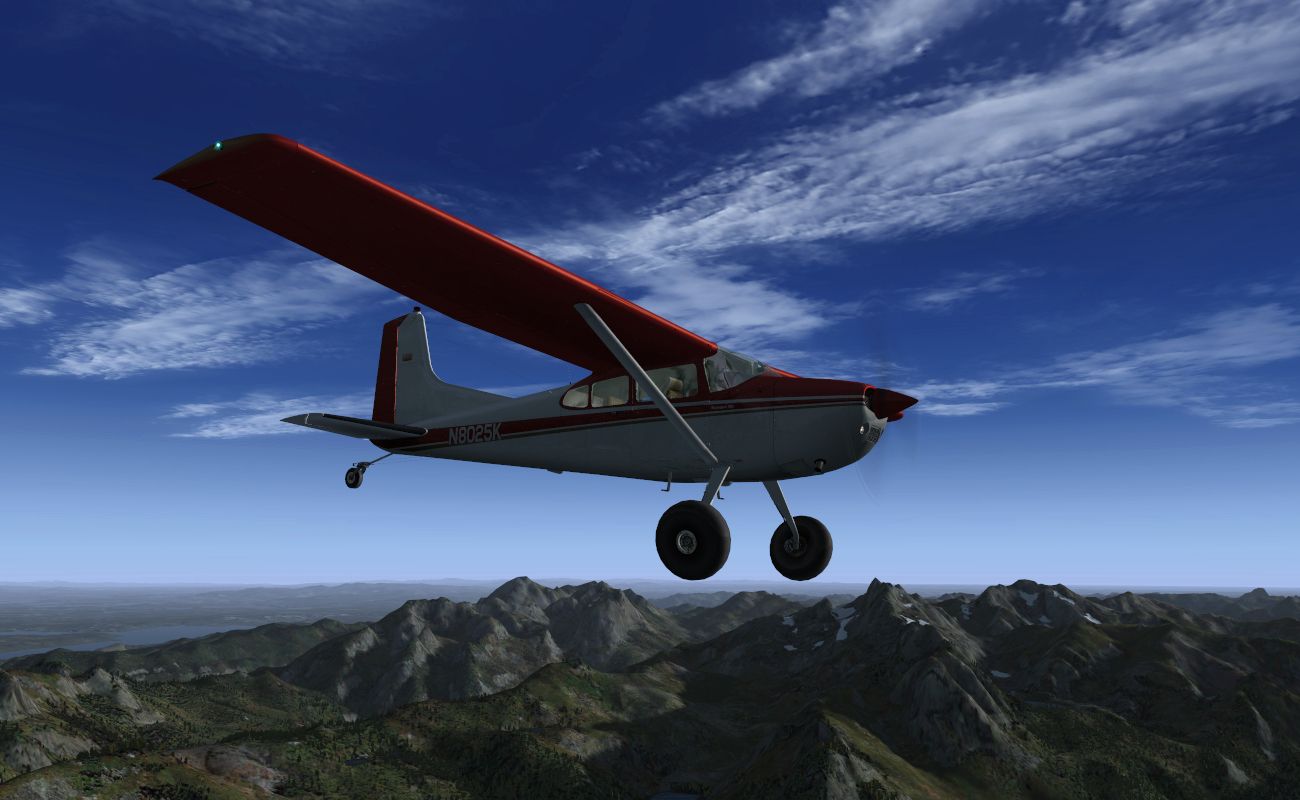
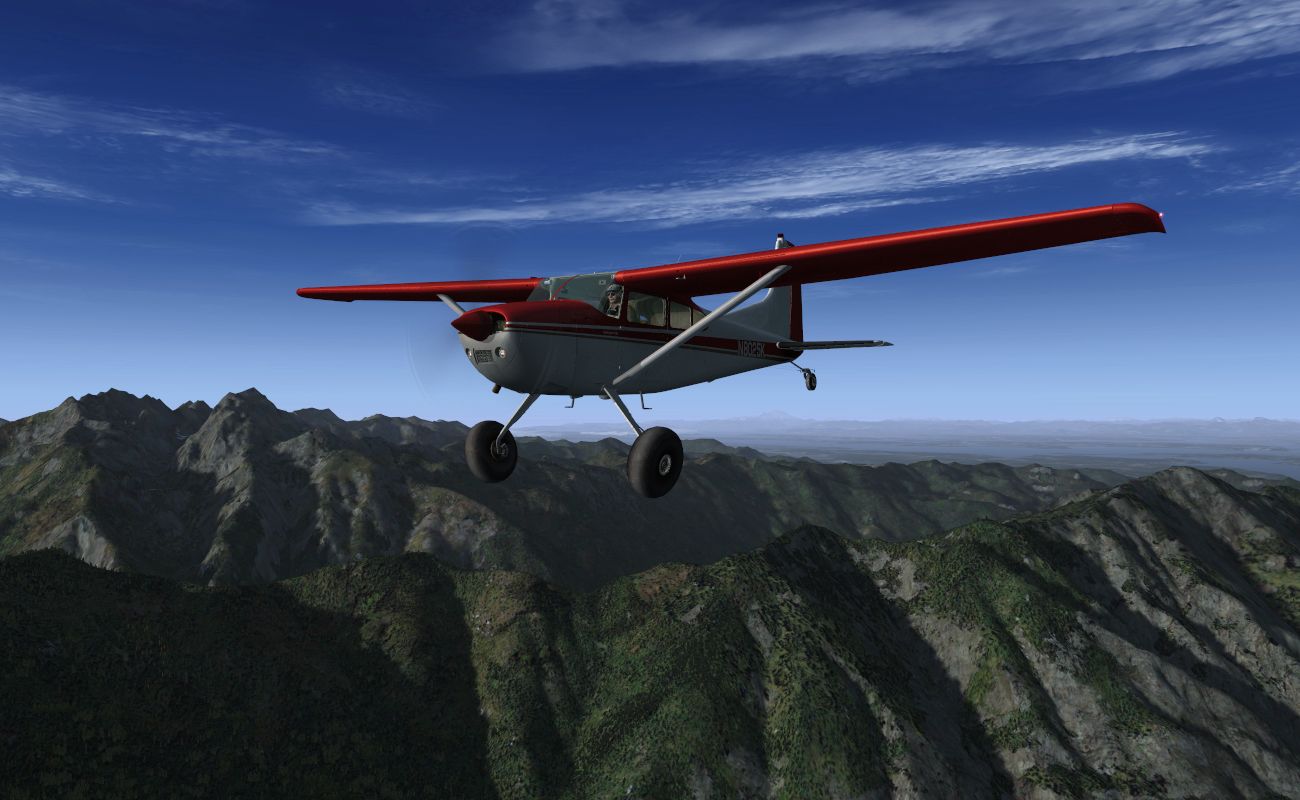
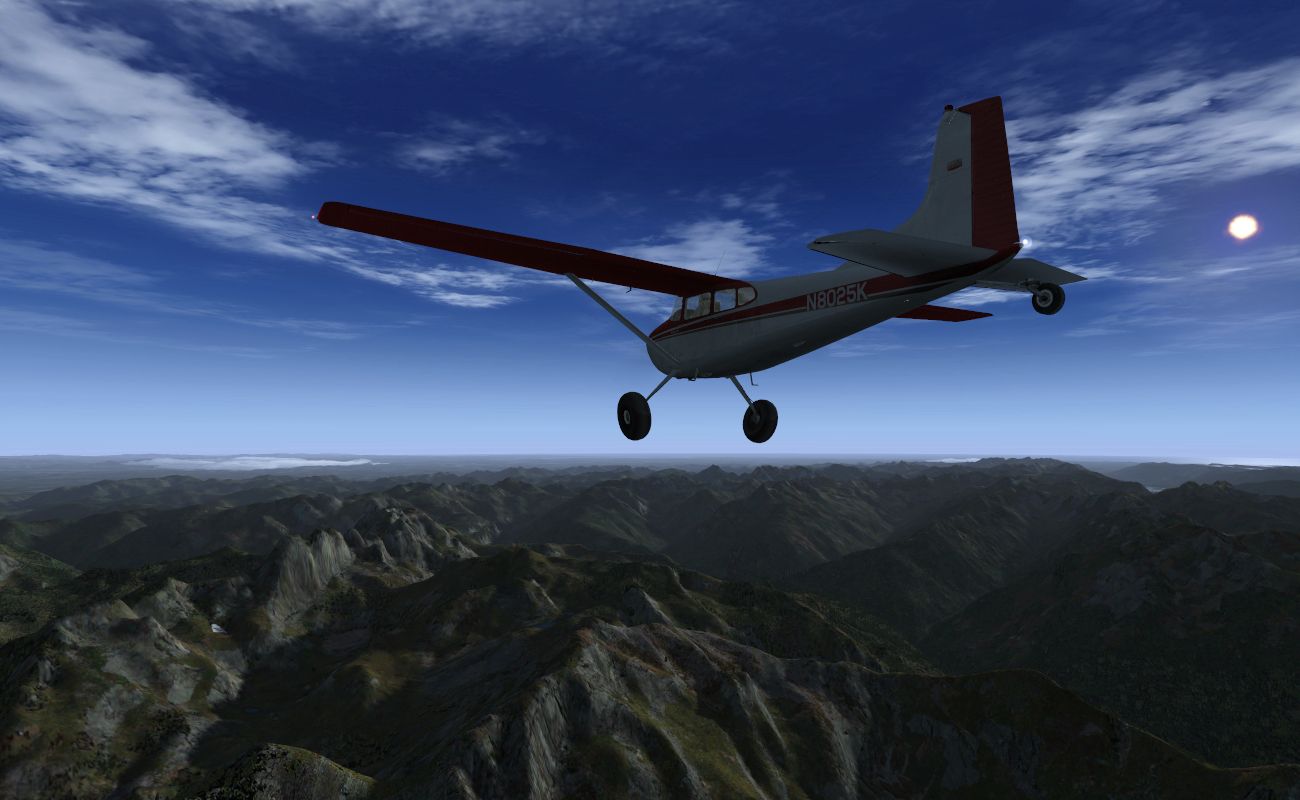
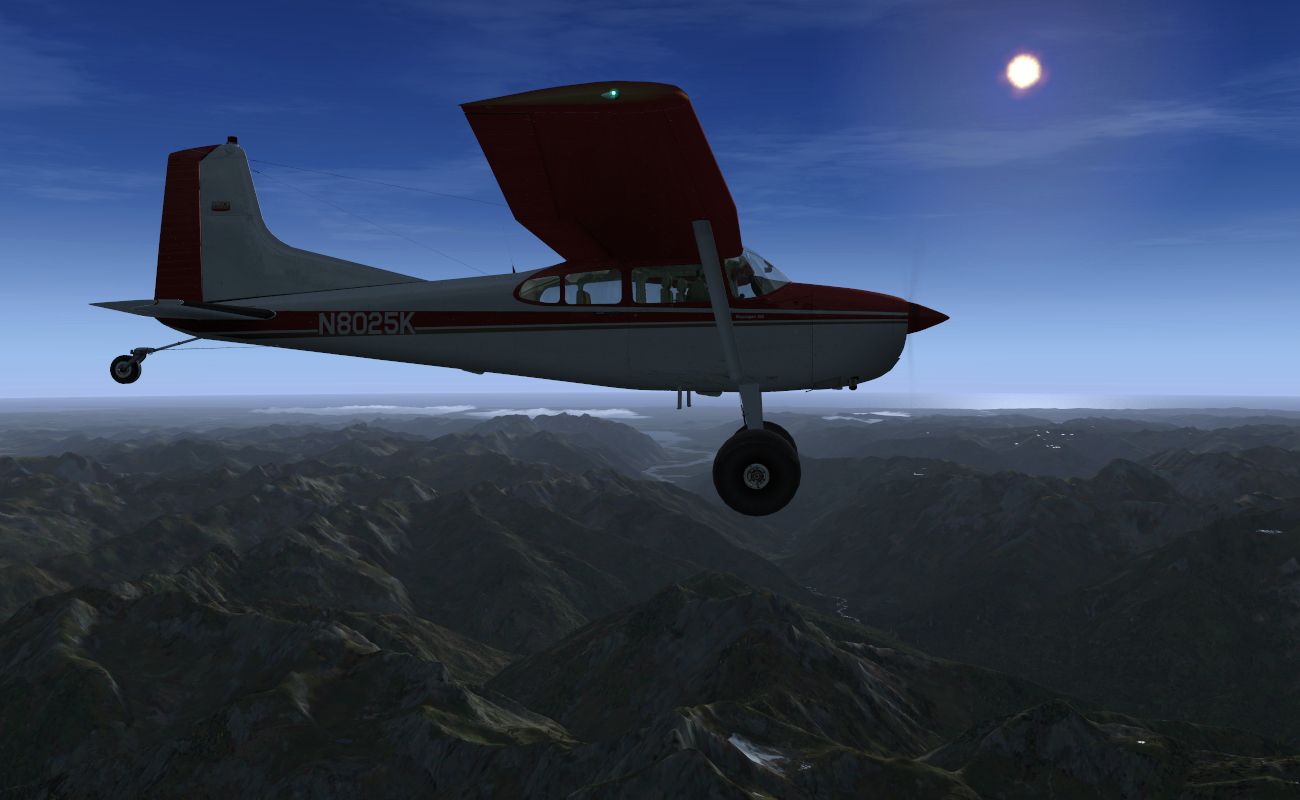
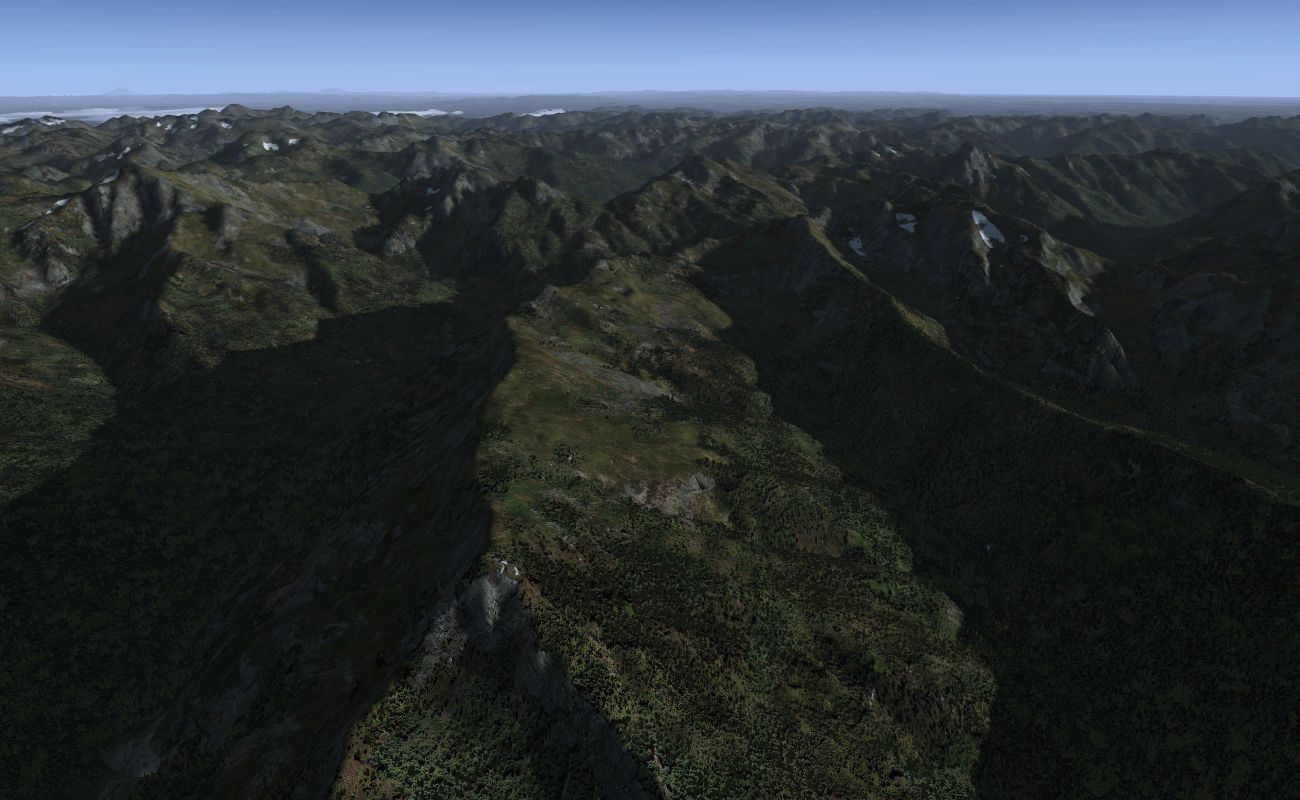
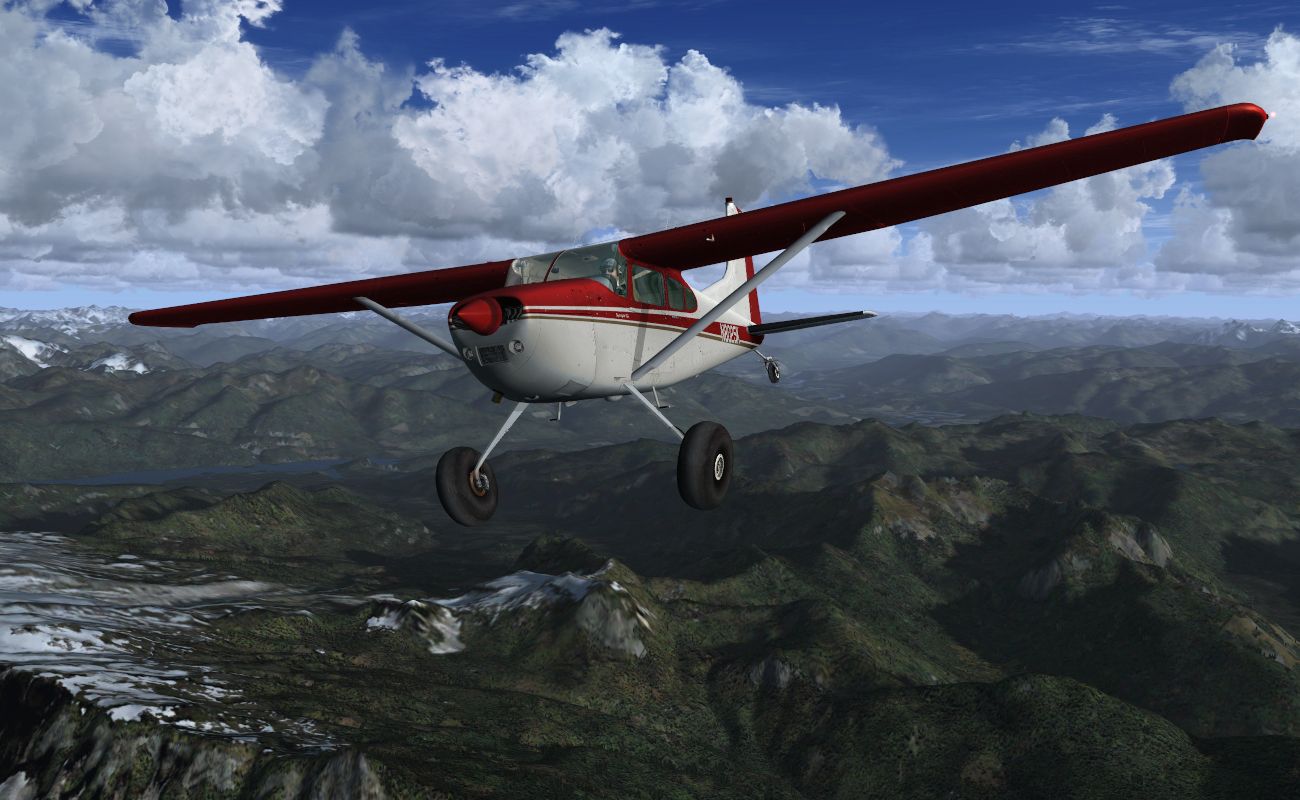
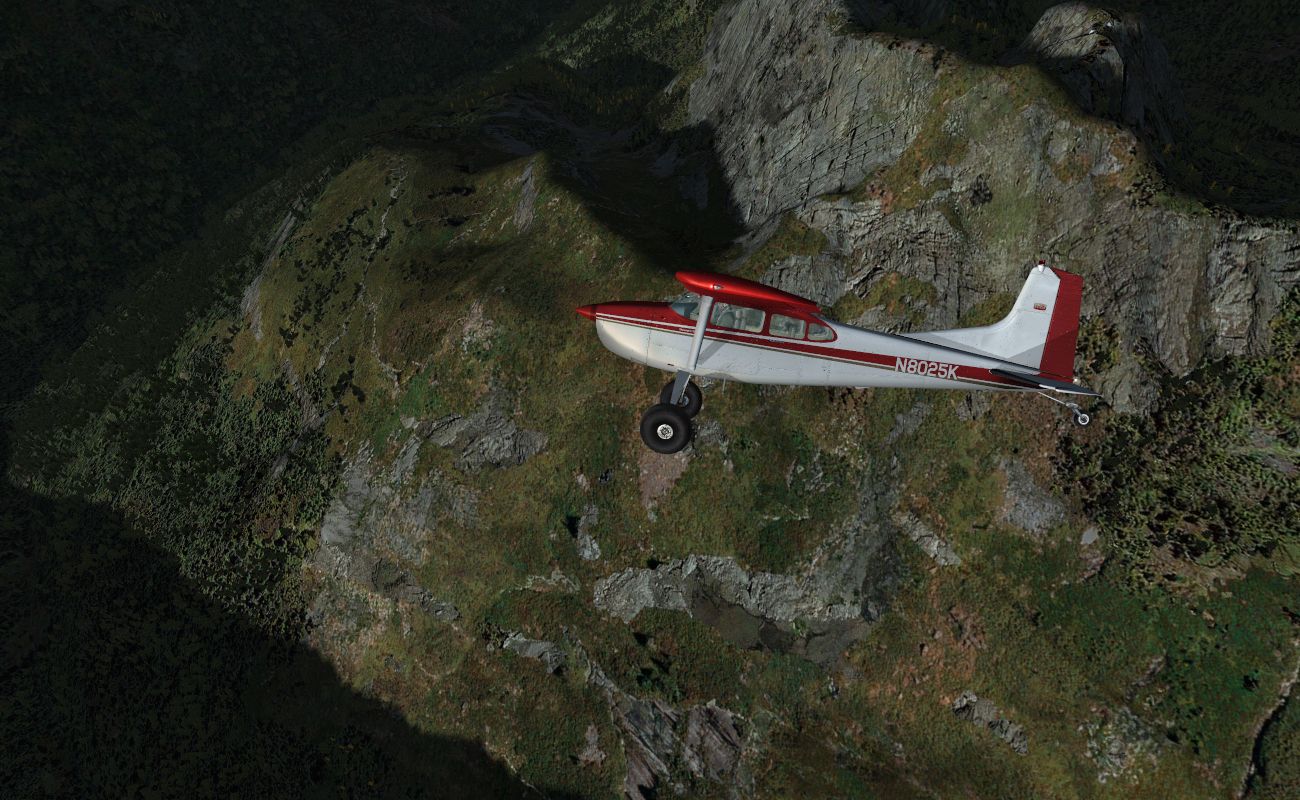
Here are some more screenshots, this time flying around ORBX PNW. Again, this is just one of the presets, so results will vary depending on which preset you choose, or settings you make yourself. Once again, these screenshots, apart from being cropped, are un-edited, thus the enhanced contrasts you see in the terrain, on the aircraft, etc., are a result of "Shade", exactly as experienced within the sim.

(You can view the images in full-saved resolution, by opening them individually in a new tab)

cessna_shade_1.jpg


cessna_shade_2.jpg


cessna_shade_3.jpg


cessna_shade_4.jpg


cessna_shade_5.jpg


cessna_shade_6.jpg


cessna_shade_7.jpg


cessna_shade_8.jpg


cessna_shade_9.jpg
 
Banned in US??

i went to purchase this, like i normally purchase anything from flightsim, and got an error message 05 do not honor.. Thinking that was quite odd, i went back and tried making the purchase again using a straight payment from my bank with my debit cvard. again 05 do not honor..
Now, theres 300 dollars in there at the moment till i pay my electric and network bill ( shudder) so i know i'm not overdrawn and I gave my bank a call.. They show the card as active, but they investigated while i went off to call VISA.. Visa confirmed my card is active but couldn't confirm anything else.. Back to the bank i go.. They did their homework.. Your add-on according to VISA is BANNED in the US.. apparently they think its a prescription or gambling or some odd stupid thing.. anyway. its a real shame. i would have loved to have had this, but at this point, it appears i'll never be able to do business through flight sim again..
Sad.. very very sad..

Pam
 
Back
Top