
-
Please see the most recent updates in the "Where did the .com name go?" thread. Posts number 16 and 17.
-
IMPORTANT DOWNLOADING INFORMATION - ALL MEMBERS PLEASE READ
Please see this thread for updates. Update Thread
SOH ADMINISTRATION
You are using an out of date browser. It may not display this or other websites correctly.
You should upgrade or use an alternative browser.
You should upgrade or use an alternative browser.
(Payware) Flight Replicas Super Cub Ultra now available
- Thread starter Barnes
- Start date
Mouse control of fuel & elevator trim
I have an interesting problem. I am using EZDOK and TRK IR with the Ultra Cub. I have a very high end system with Win 64.
I have no trouble using the mouse to activate switches etc in the EZDOK main panel view. However when I go to an EZDOK camera view of just the fuel tank selector and the elevator trim, I have no mouse control. I have no problem in other aircraft using EZDOK in any camera view. I am at a loss as to how to fix and am not sure if it is an aircraft problem or EZDOK .
Any thoughts would be greatly appreciated.
Tom Hibben
I have an interesting problem. I am using EZDOK and TRK IR with the Ultra Cub. I have a very high end system with Win 64.
I have no trouble using the mouse to activate switches etc in the EZDOK main panel view. However when I go to an EZDOK camera view of just the fuel tank selector and the elevator trim, I have no mouse control. I have no problem in other aircraft using EZDOK in any camera view. I am at a loss as to how to fix and am not sure if it is an aircraft problem or EZDOK .
Any thoughts would be greatly appreciated.
Tom Hibben

mike_cyul
SOH-CM-2026
I have an interesting problem. I am using EZDOK and TRK IR with the Ultra Cub. I have a very high end system with Win 64.
I have no trouble using the mouse to activate switches etc in the EZDOK main panel view. However when I go to an EZDOK camera view of just the fuel tank selector and the elevator trim, I have no mouse control. I have no problem in other aircraft using EZDOK in any camera view. I am at a loss as to how to fix and am not sure if it is an aircraft problem or EZDOK .
Any thoughts would be greatly appreciated.
Tom Hibben
Hi Tom,
I don't have EZDOK, but one of the beta testers did. He initially had difficulties similar to yours, but in the end it turned out to be that he hadn't set the camera config for the Ultra. Could that be it?
Mike

falcon409
SOH-CM-2026
Mike, just purchased the Ultra and I have to say, WOW, lol. What a terrific airplane. Lionheart and I hooked up for some Touch n' Go's at Diamond point then low and slow over the landscape to Fairchild. We hit a few small fields along the way, and it was just a great experience. Bill said it looked like an elevator, lol. You barely get rolling and she's airborne, just amazing. Thanks for all the hard work and the "Ultra" experience. :salute:
:salute:
I have an interesting problem. I am using EZDOK and TRK IR with the Ultra Cub. I have a very high end system with Win 64.
I have no trouble using the mouse to activate switches etc in the EZDOK main panel view. However when I go to an EZDOK camera view of just the fuel tank selector and the elevator trim, I have no mouse control. I have no problem in other aircraft using EZDOK in any camera view. I am at a loss as to how to fix and am not sure if it is an aircraft problem or EZDOK .
Any thoughts would be greatly appreciated.
Tom Hibben
Hi Tom,
I'm the beta tester Mike mentioned and used EZdok throughout testing, although not with TrackIR. I did forget initially to use the EZCA config tool to initialise the Ultra for EZdok camera, the result being some strange internal and external views but I'm guessing you have done this as your problem isn't views as such. My setup was to use an existing camera profile I had created for the Super Cub Extreme which is almost the same as the Ultra and I only had to tweak the magnification and position slightly. Like you I use a dedicated internal view for tank selector and trim but have no problems with mouse control.
The fact that mouse control works ok in other aircraft views suggests the problem is specific to that view so first off I'd suggest comparing the various view settings (POV, mouse movement etc.) using the EZdok view configuration dialog for an aircraft view that works against the one that doesn't looking for any differences. If they appear the same then you could delete the offending view, clone or copy one that works and then tweak that back to the view you want (this is how I set up my views initially). Another thought - did you set the views up from scratch for the Ultra or import from another similar aircraft? I've found this to cause problems on occasion depending on how dissimilar the geometries of the aircraft are. Finally, have you checked without TrackIR support enabled? I can't see this would make any difference for one particular view but maybe worth trying.
Let me know what you find.
Rob
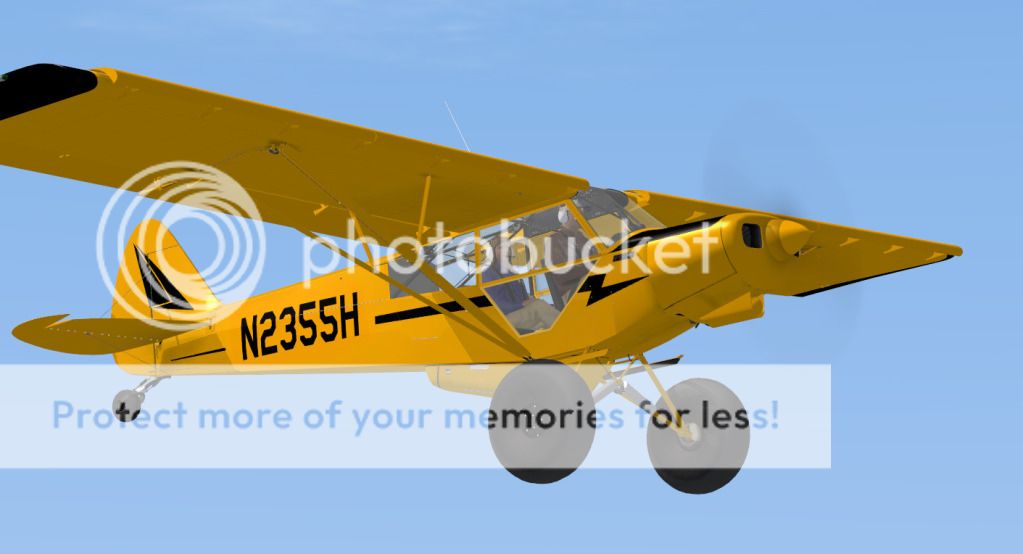
Another repaint based on a real world cub with slat wings - not exact model.
Please download from here https://www.cx.com/mycx/share/wL0m_...ica Super Cub Ultra Repaint N749RE Silver.zip or SOH Warbirds library.
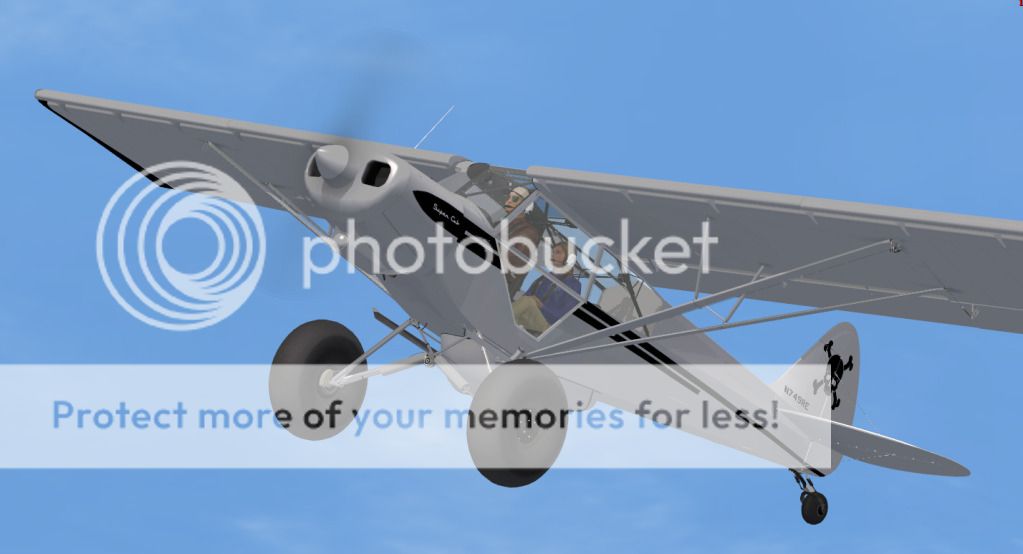
Please download from here https://www.cx.com/mycx/share/wL0m_...ica Super Cub Ultra Repaint N749RE Silver.zip or SOH Warbirds library.
(Solved) Mouse control in EZDOK view
Hi Rob,
It is working now. I know I had run the config tool after the last update, but I don't think I did after installing the yellow cub textures. That may have been it.
The interesting thing is that when I was in the main panel view prior to getting it working, the tank selector was visible and I could control with the mouse. I also removed the view of the trim and fuel once more and reinstalled. I had done that once before but it didn't help at that time. Bottom line is that it is working.
Thanks again for help and your part in developing a really great plane.
Tom Hibben
Hi Tom,
I'm the beta tester Mike mentioned and used EZdok throughout testing, although not with TrackIR. I did forget initially to use the EZCA config tool to initialise the Ultra for EZdok camera, the result being some strange internal and external views but I'm guessing you have done this as your problem isn't views as such. My setup was to use an existing camera profile I had created for the Super Cub Extreme which is almost the same as the Ultra and I only had to tweak the magnification and position slightly. Like you I use a dedicated internal view for tank selector and trim but have no problems with mouse control.
The fact that mouse control works ok in other aircraft views suggests the problem is specific to that view so first off I'd suggest comparing the various view settings (POV, mouse movement etc.) using the EZdok view configuration dialog for an aircraft view that works against the one that doesn't looking for any differences. If they appear the same then you could delete the offending view, clone or copy one that works and then tweak that back to the view you want (this is how I set up my views initially). Another thought - did you set the views up from scratch for the Ultra or import from another similar aircraft? I've found this to cause problems on occasion depending on how dissimilar the geometries of the aircraft are. Finally, have you checked without TrackIR support enabled? I can't see this would make any difference for one particular view but maybe worth trying.
Let me know what you find.
Rob
Hi Rob,
It is working now. I know I had run the config tool after the last update, but I don't think I did after installing the yellow cub textures. That may have been it.
The interesting thing is that when I was in the main panel view prior to getting it working, the tank selector was visible and I could control with the mouse. I also removed the view of the trim and fuel once more and reinstalled. I had done that once before but it didn't help at that time. Bottom line is that it is working.
Thanks again for help and your part in developing a really great plane.
Tom Hibben
Glad it's working Tom, EZdok can be a bit quirky at times but I wouldn't be without it now I can make it do what I want! Testing the Ultra was great fun and followed on nicely from clocking up 200+ hours in the Super Cub Extreme over Alaska and the Pacific North West. The Ultra is now my aircraft of choice for exploring these regions.
Have fun
Have fun
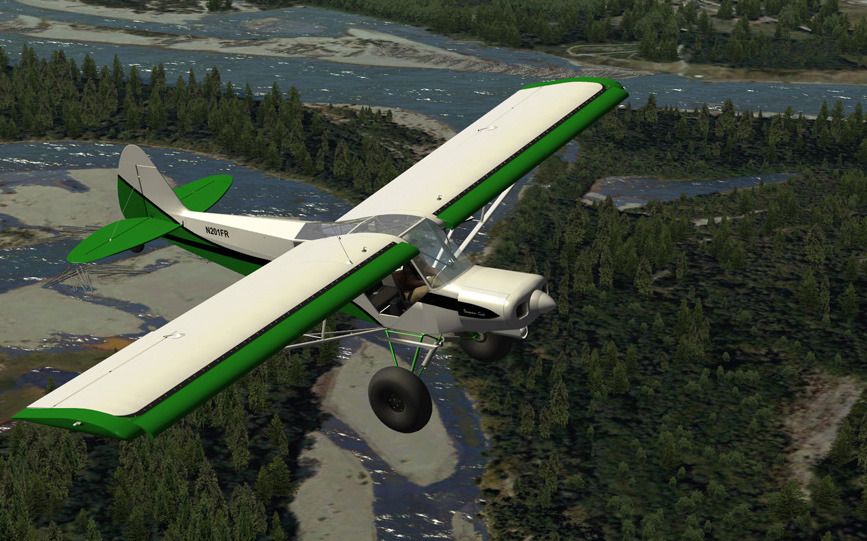
Another repaint based on a real world cub with slat wings - not exact model.
Thanks for the repaints, nice work.
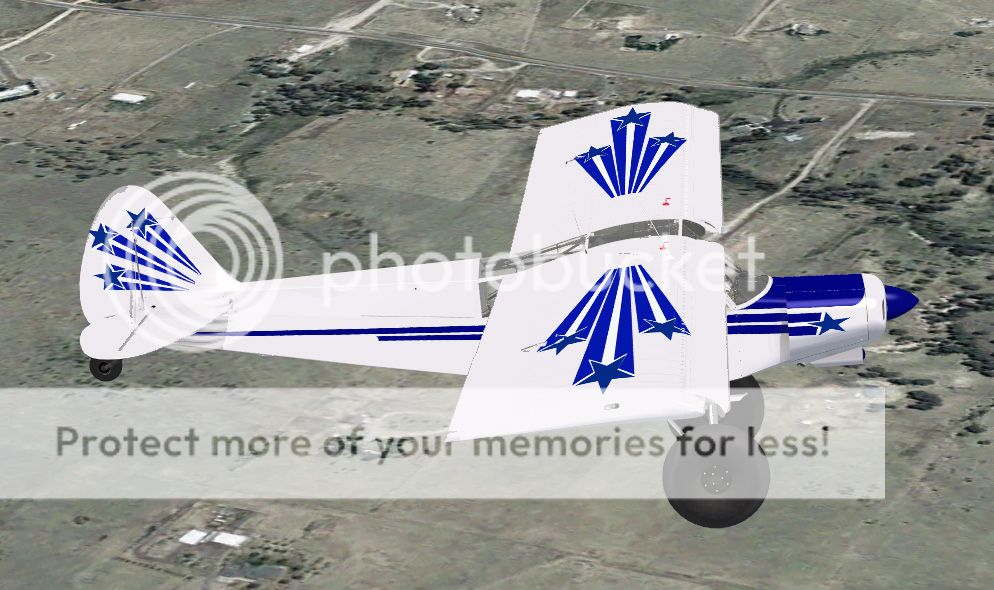
I think the blue looks better on the yellow. Please download from here..
https://www.cx.com/mycx/share/izFxR...Replica Super Cub Ultra Repaint Bluestars.zip
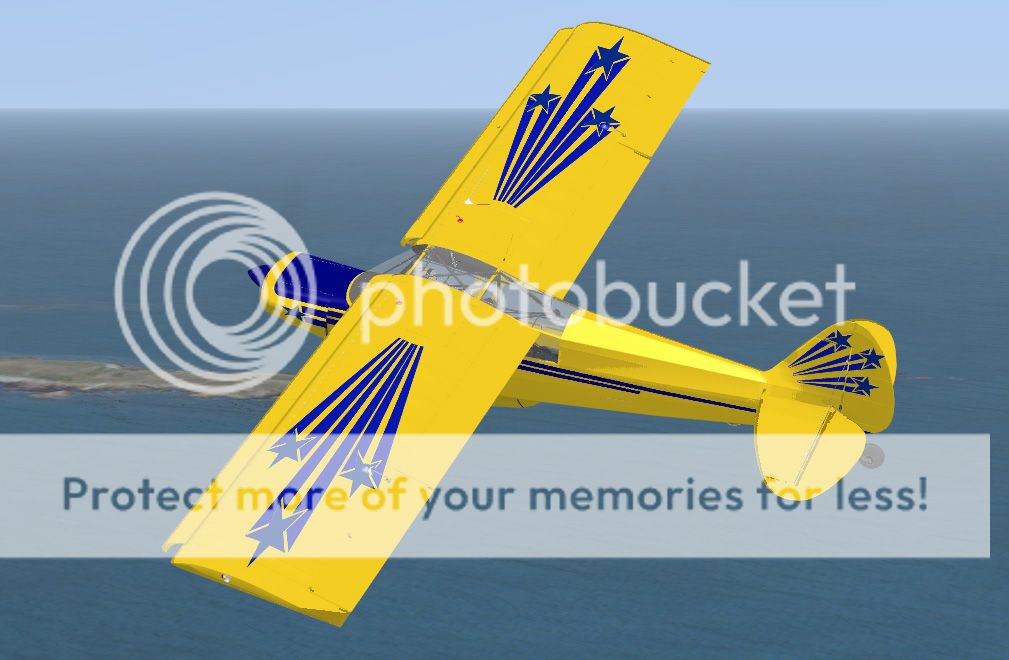
https://www.cx.com/mycx/share/izFxR...Replica Super Cub Ultra Repaint Bluestars.zip
Im trying out the paintkit with an all yellow version - a bit more to do.
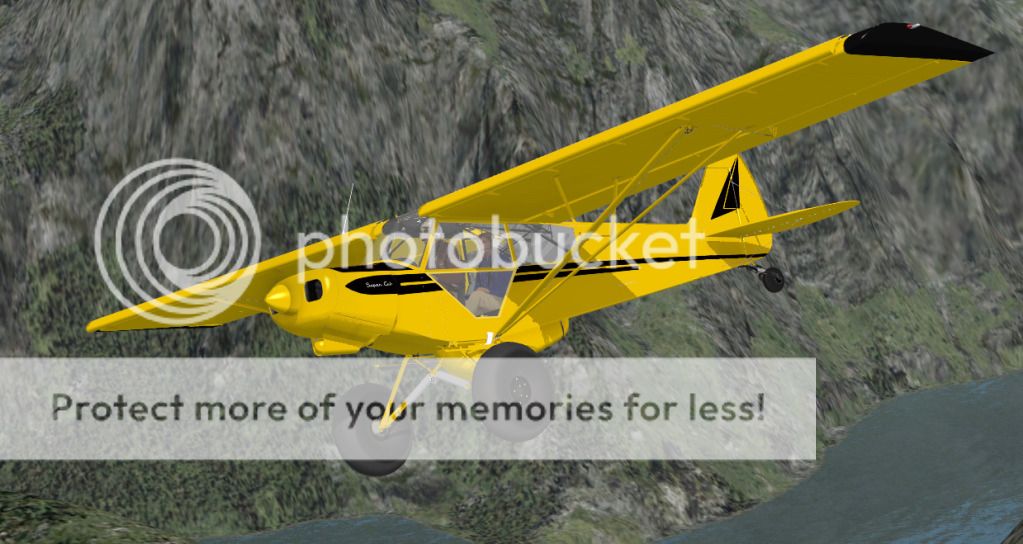
Did this paint get posted? it would be perfect with a little bit darker yellow
Tom
HI
Please download this one from here.....https://www.cx.com/mycx/share/4plo25LrEeG4SBICOA-R7w/Flight Replica Ultra repaint Storch.zip
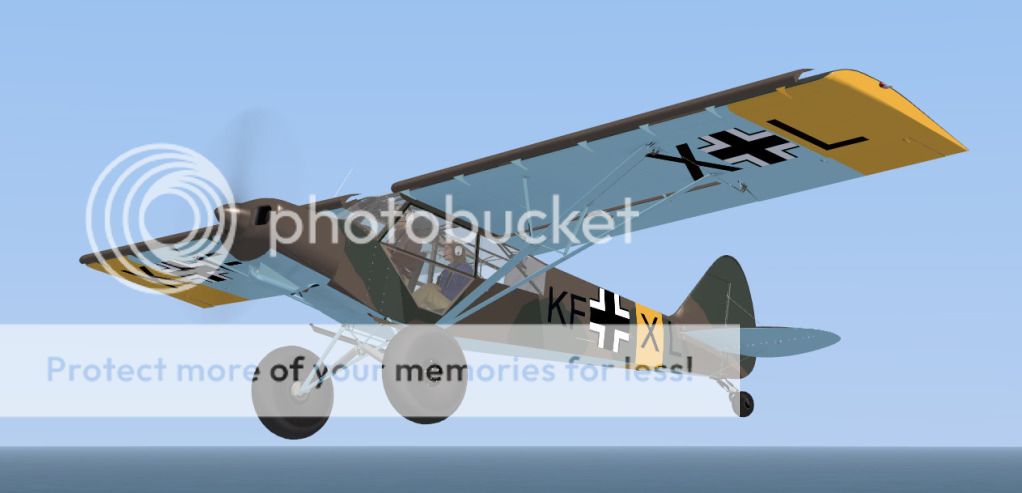
Please download this one from here.....https://www.cx.com/mycx/share/4plo25LrEeG4SBICOA-R7w/Flight Replica Ultra repaint Storch.zip
Went Camping at Chutine Lake:mixedsmi: I think the performance of this baby is out of this world, haven't had this much fun in a long time. And it flies like a dream. The only thing it needs are muddy tundra-tyres and a dirty paint job... I'm probably gonna do something about that.


ramjet
Charter Member
Move over Loopy Larry.
Hi,
I'm having a lot of fun flying the Ultra. I spent many weeks trying to land a default cub on the moving bus in FSX missions and if I'd have had this baby it would have been drop it and stop it time. I have been doing extreme STOLs and I marvel at how I can leap off the RW and climb out then land in someone's driveway or yard. I have yet to skim a lake on an approach but that's coming too.
Really a great piece of work, congratulations to Mike and Flight Replicas, what's next.
good flights, Cal
Hi,
I'm having a lot of fun flying the Ultra. I spent many weeks trying to land a default cub on the moving bus in FSX missions and if I'd have had this baby it would have been drop it and stop it time. I have been doing extreme STOLs and I marvel at how I can leap off the RW and climb out then land in someone's driveway or yard. I have yet to skim a lake on an approach but that's coming too.
Really a great piece of work, congratulations to Mike and Flight Replicas, what's next.
good flights, Cal