
-
Please see the most recent updates in the "Where did the .com name go?" thread. Posts number 16 and 17.
-
Special Server Maintenance
Just when you think you have everything running some what better...
You get a message from the Hosting company. Short story they need to move us to a new server. I have been working with them to plan a good date for all concerned. Here is what we have come up with as a schedule.
- November 4th 17:00 -5UTC shut off the forums and start backup proceedures. During this time there will be no access to the forums or the Resource Section.
- November 5th Continue with Backups and download same until complete.
- November 6th 7:00 turn over server to hosting company to move system to new server
- November 7th - 8th restore backups and upgrade forum software.
If all goes well we should be back online on November 8th.
To keep you updated Tom Clayton has offered to post updates on AVSIM forums.
Thank you for your support.
You are using an out of date browser. It may not display this or other websites correctly.
You should upgrade or use an alternative browser.
You should upgrade or use an alternative browser.
179 New AI ships released
- Thread starter kl791
- Start date


YoYo
SOH-CM-2023
Hi kl791 and Thank You for Your hard work (and all Team).
Just a question about alternative installations. Most of the time I fly over the ground, so I dont need to have this traffic always "active".
I created in AddonScenery new forlder dedicated for AI ships on/off for me. Here I put Whole Your Scenery from every ZIP file (like from the manual) but here is a problem. Which folder must be active? In This forlder I have 2 folders named Scenery now:
examples
1/ Prepar3D v2\Addon Scenery\AI Ship Traffic P3D\Scenery
2/ Prepar3D v2\Addon Scenery\AI Ship Traffic P3D\Scenery\World\Scenery
In the first and second I see bgl files with traffic.
For example
In the First:
traffic_Ships_BR_Angra_Ilha_Bella_20014... ect
In the second:
traffic_Ships_Africa_Abidjan_49173... ect
Just a question about alternative installations. Most of the time I fly over the ground, so I dont need to have this traffic always "active".
I created in AddonScenery new forlder dedicated for AI ships on/off for me. Here I put Whole Your Scenery from every ZIP file (like from the manual) but here is a problem. Which folder must be active? In This forlder I have 2 folders named Scenery now:
examples
1/ Prepar3D v2\Addon Scenery\AI Ship Traffic P3D\Scenery
2/ Prepar3D v2\Addon Scenery\AI Ship Traffic P3D\Scenery\World\Scenery
In the first and second I see bgl files with traffic.
For example
In the First:
traffic_Ships_BR_Angra_Ilha_Bella_20014... ect
In the second:
traffic_Ships_Africa_Abidjan_49173... ect
Hi kl791 and Thank You for Your hard work (and all Team).
Just a question about alternative installations. Most of the time I fly over the ground, so I dont need to have this traffic always "active".
I created in AddonScenery new forlder dedicated for AI ships on/off for me. Here I put Whole Your Scenery from every ZIP file (like from the manual) but here is a problem. Which folder must be active? In This forlder I have 2 folders named Scenery now:
examples
1/ Prepar3D v2\Addon Scenery\AI Ship Traffic P3D\Scenery
2/ Prepar3D v2\Addon Scenery\AI Ship Traffic P3D\Scenery\World\Scenery
In the first and second I see bgl files with traffic.
For example
In the First:
traffic_Ships_BR_Angra_Ilha_Bella_20014... ect
In the second:
traffic_Ships_Africa_Abidjan_49173... ect
If you do not want the traffic always to be present you should go for the first and activate it when flying near or above the ocean.
1/ Prepar3D v2\Addon Scenery\AI Ship Traffic P3D\Scenery
The second does not make sense to use - The correct standard installation would be Prepared3Dv2\scenery\world\scenery - using that one ships will always be present.
But you could also to make regional folders e.g.:
1/ Prepar3D v2\Addon Scenery\AI Ship Traffic P3D Brazil\Scenery
and then just included the Brazilian traffic files in that one - that is the files starting with traffic_ships_BR_ In this case you can activate region by region. This makes sense to do for people who just fly in one area or two areas.
YoYo
SOH-CM-2023
Hmm, I know than the amount means a force ; ) ... but I see something like this. Any ideas?
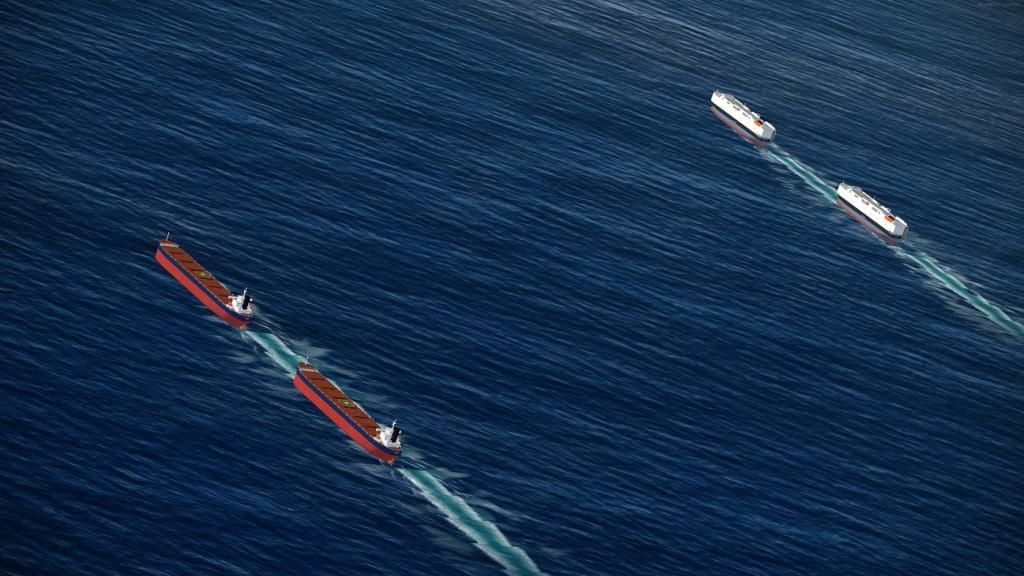
It looks like double AI traffic. I think I installed whole package properly. I didnt see the same bgls. Screen done from Honolulu.
Here is traffic_Ships_US_West_56800 and traffic_Ships_US_West_56801 I think.
It looks like double AI traffic. I think I installed whole package properly. I didnt see the same bgls. Screen done from Honolulu.
Here is traffic_Ships_US_West_56800 and traffic_Ships_US_West_56801 I think.
Hmm, I know than the amount means a force ; ) ... but I see something like this. Any ideas?
It looks like double AI traffic. I think I installed whole package properly. I didnt see the same bgls. Screen done from Honolulu.
Here is traffic_Ships_US_West_56800 and traffic_Ships_US_West_56801 I think.
Hi,
It is not a question of installation which looks correct; this problem can occur in different situations e.g. when changing planes during flight where it seems like the simulator reloads the traffic - however it doesn't always happen.
Have now done the full install - thanks again Henrik for the listing above. The good news is that it didn't kill my aircraft AI this time. As a quick check to see ships I slewed to NYC harbour and saw lots of ships. They are not moving however, all parked. Is this normal? My own work - mostly manual - with AI carrier/ship tracks indicates that they should move at some point depending on their BoatTraffic schedule. Alternatively, if there are static ship (scenery bgls) in the package, maybe my install hasn't worked 100%.
Is there a good location to recommend seeing moving shipping at most times during the day?
Is there a good location to recommend seeing moving shipping at most times during the day?
Victory103
SOH-CM-2026
YoYo, if you didn't already fix this, I have it happen to me with AI aircraft after switching planes or other testing. My trick is to set traffic to "0", go back in the sim, then reset the traffic to whatever % setting you had previously.

Alan_A
Charter Member
Is anyone else having trouble unzipping the file? WinZip Pro keeps hanging on me with a series of prompts that say "Skipping file: unable to create a sensible filename out of [file path details] Effects for USS Halyburton FSX Only/Effects/fsx_AI_Hamaship_STERN_SPRAY_m.fx" When I click "OK" and try to continue, I get several more of these. Never had a problem like this with any of Henrik's previous files. Should I be trying a different unzip utility? FYI that I've tried downloading from both Simviation and Avsim and hit the same snag, so it doesn't seem like a corrupt download. Am open to counsel as to next steps. Thanks in advance!
EDIT: It turns out that the WinZip problem is something that happens when the destination path is longer than the program can handle - a system-specific result of the location of my P3D downloads folder, which explains why it wasn't happening to anyone else. Solution was to unzip to a temp file on the desktop. Have now unzipped with no problems and installed everything. Now off to load up my A2A B-17 in Coastal Command paint and go keep an eye on local shipping...
EDIT: It turns out that the WinZip problem is something that happens when the destination path is longer than the program can handle - a system-specific result of the location of my P3D downloads folder, which explains why it wasn't happening to anyone else. Solution was to unzip to a temp file on the desktop. Have now unzipped with no problems and installed everything. Now off to load up my A2A B-17 in Coastal Command paint and go keep an eye on local shipping...
Last edited:
YoYo
SOH-CM-2023
YoYo, if you didn't already fix this, I have it happen to me with AI aircraft after switching planes or other testing. My trick is to set traffic to "0", go back in the sim, then reset the traffic to whatever % setting you had previously.
Good idea, Today I checked traffic near Hawaii, 51%. Very nice view! Thank You again

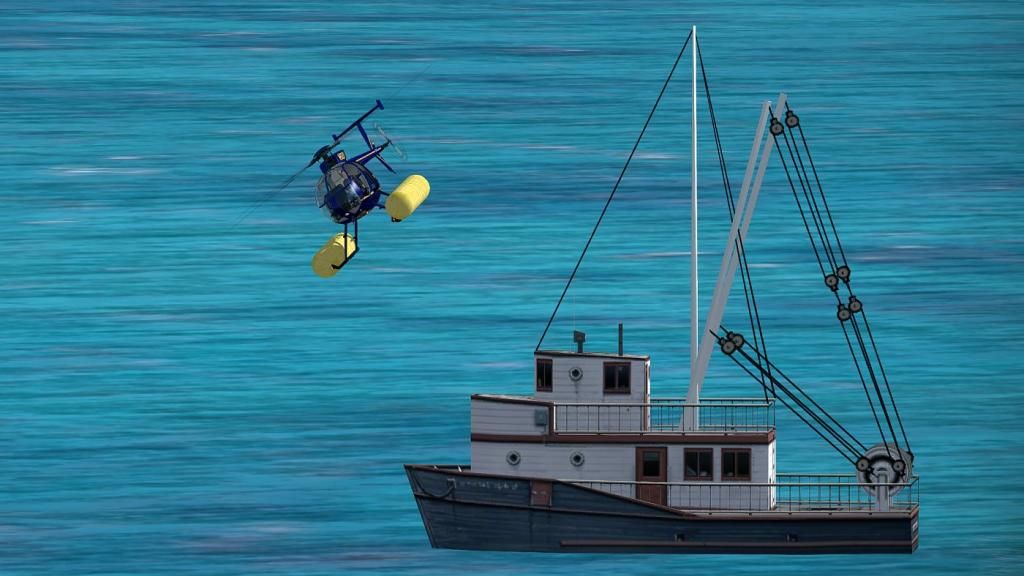
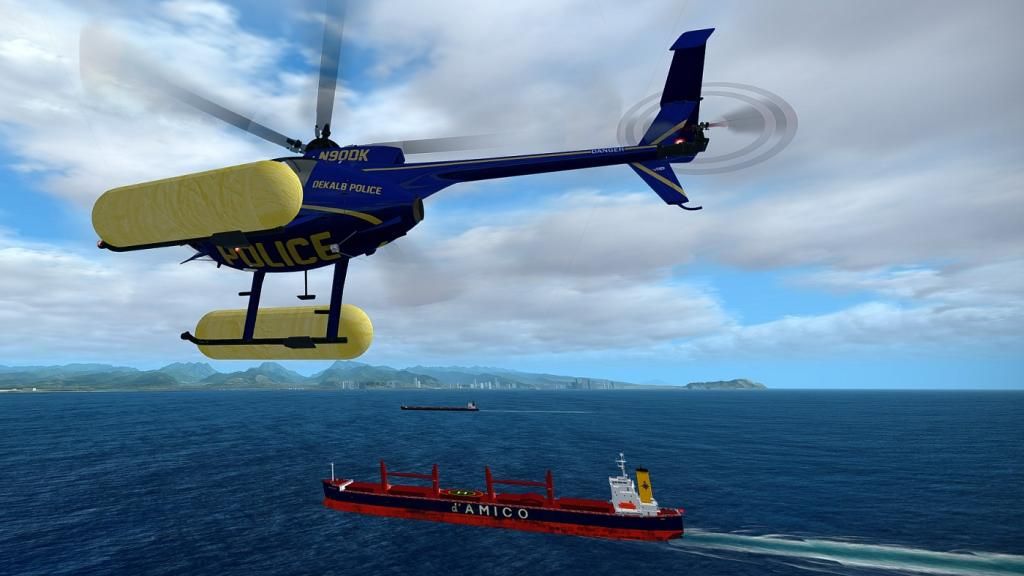
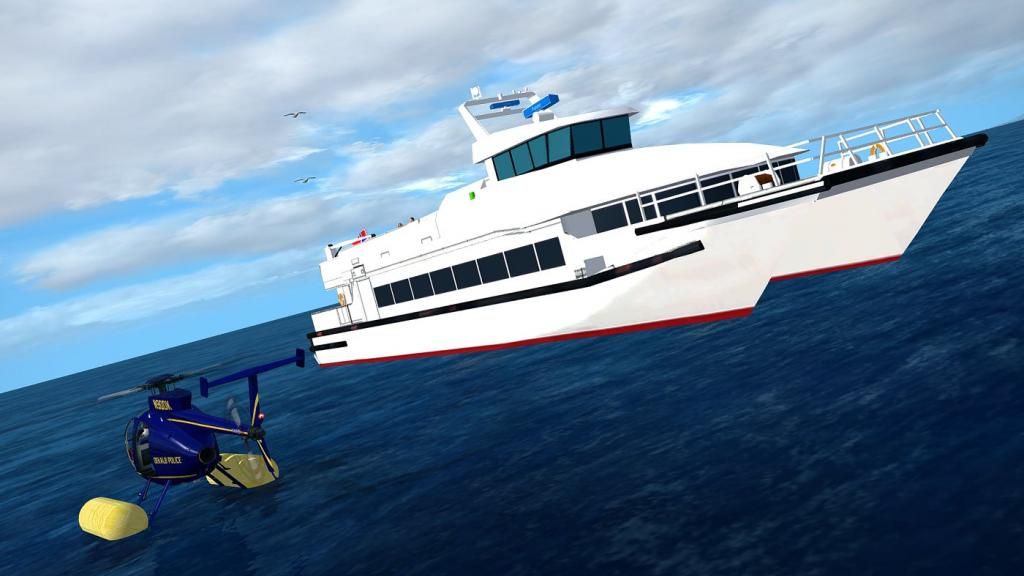
Btw. I didnt see nothing extra near Alaska (FTX NA SA). It will be nice to have something near Anchorage too : ) . TY again.
<article>
Hi
Thanks for returning with the explanation - I always get a bit worried if I hear about a potential problem with the packages - but so far this one looks good
Sadly the people behind FS2000.org has once again stolen one of my packages and uploaded it on their website against the guidelines in the copyright. I do not put the full link to their website as it is not a community website but a purely commercial website, which lives from clicks and advertising income without contributing anything to the community. They drive the clicks with freeware uploaded without the accept of the authors and I warn everybody about downloading from their website or even purchasing from their so-called "shop". Ultimately sites like fs2000.org kills the possibility of creating and sharing freeware, but by not visiting them you help to destroy their business model.
</article>Thanks for returning with the explanation - I always get a bit worried if I hear about a potential problem with the packages - but so far this one looks good
Sadly the people behind FS2000.org has once again stolen one of my packages and uploaded it on their website against the guidelines in the copyright. I do not put the full link to their website as it is not a community website but a purely commercial website, which lives from clicks and advertising income without contributing anything to the community. They drive the clicks with freeware uploaded without the accept of the authors and I warn everybody about downloading from their website or even purchasing from their so-called "shop". Ultimately sites like fs2000.org kills the possibility of creating and sharing freeware, but by not visiting them you help to destroy their business model.

dhasdell
SOH-CM-2023
I've got pretty well all of the files, according to the listing, and the only one I don't have is 63 AI Ships and AI Ship Traffic for South America and Europe V1, which is supposed to be installed first. The link on the list leads to ai_ships_and_ai_ship_traffic_2013_v1. Is this a renamed version of 63?

DaveB
Charter Member
I think yowm right Dave I only ever remember the first one being 63 AI Ships but am sure it's named as you describe now.
That set really should be installed first as I'm sure later releases update it. You don't need the South American traffic (unless you go there of course) but I've left it in place anyway
ATB
DaveB
I only ever remember the first one being 63 AI Ships but am sure it's named as you describe now.That set really should be installed first as I'm sure later releases update it. You don't need the South American traffic (unless you go there of course) but I've left it in place anyway
ATB
DaveB