M
MCDesigns
Guest
Great job Henry! thanks for sharing!:ernae:

Please see the most recent updates in the "Where did the .com name go?" thread. Posts number 16 and 17.
Please see this thread for updates. Update Thread
SOH ADMINISTRATIONHello, thanks again! I'm glad you like it, the plane is absolutely great it deserves tons of repaints!
To "Deathfromafar": I'll see to it during the week end.
Three more textures uploaded including "Ace of spades" at flightsim.com
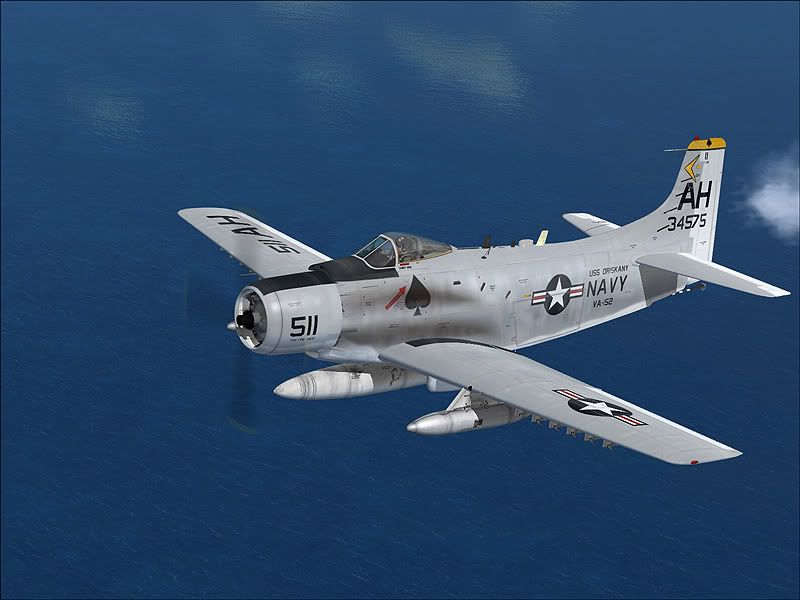
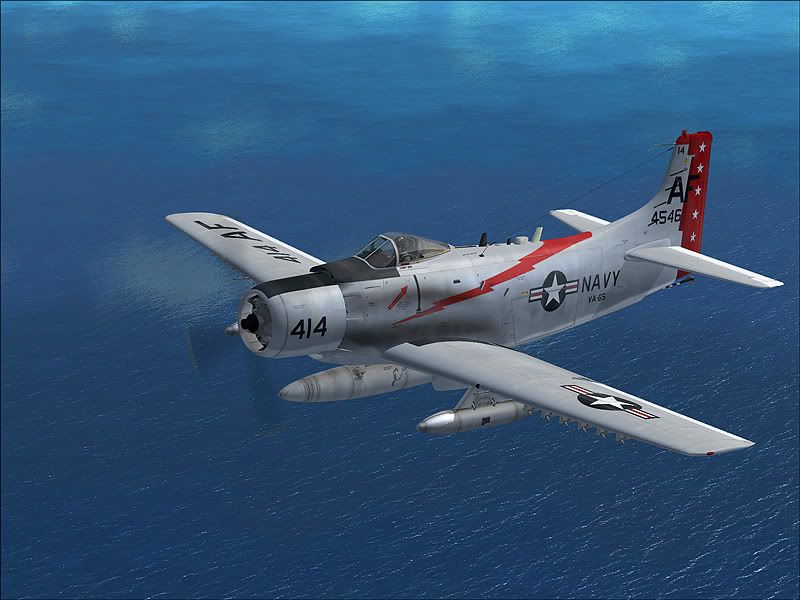
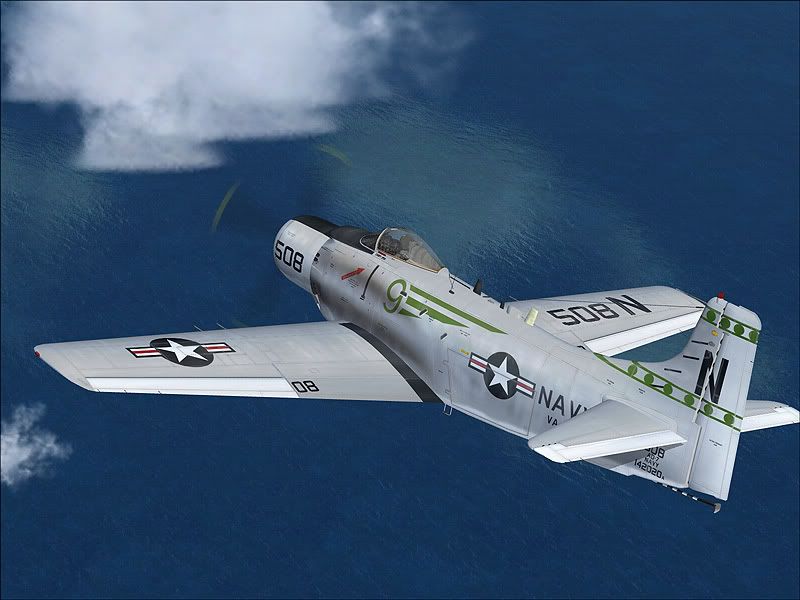

Very nice!
Will these work with the A-1H package just released? It's preferable to have Navy skins on the correct Navy bird.
-G-

And remember if you use the entry for the aircraft.cfg in the readme.txt files, all the "J"'s need to be swapped out to "H"'s, especially in the "sim=" line.
EDIT: Actually the easiest way....
This is what I used in my texture.cfg file and it works fine:
- Just use "A1_01" texture and the thumbnail.jpg in the folder
- Rename the "A1-01" to "A1h_01"
- Create a texture.cfg file in the folder and it will reference the main texture folder for the A1-H for any other textures it needs.
[fltsim]
fallback.1=..\texture
fallback.2=..\..\..\..\Scenery\Global\texture
fallback.3=..\..\..\..\Texture
It's not the 'best' way though. The tanks and racks will be lighter than Henry W's paints, using the above method.

Yes, the post above yours explains how to do this. Let me know if you need additional assistance doing it.
Got it. When I tired originally all I got was a 'chrome' aircraft.
-G-