Aircraft shadows

gray eagle

SOH-CM-2026
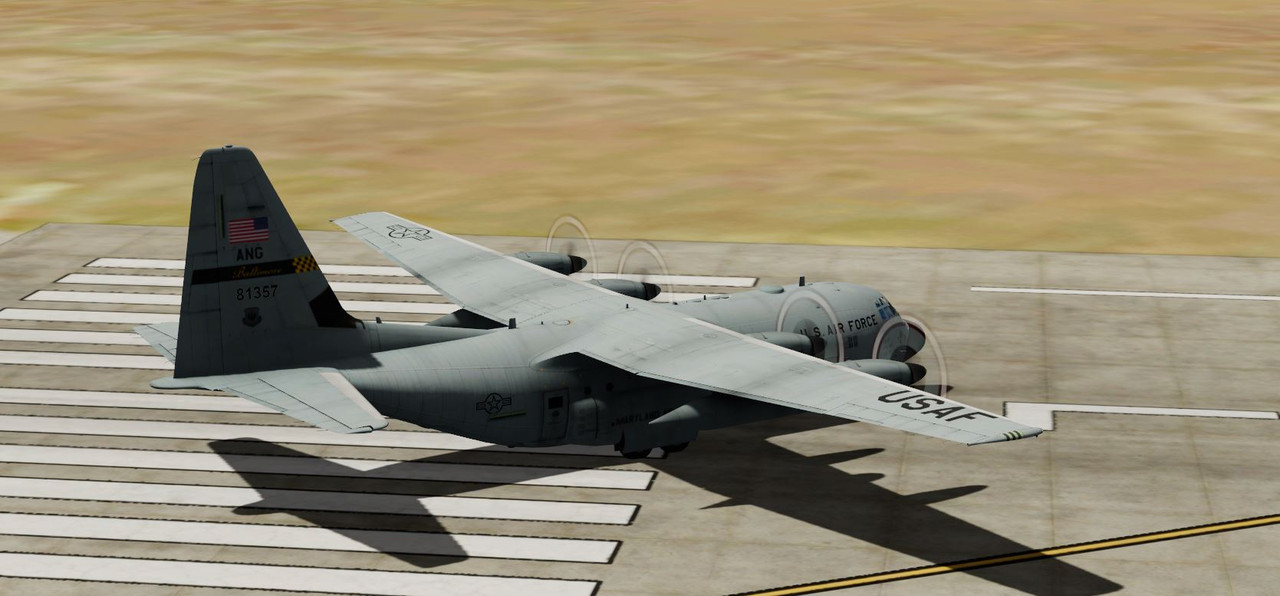
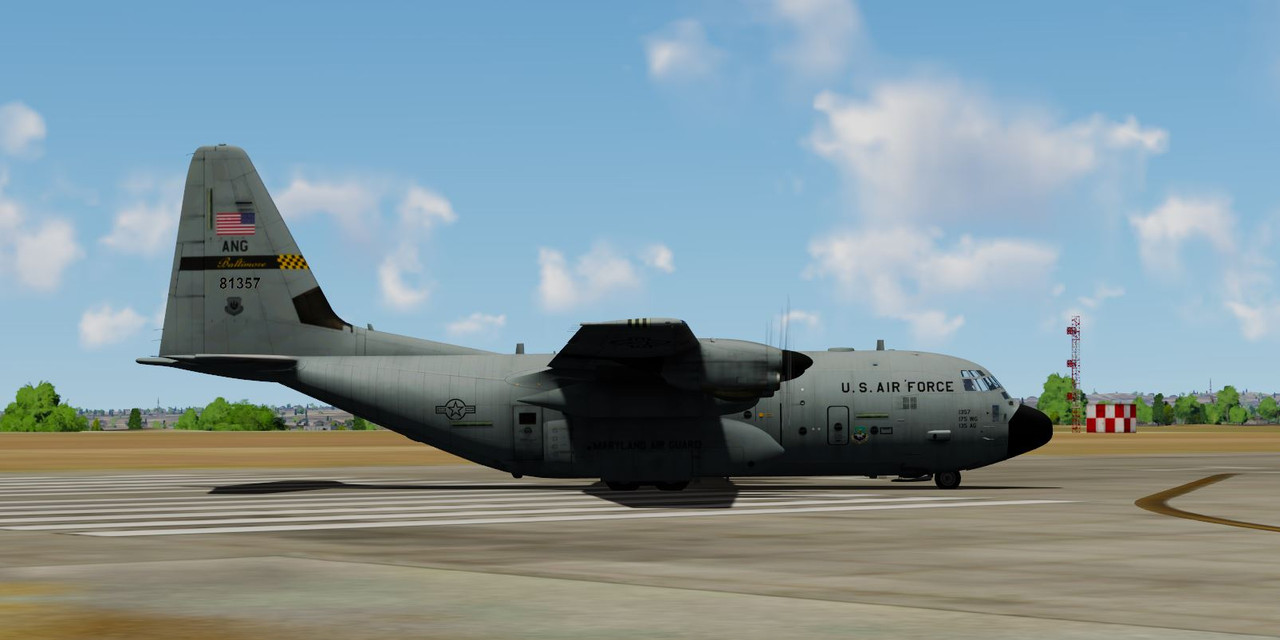
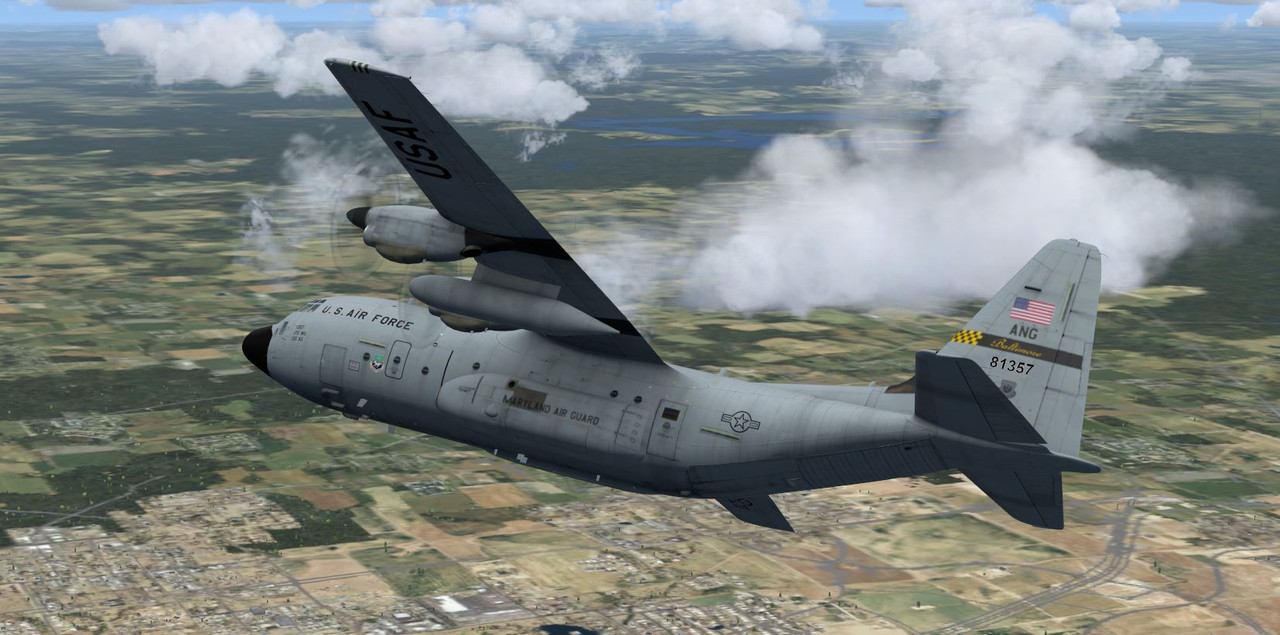
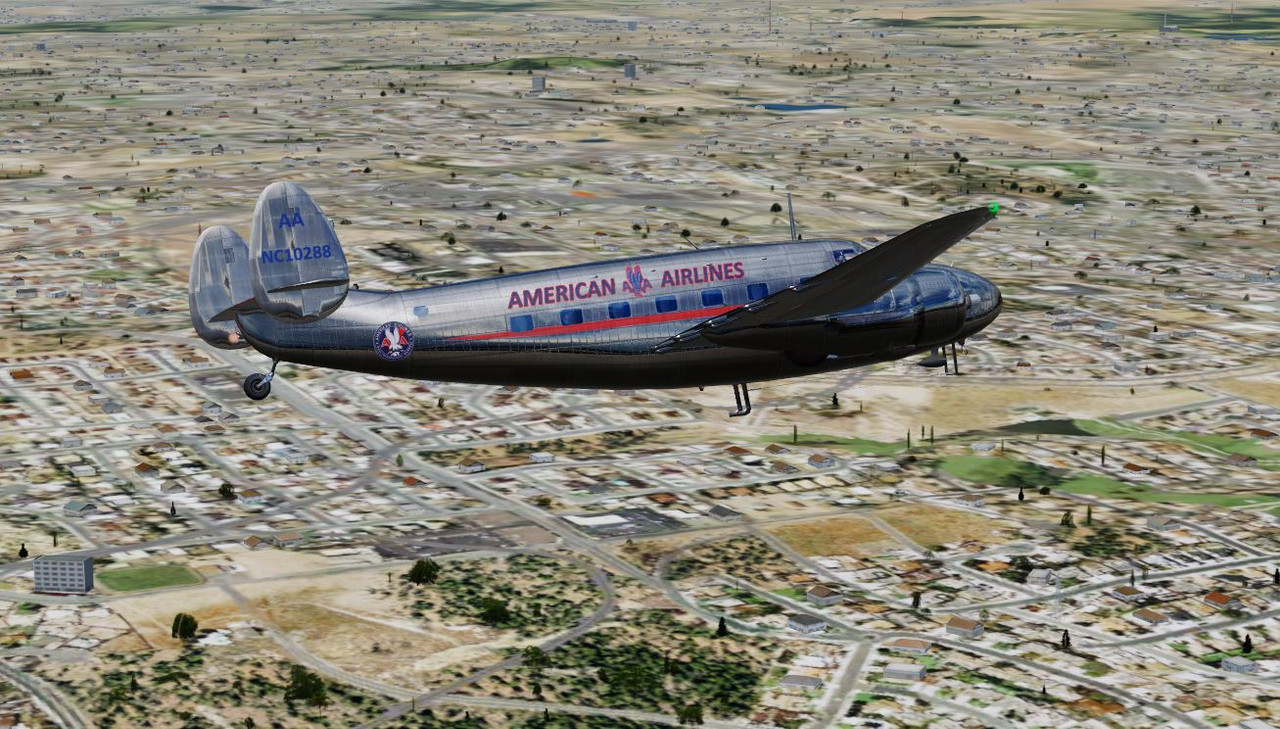
In P3DV5 and V4, I notice that I can slew an aircraft in a circular motion and as it rotates, the sides of the air craft will go from bright to dark.
Some aircraft like the C-130, will be so dark on the bottoms sides of the fuselage, you can't see much detail and the top of the wing will be
light enough. I've tried to play with the graphics setting in P3D with lighting, and shadow effects but for some aircraft they remain dark on the lower
sides of the fuselage.
Capture.jpg

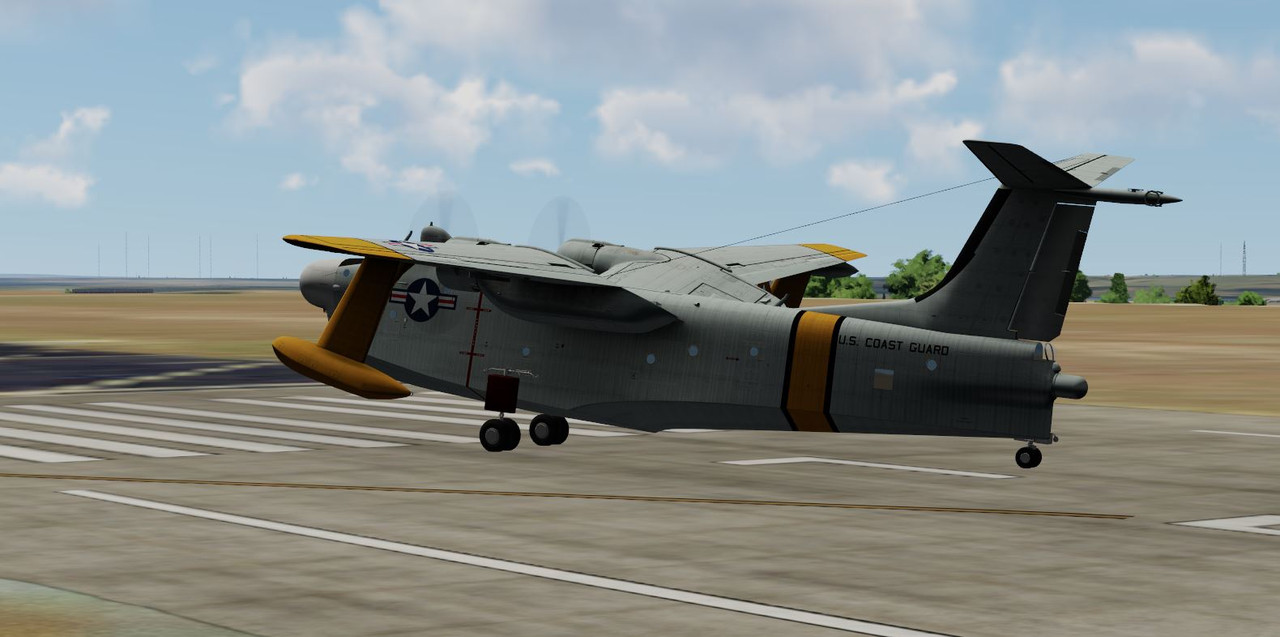
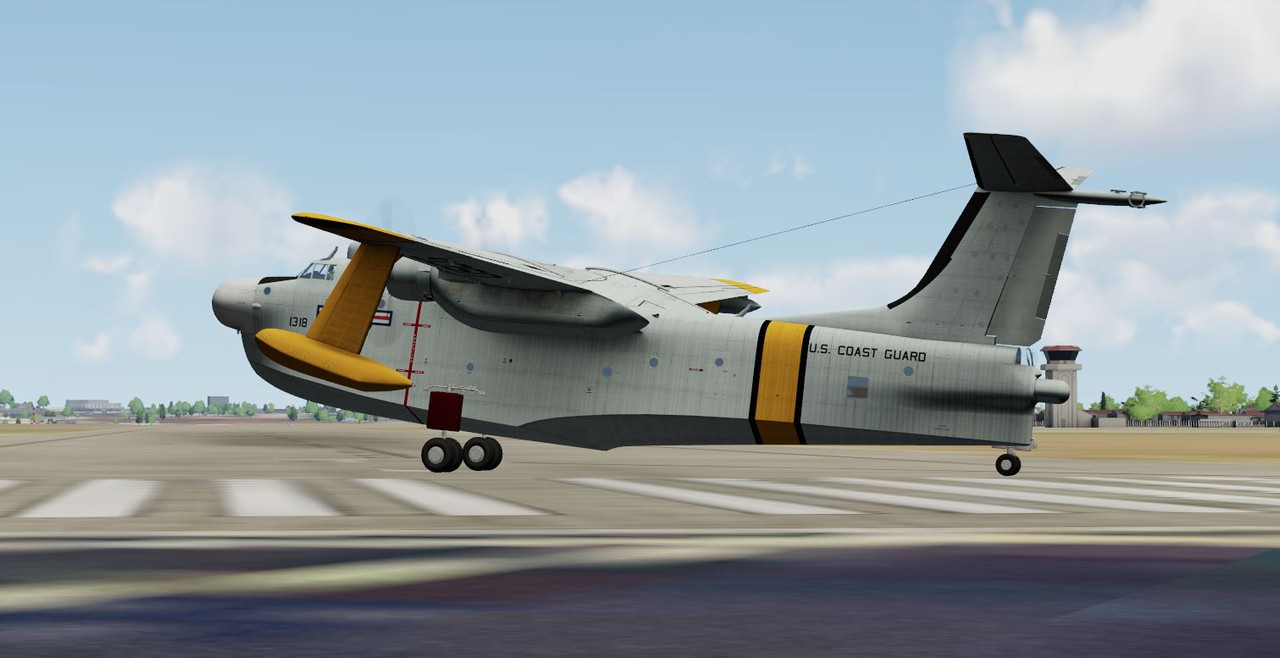
Same aircraft but used the slew key so as it rotates....the sides go from dark to light. Why does it do that is what I'd like to know.
Capture1.jpg
 
If PBR textures are in use, that has an effect. Also, does the airpane have SPEC files associated with it? - They also have a great effect. SPEC files have their own ALPHA texture. These SPEC / ALPHA files can be modified but it can get pretty confusing. Keep backing up files as you experiment --
 
Is that model ported from FSX? It might need PBR adding.
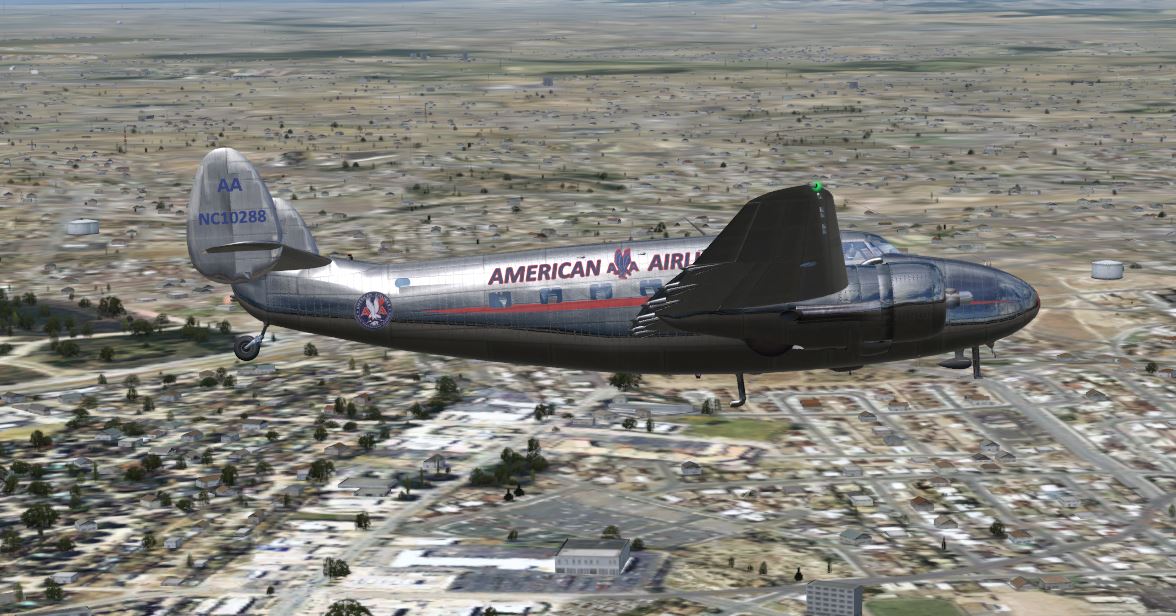
I don't know about that but here is a stock aircraft that I slew rotated and as it rotates the detail goes from dark to more detailed especially at the lower fuselage areas. It got to a point that I was trying out different settings brightness, etc to no avail. Then I also discovered some of the
other stock aircraft would not have a shadow effect while turning like this one does. I thought maybe dynamic lighting had something to
do with it. I remember back when I was in to FSX this kind of contrasts wasn't as noticeable. Guess that is what they call progress. :rolleyes:

Capture.jpg


Capture1.jpg
 
Last edited:
From what I have gleaned from google AI:

Solar Exposure and Shading: The aircraft's brightness changes based on its position relative to the sun. When turning toward the sun, surfaces are illuminated; turning away causes those surfaces to fall into shadow.

  • High Dynamic Range (HDR) Effects: P3D uses HDR to simulate realistic light levels. As you turn, the "camera" view changes, which can trigger automatic exposure adjustments, making the aircraft or cockpit appear to dim or brighten suddenly.
  • Shadow Casting and Receiving: The "Internal Vehicle Cast & Receive" shadow setting can cause the cockpit or airframe to darken significantly when the sun's angle changes during a maneuver, as the aircraft begins to shadow itself.
  • Dynamic Lighting & Reflections: Real-time environment maps and dynamic reflections update based on the camera's position during a turn, which can shift how light reflects off the aircraft’s skin, especially with PBR (Physically Based Rendering) models.
 
In my situation, If I douse the HDR lighting, the sides of the fuselage are illuminated to where I can see more detail on the fuselage.
Capture.jpg
 
Back
Top