
-
Please see the most recent updates in the "Where did the .com name go?" thread. Posts number 16 and 17.
-
IMPORTANT DOWNLOADING INFORMATION - ALL MEMBERS PLEASE READ
Please see this thread for updates. Update Thread
SOH ADMINISTRATION
You are using an out of date browser. It may not display this or other websites correctly.
You should upgrade or use an alternative browser.
You should upgrade or use an alternative browser.
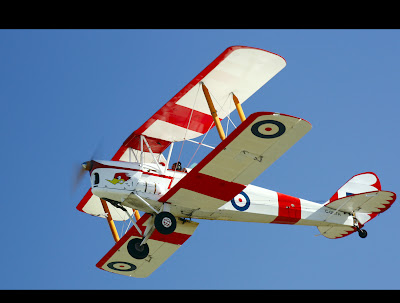
Anthony Releases Freeware Tiger Moth!!
- Thread starter JayKae
- Start date

Marvin Carter
Charter Member 2015
Thanks guys very nice!!!
anatolpopov
Charter Member
It's good to see that it doesn't drop FPS almost at all
letsgetrowdy
Charter Member
This is what I've always wanted for flightsim! this was discussed here not long ago - and it looks like you've done better than any other Tiger-Moth in flightsim. I'll try and repaint it to G-AHOO, a tiggie I've actually flown!
Thank you
Thank you
anatolpopov
Charter Member
Can't wait repaints for this


Kowalski65
Charter Member
A fantastic plane-really gorgeous, &ideal for exploring the author's airports,and my newly aquired OrbX!
And I love the Aussie sense of humour-the cargo,and the descriptions of the camera angles made me giggle
And I love the Aussie sense of humour-the cargo,and the descriptions of the camera angles made me giggle
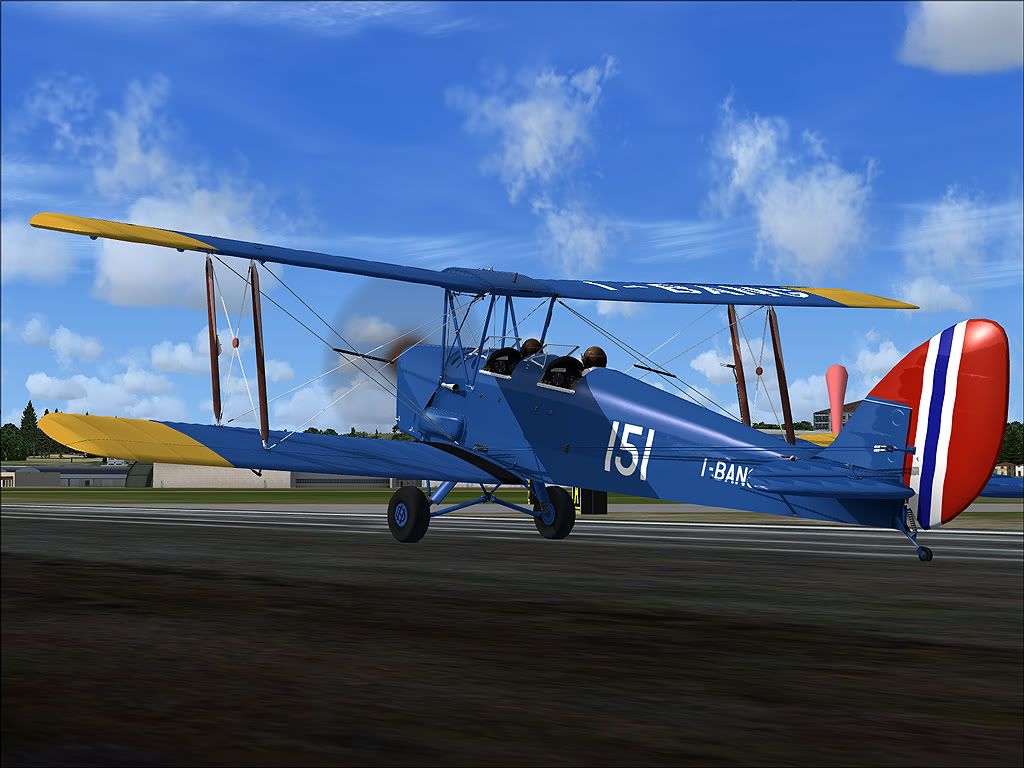
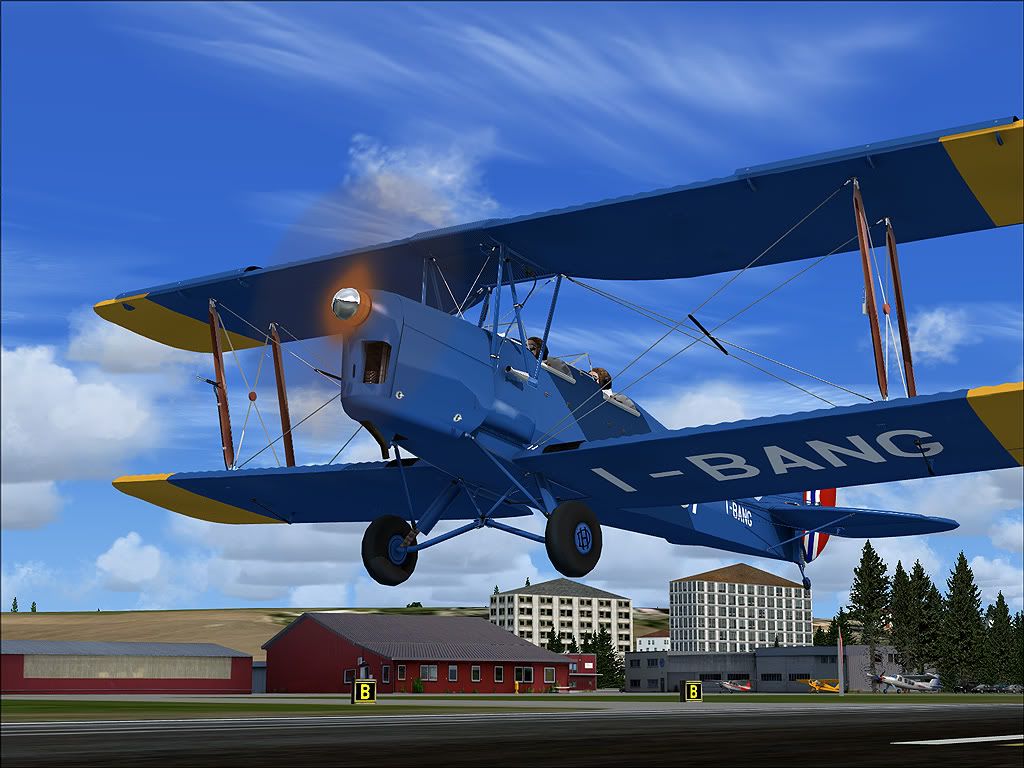
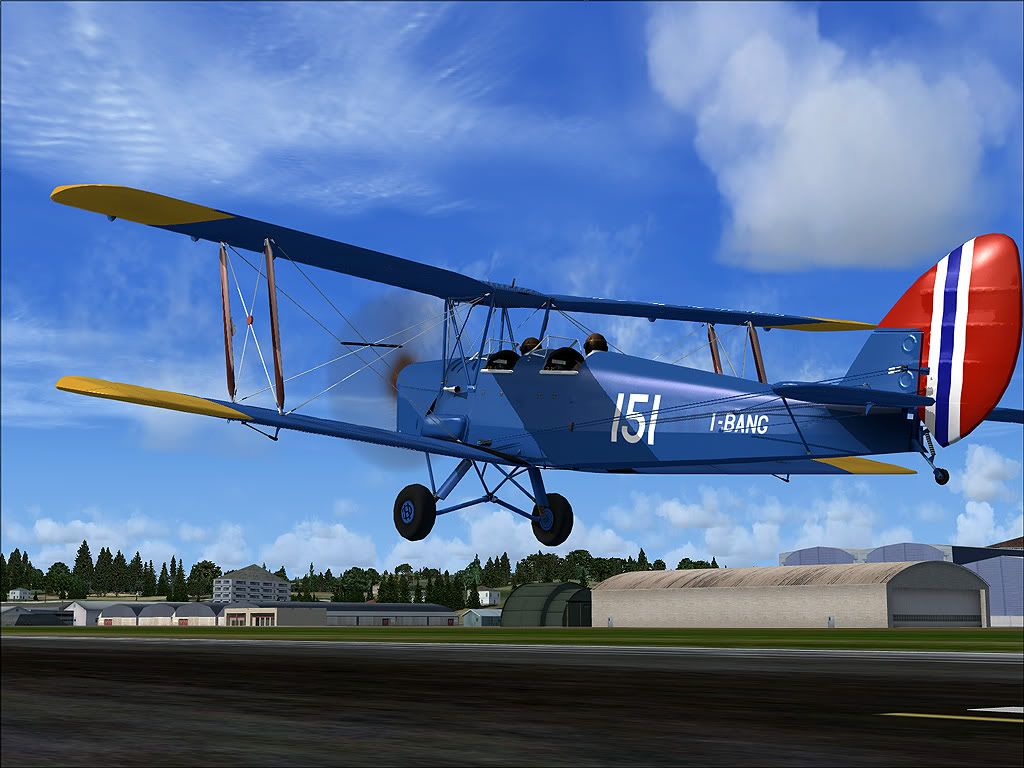
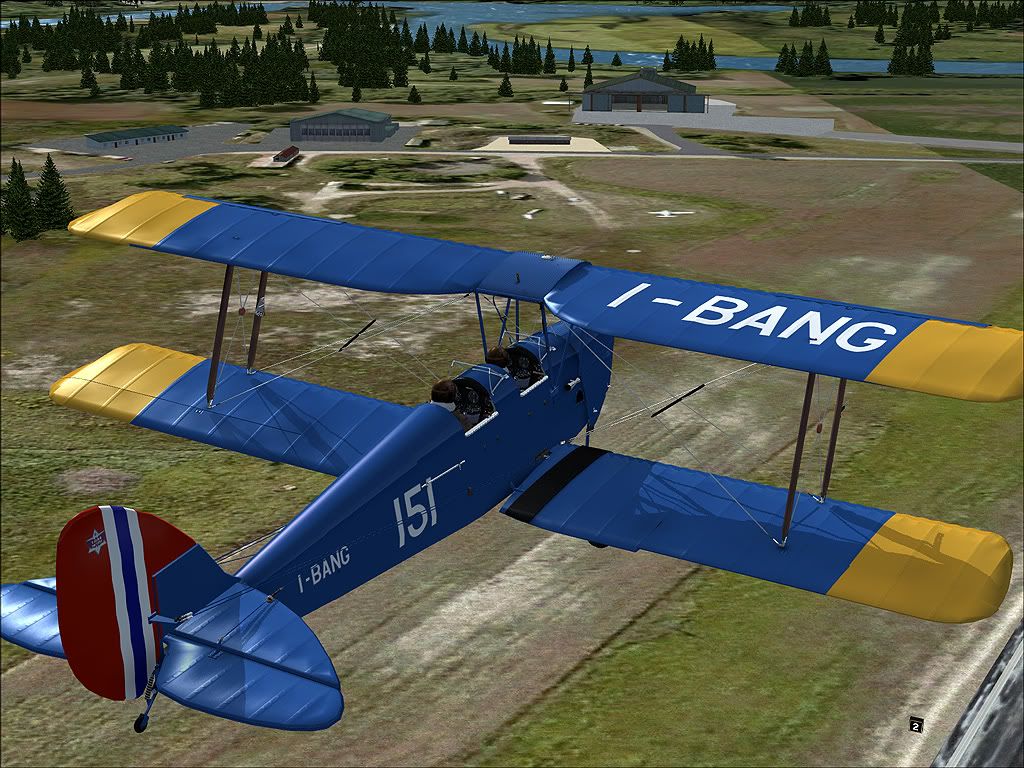
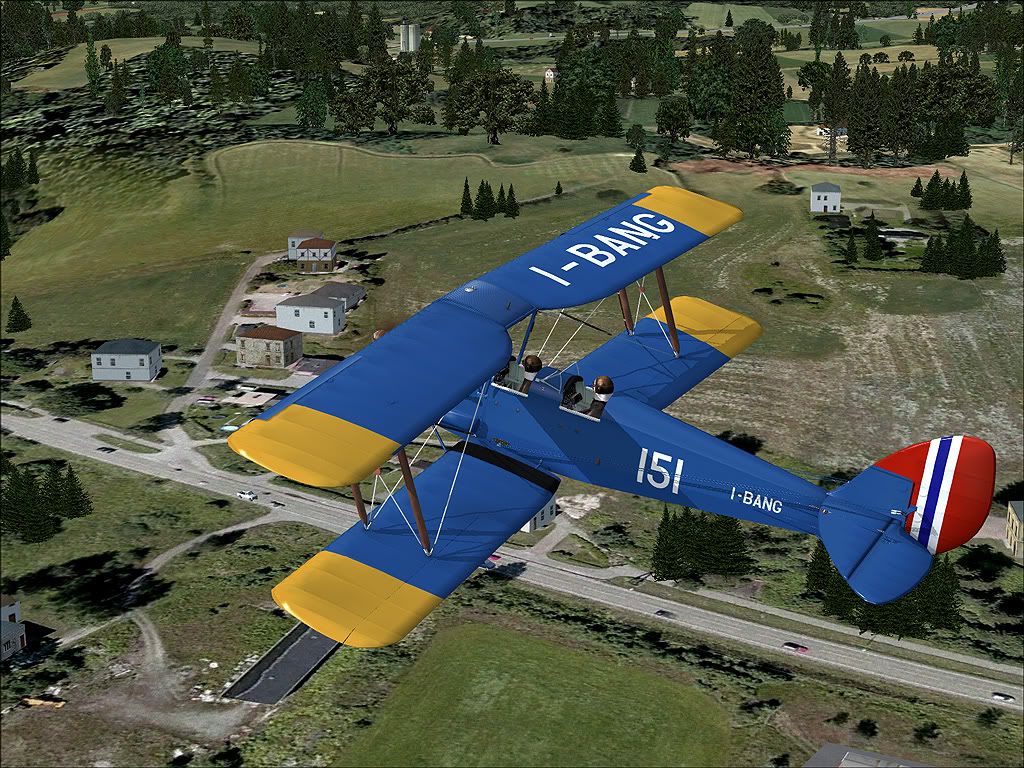
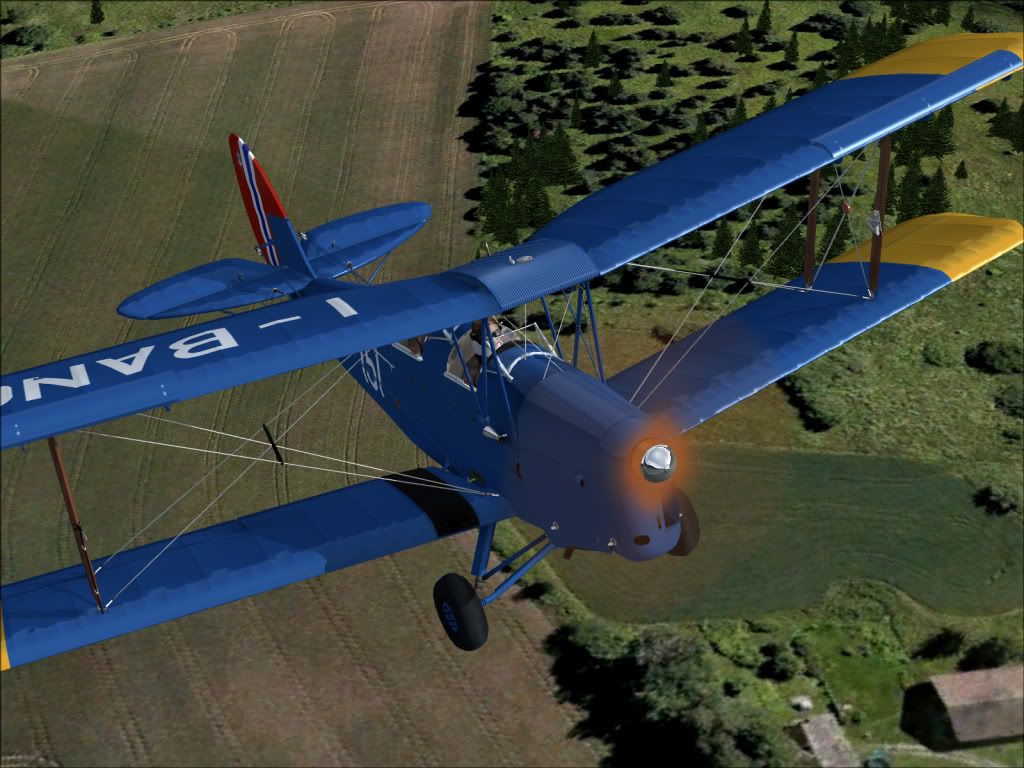
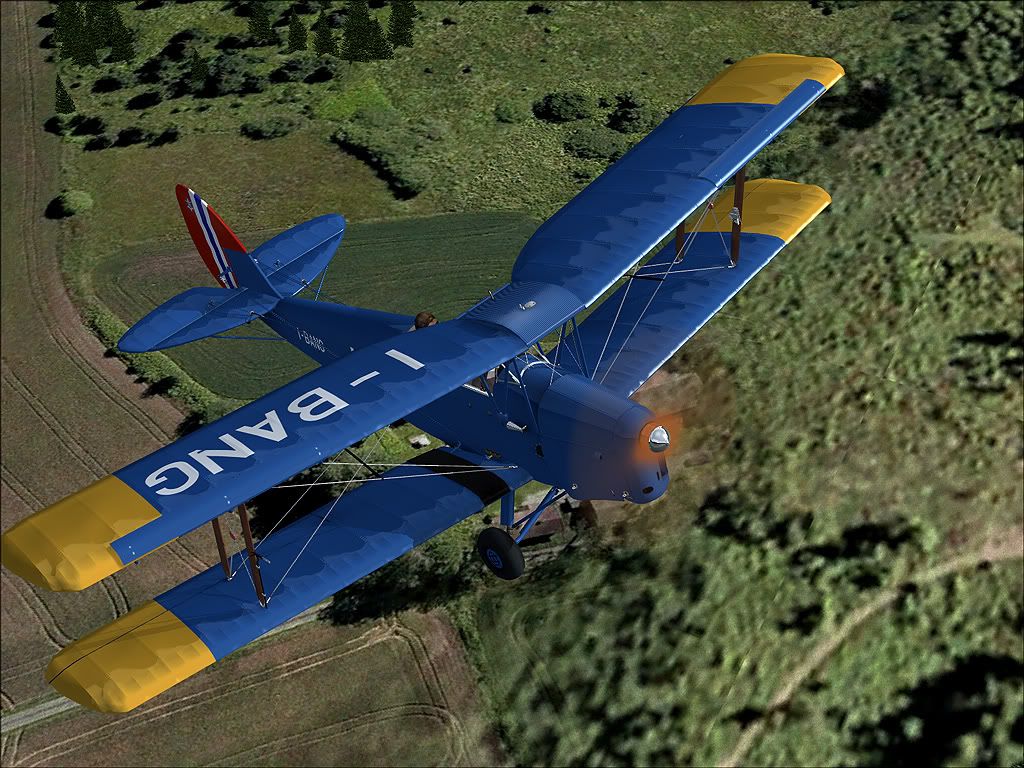
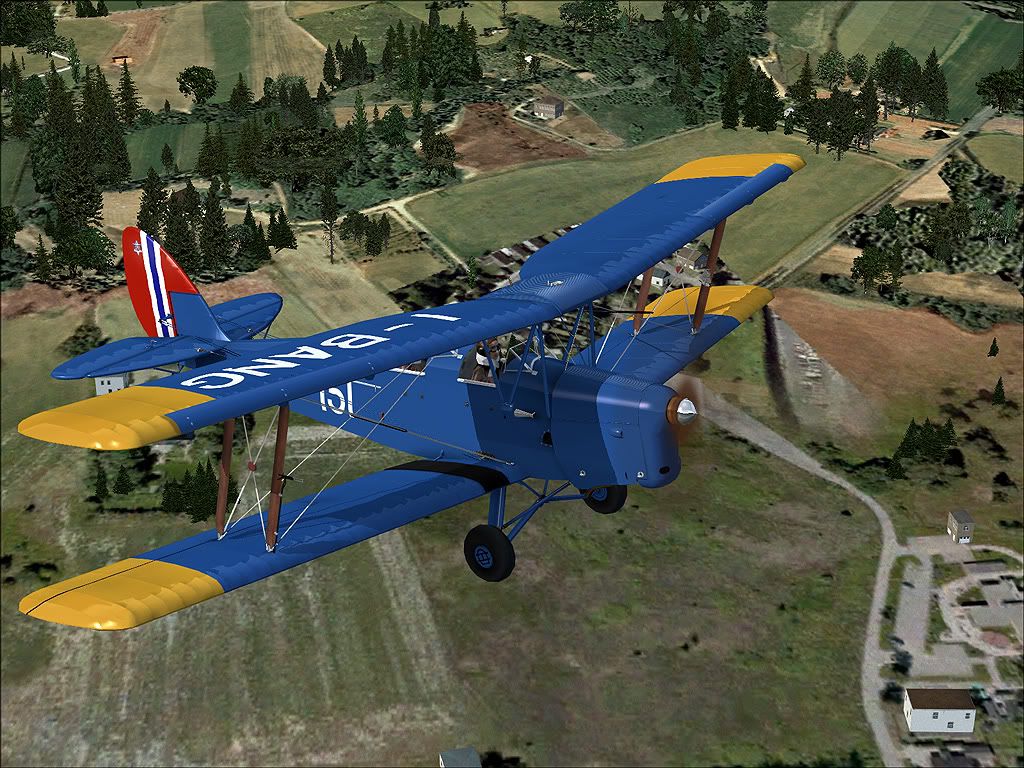


.JPG)
Flys very nice, first takeoff and landing were very smooth with good gauge response. But I can't get the Animation Manager screen to display in 2D or any other view. I've been able to get things turned on and off by playing with cowl flap keys and/or controller assignments for the cowl flaps, but it's inconsistent. The only visual anomalie I've noticed is the pilot and passenger are not displaying completely in "center of the seat" cockpit views for either. Are they supposed to be visible from within the cockpit? From the passenger seat i can see the back of the pilots head and it is displaying correctly. It's like I'm looking through a portion of their goggles which are moving left to right and back. What does the Animation Manager screen look like?
(On Vista 64 with Quad Core and Nvidia card - for the record)
(On Vista 64 with Quad Core and Nvidia card - for the record)


papab
Charter Member
Flys very nice, first takeoff and landing were very smooth with good gauge response. But I can't get the Animation Manager screen to display in 2D or any other view. I've been able to get things turned on and off by playing with cowl flap keys and/or controller assignments for the cowl flaps, but it's inconsistent. The only visual anomalie I've noticed is the pilot and passenger are not displaying completely in "center of the seat" cockpit views for either. Are they supposed to be visible from within the cockpit? From the passenger seat i can see the back of the pilots head and it is displaying correctly. It's like I'm looking through a portion of their goggles which are moving left to right and back. What does the Animation Manager screen look like?
(On Vista 64 with Quad Core and Nvidia card - for the record)
I have the same issues
The model says SP2
I wonder if it is also acceleration compatable?
I have acceleration
Rick
Rick


I have the same issues
The model says SP2
I wonder if it is also acceleration compatable?
I have acceleration
Rick
Rick
I have Acceleration package as well, running in DX9, I don't think that's it. The funny thing is the plane looks better than some paywares and seems to handle like a dream, another perfect plane for touring low and slow.
I must have screwed something up. The manual states Shift-3 should bring up the manager. I'm beginning to think I made a faulty download or screwed the install somehow, or both, but geez, the instructions were so simple and straight forward. Open the zip, double click the .exe and follow the auto-installer instructions, what could be easier, duh!
I'm going to uninstall, get a fresh D/L and reinstall. Right after I take a nap, LOL.
Flys very nice, first takeoff and landing were very smooth with good gauge response. But I can't get the Animation Manager screen to display in 2D or any other view. I've been able to get things turned on and off by playing with cowl flap keys and/or controller assignments for the cowl flaps, but it's inconsistent. The only visual anomalie I've noticed is the pilot and passenger are not displaying completely in "center of the seat" cockpit views for either. Are they supposed to be visible from within the cockpit? From the passenger seat i can see the back of the pilots head and it is displaying correctly. It's like I'm looking through a portion of their goggles which are moving left to right and back. What does the Animation Manager screen look like?
(On Vista 64 with Quad Core and Nvidia card - for the record)
Have you checked the manual, the goggles is actually part of the Animation manager, selecting Show pilot in VC. You have to deselect to get rid of the goggles. However, you can't because you can't bring up the Animation Manager. Shift + 3 brings it up. Check the panel.cfg?