BoeingvsAirbusNKL
Charter Member
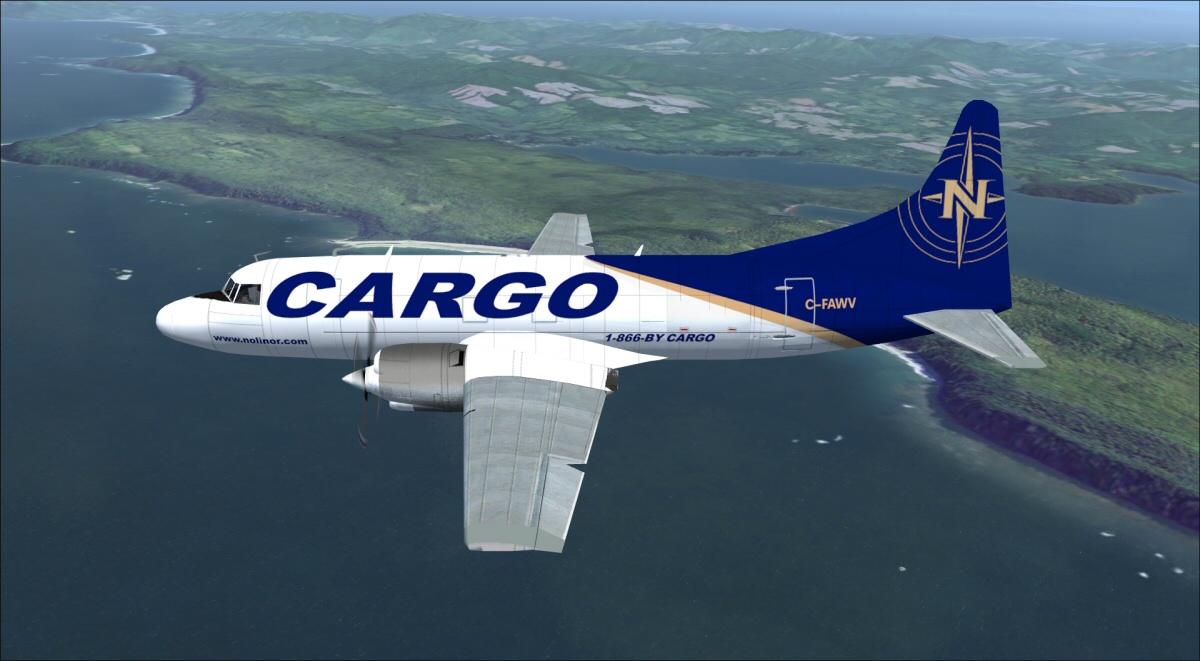
Could someone fix the aileron animation on Bjoern's FSX Native CV-580? The plane rolls in the correct manner, but the animation of the ailerons are reversed.
Last edited by a moderator:

Please see the most recent updates in the "Where did the .com name go?" thread. Posts number 16 and 17.
Just when you think you have everything running some what better...
You get a message from the Hosting company. Short story they need to move us to a new server. I have been working with them to plan a good date for all concerned. Here is what we have come up with as a schedule.
If all goes well we should be back online on November 8th.
To keep you updated Tom Clayton has offered to post updates on AVSIM forums.
Thank you for your support.

Corrected!For some more context... I was able to reverse the animation on modelconverterx but I cannot export the model to make it a reality.
Even worse... when I downloaded the latest version of modelconvertetx... I clicked on the .exe file, but it won't actively start up.
I know i misspelled the word 'someone' but i cannot seem to edit my thread once its fully posted.

i tested that theory, but the ailerons were confirmed to be in the wrong roll orientation and the aileron animation did not correct itself. Its not the configurartion file that's the issue... the actual culprit can be seen in ModelConverterX. The .mdl file has the animation issue. I am asking for the .mdl files for both hd and normal .mdl files to have the aileron animation reversed to make it correct. Sorry for not bringing more details into the picture/Normb, you're on to something... but wouldn't the corrections reverse the roll direction and vice versa?

If you use latest version of McX, you need to install .NET 8.0 Runtime from Microsoft....when I downloaded the latest version of modelconverterx... I clicked on the .exe file, but it won't actively start up.
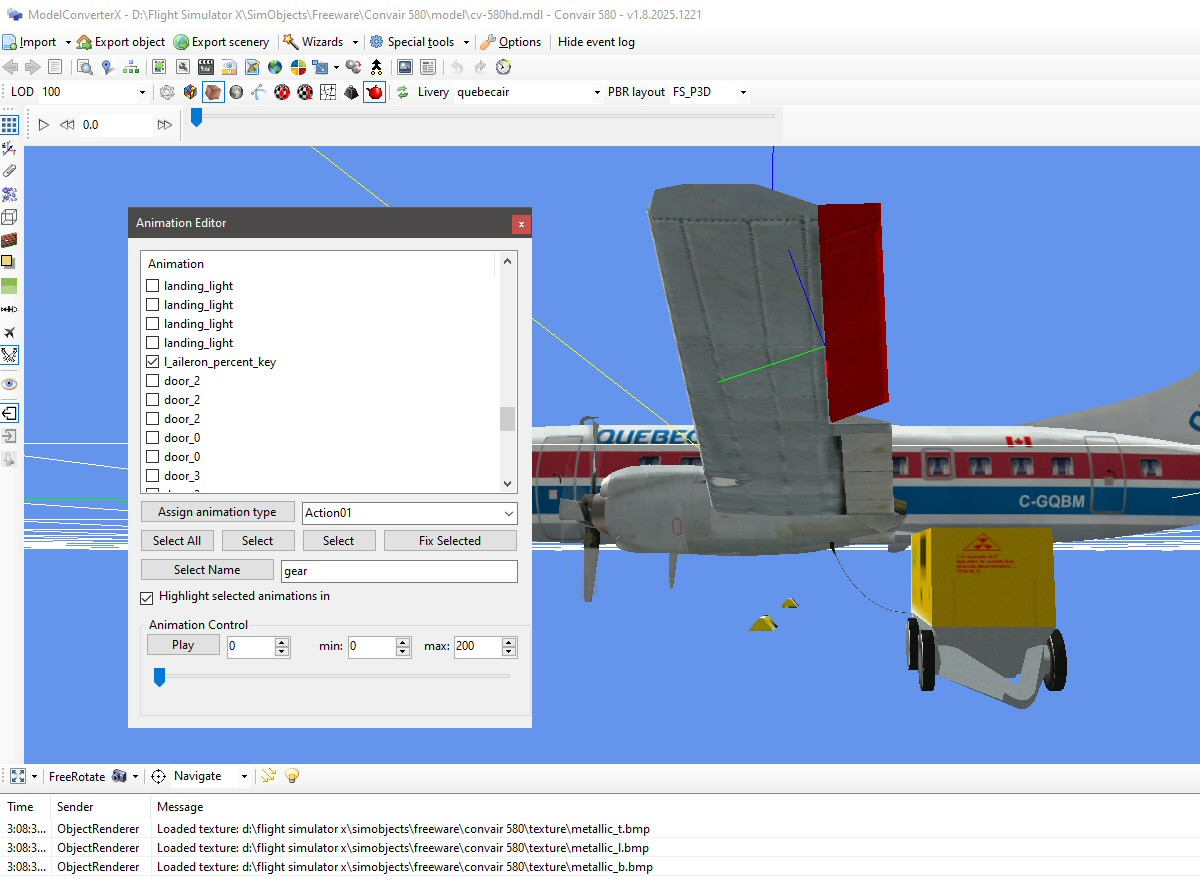
Vonstronheim... you have to use the hierarchy editior... it has the icon with one box and has a line that splits into three boxes below the top boxIf you use latest version of McX, you need to install .NET 8.0 Runtime from Microsoft.
More information and download links here:
https://www.fsdeveloper.com/forum/threads/latest-mcx-version.460327/#post-936245
But how do you reverse the aileron animations? With McX, I can see there's 2 of them (for left and right side): l_aileron_percent_key ; r_aileron_percent_key. Should I replace Action01 by something else?
Thanks! It works indeed! Animation was a bit jerky so I used l_aileron_key instead of l_aileron_percent_key....you have to use the hierarchy editior... and then select reverse animation for both.
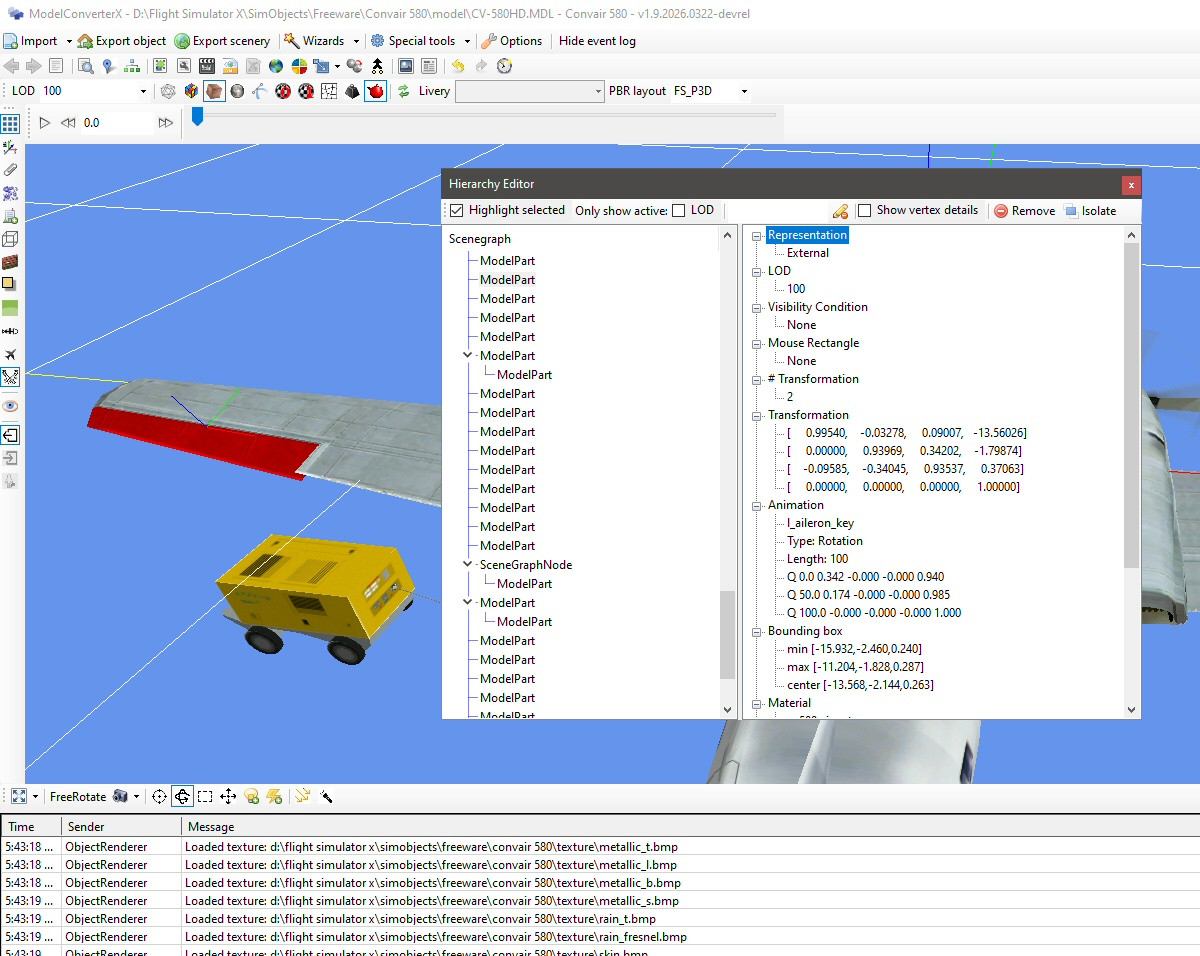
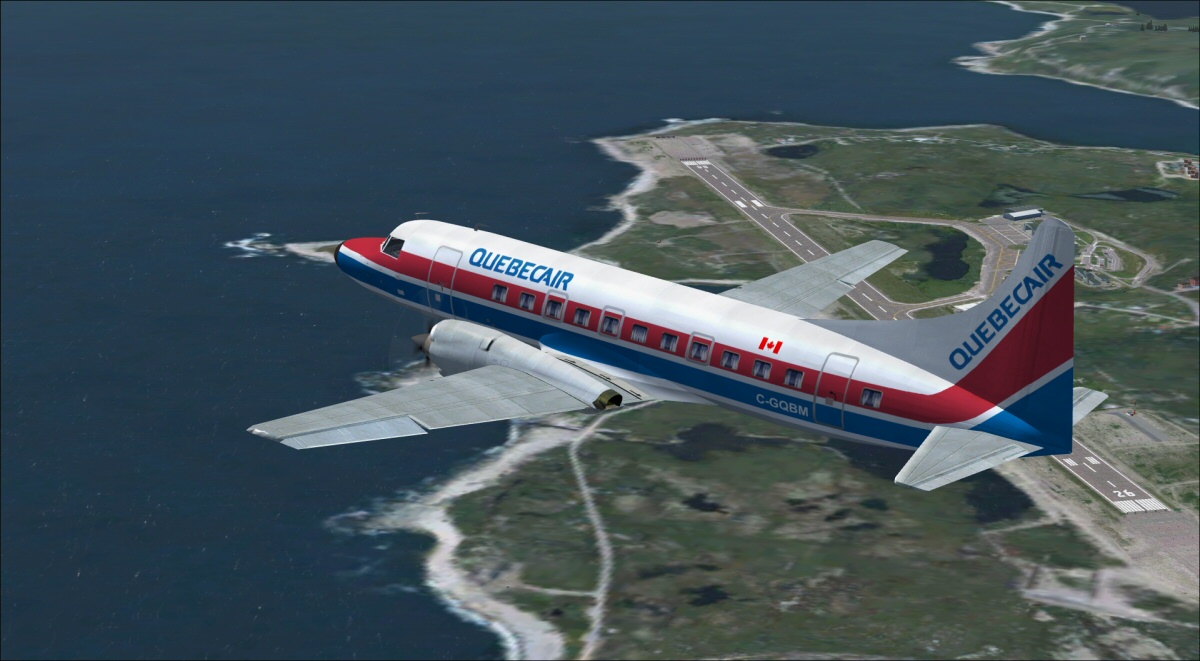
Funny you should ask. I am using the previous version... but i can't compile it, even though i was able on my older computer. Could you upload your fixed mdl please?Thanks! It works indeed! Animation was a bit jerky so I used l_aileron_key instead of l_aileron_percent_key.
Aileron movement is maybe a bit limited (need more adjusting), but it is not inversed like in the original version.
Is your copy of McX still acting funny? Can you open it, and compile? I could upload my fixed MDL here, but it's best I think if you can master all the steps, more rewarding... and useful for others...