• There seems to be an uptick in Political comments in recent months. Those of us who are long time members of the site know that Political and Religious content has been banned for years. Nothing has changed. Please leave all political and religious comments out of the forums.

    If you recently joined the forums you were not presented with this restriction in the terms of service. This was due to a conversion error when we went from vBulletin to Xenforo. We have updated our terms of service to reflect these corrections.

    Please note any post refering to a politician will be considered political even if it is intended to be humor. Our experience is these topics have a way of dividing the forums and causing deep resentment among members. It is a poison to the community. We appreciate compliance with the rules.

    The Staff of SOH

  • Please see the most recent updates in the "Where did the .com name go?" thread. Posts number 16 and 17.

    Post 16 Update

    Post 17 Warning

Bloom from Russia

I do like it but i still need to tweak more
its a little hot in contrast

lb1.jpg


lb4.jpg


lb3.jpg


lb5.jpg

But it works

lb2.jpg

H
 
Actually Roger, quite the opposite. With the exception of DarkeningAmountDay=30, all of his settings are default here as far as I can tell.

I screwed with them last night. A positive value for night actually makes things a hell of a lot darker. Much like you lowered the value Roger, which made the contrast from brightness to darkness less perceptible, a negative number saturates the screen.

The nice thing about this is that at night with a value of -30 it provide enough light to make night flying more fun. It feels a tad too saturated however. I suspect a value of -25 or -20 to perhaps be a bit better. As far as I can tell, adaptive brightness is not really effective at night so all we are doing is adjusting the values of brightness and contrast essentially.

Now, there are some other values there that potentially can help eliminate some of the over saturation, but I'm still playing with them. I would recommend however if you are brave to try it yourself. After tweaking for 6+ hours, I was not necessarily satisfied with my results.

Perhaps it is a Russian secret? The website helps, but the broken english sometimes confuses what each value really does.

Cody's right that, except for the DarkeningAmountDay=30, the other values are all default.
 
Turned every '0' in the ini file into a '1' but I think the effect is a bit too much.... :d

toomuch.jpg
 
Hmmm, I just tried it in fs9. Didn't work. Said my version of dx9 is wrong. But I have the latest. I dunno.

Edit: My face is red. I thought I had the latest. Just installed it and the program worked but I didn't see much if any difference.
 
It's working with my 8800GT and 185.20 beta driver. Framerates are solid, but antialiasing is degraded. (I'm using NickN's suggested settings with Nhancer.) Turning bloom off with shift-F12 didn't put AA back, but reloading FSX sansd3d9.dll did.
 
Framerates are solid, but antialiasing is degraded. (I'm using NickN's suggested settings with Nhancer.)


Hi dswo

Have you got the latest Nhancer beta version ?

As far as I understood, this is the only one that work`s with these 185.20 drivers.


Jen
 
Roger, I like it, because in the VC, I can turn it off and it's like flying with polaroid lens glasses, then in spot views I can turn it on. I still want to tweak it a bit in both FSX and FS9 (haven't put it in GW3 as yet, but probably will). I really like it better in FS9, my scenery in FS9 has always been dark, this gives it a new look. It wooks wonders on ground shadows in early morning and late evening too. Truly a nice find. :applause: to you and the Russian that did this simple little propram.

Caz
 
Have you got the latest Nhancer beta version ?

As far as I understood, this is the only one that work`s with these 185.20 drivers.
Yes, I upgraded both at the same time, following the NickN links in Moe's stuttering thread.
 
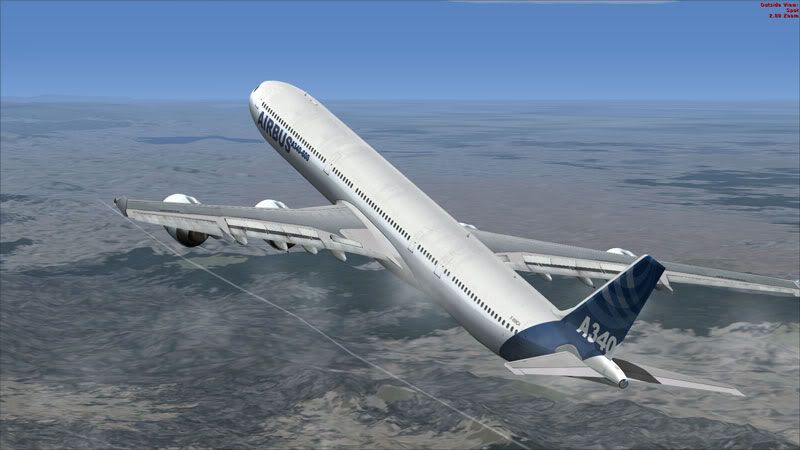
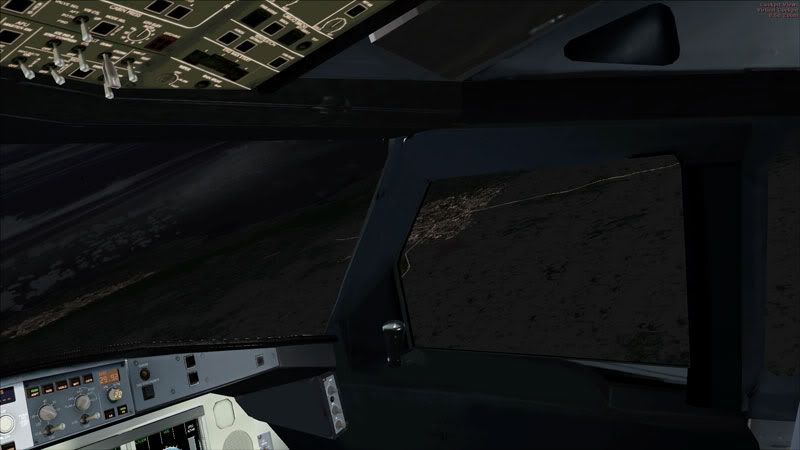
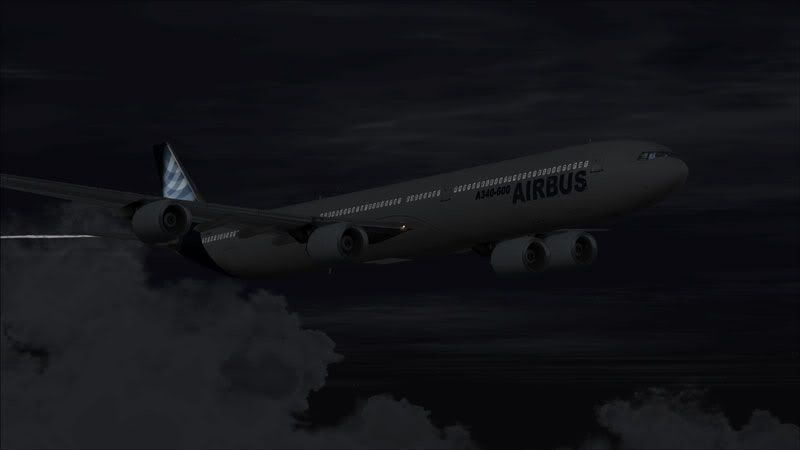
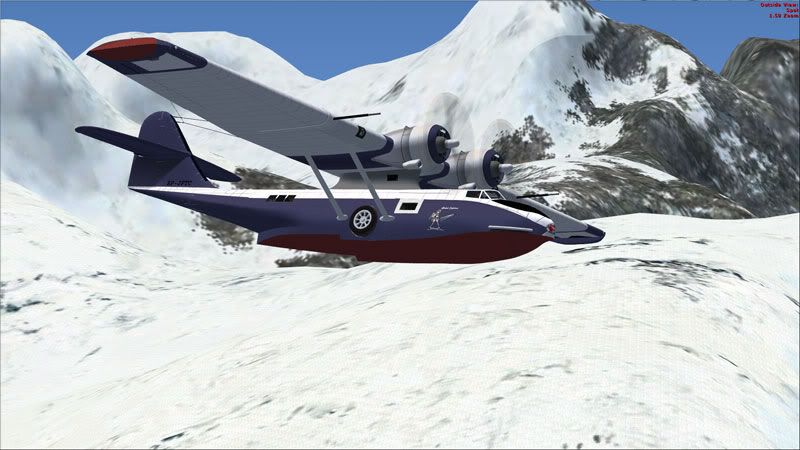
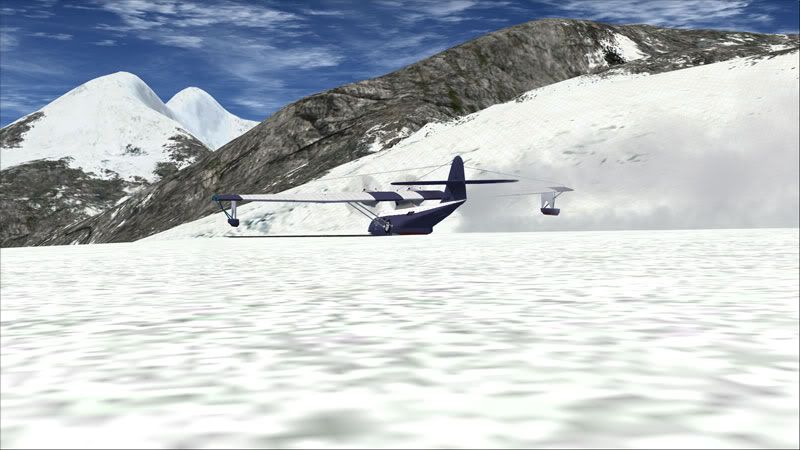
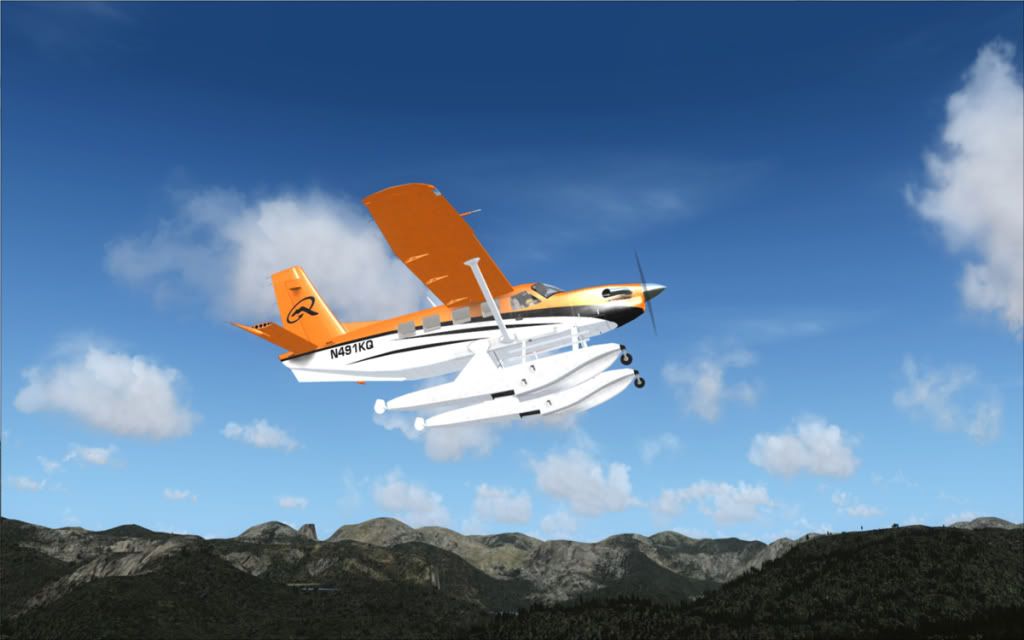
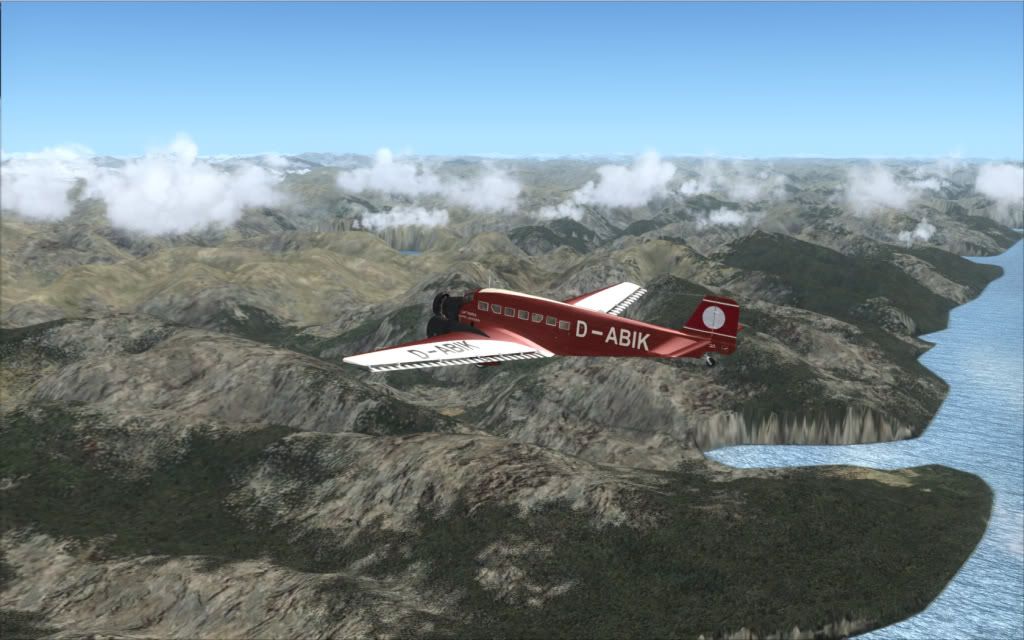
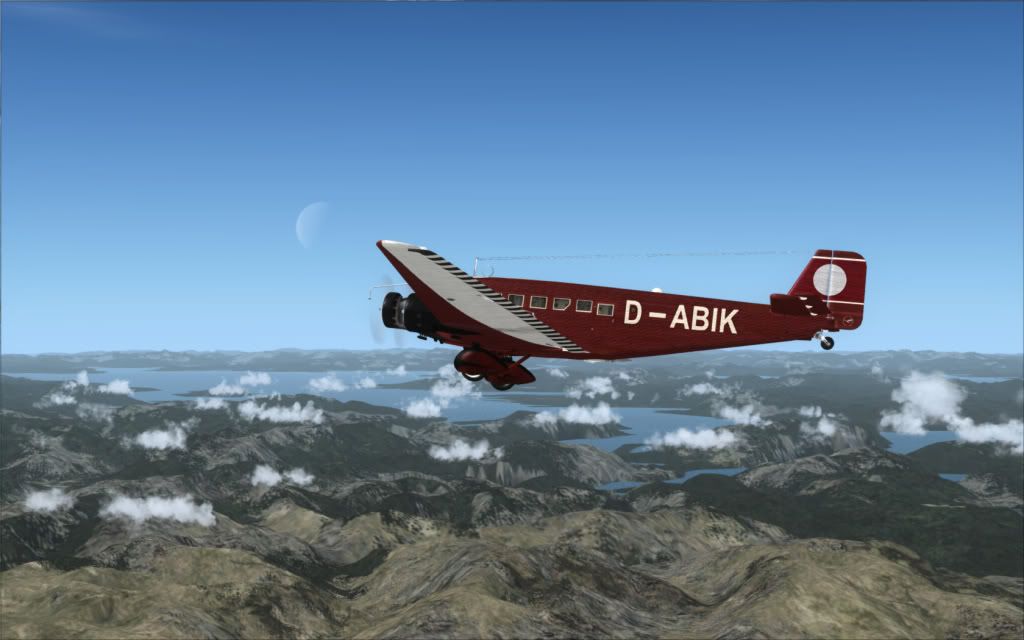
I've been kinda following this thread from the first day, and i downloaded the plugin and installed it and i gotta admit that my first reaction was " OH MY GOD IT BLACK!!.. I couldnt see sqwuat. I admit though that a programmer i'm not, nor is anything that i have intellegence wise intellegent in that direction. I also have a weird video set up. I'm running dvi to hdmi into a widescreenprojection tv. SO I spent most of the day today playing with this thing and trying to get it to do something right.. I'm not sure if i succeeded, but tonight ( last night?? Its almost 5AM sheesh ) i set up a couple planes under daylight and night conditions and veggie and snow environments. I dont know if the pics below will look any decent on any of your systems. By default, since it's a projection screen, i have massive amounts of light to deal with that others may not have. But i thought i'd post the pics here ( or at least a few of em. darned V key kept jumping up and hitting my finger ) , and i'm hoping you all can give me some feedback as to the quality of them. Also if you like what i achieved, i'll be more than happy to post my config file as the changes i had to make were pretty extensive, but if they can help someone then i'm al for it..
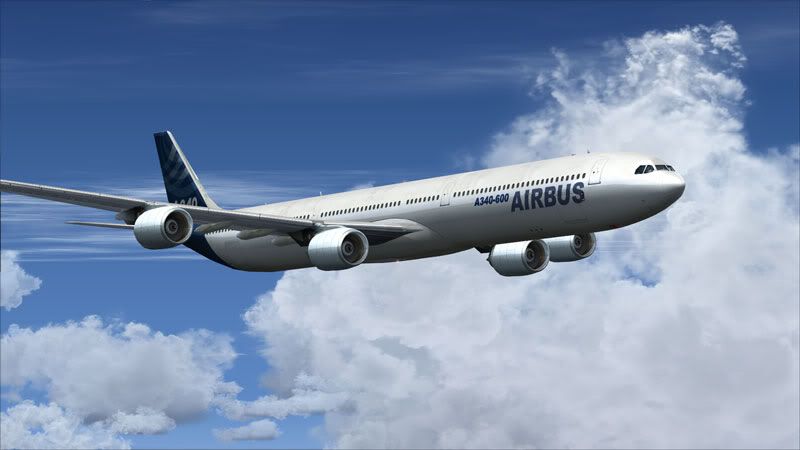
First plane up is an airbus testing reflections clouds and sky..
2009-4-19_3-22-23-986.jpg


2009-4-19_3-35-25-770.jpg


Night time with city lights and clouds....
2009-4-19_3-32-30-829.jpg

2009-4-19_3-23-25-890.jpg


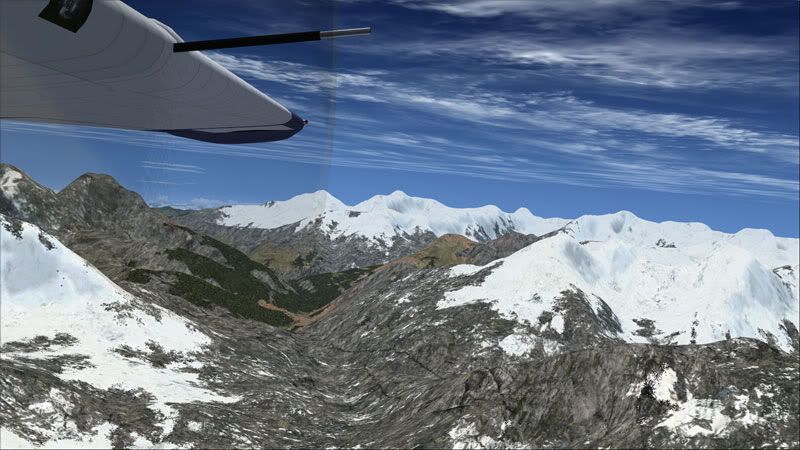
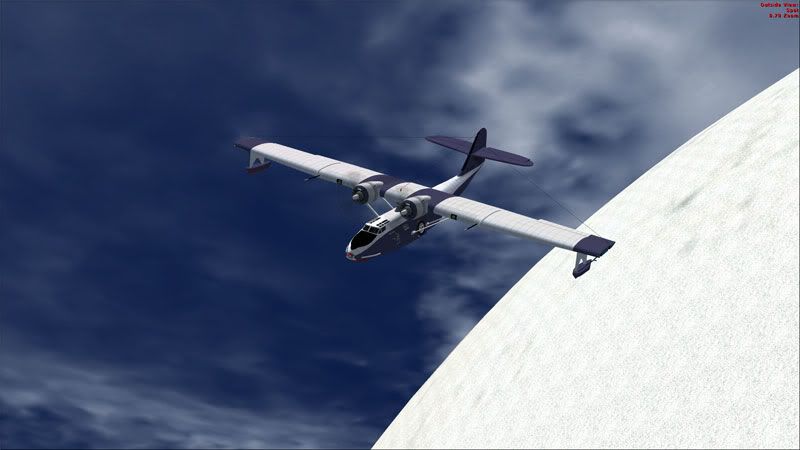
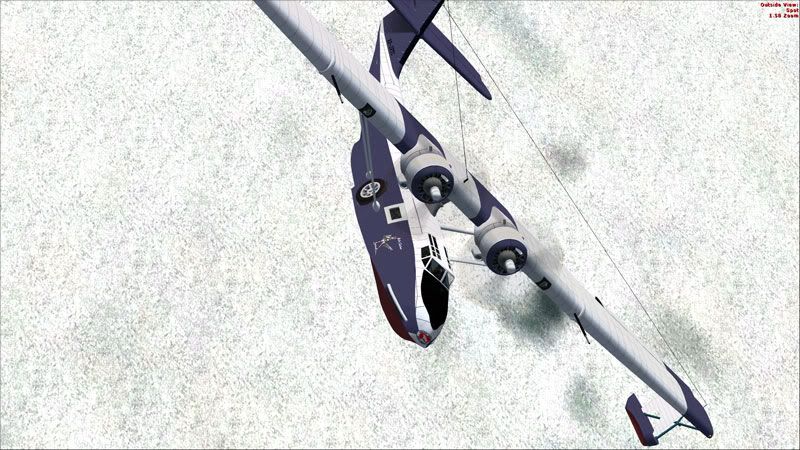
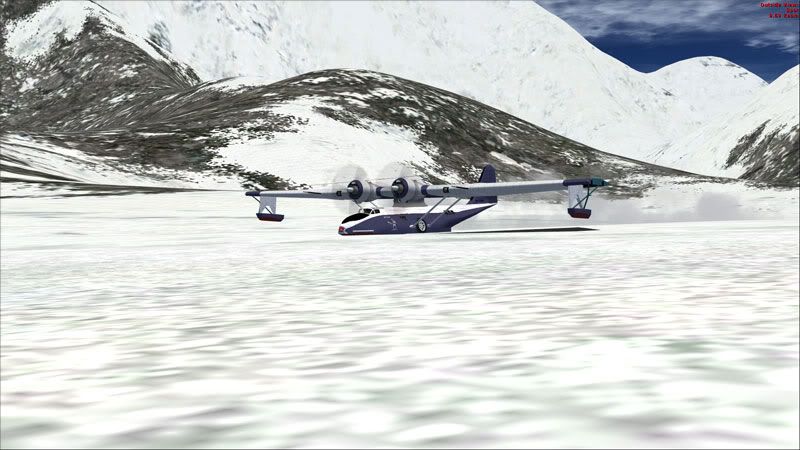
Next plane is my old cat playing in the himilayas. Anyone wanna ski down everest?? In a plane??

2009-4-19_3-50-47-648.jpg


2009-4-19_3-52-28-21.jpg


2009-4-19_4-9-41-425.jpg


2009-4-19_4-8-53-495.jpg


2009-4-19_4-11-33-951.jpg


2009-4-19_4-11-46-659.jpg


Bush flying anyone?? heheh..
anyway. Please let me know if they look ok, and if i can help anyone out by posting my crazy ini file, i'm happy top do that as well..
Thanks
Pam

Quick PS.. I didnt retouch thesse except to resize them. guess thats part of wyhy it's so important to me..
Thanks
 
Hey Pam,

Please post your config....I believe the original was setup for Grand Theft Auto...would be great to get one for FSX tweaked by the experts here at SOH !

Thanks !
 
WElll, i cant say i'm no expert on nuthin but i'm glad to post this.. sorry it's so big, but there are modifications throughout the entire file..

[PROXY]
EnableProxyLibrary=0
InitProxyFunctions=0
ProxyLibrary=

[GLOBAL]
UseEffect=1
AlternativeDepth=1
AllowAntialias=1
BugFixMode=0
SkipShaderOptimization=1
QuadVertexBuffer=0
EnableShaders_3_0=1
UseMRTRendering=1
AdditionalConfigFile=enbseries2.ini

[EFFECT]
EnableBloom=0
EnableOcclusion=0
EnableReflection=0
EnableMotionBlur=0
EnableWater=0
EnableShadow=0
DepthBias=0
EnableDepthOfField=0

[INPUT]
KeyUseEffect=123
KeyBloom=120
KeyOcclusion=121
KeyReflection=122
KeyCombination=16
KeyScreenshot=44
KeyShadow=119
KeyWater=118
KeyShowFPS=106

[REFLECTION]
ReflectionPower=100
ChromePower=100
UseCurrentFrameReflection=1
ReflectionQuality=0
ReflectionSourceSpecular=50
ReflectionSourceTFactor=50
UseAdditiveReflection=0
ReflectionDepthBias=0
UseLowResReflection=1
ReflectionSinglePass=1
UseEnvBump=0
EnvBumpAmount=100
EnvBumpOffset=100
ReflectionFlip=0

[BLOOM]
BloomPowerDay=0
BloomFadeTime=300
BloomConstantDay=1
BloomQuality=0
BloomScreenLevelDay=87
BloomCurveDay=0
BloomPowerNight=18
BloomConstantNight=0
BloomCurveNight=0
BloomScreenLevelNight=20
BloomAdaptationScreenLevel=24
BloomAdaptationMultiplier=100
BloomAllowOversaturation=1
BloomMaxLimit=100

[SSAO]
UseFilter=0
OcclusionQuality=1
FilterQuality=1
DarkeningLevel=25
BrighteningLevel=30
IlluminationLevel=29
AdditiveIlluminationLevel=30
UseAmbientOcclusion=1
UseIndirectLighting=1
FadeDistance=50
UseForAlphaTest=0
UseForAlphaBlend=0


[COLORCORRECTION]
DarkeningAmountDay=23
ScreenLevelDay=29
ScreenLevelNight=3
DarkeningAmountNight=-30
GammaCurveDay=-1
GammaCurveNight=-2
ColorSaturationDay=1
ColorSaturationNight=-4
UsePaletteTexture=0

[WATER]
UseWaterDeep=0
WaterDeepness=20
WaterQuality=0

[SHADOW]
ShadowFadeStart=40
ShadowFadeEnd=80
ShadowAmountDay=83
ShadowAmountNight=30
ShadowScreenLevelDay=40
ShadowScreenLevelNight=40
ShadowQuality=0
UseShadowFilter=0
FilterQuality=1
ShadowBlurRange=30

[ENGINE]
ForceAnisotropicFiltering=0
MaxAnisotropy=8
ForceDisplayRefreshRate=0
DisplayRefreshRateHz=60

[MOTIONBLUR]
MotionBlurQuality=1
MotionBlurVelocity=0
MotionBlurRotation=0

[PERPIXELLIGHTING]
SpecularColorMin=0
SpecularColorMax=100
SpecularColorMultiplier=100
SpecularGlossinessMin=0
SpecularGlossinessMax=100
SpecularGlossinessMultiplier=100

[DEPTHOFFIELD]
DOFQuality=2
DOFNumberOfPasses=1
DOFFocusRange=50
DOFBlurinessRange=10
 
Thats astounding.. Beautiful beautiful pictures. I'm honestly envious. But as i mentioned, i'm using a projection tv with an 8800 GTX driving it, and default settings leave me very very very dark. Maybe twice as dark ad yours. it's impossible for me to fly and see anything beyond silhouetes.. However, you inspire me to continue tweaking.. Theres got to be way to get it to have that dramatic edge without going too bloody dark..
 
Back
Top