-
Please see the most recent updates in the "Where did the .com name go?" thread. Posts number 16 and 17.
-
IMPORTANT DOWNLOADING INFORMATION - ALL MEMBERS PLEASE READ
Please see this thread for updates. Update Thread
SOH ADMINISTRATION
You are using an out of date browser. It may not display this or other websites correctly.
You should upgrade or use an alternative browser.
You should upgrade or use an alternative browser.
C-97
- Thread starter jandmbear
- Start date


DaveB
Charter Member
In a word.. no! TBH.. I didn't realise it had an AP until you mentioned it (having NOT ****!!) so I went back and looked. A magnificent bit of programming
 The AP section is completely mouse-clickable. Select (for example) the alt you want to reach in the RH side then click on ALT on the left. You'll see it 'light' and off it will go. Same with all the other functions. I like it a lot
ATB
DaveB
TBH.. I didn't realise it had an AP until you mentioned it (having NOT ****!!) so I went back and looked. A magnificent bit of programming The AP section is completely mouse-clickable. Select (for example) the alt you want to reach in the RH side then click on ALT on the left. You'll see it 'light' and off it will go. Same with all the other functions. I like it a lotATB
DaveB

falcon409
SOH-CM-2026
Yep, pretty unique way to display an AP, but it works quite well, especially cool are the presets for headings and altitudes. Being able to fine tune those is also quite easy. I took a short flight from Pensacola down to Tyndal and did an ILS approach and landing that went flawlessly. Just a superb model.In a word.. no!
ATB
DaveB

Wings of Gold
Charter Member
Bad install - my fault
Hi Guys,
I had a routine install up until it asked me to accept the first (I think) gauge. I must have done something wrong to this routine question, because I immediately had a CTD. Now I get a CTD every time I select the C-97. My problem is that I now don't know how to get back to that approval point again (removing the C-97 folder and installing again just gives me the same CTD when selecting the C-97). Ideas please. Bill
Hi Guys,
I had a routine install up until it asked me to accept the first (I think) gauge. I must have done something wrong to this routine question, because I immediately had a CTD. Now I get a CTD every time I select the C-97. My problem is that I now don't know how to get back to that approval point again (removing the C-97 folder and installing again just gives me the same CTD when selecting the C-97). Ideas please. Bill


WarHorse47
SOH-CM-2024
Same here... No altitude reading.Ah I wasn't clicking on ALT etc on the left hand side! But still no joy with the altitude and radar altitude.They just read zero.
DaveB
Charter Member
I'm sure someone will jump in here but in the meantime.. I'm not quite sure what problem you're seeing with the radar altitude. Are you saying that it reads zero all the time? I know I've seen this working each time I've taken off. Can't remember what it's 'terminal' or cut-off altitude is but it certainly wound up as I was in the climb. With altitude 'in flight'.. you can either select one of the pre-determined altitudes.. 5K, 10K e t c or dial-in a given altitude on the RH side of the gauge with your mouse. You then hit ALT on the LH side and it will climb to that altitude.
Off for another look
EDIT: Zsolt.. have you been up all night painting!!
ATB
DaveB
Off for another look
EDIT: Zsolt.. have you been up all night painting!!
ATB
DaveB
Wings of Gold
Charter Member
Freeware Event Loggin Gauge is my problem
Update: by process of elimination I have discovered that the "fsx_event_logger.gau" is what got screwed up. If someone knows how to rectify my issue with it (in the "fsx.cfg" file entry?) please speak up. I merely removed mine to get the C-97 operable, but I'm sure this missing gauge now precludes a bunch of functionality. Bill
Update: by process of elimination I have discovered that the "fsx_event_logger.gau" is what got screwed up. If someone knows how to rectify my issue with it (in the "fsx.cfg" file entry?) please speak up. I merely removed mine to get the C-97 operable, but I'm sure this missing gauge now precludes a bunch of functionality. Bill
DaveB
Charter Member
I see what you mean now.. the Altimeter itself remains at zero. Yup.. mine does too. The pressure control isn't active yet either. I'm sure they guys know about this.. it IS a beta after all My radio alt works fine all the way up to it's 800ft limit so I'm not sure why you're not seeing that. Some of the controls on the shift+4 overhead aren't working yet but again.. as this is still in beta, I expect them to be functional in future updates.
You can still see exactly what altitude you're at in the far LH overhead so all is not lost. If the radalt becomes active while you're flying.. you'd better be landing!!
ATB
DaveB
My radio alt works fine all the way up to it's 800ft limit so I'm not sure why you're not seeing that. Some of the controls on the shift+4 overhead aren't working yet but again.. as this is still in beta, I expect them to be functional in future updates.You can still see exactly what altitude you're at in the far LH overhead so all is not lost. If the radalt becomes active while you're flying.. you'd better be landing!!
ATB
DaveB

jankees
SOH-CM-2026
wow, it's a big bird!
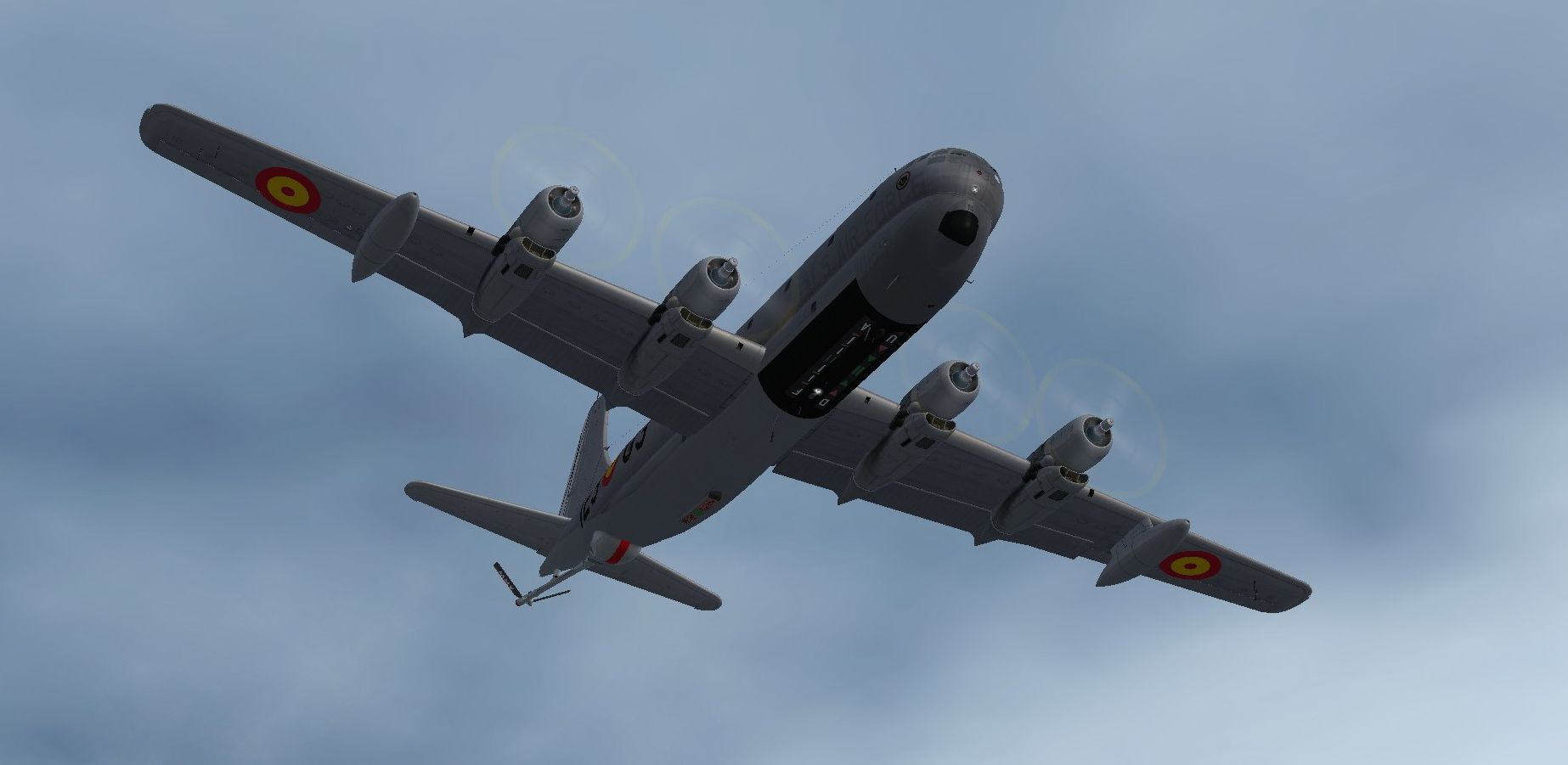
she handles as she looks, like a whale!
[URL=http://s722.photobucket.com/user/jcblom60/media/2014/jk1130.jpg.html]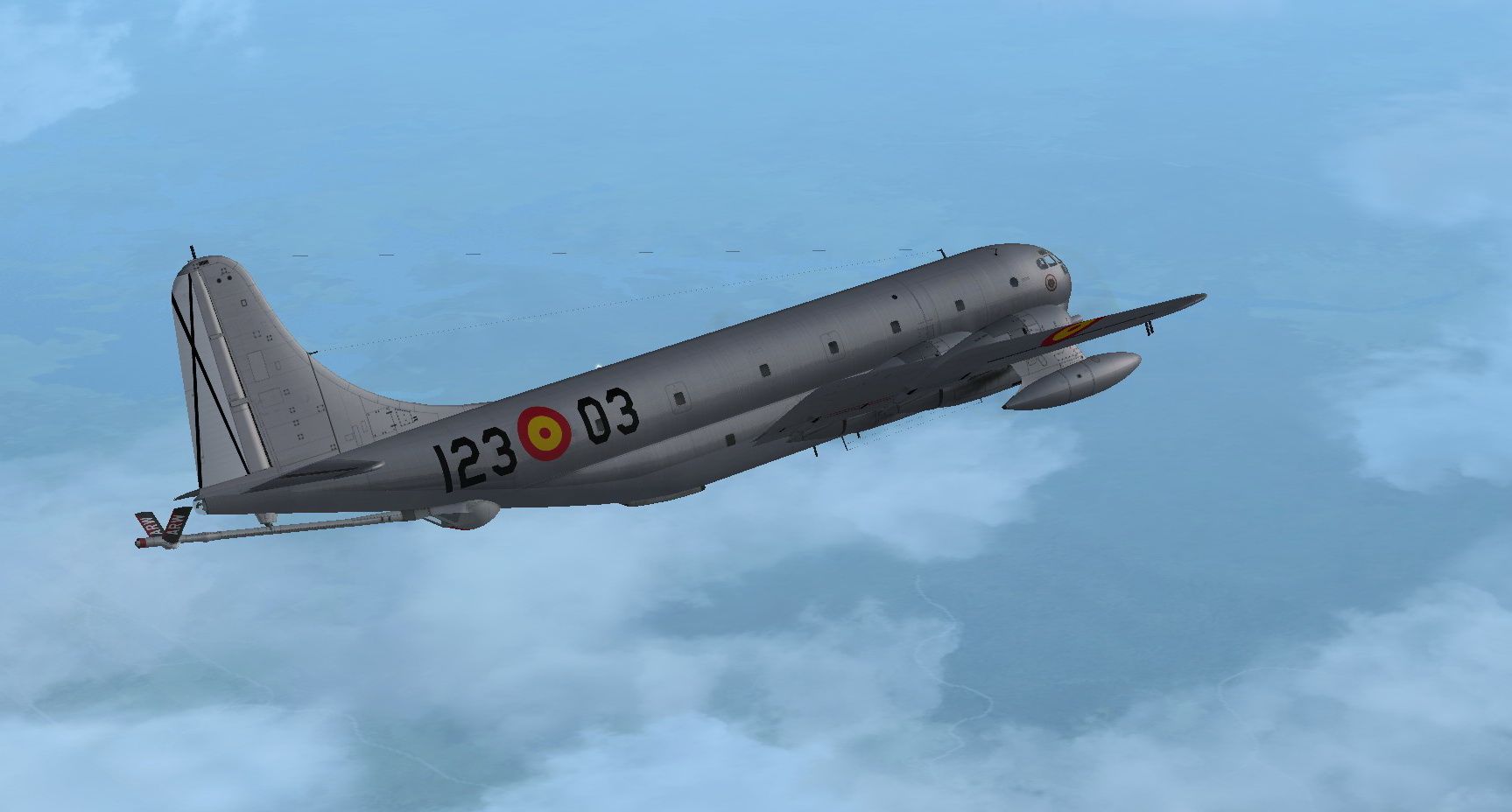 [/URL]
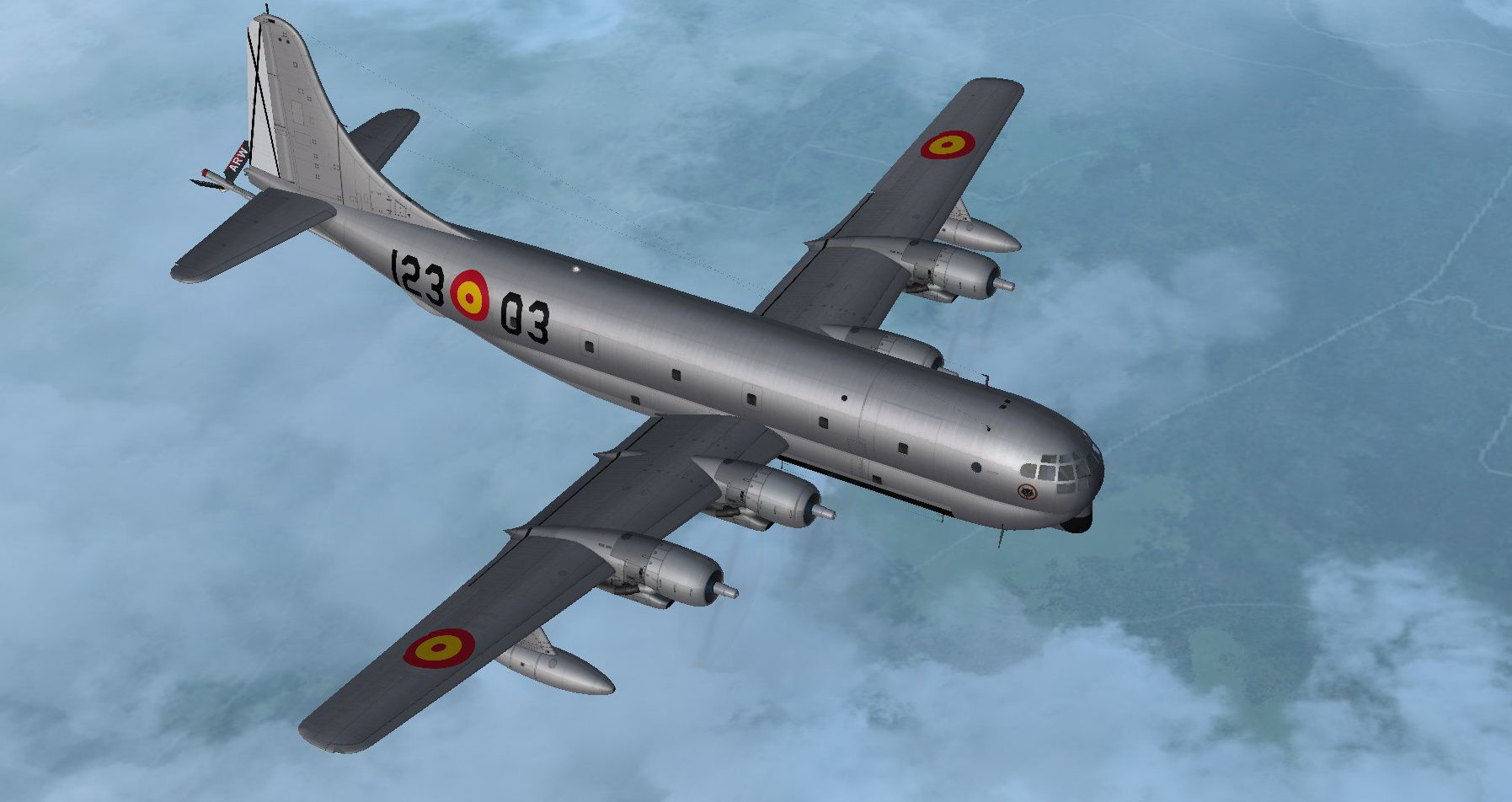
funny, I never bought the A2A whale, because I thought it looked so ugly, but now I find myself liking this one...weird..

she handles as she looks, like a whale!
[URL=http://s722.photobucket.com/user/jcblom60/media/2014/jk1130.jpg.html]
 [/URL]
funny, I never bought the A2A whale, because I thought it looked so ugly, but now I find myself liking this one...weird..
DaveB
Charter Member
You watch that paint doesn't run!!
No.. I was never really tempted by the A2A model either though I've had Greg Peppers model on my HD for years. I didn't like the idea of blowing an engine up if I didn't do things correctly!! I like stuff like this.. jump in and have fun without a fortnight at ground school. Nothing against those who enjoy that sort of thing but it's not for me
BTW.. I've already seen someone enquiring about an Israeli Air Force paint over at CBFS!!
ATB
DaveB
No.. I was never really tempted by the A2A model either though I've had Greg Peppers model on my HD for years. I didn't like the idea of blowing an engine up if I didn't do things correctly!! I like stuff like this.. jump in and have fun without a fortnight at ground school. Nothing against those who enjoy that sort of thing but it's not for me
BTW.. I've already seen someone enquiring about an Israeli Air Force paint over at CBFS!!
ATB
DaveB