A fair question Gary and one I keep forgetting to answer. IRIS actually put the prop textures into the paintkit so that users can repaint them. I long ago put a generic copy into the "Common" folder and keep forgetting to place a set in a new paint. So unfortunately I also forget to add the prop tectures into the new paint zip folders.
So yes - if you have a paint of mine that throws up black props, simply copy a set of the four prop textures over from an IRIS "delivered" paint.
As for texture sizes - well, this does seem to be debatable. I always check my fsx.cfg before every session and set the texture_max_load to 4096 because I have mostly that size on my PC. The debate is "do we need this?" Some say yes, some say no, some say only if you have mip maps...
Again "Mea Culpa" Gary and all readers. Most graphics cards and computers these days can handle 4096 pixel textures, so yes, set 4096 in your "TML" - but then you'll have to make a habit of it, because FSX resets to 1024 if there are any strange faults during a session.
If your TML is at 1024, then FSX will automatically re-size any texture sheet to that width (the fuselage sheets, for instance, will resize to 1024 by 512).
In that way, you always have a fall back to standard sized textures adnd will not see any FPS issues. When you set TML to 4096, you might notice a slightly longer load time and a very slight drop in FPS. Well, unless it is something like the Catalina, which has thirteen texture sheets - so if you make textures and bumps in 4096 pixel sheets, you end up with 26 x 15 MB extra to load (almost 400 MB)
So to sum up - I will put a short dissertation to this effect in my downloads notes.
[added later]
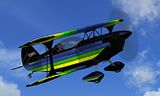
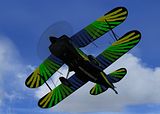
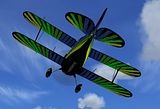
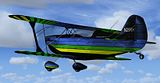
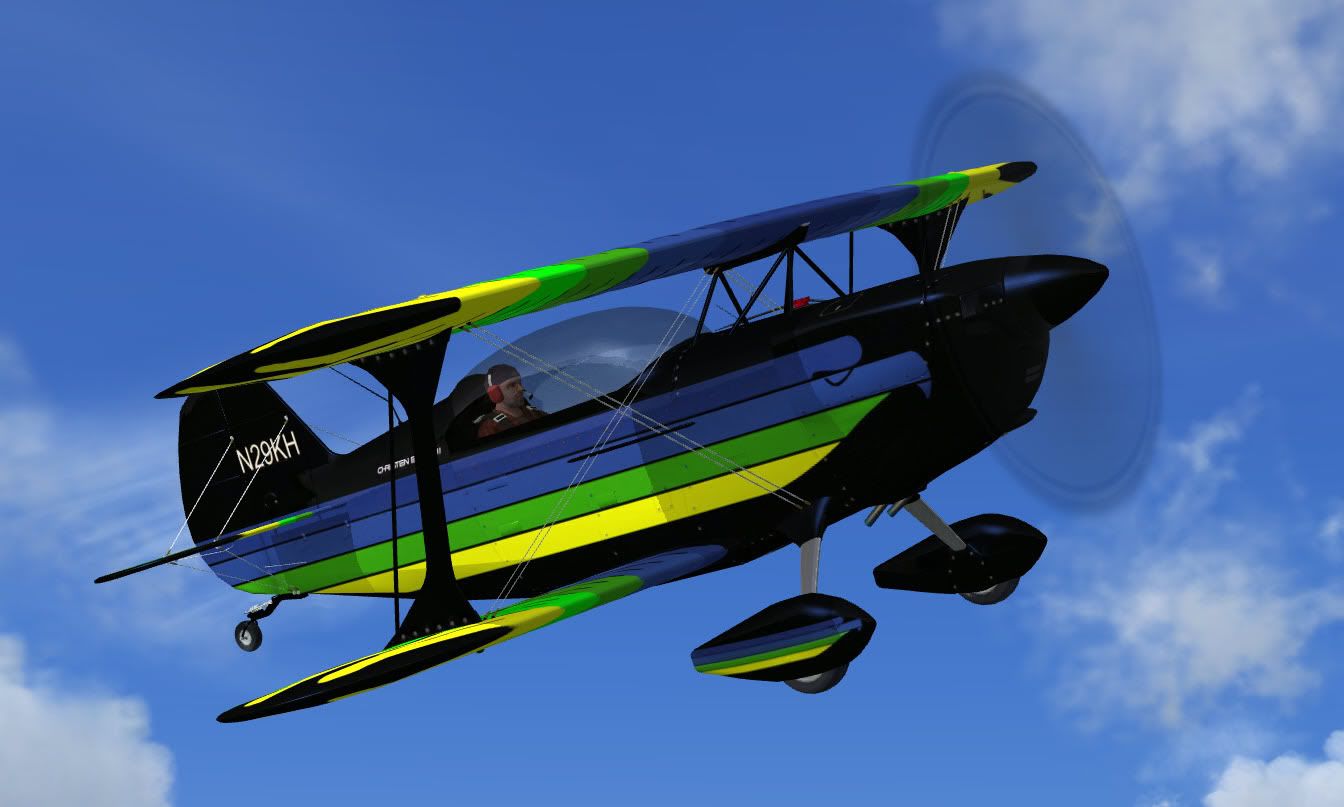
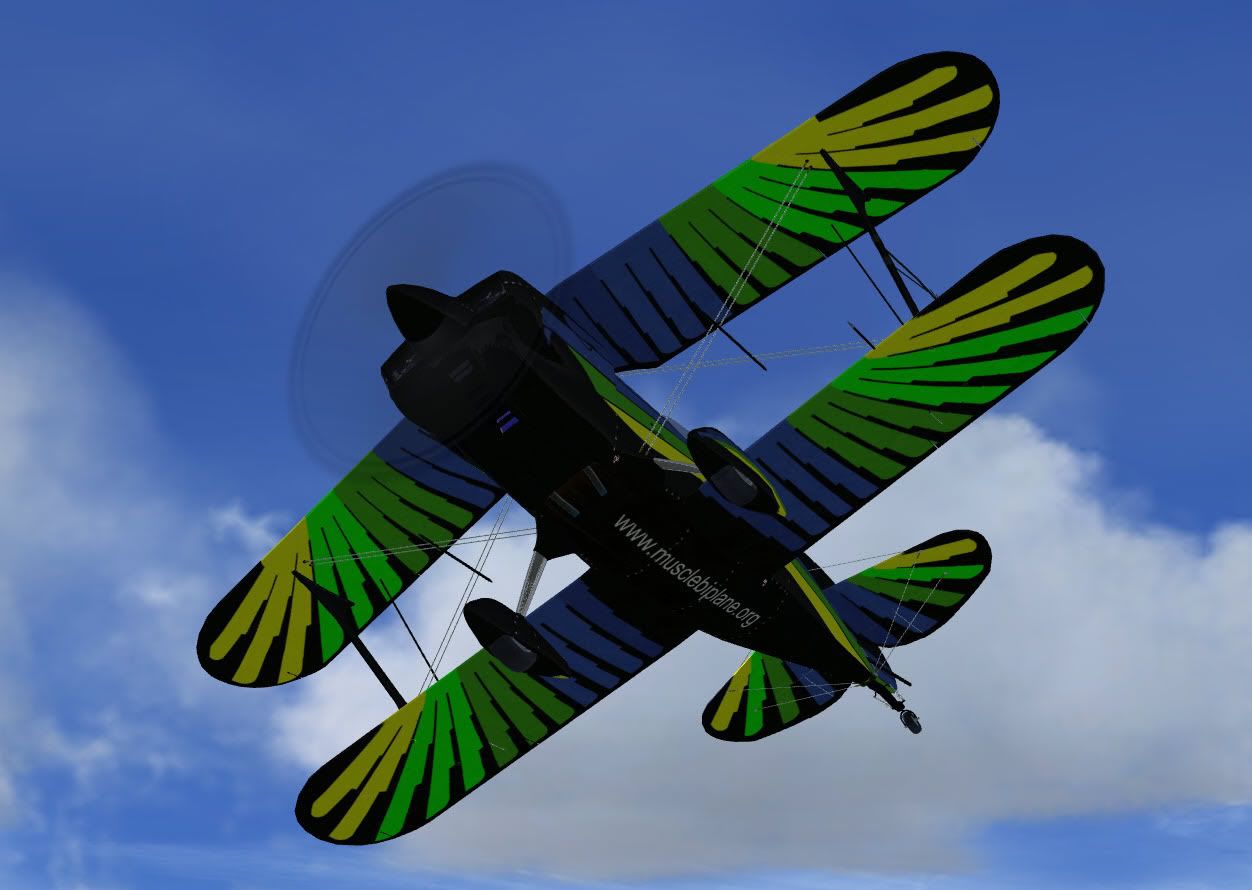
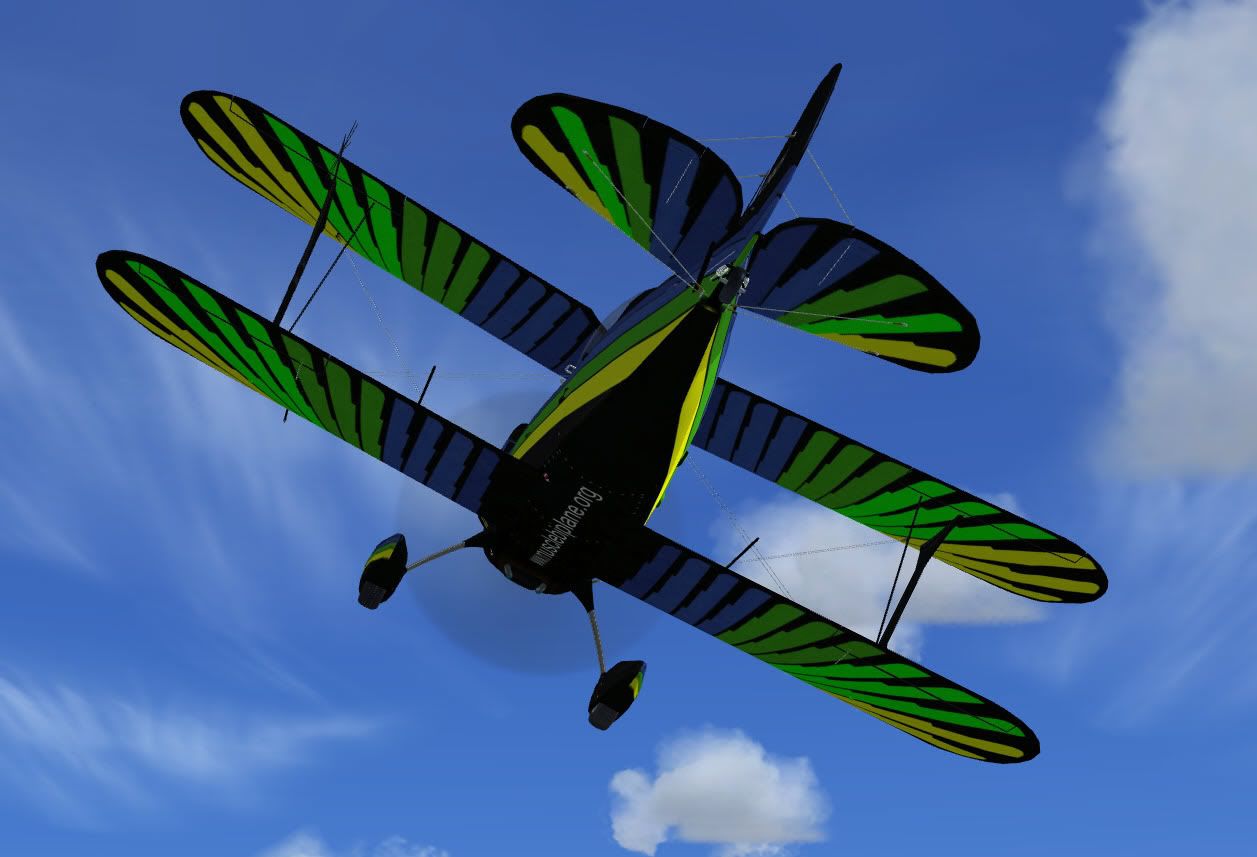
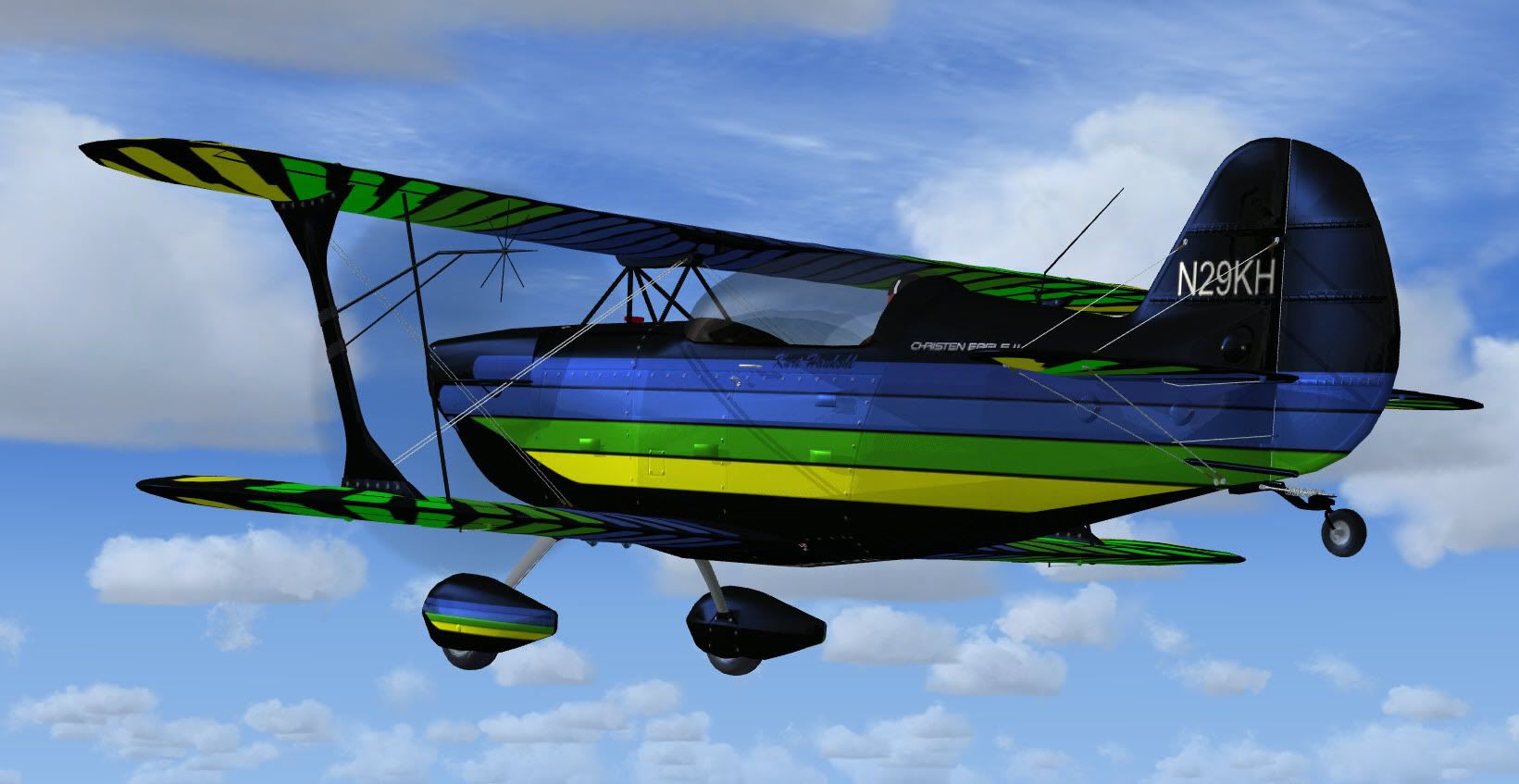
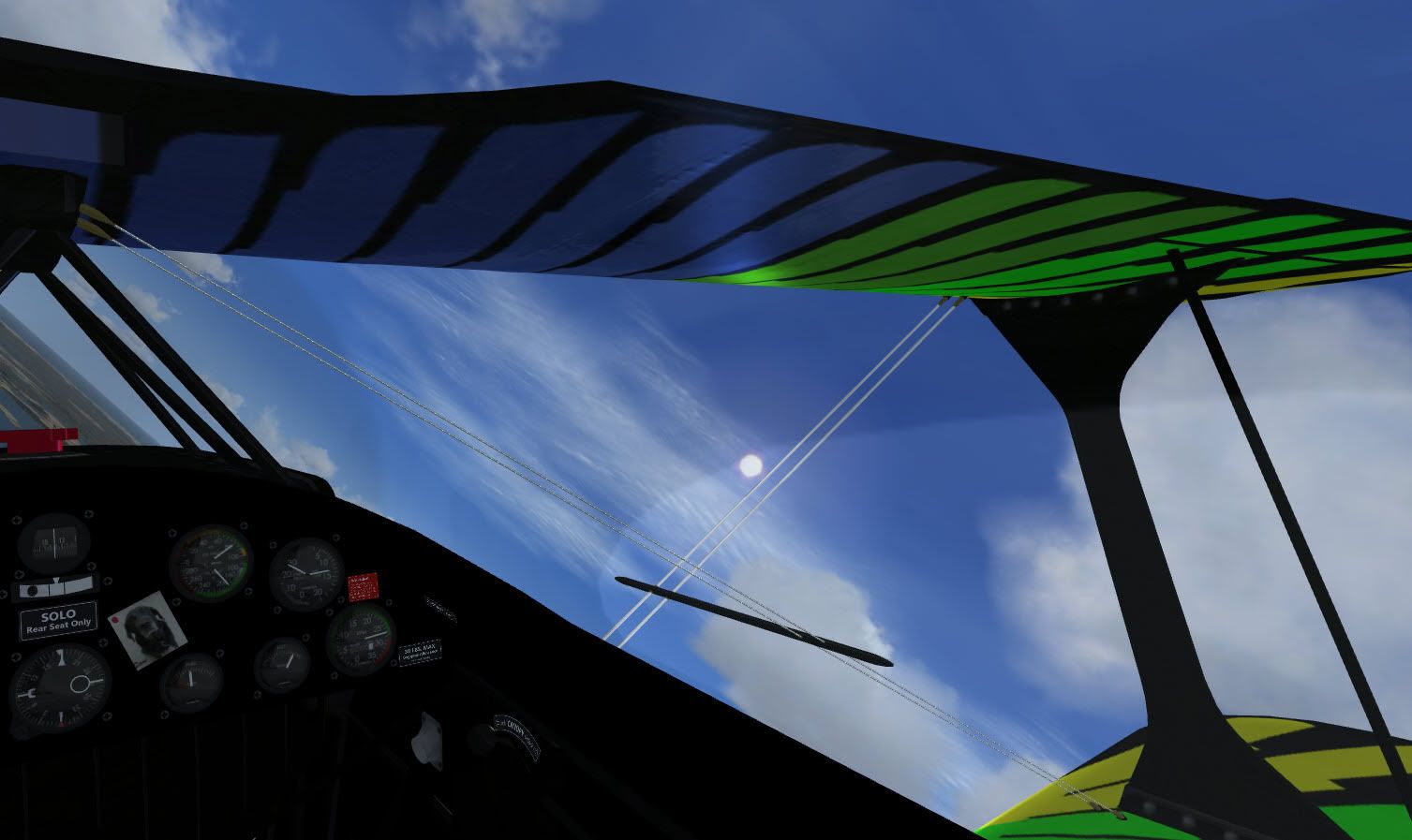
OK, I have added some "wise words" on my site in the Eagle paints download page and also in the "Workshop" section to cover things like props, image sizes and cube maps,

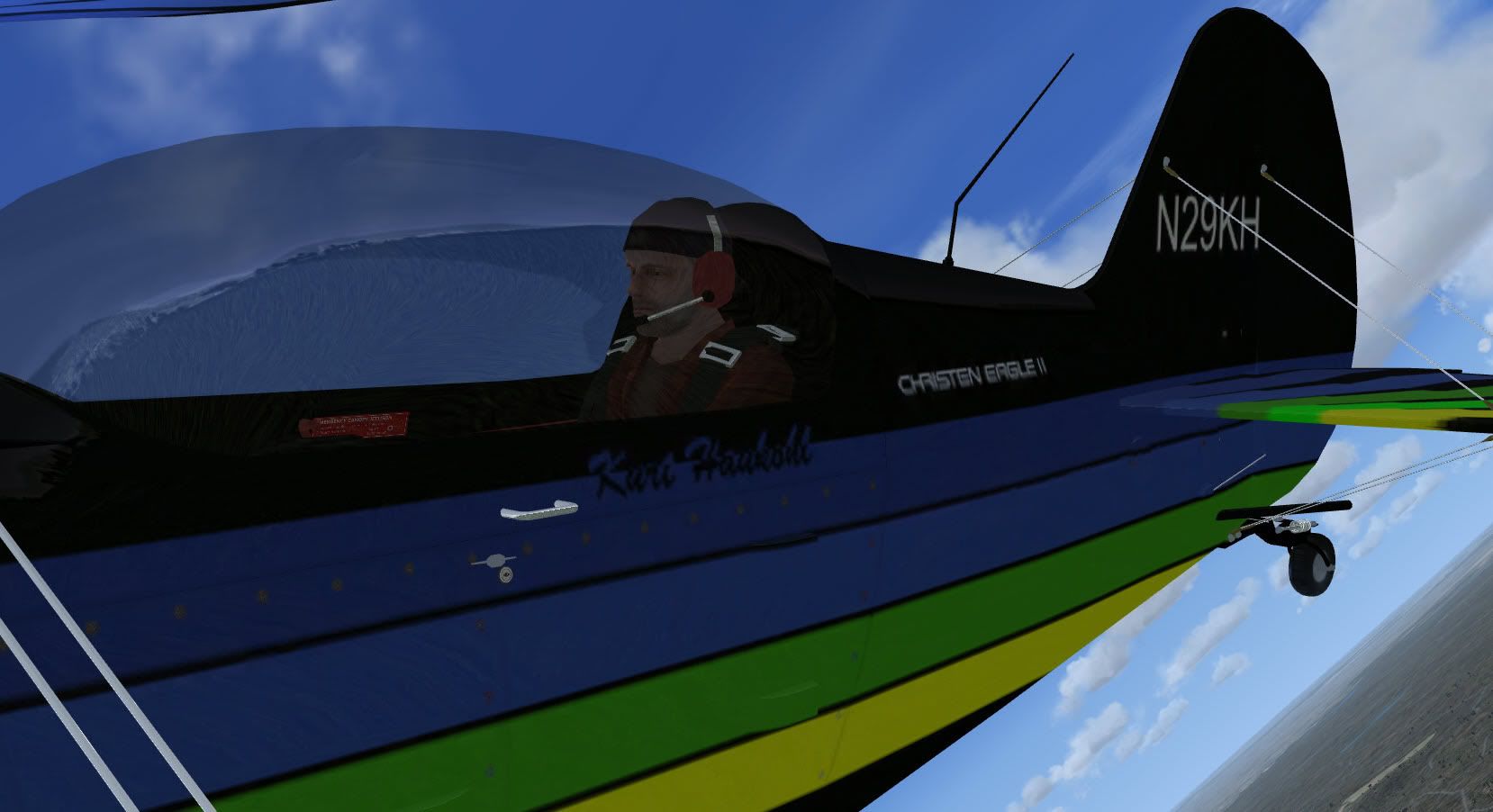
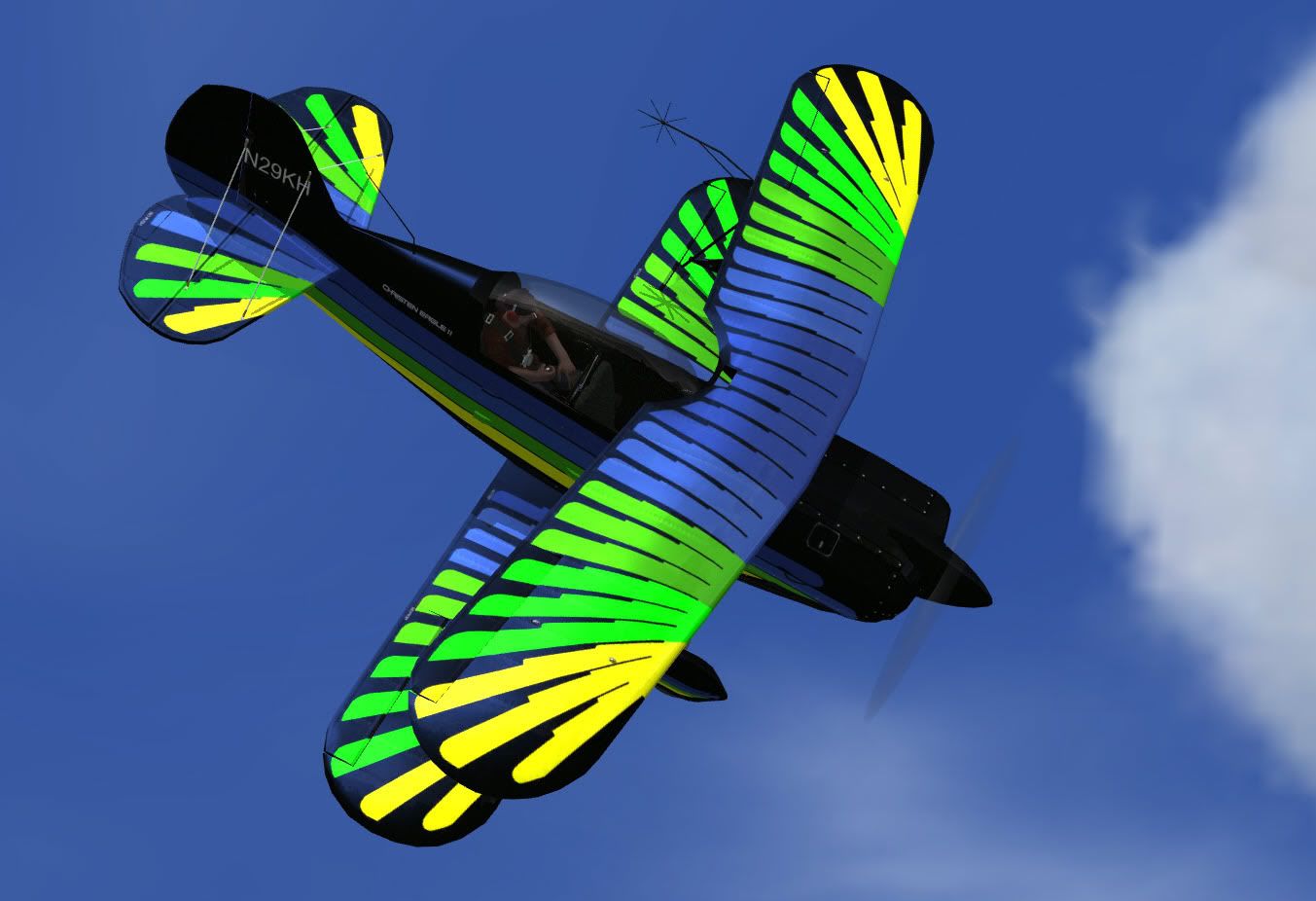


 *hint
*hint  :
: