
-
Please see the most recent updates in the "Where did the .com name go?" thread. Posts number 16 and 17.
-
IMPORTANT DOWNLOADING INFORMATION - ALL MEMBERS PLEASE READ
Please see this thread for updates. Update Thread
SOH ADMINISTRATION
You are using an out of date browser. It may not display this or other websites correctly.
You should upgrade or use an alternative browser.
You should upgrade or use an alternative browser.
F-86 wide panel
- Thread starter gaucho_59
- Start date

gaucho_59
Charter Member
Working with nodes
If what one is looking to do is something like this:
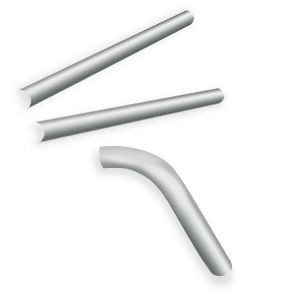
then, using PSP, one needs to get familiarized with working with nodes... First, you convert the object to a vector object.
1 On the Tools toolbar, select the Pen tool .
2 On the Tool Options palette, click Edit Mode button .
3 Click a vector object.
The object's nodes appear.
4 Click the node.
The selected node appears with a solid gray fill.
You can also,
Select multiple nodes
Hold down Shift, and click the nodes.
Select all nodes on a contour
Double-click one node. If the object has only one contour, this selects all nodes in the path.
Select all nodes in a path (all nodes in the object)
Right-click a node, and choose Edit Select All.
Select the next or previous node on a contour
Hold down Shift, and press [ or ].
Deselect a selected node
Hold down Shift, and click the node.
Then you can deform the object to your desired shape...
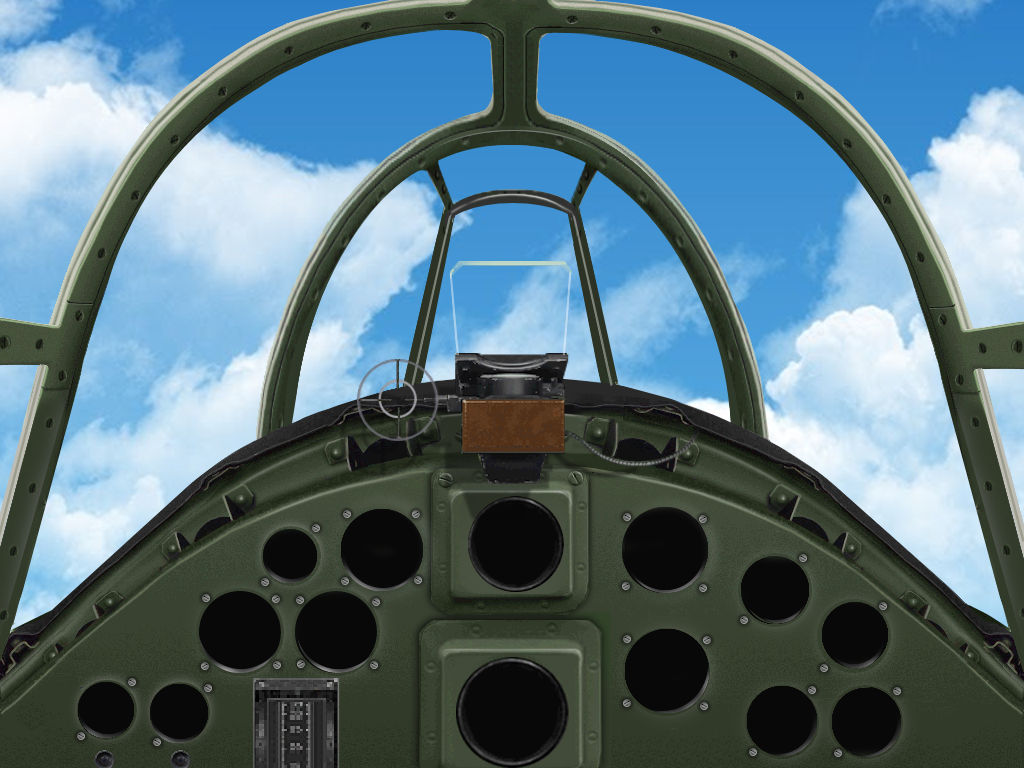
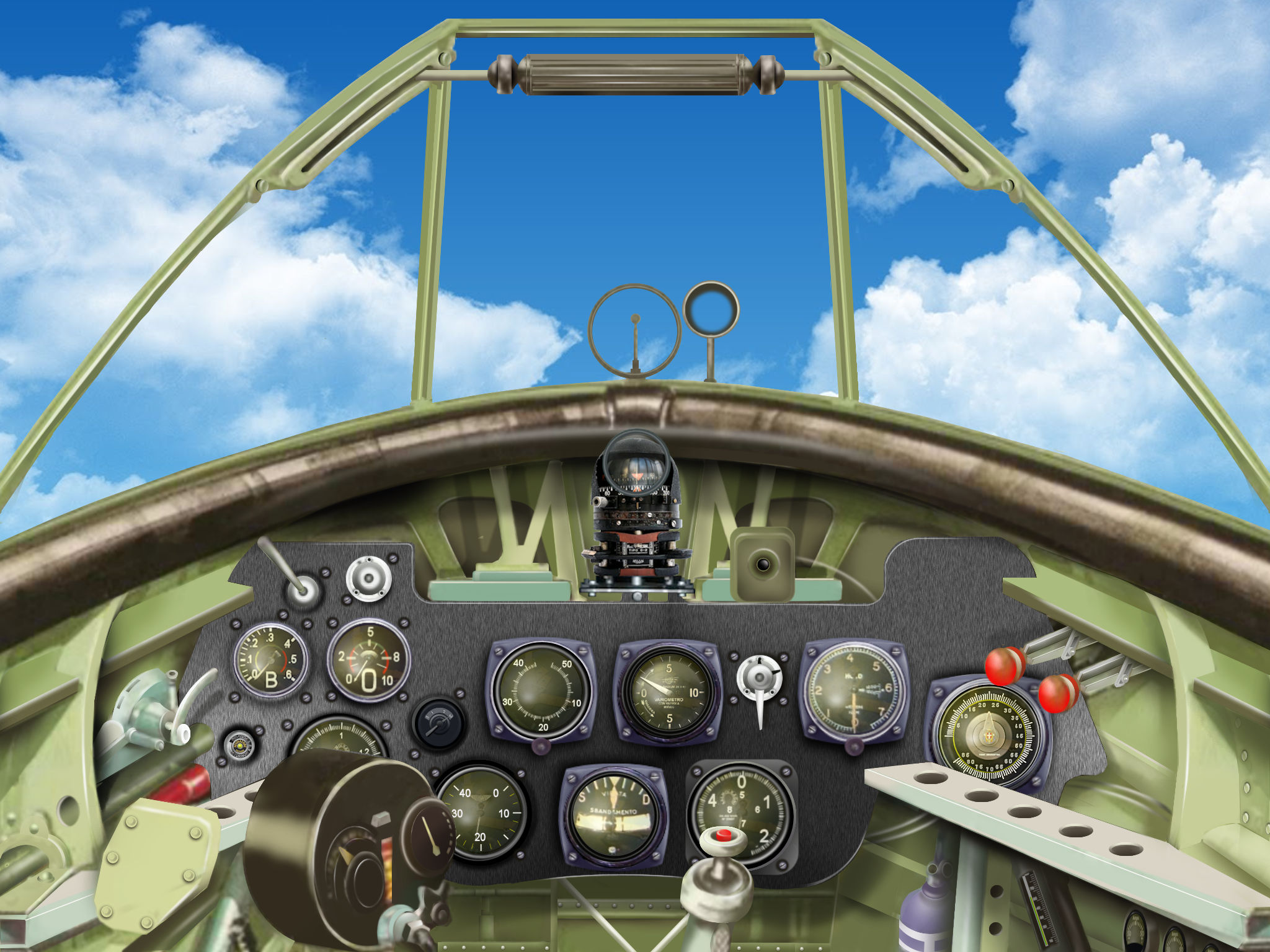
Here is an example of what I am talking about... a WIP on a panel for a Ki 43 III in which I
used this tool extensively to change the original perspective and modify curves into straight lines and vice-versa
IMHO our worst enemy is the "want for immediate publishing" because our works often end up a little less precise than on wishes...
Carlos


G.
If what one is looking to do is something like this:
then, using PSP, one needs to get familiarized with working with nodes... First, you convert the object to a vector object.
1 On the Tools toolbar, select the Pen tool .
2 On the Tool Options palette, click Edit Mode button .
3 Click a vector object.
The object's nodes appear.
4 Click the node.
The selected node appears with a solid gray fill.
You can also,
Select multiple nodes
Hold down Shift, and click the nodes.
Select all nodes on a contour
Double-click one node. If the object has only one contour, this selects all nodes in the path.
Select all nodes in a path (all nodes in the object)
Right-click a node, and choose Edit Select All.
Select the next or previous node on a contour
Hold down Shift, and press [ or ].
Deselect a selected node
Hold down Shift, and click the node.
Then you can deform the object to your desired shape...
Here is an example of what I am talking about... a WIP on a panel for a Ki 43 III in which I
used this tool extensively to change the original perspective and modify curves into straight lines and vice-versa
IMHO our worst enemy is the "want for immediate publishing" because our works often end up a little less precise than on wishes...
Carlos
G.

Blood_Hawk23
Charter Member
Amazing work as always, Carlos.
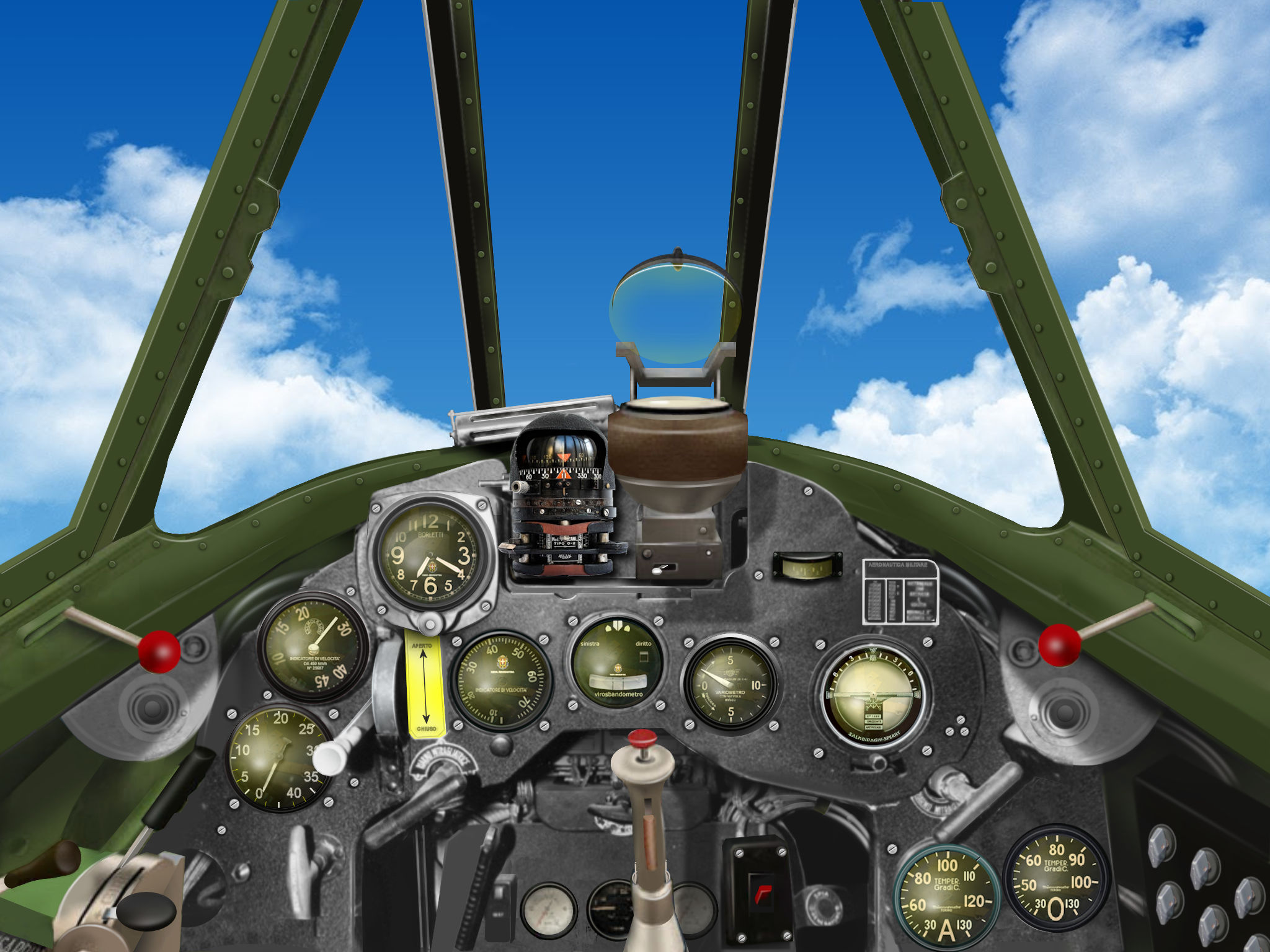
I have wondered why you use only the green/yellow gauge face. Its not that I don't like them. I'm just curious as to why you don't have different types.
I have wondered why you use only the green/yellow gauge face. Its not that I don't like them. I'm just curious as to why you don't have different types.
gaucho_59
Charter Member
No particular reason....
Just lazy, I guess... lol...
Carlos
Amazing work as always, Carlos.
I have wondered why you use only the green/yellow gauge face. Its not that I don't like them. I'm just curious as to why you don't have different types.
Just lazy, I guess... lol...
Carlos
gaucho_59
Charter Member
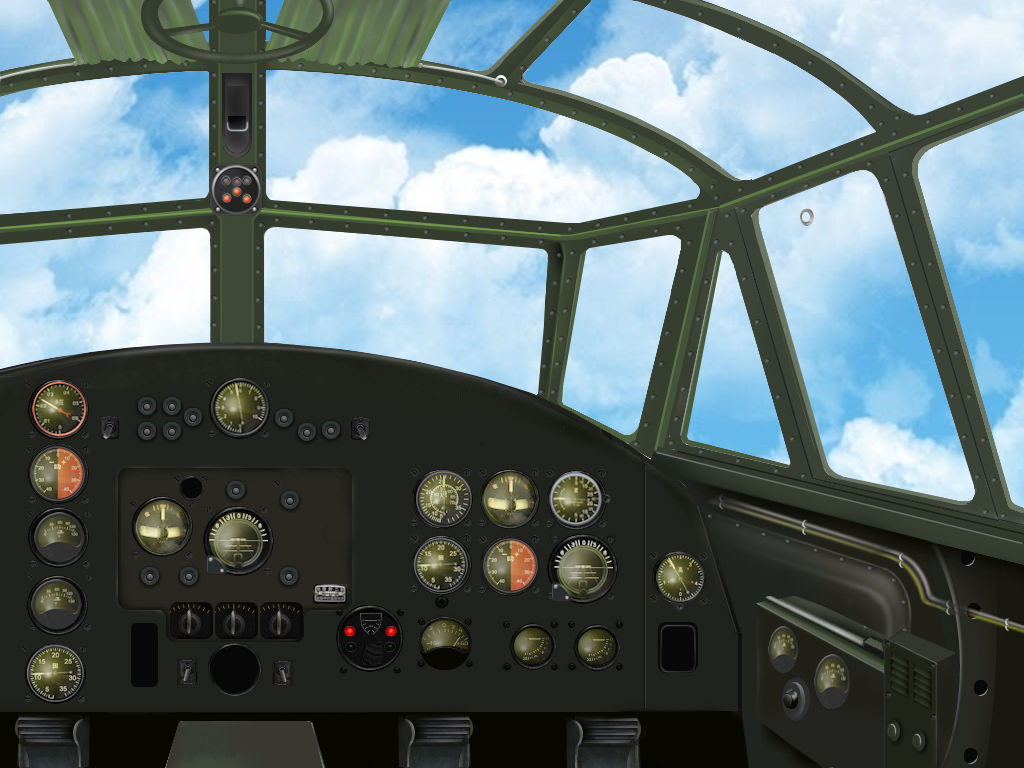
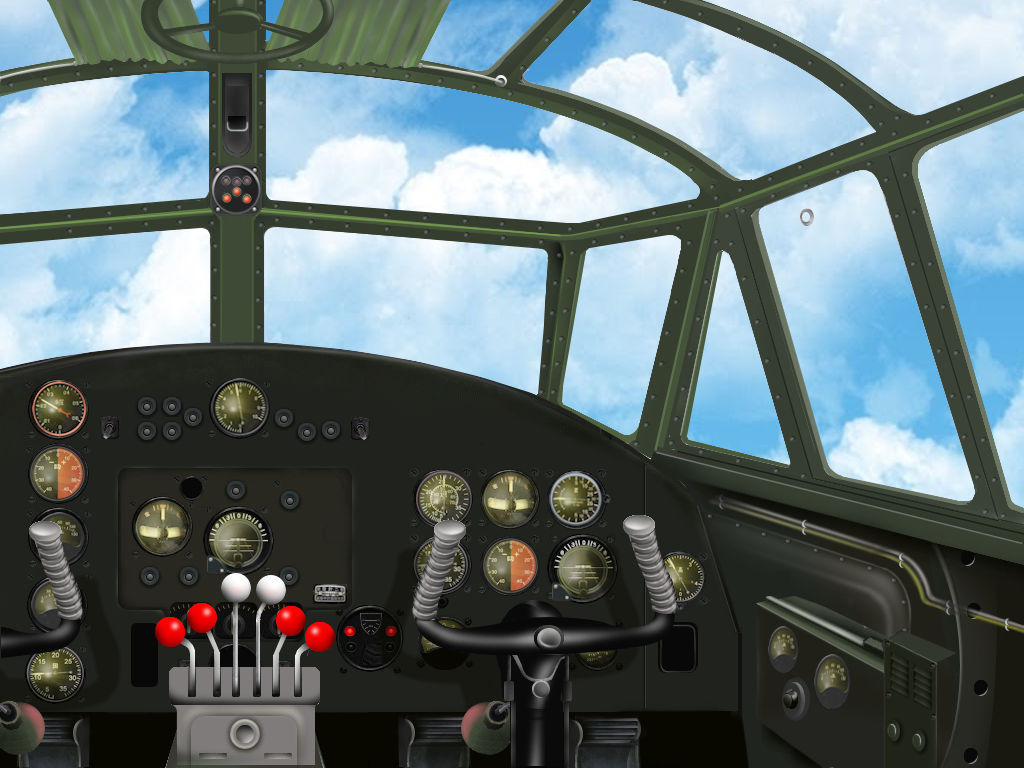
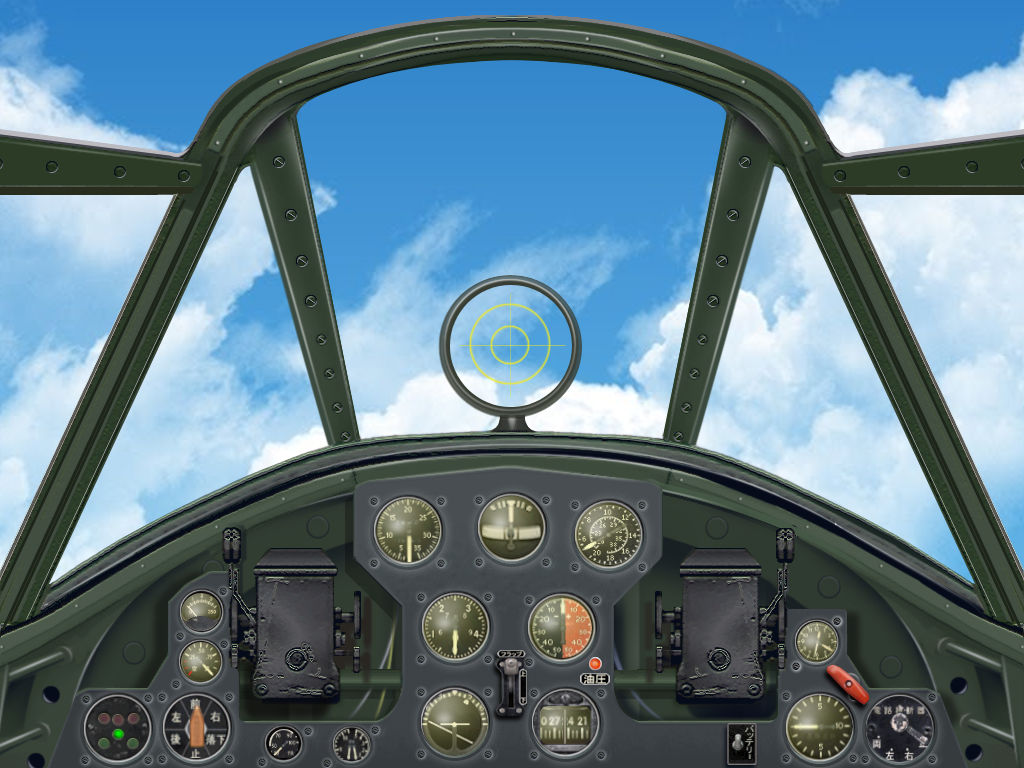
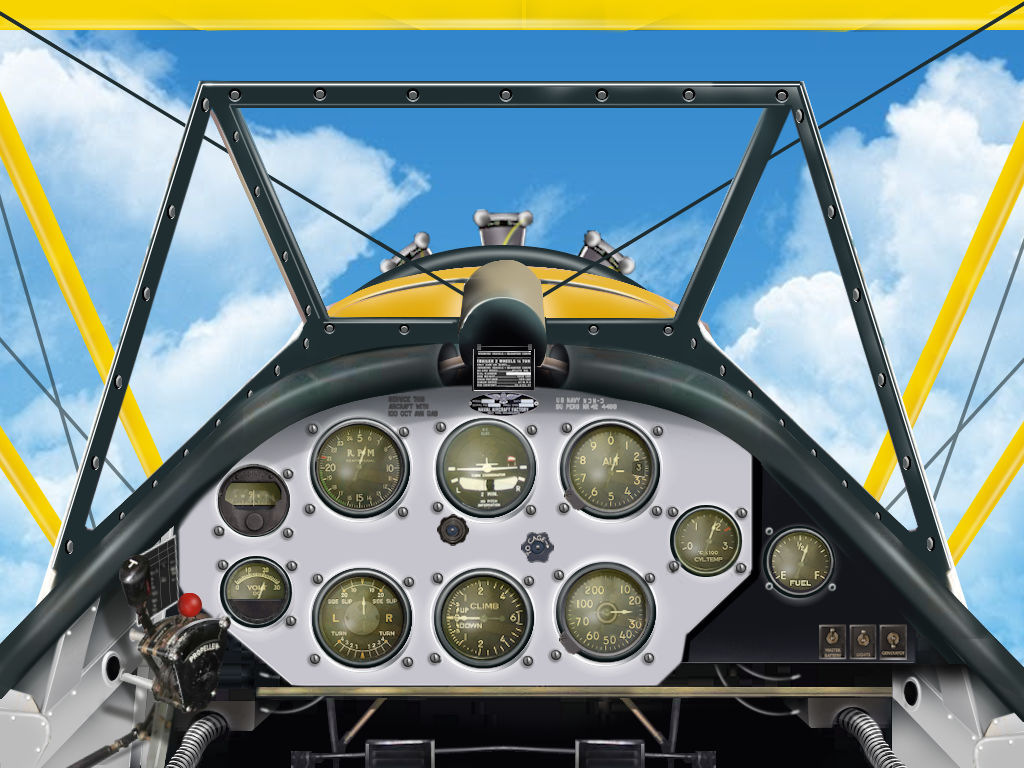
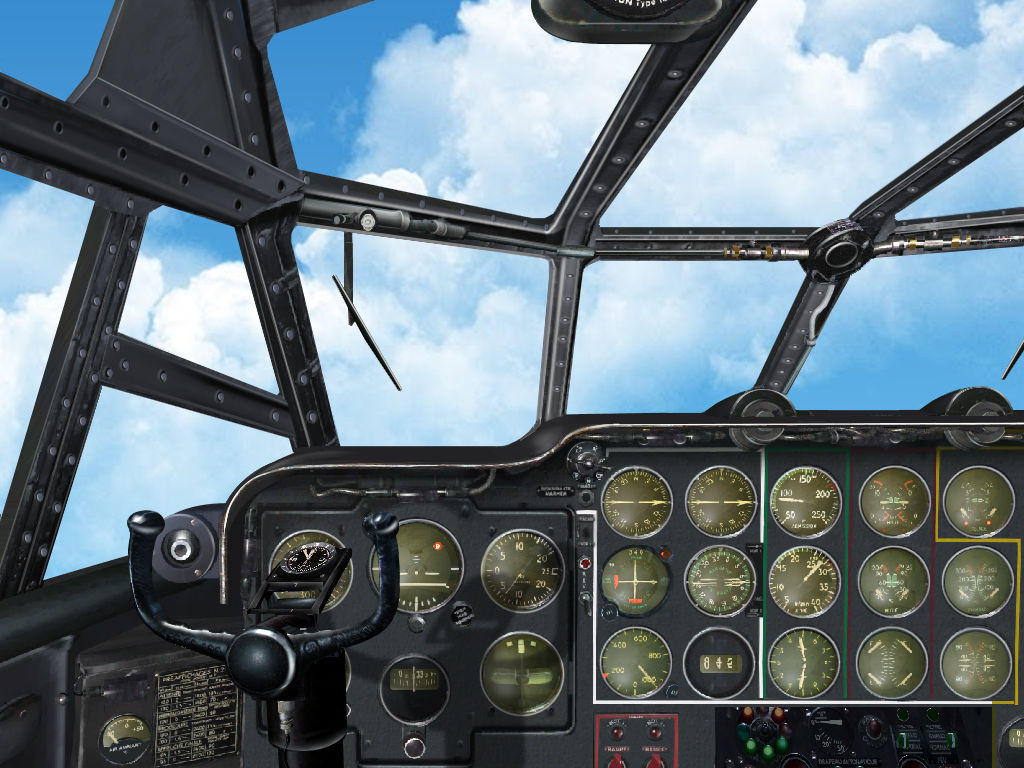
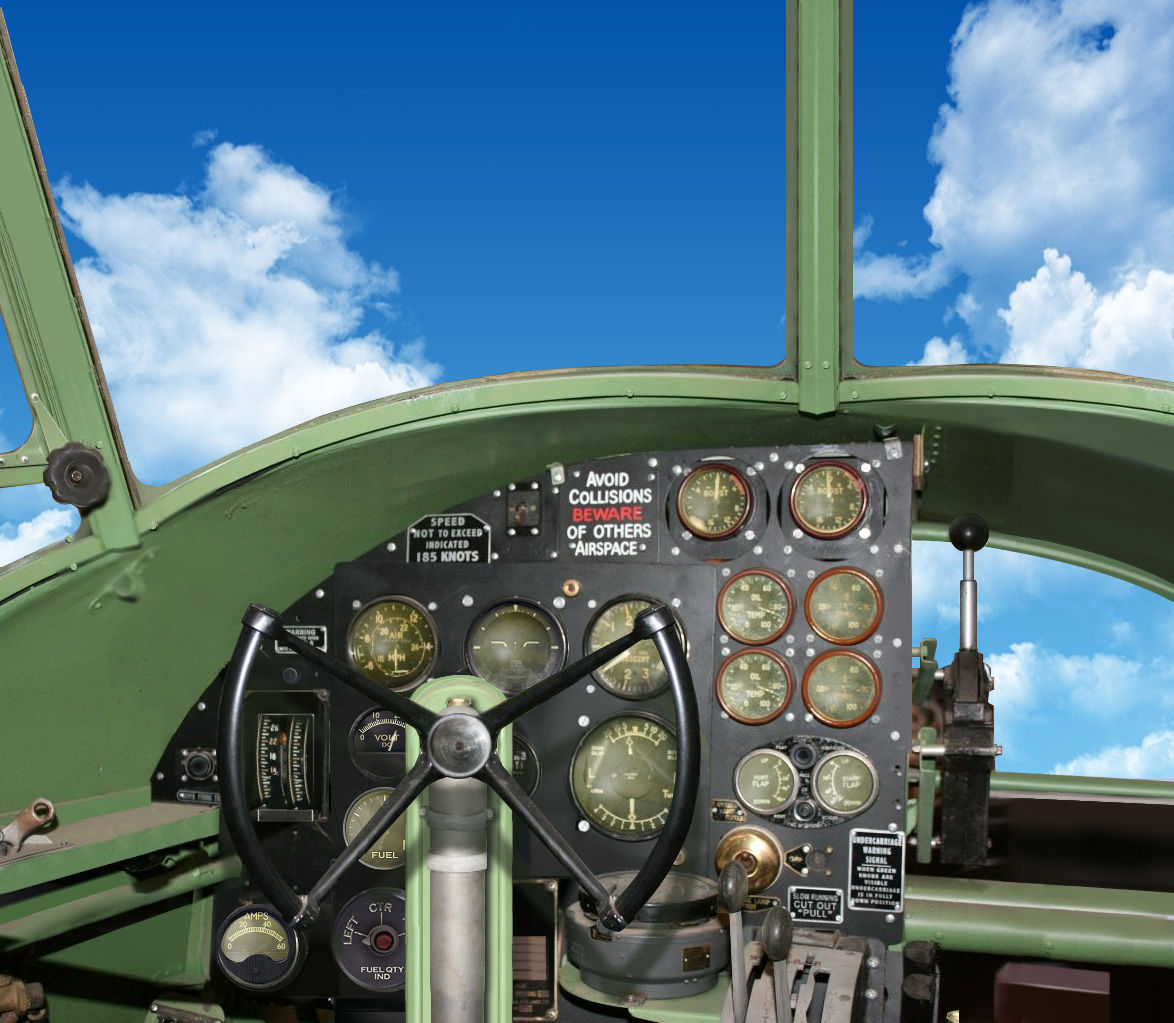
New 2d panel for Mitsubishi "Betty"...
This is a definitive version correcting perspective errors and overall inaccuracy of
circulating panels for this WW2 workhorse. Painted on the basis of a line drawing from
the manufacturer...
Available in either a "clean version" or with additional pop-up throttle box and yokes...
G.
This is a definitive version correcting perspective errors and overall inaccuracy of
circulating panels for this WW2 workhorse. Painted on the basis of a line drawing from
the manufacturer...
Available in either a "clean version" or with additional pop-up throttle box and yokes...
G.
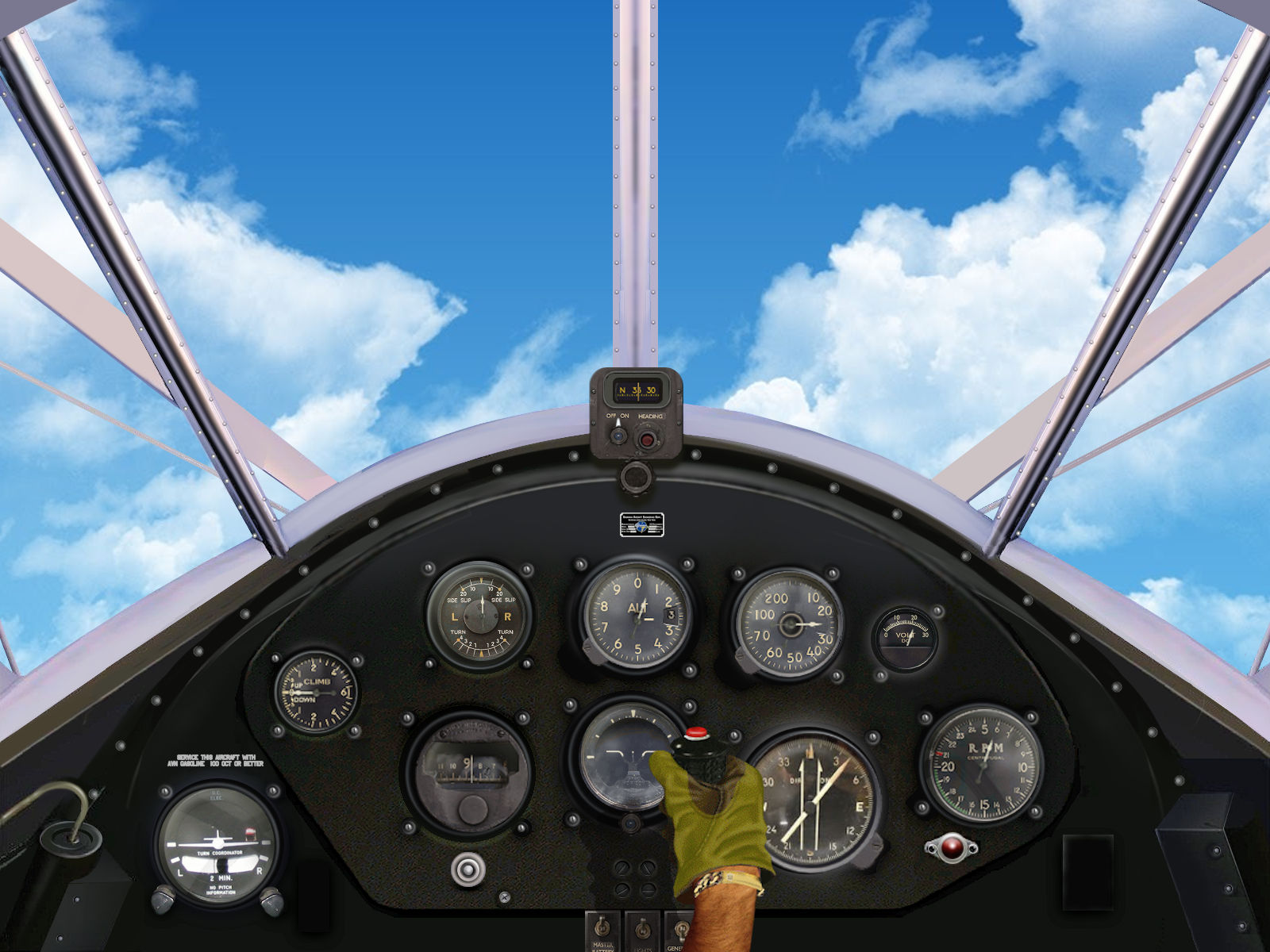

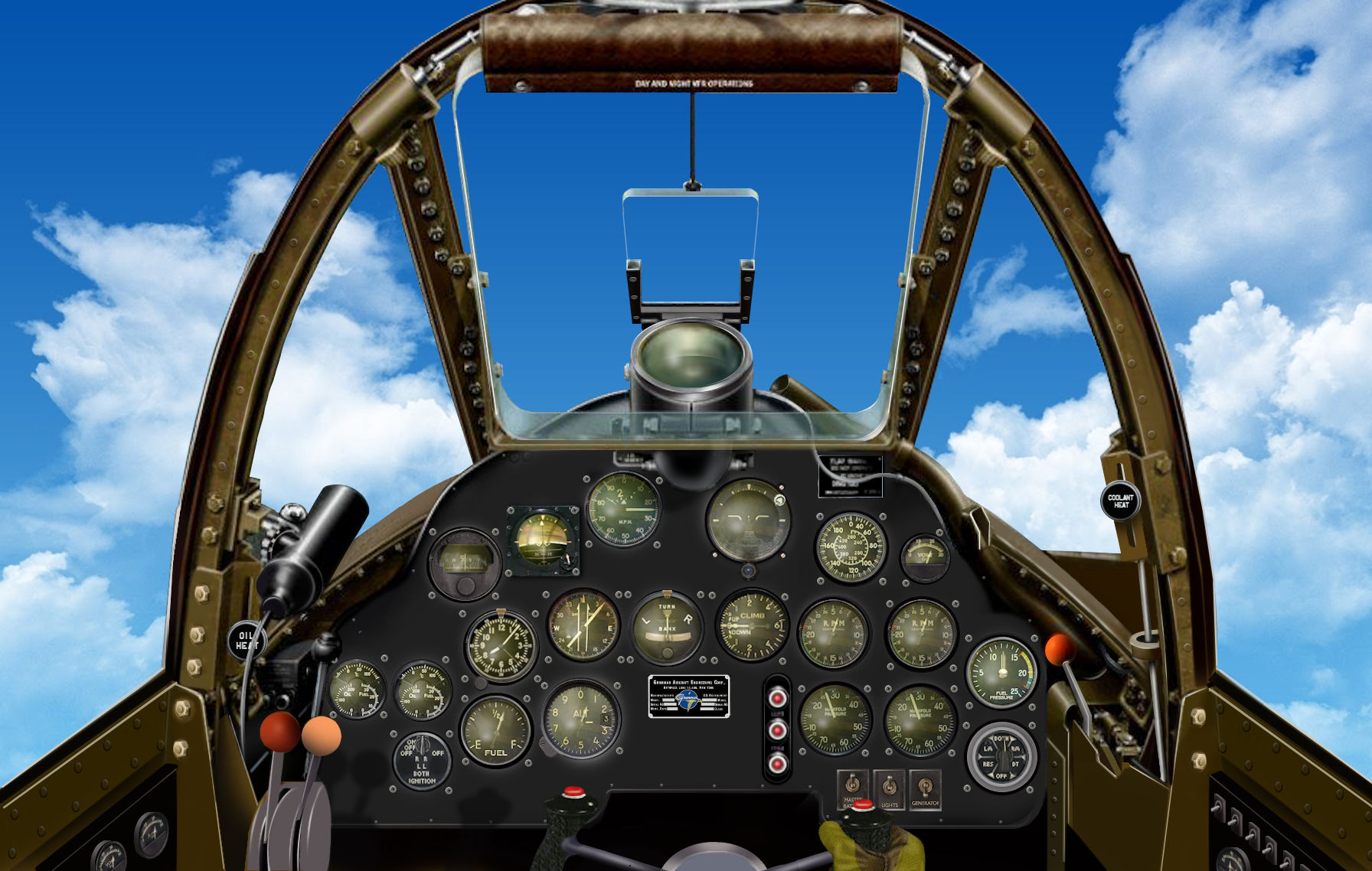

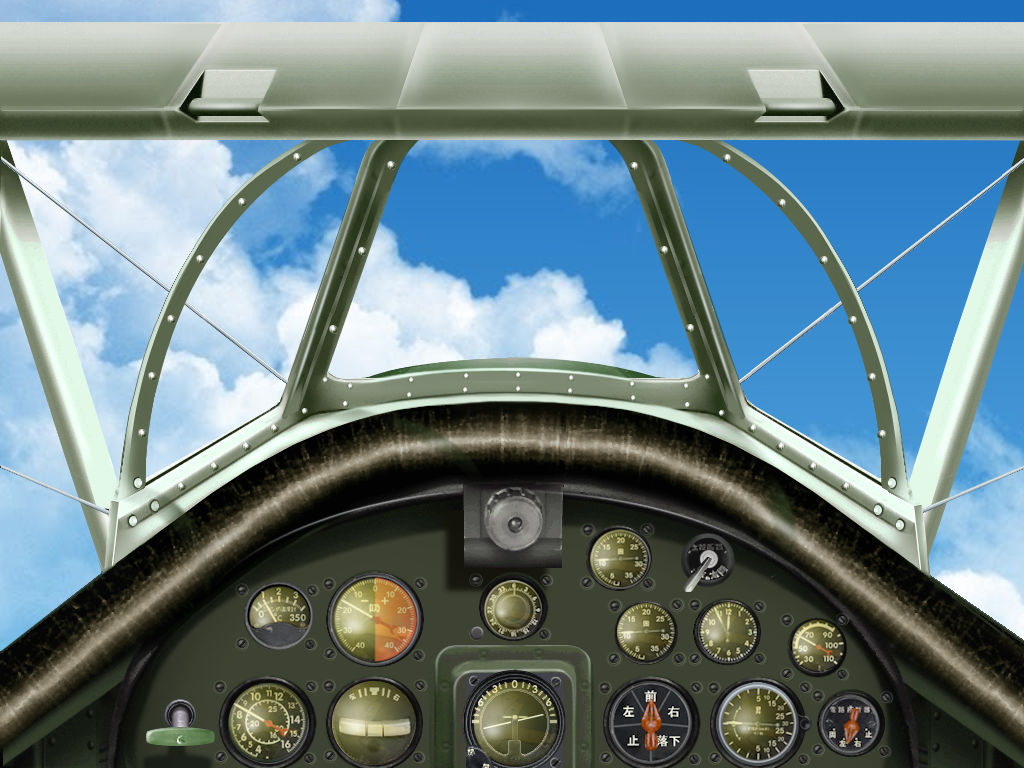

miamieagle
Charter Member
They look great!
You do not mind uploading them.
I will appreciate it very much.
Thank you
You do not mind uploading them.
I will appreciate it very much.
Thank you