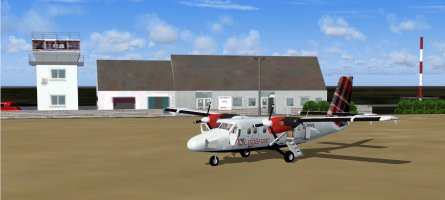
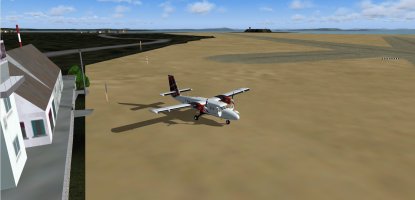
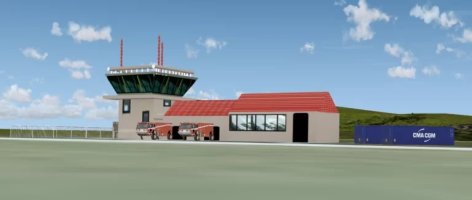
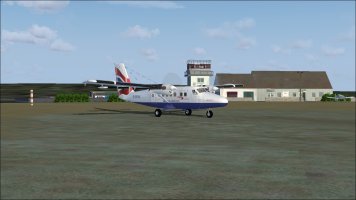
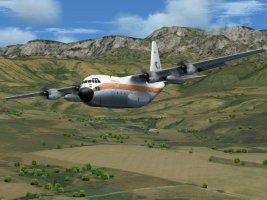
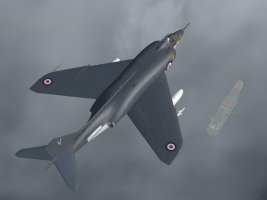
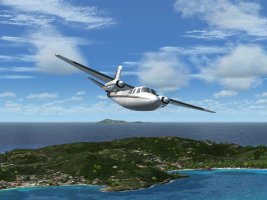
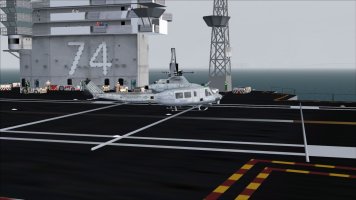
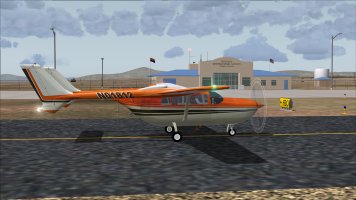
FS2004 Screenshots Here!!!

MM, how does that batch converter handle FSX (DDS?) textures that contain a "bump layer"? :unsure:

I use FSRepaint to convert DDS to BMP format and use some jiggery pokery to add the older alpha channels.
 
MM, how does that batch converter handle FSX (DDS?) textures that contain a "bump layer"? :unsure:

I use FSRepaint to convert DDS to BMP format and use some jiggery pokery to add the older alpha channels.
When you convert .dds files to .bmp format you do this to use them on a FS2004 model. A FS2004 model doesn't do anything with a spec or bump map.

Cheers,
Huub
 
Huub, I know. :wavey: You want some of Scott Minty's texture sets for the IRIS F-14 Tomcat that I back-converted from DXT5 to DXT3? :p
 
Last edited:
MM, how does that batch converter handle FSX (DDS?) textures that contain a "bump layer"? :unsure:

I use FSRepaint to convert DDS to BMP format and use some jiggery pokery to add the older alpha channels.


Like Huub says fs9 doesnt do anything with those ; the converter runs in DOS you just drop the texture folder complete on top of the converter .exe then go in the folder and delete dds files , put the texture folder into your fs9 aeroplane folder make the necessary cfg entries and go fly

Ttfn

Pete
 
MM, again, pretend that I already know all of that. :wavey:
I've been converting texture formats for a long time.

I'm just curious how these other converters work. :p
 
I was unable to locate information on the SOH site, as to how to go about posting a screenshot. I used a Brave search to come up with the following ;

-max size 10mb

-the recommended file type is .jpg

-the max dimension is 1920 by 1080

I have added a shot of the settings that I used in Photoshop if anyone is interested, however it was not without coaching by my wife, a Photoshop expert, that I was able to successfully produce a half decent post. Is this sort of information located on this site somewhere and I missed it? I think it would be a good idea if one of the SOH experten could collect all the needed information in a single article and post it with a link in the top bar, for us noobs. I think that would encourage more volks to post some of their screenshots.
 

Attachments

  • Photoshop image size.jpg
    Photoshop image size.jpg
    297.2 KB · Views: 0
I'd forgotten about the Caribou.. In all my years of simming, somehow, I missed it.
I'll have to dig one up somewhere.. & the paint?? :jump:
Nice!! :ernaehrung004:
 
Back
Top