
-
Please see the most recent updates in the "Where did the .com name go?" thread. Posts number 16 and 17.
-
Special Server Maintenance
Just when you think you have everything running some what better...
You get a message from the Hosting company. Short story they need to move us to a new server. I have been working with them to plan a good date for all concerned. Here is what we have come up with as a schedule.
- November 4th 17:00 -5UTC shut off the forums and start backup proceedures. During this time there will be no access to the forums or the Resource Section.
- November 5th Continue with Backups and download same until complete.
- November 6th 7:00 turn over server to hosting company to move system to new server
- November 7th - 8th restore backups and upgrade forum software.
If all goes well we should be back online on November 8th.
To keep you updated Tom Clayton has offered to post updates on AVSIM forums.
Thank you for your support.
You are using an out of date browser. It may not display this or other websites correctly.
You should upgrade or use an alternative browser.
You should upgrade or use an alternative browser.
FSX Screenshots Here!!
- Thread starter Walter
- Start date

Navy Chief
Senior Member
Just a suggestion; I think it would be a good idea if (when a screenshot is posted) the poster could add a line (either above or below the screenshot) - identifying what the aircraft is? Also, the location of the airport (if applicable...i.e. many of the screenshots are inflight). But often the scenery is quite beautiful, such as anything from ORBX! Just a thought. I see a lot of great screenshots posted, but so often I do not know what the aircraft is, or the scenery. Thanks, NC
Dear All, I am joining the suggestion of Navy Chief and very kindly ask for such quick info under Your screeshots. I am a big fan of this Screenshots thread and I start reading the SOH Forum from every day from admiring Your excellent pictures. Even if I am sad about the fact that not all the unique repaints are made available for downloading, but still, the Thread here is a big inspiration for me as regards finding nice and beautiful places and destinations to fly around and visit them during my own flights. The quick info would be very appreciated and helpful for giving some idea where to fly for interesting landscapes or sceneries - as Navy Chief mentioned, just one or two pieces like: "JF Tornado & ORBX KFHR" or "A2A Texan & Drzewiecki EPWA" etc would be enough, but very important to feel the contents of the pics. I would like to express a big thank You in advance for all talented Creators here, who will give some extra info under the screenshots !!!!!!!!!
With kindest regards !
With kindest regards !


Jafo
SOH-CM-2024
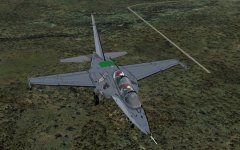
Well....I got sidetracked from Piglet's planes and attempted the impossible.... adding details to an aircraft that is essentially only 3 images...yet is native FSX. Started as messing with AB effects that differentiated between 2 engines...ie...shut one down and only one 'light'/smoke goes out...
This thing is a Yak-130 ... and it suffered from almost zero 'detail'.... no lines/rivets/etc.
Now...while trying to reverse engineer from model openings/animations to the 'paint' it is all going pear-shaped when you find symmetry/center-lines aren't even perpendicular to the image.....
It's going to be several 'months of sundays'...
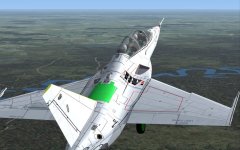
Here's one issue...not the green bit on the fuse....that's the spoiler...I cannot see any logical reason in the paint why it has that grey section inside its boundaries.

This thing is a Yak-130 ... and it suffered from almost zero 'detail'.... no lines/rivets/etc.
Now...while trying to reverse engineer from model openings/animations to the 'paint' it is all going pear-shaped when you find symmetry/center-lines aren't even perpendicular to the image.....
It's going to be several 'months of sundays'...
Here's one issue...not the green bit on the fuse....that's the spoiler...I cannot see any logical reason in the paint why it has that grey section inside its boundaries.
Attachments


Sundog
SOH-CM-2026
Well....I got sidetracked from Piglet's planes and attempted the impossible.... adding details to an aircraft that is essentially only 3 images...yet is native FSX. Started as messing with AB effects that differentiated between 2 engines...ie...shut one down and only one 'light'/smoke goes out...
This thing is a Yak-130 ... and it suffered from almost zero 'detail'.... no lines/rivets/etc.
Now...while trying to reverse engineer from model openings/animations to the 'paint' it is all going pear-shaped when you find symmetry/center-lines aren't even perpendicular to the image.....
It's going to be several 'months of sundays'...
Here's one issue...not the green bit on the fuse....that's the spoiler...I cannot see any logical reason in the paint why it has that grey section inside its boundaries.
It's cool that you're working on the YAK, but an FYI; it doesn't have afterburners, they're just standard run of the mill turbofans. It looks like you've got a lot of work to do there, but the 3D modeling wizards might be able to help you out. I was very excited just to see pics of one of those here.
Jafo
SOH-CM-2024
The burner effects are just for 'bling' ...but can be switched to staged smoke effects [for different throttle] ...It's cool that you're working on the YAK, but an FYI; it doesn't have afterburners, they're just standard run of the mill turbofans. It looks like you've got a lot of work to do there, but the 3D modeling wizards might be able to help you out. I was very excited just to see pics of one of those here.
Yep, it's a fun one... with trial and error to locate animation sections....and map linework accordingly. Still, at 4096 res no matter how badly I do it it'll be better than the effectively blank 1024 ones. Here's the starboard wing [top] pretty much 'right'.... only need to mirror it for the left....rotate 1 degree and scrunch bits that will still be wrong...and the port top will be done.....
...oh...the odd text is from the bump map...that I pinched from my Piglet PC-7 ....just so the colours would draw correctly.
Attachments


menef
Charter Member
Just a suggestion; I think it would be a good idea if (when a screenshot is posted) the poster could add a line (either above or below the screenshot) - identifying what the aircraft is? Also, the location of the airport (if applicable...i.e. many of the screenshots are inflight). But often the scenery is quite beautiful, such as anything from ORBX! Just a thought. I see a lot of great screenshots posted, but so often I do not know what the aircraft is, or the scenery. Thanks, NC
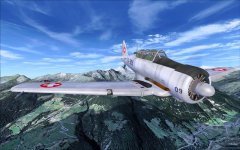
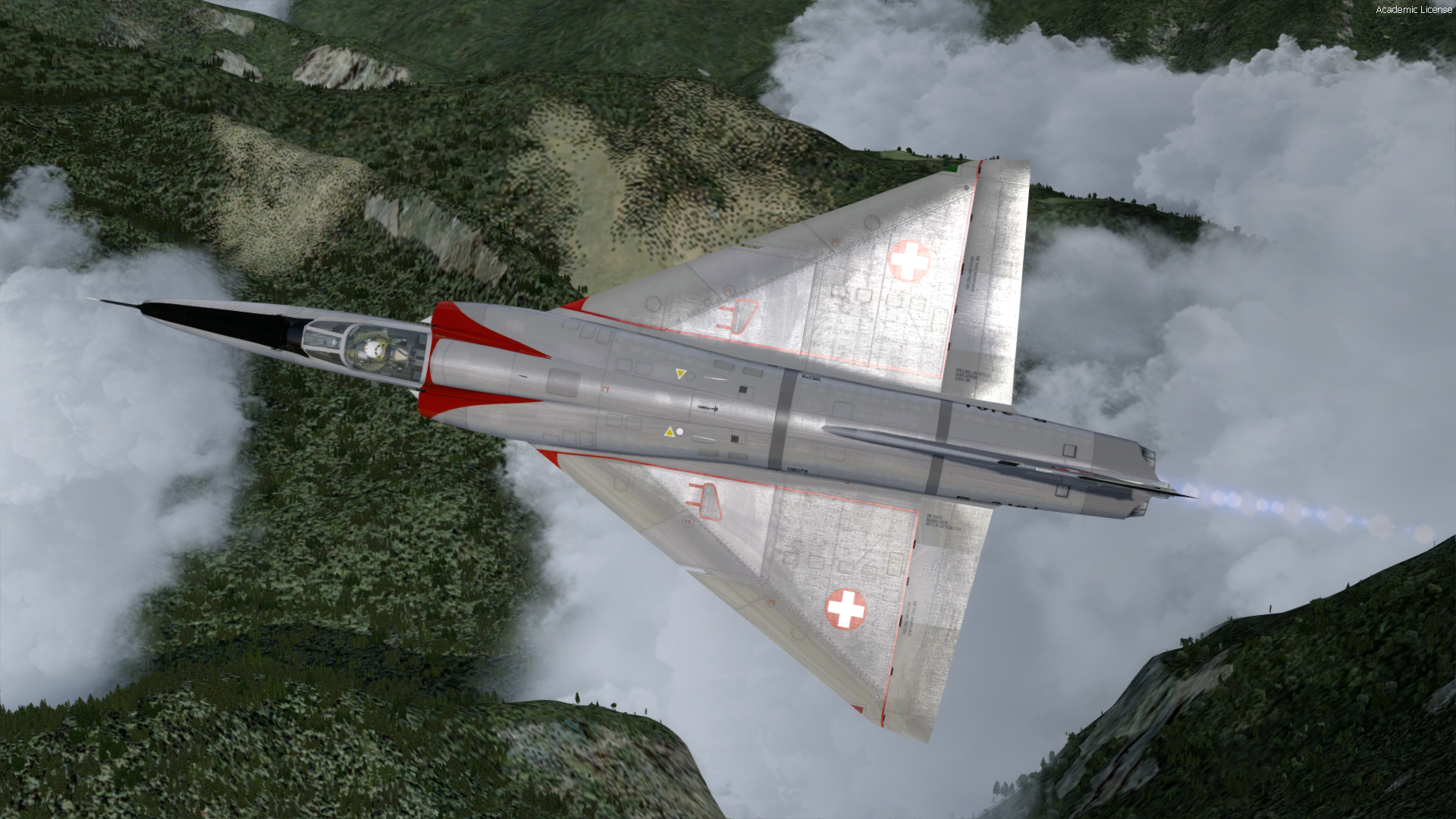
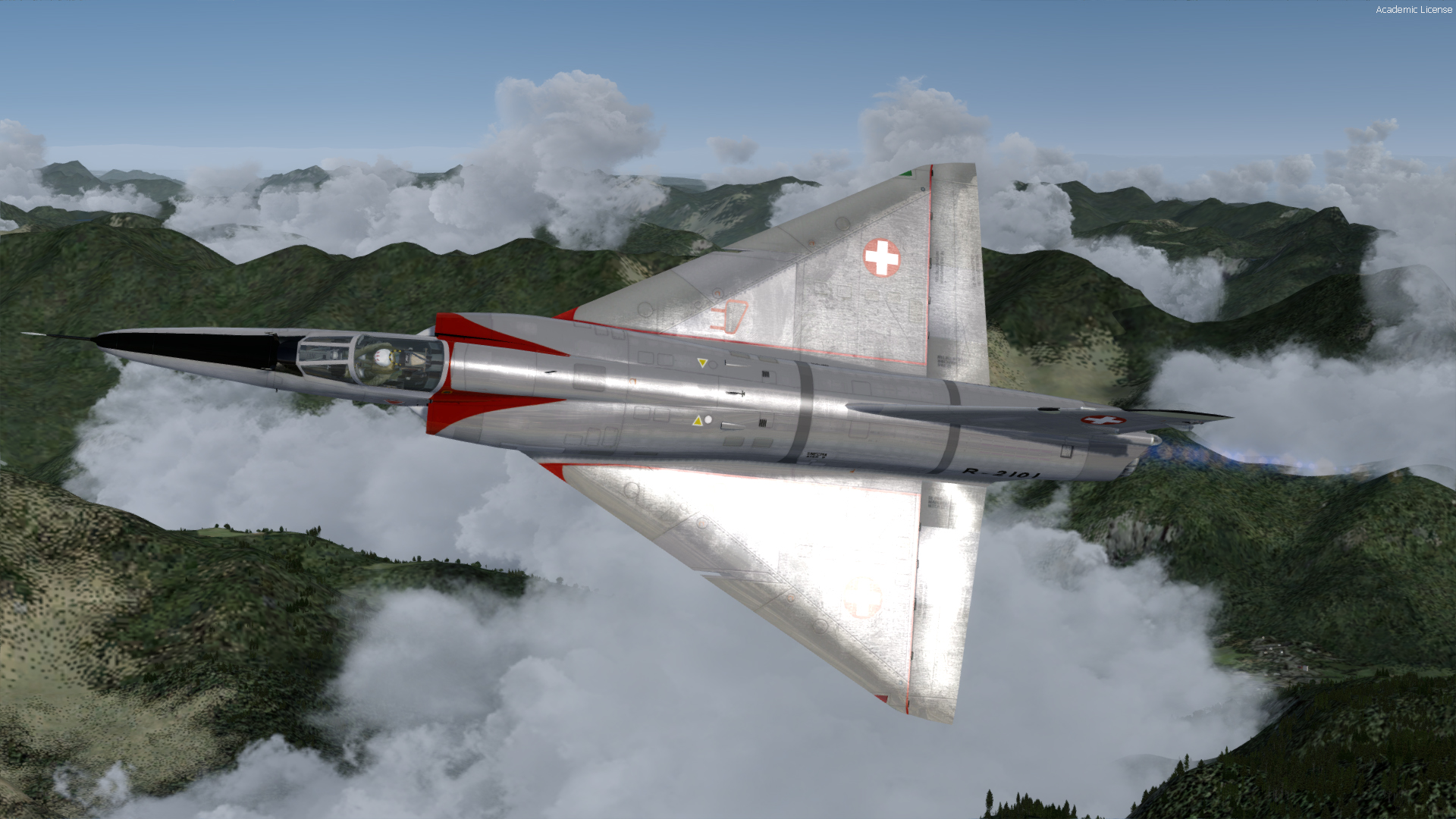
For post.8981 : Freeware scenery Val d'Aosta (Italy) at Simviation : http://simviation.com/1/search?submit=1&keywords=Val+d'Aosta&categoryId=63
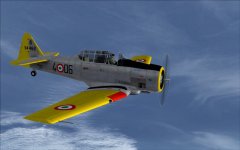
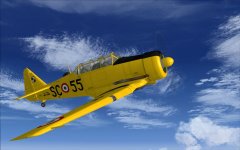
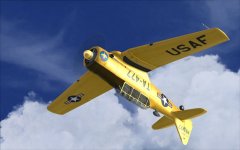
Planes : Alphasim/Virtavia Harvard and A2A Texan
Navy Chief
Senior Member
For post.8981 : Freeware scenery Val d'Aosta (Italy) at Simviation : http://simviation.com/1/search?submit=1&keywords=Val+d'Aosta&categoryId=63
Planes : Alphasim/Virtavia Harvard and A2A Texan
That scenery looks nice!!! NC

menef
Charter Member



Jafo
SOH-CM-2024
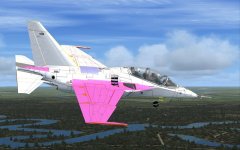
Wings are done...tail's done....fuse is next....trick is to work out WHY the top section of the canopy frames.....that you'd expect would be mapped to the top view section of the model are actually mapped to the underside....
The U/C colours wheels etc come from the model directly...and are not painted as such.

The U/C colours wheels etc come from the model directly...and are not painted as such.
Attachments


ChipShop
Charter Member
Rescue 177


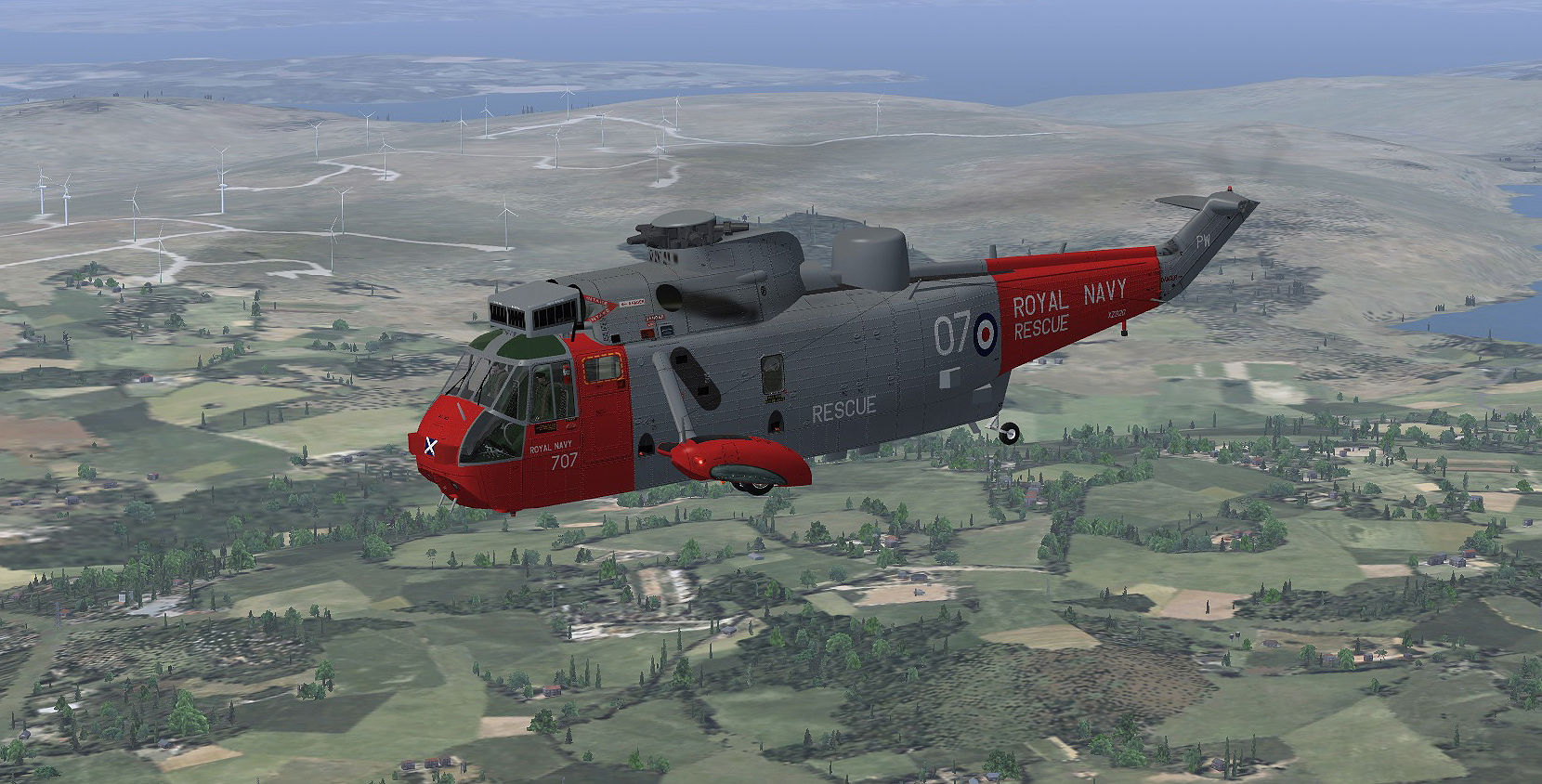
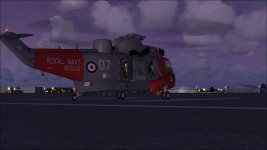
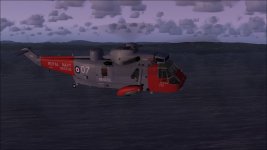
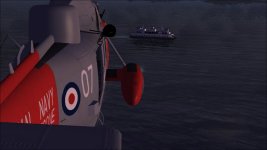
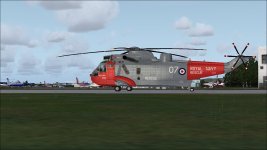
Virtavia Royal Navy Sea King HAR Mk5 XZ920, departs Prestwick Airport on a short mission to help a stricken ferry in the Firth of Clyde.
Repaint courtesy of DaveB. (Thanks Dave); scenery ORBX FTX EU Scotland.
ChipShop
Virtavia Royal Navy Sea King HAR Mk5 XZ920, departs Prestwick Airport on a short mission to help a stricken ferry in the Firth of Clyde.
Repaint courtesy of DaveB. (Thanks Dave); scenery ORBX FTX EU Scotland.
ChipShop
Attachments

Navy Chief
Senior Member
Nice looking scenery! Where is it, and is that gate animated? NC