

Daube
SOH-CM-2026
Hi all,
I don't remember who it was, but somebody told that the afterburners on Dino's Tomcat were much too short, and showed an actual picture or a movie of a Tomcat full AB to prove it.
He was right. :ernae:
So I thought that maybe those burners could be replaced without bothering Dino for a yet a new update. Having myself quite a limited knowledge basis on how the effecs work and how to edit config files, I started looking for the various freeware plane to find a better burner.
And I found the coolest ever: the afterburner from the CORAL F15. What's so cool ? Simple:
- they have the correct length
- they have a realistic look
- they change color with altitude !!!
So I integrated them to the Tomcat.
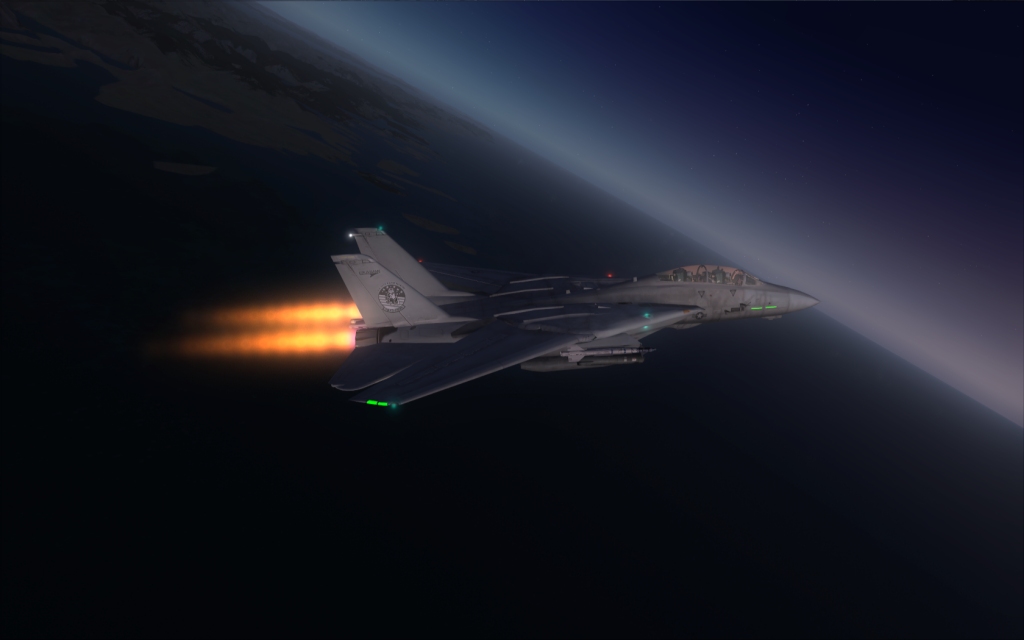
Below 20.000 feet:
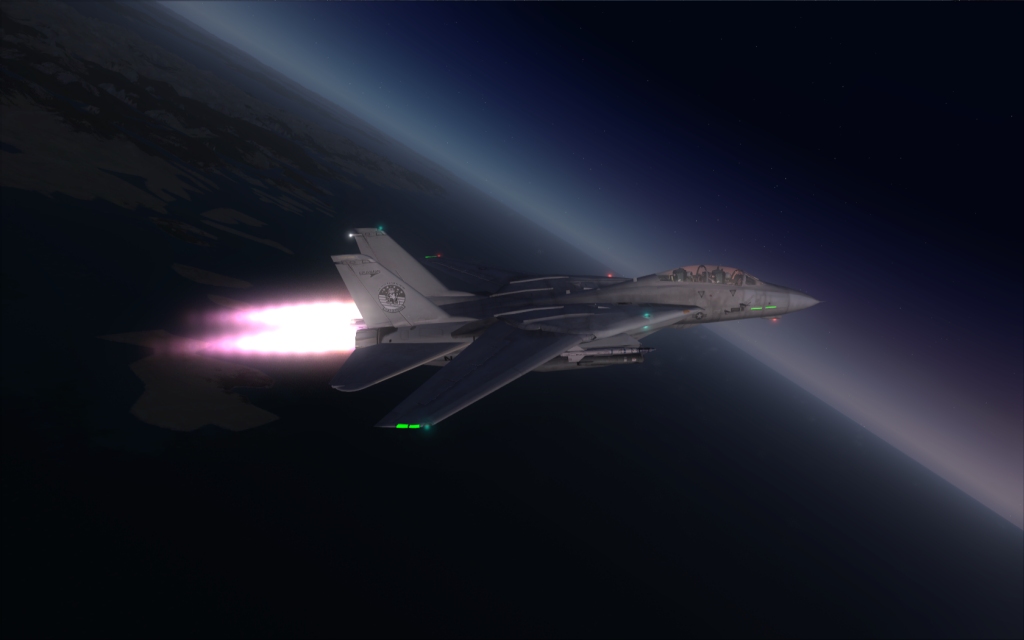
Between 20.000 and 30.000 feet (more or less, I don't recall the exact numbers...:
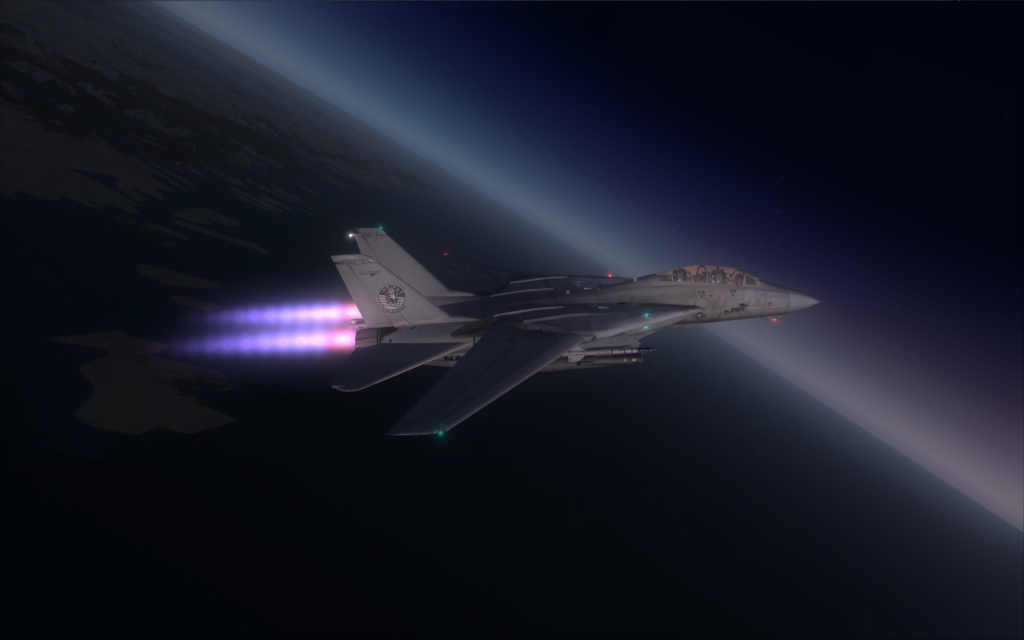
Above 30.000 feet:
The only problem is that the gauge that controls the AB control in fact some of the light types. So the activation/inactivation of the AB also acts on the aircaft lights.
What would be needed is that somebody make a gauge that acts on some other system to allow those two effects (yellow burner and blue burner) to work with no influence on the other light systems...
What do you think ?
I don't remember who it was, but somebody told that the afterburners on Dino's Tomcat were much too short, and showed an actual picture or a movie of a Tomcat full AB to prove it.
He was right. :ernae:
So I thought that maybe those burners could be replaced without bothering Dino for a yet a new update. Having myself quite a limited knowledge basis on how the effecs work and how to edit config files, I started looking for the various freeware plane to find a better burner.
And I found the coolest ever: the afterburner from the CORAL F15. What's so cool ? Simple:
- they have the correct length
- they have a realistic look
- they change color with altitude !!!
So I integrated them to the Tomcat.
Below 20.000 feet:
Between 20.000 and 30.000 feet (more or less, I don't recall the exact numbers...:
Above 30.000 feet:
The only problem is that the gauge that controls the AB control in fact some of the light types. So the activation/inactivation of the AB also acts on the aircaft lights.
What would be needed is that somebody make a gauge that acts on some other system to allow those two effects (yellow burner and blue burner) to work with no influence on the other light systems...
What do you think ?


