Interesting Scenery Question

Aharon

Members +
Shalom and greetings all my pals,

I am NOT NOT NOT expert in P3D sceneries hence my unusual question for all of you P3D experts about my FSX with SP1 and SP2 set in Windows 10.

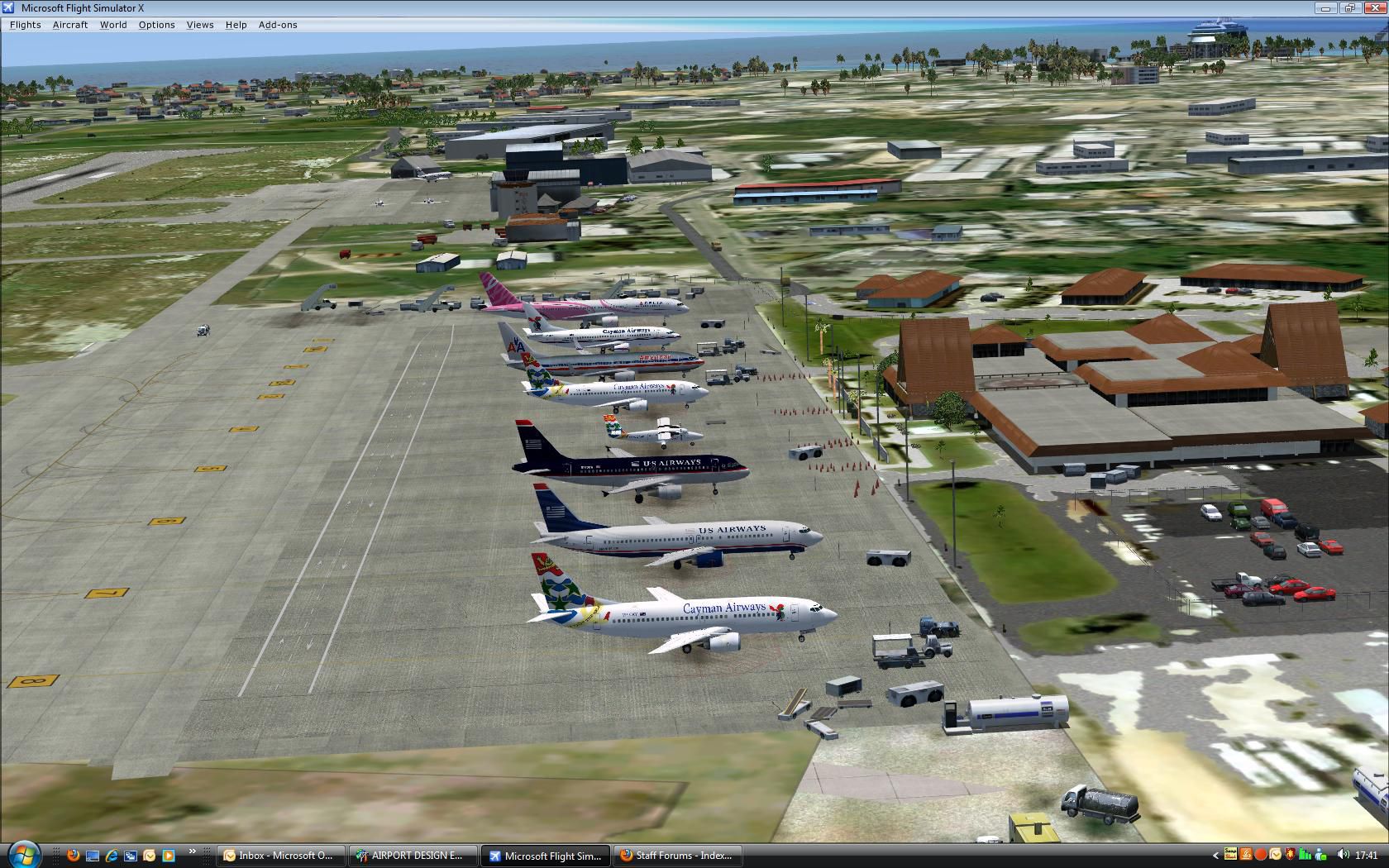
Few years ago, I bought payware MWCR scenery for use of FSX and it is fantastic scenery that works well in my FSX. Only one problem is that there is no night lights such as runway lights, taxiway lights, terminal building windows' light, etc. Also no 4 PAPI lights too. So I asked the developer for assistance and they sent me P3D version of the same scenery telling me it will work in FSX and will solve all problems for missing night lights. That P3D scenery was designed for P3D versionn 1-2 or 1-3.

Although I got the P3D scenery few years ago, I am still TOO SCARED to install into my FSX out of fear it will cause crash in my FSX and might damage my FSX beyond repairable.

My question is that is it true that P3D scenery designed for P3D V1-3 will work in my FSX?? If so, which files in the P3D scenery should I copy from and paste into my FSX's MWCR scenery folder to correct the problem of missing night lights??

Thank you for any assistance any of you might offer.

Regards,

Aharon
 
From a Google Search:


Generally, no. Scenery designed specifically for Prepar3D (P3D) Versions 1 through 3 will not work correctly in FSX. Because P3D is a continuously evolved platform, code and material formats compiled using newer P3D Software Development Kits (SDK) are incompatible with the older FSX engine.
FSDeveloper +2

While you might be able to manually transfer basic 2D layout files (like .bgl files), complex 3D objects, custom lighting, and advanced textures will often fail to render, display transparently, or cause simulator crashes.


Why the incompatibility happens:

  • Compiled Code: Scenery designed explicitly for P3D features updated MDL formats (the code format for 3D objects) and material configurations that FSX cannot read.


  • Texture and Effects: Newer bump maps, dynamic lighting, and special effects used in P3D are not supported natively by FSX.


  • Installers: Many modern P3D add-ons utilize registry-checking installers that prevent installation if an active P3D environment is not detected.

Tips for attempting conversion:

If you have an older P3D scenery and strictly need it in FSX, you can use ⁠ModelConverterX, a popular freeware tool used to load 3D objects and recompile them into a native FSX .mdl format.
 
That Google AI reply is basically utter garbage and not worth the space it takes up on the screen. FSX and P3D up to v3 are almost identical in protocols and SDKs with only minor differences. A lot of the FSX aircraft I made with LDR were compiled using the P3D v3 SDK tools not the tools from the FSX SDK and they work fine in FSX and P3D.

My external FSX add-on scenery location 'C:\FSX Scenery' is the exact same location that my P3D v4.5 scenery manager looks for when using add-on scenery (as well as C:\Users\Larry\Orbx Library\p3dv4) and 32-bit FSX scenery packages work fine in 64-bit P3D v4.5 (payware or freeware). The difference might come if you were to try to take a native 64-bit compiled P3D v4.5 scenery and then try to use that in 32-bit FSX. Then there might be problems.

Aharon stated that the creators of the scenery had sent him the P3D package that covered versions 1-3 and FSX. They should know their own products better than anyone so if they say it will work I would take them at their word, you can always make a back-up of what currently exists so that you can go back if you mess up.

This is what I would do if it was me but if you do it then it's at your own risk as I don't have that software/scenery so cannot test it here for you.

1. Take the entire add-on scenery folder for MWCR that you currently have installed for FSX and copy it to a different location, preferably on a different drive (just the MWCR folder not the entire 'Add-on Scenery' tree).
2. Go into the FSX add-on scenery manager and delete/remove the MWCR scenery package from the manager and let it rebuild it's database.
3. Close FSX and then navigate to the location where the MWCR scenery was installed and delete the MWCR scenery folder (but not the back-up you made).
4. Re-install the MWCR scenery using the supplied installer or instructions for the P3D version.
5. Start FSX and then add the new scenery into the add-on scenery manager as normal.
6. Go test.
7. If it works, well done you are good to go. If it fails replace the new MWCR folder with the one you backed-up and test again to make sure you are back to how it was.

HTH
 
I developed a lot of scenery for FSX and later P3D. As I remember the only thing that can derail FSX, when installing a P3D scenery, is when there is an included scenery object library which has objects designed with native PBR textures. The other thing is when sceneries interfere with default libraries (installs / replaces stuff in native FSX folders, messing with world data). As long as this is not the case you should be safe. If FSX won't start, just move the scenery away or delete it.


Cheers,
Mark
 
Back
Top