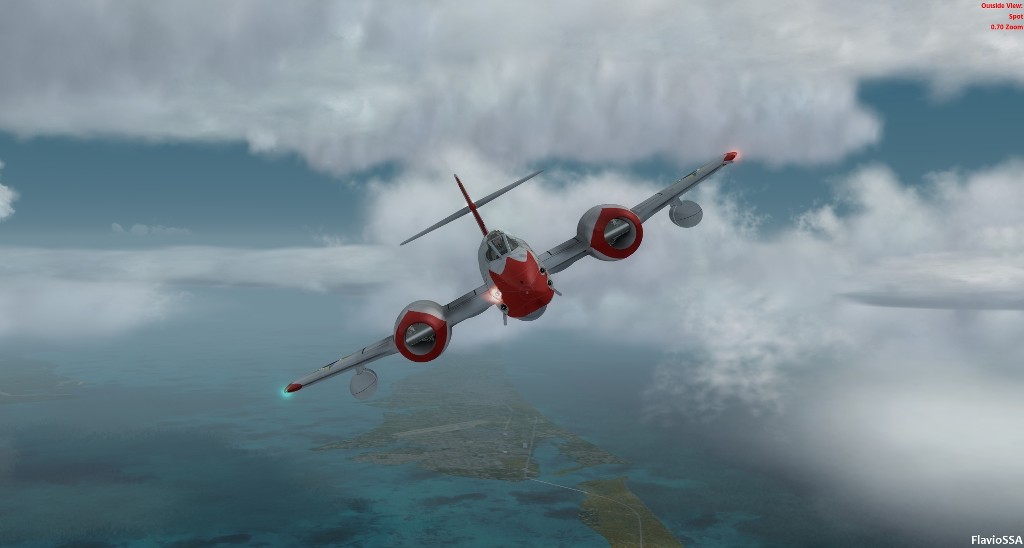
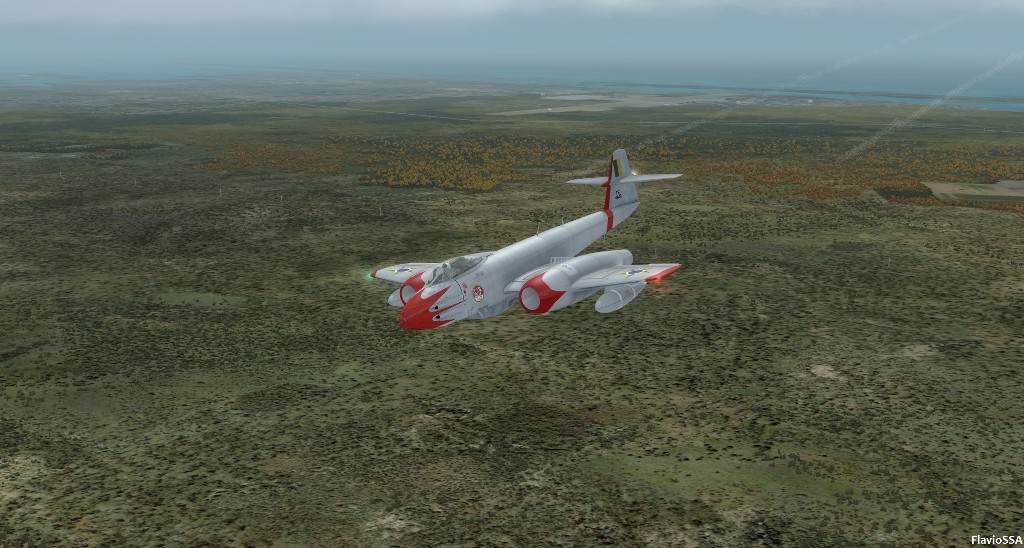
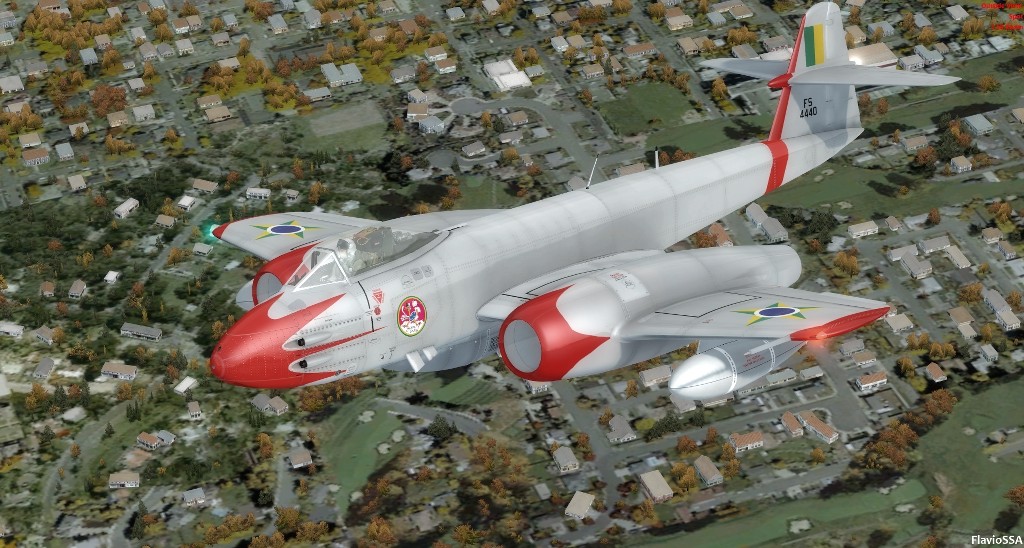
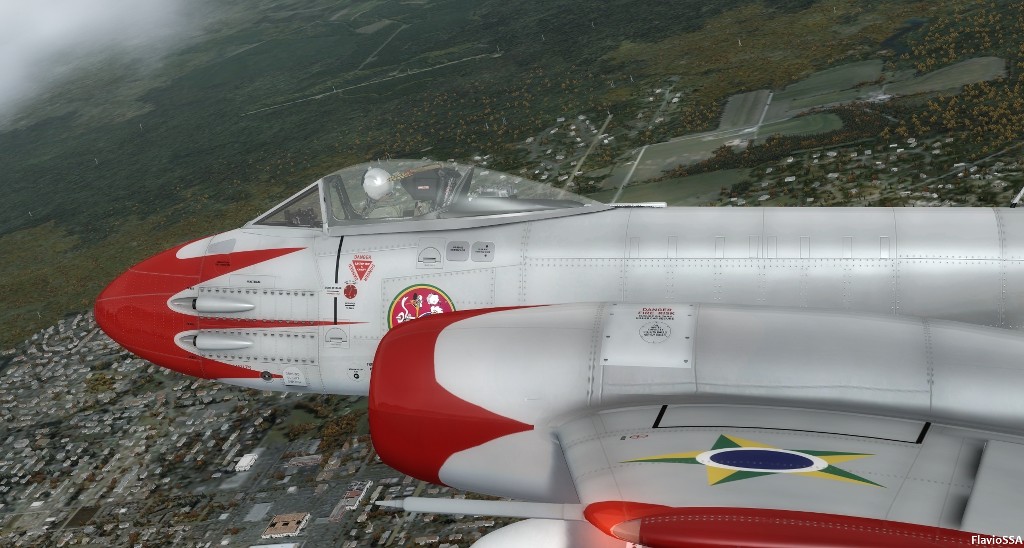
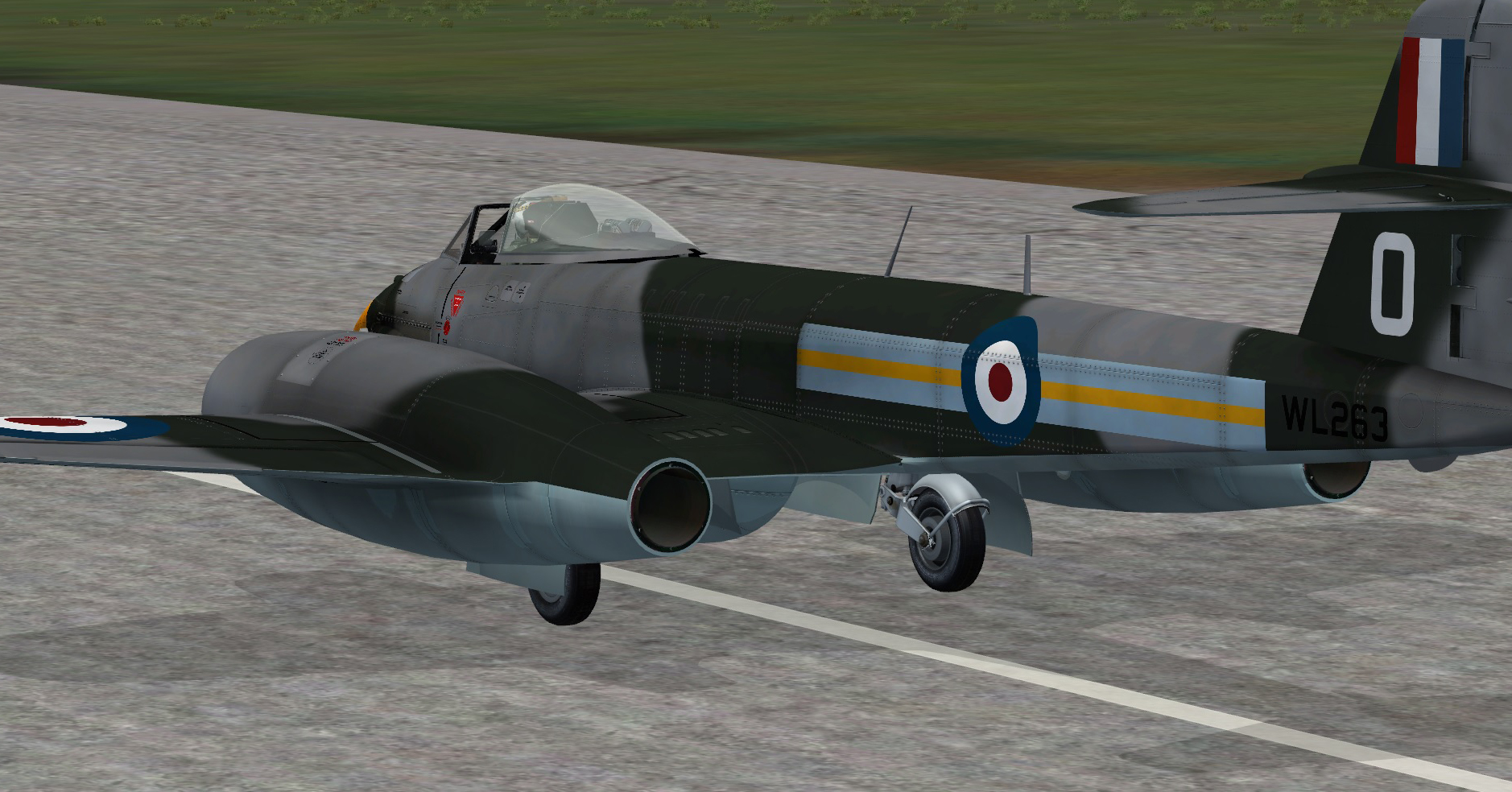
JF Meteor released

Like it a lot! Working perfectly in P3D v.3.4 and FSX-SE. The sound package is fantastic!

Firing guns:


+ video preview ! :applause:


I like this part with formation from 2:13.

The video is indeed quite cool.
But, have you noticed the fixed (non-collimated) reticle ? :)

EDIT: correction -> the video is note "quite cool". It's REALLY cool actually :)
 
fsx_2016_10_06_12_37_05_65.jpg


Did someone forget to paint under the airbrakes?

Dave
 
The video is indeed quite cool.
But, have you noticed the fixed (non-collimated) reticle ? :)

EDIT: correction -> the video is note "quite cool". It's REALLY cool actually :)

I think the video was made before the collimated gunsight was added.:engel016:
 
Downloaded, installed and a brief 45mins behind the stick on my return from work this evening. A lot to like about it.. some things I'm not sure of yet. Pointless trying to make an informed report after such a short time but thus far.. I'm not disappointed. Oh.. while not being disappointed 'overall', I can report that the nav lights are from the same batch that came with the Chipmouse/Mossie and can be seen from space. Swap em out or don't turn em on;)

ATB
DaveB:)
 
I can report that the nav lights are from the same batch that came with the Chipmouse/Mossie and can be seen from space. Swap em out or don't turn em on;)

ATB
DaveB:)
I wish someone would make an app for that.... swaping' em out as you suggest.
 
A lot depends on various factors. The sim you are in, the settings for that sim and your video card are the main ones. We had beta testers reporting from too bright to even not seeing them at all. :engel016:
 
A lot depends on various factors. The sim you are in, the settings for that sim and your video card are the main ones. We had beta testers reporting from too bright to even not seeing them at all. :engel016:
That's interesting. My install is with FSX and I have a new video card, yet the external Nav and Recognition lights are much brighter than my other a/c. I wish I knew what to do to moderate or control their intensity - other than turning them off entirely.
 
A lot depends on various factors. The sim you are in, the settings for that sim and your video card are the main ones. We had beta testers reporting from too bright to even not seeing them at all. :engel016:

I guess it's also possible that some of your beta testers had modified fx files too Baz. It's not uncommon for some devs to fiddle with original fx (including fx_2.bmp which the Meteors files call) and pump em out with the same name rather than rename them. I've checked the dates of navredh/navgreh and navwhih and all are original 2006 flavour. My fx_2.bmp was 2007 vintage so I swapped it for an original (2006) file. The difference isn't noticeable with the naked eye on my rig. I can't imagine what files the testers who couldn't see them might have!!:dizzy:
ATB
DaveB:)
 
System differences taken as read, I wonder if anything can be done about these..

The main gear mudguards are reflecting sunlight even though they're buried under the wings..
fr1.jpg


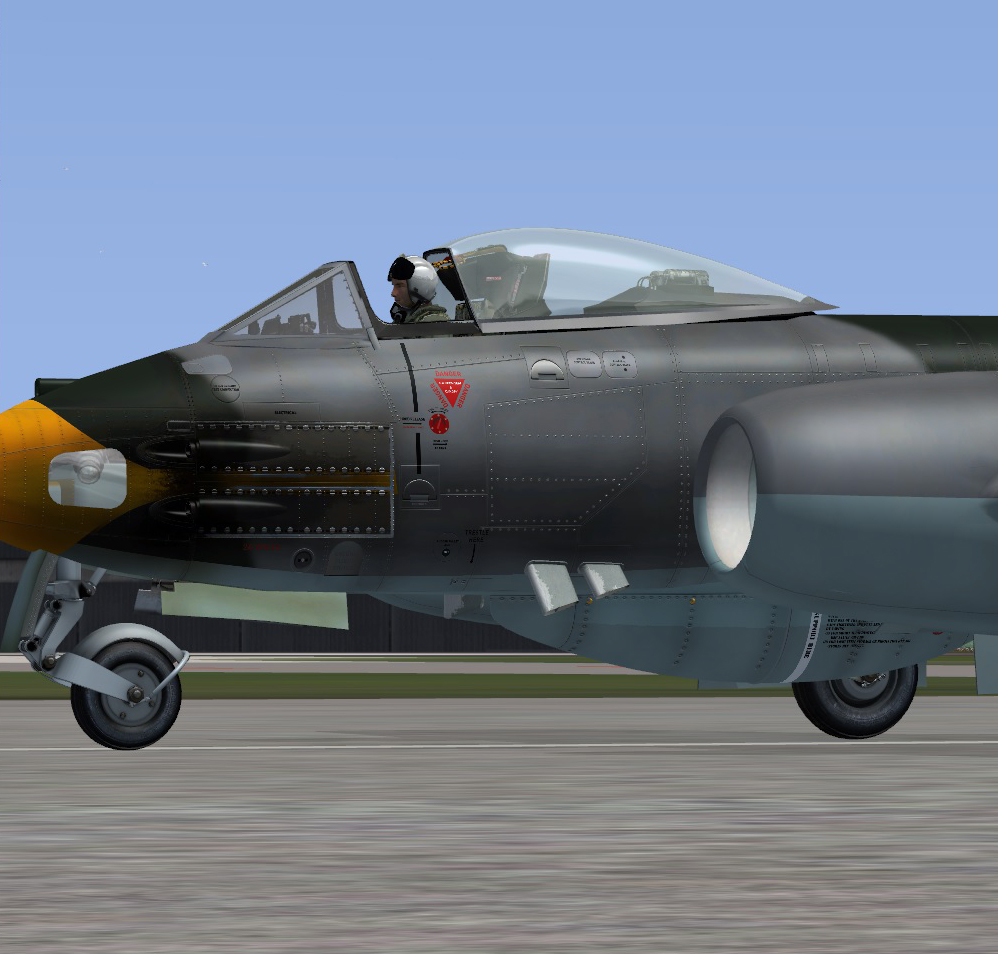
The camera nose glass on the FR gives a particularly 'lit' appearance.. almost silver at some angles and I'd not expect to see as much of the inside of the bay as you can on the model..
fr2.jpg


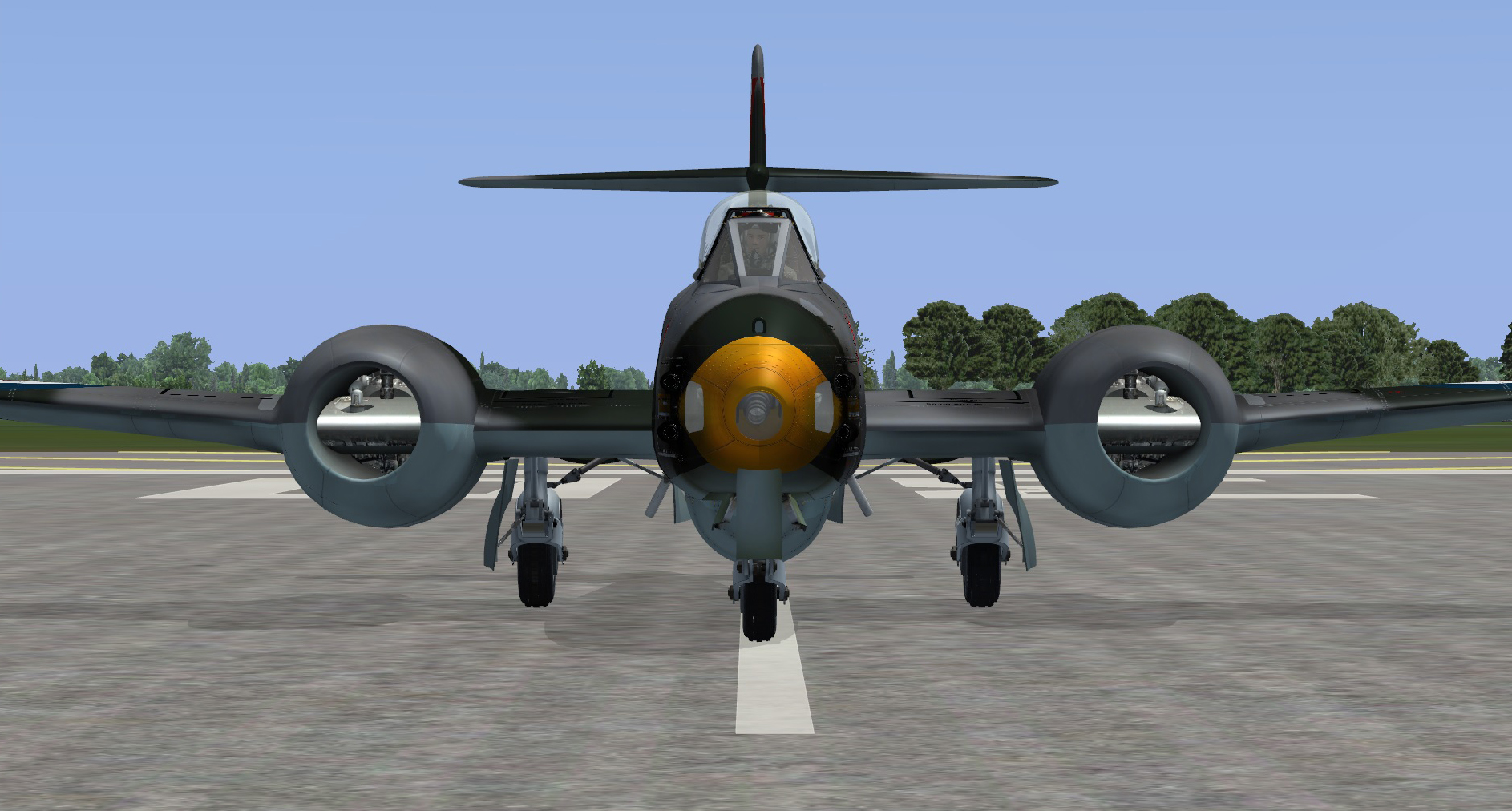
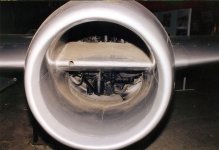
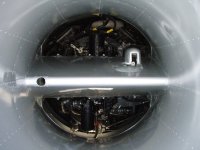
... and finally, anyone who's looked down the intakes of a Meatbox will know it's as black as a bag down there..
fr3.jpg


ATB
DaveB:)
 
Not always.:engel016:
 

Attachments

  • meteorf8_ref8.jpg
    meteorf8_ref8.jpg
    66.6 KB · Views: 1
  • OPF2lWSO.jpg
    OPF2lWSO.jpg
    57.5 KB · Views: 0
hahahahaha:biggrin-new:

I also had to bung a flash up close to actually see what was in there when I took the shots for Rick's Meatbox;)

ATB
DaveB:)
 
Back
Top