
-
Please see the most recent updates in the "Where did the .com name go?" thread. Posts number 16 and 17.
-
IMPORTANT DOWNLOADING INFORMATION - ALL MEMBERS PLEASE READ
Please see this thread for updates. Update Thread
SOH ADMINISTRATION
You are using an out of date browser. It may not display this or other websites correctly.
You should upgrade or use an alternative browser.
You should upgrade or use an alternative browser.
Just finished a new 2D panel for the Storch..
- Thread starter gaucho_59
- Start date

gaucho_59
Charter Member
Thank you....
Yes, I just did... and I got that email problem almost licked....
I should be able to send you the textures today or tomorrow... I am installing
Windows 8 in the new computer... (this is being done from my old one)....
Cheers and Happy New Year... (I'll tell you more via email)
G.
Yes, I just did... and I got that email problem almost licked....
I should be able to send you the textures today or tomorrow... I am installing
Windows 8 in the new computer... (this is being done from my old one)....
Cheers and Happy New Year... (I'll tell you more via email)
G.
gaucho_59
Charter Member
Mosquito PR
Just downloaded this DH Mosquito... and did a quickie upgrading of the paint job...
Fantastic level of detail...
Hey Shessy... you who are an expert... is there anyway to hide the livery up front... so as
to paint directly on the fuse texture... it detracts from the fantastic model when you put
shading and/or weathering...
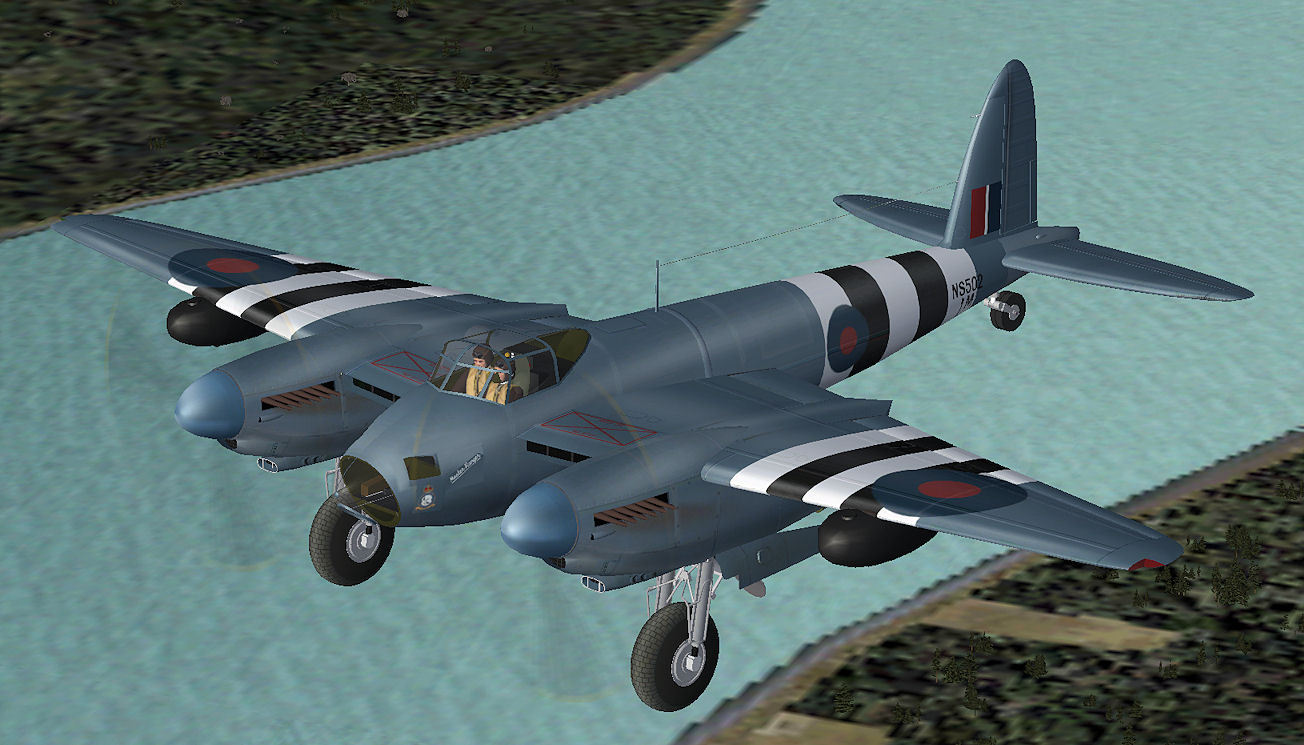
Just downloaded this DH Mosquito... and did a quickie upgrading of the paint job...
Fantastic level of detail...
Hey Shessy... you who are an expert... is there anyway to hide the livery up front... so as
to paint directly on the fuse texture... it detracts from the fantastic model when you put
shading and/or weathering...
G,
Very nice model, good isn't he.
Yes, there is an easy way. The texs for the livery are on the DB7_01.bmp tex, just over paint them or add/remove livery etc...see attached pic below..
There is a simple VC in the model. With a bit of hex editing of the mdl it can be displayed, also the eye viewpoint needs to be adjusted in the aircraft.cfg.
The only very slight issue is that the tex for the drop tanks are the same as the props, so black really is the only option, or have the props and drop tanks PR blue(!). In the real world the PR aircraft almost always used drop tanks (of varying capacities), and they would have been painted PR blue. But I have seen the early nightfighter black drop tanks being used on PR Mossies, so not completely out of the question.
There is a way of scasming this but..........
I've attached the modded mdl, aircraft.cfg and .bmp, so just replace the orginals with these.
Cheers
Shessi
Very nice model, good isn't he.
Yes, there is an easy way. The texs for the livery are on the DB7_01.bmp tex, just over paint them or add/remove livery etc...see attached pic below..
There is a simple VC in the model. With a bit of hex editing of the mdl it can be displayed, also the eye viewpoint needs to be adjusted in the aircraft.cfg.
The only very slight issue is that the tex for the drop tanks are the same as the props, so black really is the only option, or have the props and drop tanks PR blue(!). In the real world the PR aircraft almost always used drop tanks (of varying capacities), and they would have been painted PR blue. But I have seen the early nightfighter black drop tanks being used on PR Mossies, so not completely out of the question.
There is a way of scasming this but..........
I've attached the modded mdl, aircraft.cfg and .bmp, so just replace the orginals with these.
Cheers
Shessi
gaucho_59
Charter Member
I am afraid I didn't explain my....
ideas correctly... the problem I have is that, having added shines, weathering, etc. , the part on the DBA7_01.bmp that has the livery... shows contrasting with its shape in the texture bmp... i.e: a flat color with an odd shape
Having said that, I guess I will try to put the livery on the fuse texture itself... and try to shine and weather the DBA7 patch to match the texture on the fuse bmp...
Worth a try... I guess... I thought there might be some way to make that part of the DBA7 "invisible"... and then put the livery in the fuse texture itself...
Really a pity, because the model is superb... down to the texture of the tyre road surfaces... the modelingl is really top notch...
G,
Very nice model, good isn't he.
Yes, there is an easy way. The texs for the livery are on the DB7_01.bmp tex, just over paint them or add/remove livery etc...see attached pic below..
There is a simple VC in the model. With a bit of hex editing of the mdl it can be displayed, also the eye viewpoint needs to be adjusted in the aircraft.cfg.
The only very slight issue is that the tex for the drop tanks are the same as the props, so black really is the only option, or have the props and drop tanks PR blue(!). In the real world the PR aircraft almost always used drop tanks (of varying capacities), and they would have been painted PR blue. But I have seen the early nightfighter black drop tanks being used on PR Mossies, so not completely out of the question.
There is a way of scasming this but..........
I've attached the modded mdl, aircraft.cfg and .bmp, so just replace the orginals with these.
Cheers
Shessi
ideas correctly... the problem I have is that, having added shines, weathering, etc. , the part on the DBA7_01.bmp that has the livery... shows contrasting with its shape in the texture bmp... i.e: a flat color with an odd shape
Having said that, I guess I will try to put the livery on the fuse texture itself... and try to shine and weather the DBA7 patch to match the texture on the fuse bmp...
Worth a try... I guess... I thought there might be some way to make that part of the DBA7 "invisible"... and then put the livery in the fuse texture itself...
Really a pity, because the model is superb... down to the texture of the tyre road surfaces... the modelingl is really top notch...
Unfortunately the area where the livery goes is mapped to the DB7_01 tex, and so if left out will show a bare patch.
A way of doing it your way and getting it looking the best would be to texture the fuselage how you want on MOS_1 tex. Flatten that tex and then copy the area where the livery goes and paste onto the livery area on the DB7_01 tex. That way it will match, and you may have to play around with it, but at least all the effects wil match
Shessi
A way of doing it your way and getting it looking the best would be to texture the fuselage how you want on MOS_1 tex. Flatten that tex and then copy the area where the livery goes and paste onto the livery area on the DB7_01 tex. That way it will match, and you may have to play around with it, but at least all the effects wil match
Shessi
gaucho_59
Charter Member
Leave it to an Englishman....
That's sounds like an idea! I am going to try that!!!
Unfortunately the area where the livery goes is mapped to the DB7_01 tex, and so if left out will show a bare patch.
A way of doing it your way and getting it looking the best would be to texture the fuselage how you want on MOS_1 tex. Flatten that tex and then copy the area where the livery goes and paste onto the livery area on the DB7_01 tex. That way it will match, and you may have to play around with it, but at least all the effects wil match
Shessi
That's sounds like an idea! I am going to try that!!!
gaucho_59
Charter Member
Again... Shessi.... your expertise...
I just downloaded another little freeware jewel by Ito... did a quick revision of the paint job....


Now then, why those jagged lines on edges where textures meet... is there any way to
smooth them? As you can see the model is extremely accurate... but the mapping does not
lend itself to good repainting... Hope you got some good advise... the last seemed most
helpful... btw... I e-mailed the panel disposition on the 410... it is a PSP image....
I just downloaded another little freeware jewel by Ito... did a quick revision of the paint job....
Now then, why those jagged lines on edges where textures meet... is there any way to
smooth them? As you can see the model is extremely accurate... but the mapping does not
lend itself to good repainting... Hope you got some good advise... the last seemed most
helpful... btw... I e-mailed the panel disposition on the 410... it is a PSP image....

nigel richards
Charter Member
Gentlemen - great to see some talented tweaking of such a nice base aircraft.
G_59; Dare we anticipate one of your beautiful panels for this beautiful Mossie?
G_59; Dare we anticipate one of your beautiful panels for this beautiful Mossie?
gaucho_59
Charter Member
Most certainly...
You are too kind my friend...
I have 2 or 3 already done I need to finish up nicely... I'll post them pretty soon
My best wishes for a prosperous new year for you and yours... (I should be in Vilseck - Schweinfurt is closing down - by early Spring...
might take a little trip to Thessaloniki so we can down a couple of pints together...
G.
Gentlemen - great to see some talented tweaking of such a nice base aircraft.
G_59; Dare we anticipate one of your beautiful panels for this beautiful Mossie?
You are too kind my friend...
I have 2 or 3 already done I need to finish up nicely... I'll post them pretty soon
My best wishes for a prosperous new year for you and yours... (I should be in Vilseck - Schweinfurt is closing down - by early Spring...
might take a little trip to Thessaloniki so we can down a couple of pints together...
G.
G,
If you look at your 1st and 2nd picture you posted there are no jagged edges on the leading edges, and then in the 3rd and 4th there are. It's not the textures it's your Anti-Aliaising (AA) settings on the graphics card. Those jagged lines are refered to as 'jaggies'.
One of the things that AA does is to display straight lines at an angle, basicaly how smoothe those lines are displayed. Your graphics card settings should be set to x4 AA and in the sim the graphics settings should let the graphics card to do the AA and not the sim itself.
In the sim and when flying it's generally not that noticiable, it's only when you freeze the flying or grab a screen capture that it becomes noticiable. If you want to adjust your settings then great but they are not that bad as seen in the first two pics.
Shessi
If you look at your 1st and 2nd picture you posted there are no jagged edges on the leading edges, and then in the 3rd and 4th there are. It's not the textures it's your Anti-Aliaising (AA) settings on the graphics card. Those jagged lines are refered to as 'jaggies'.
One of the things that AA does is to display straight lines at an angle, basicaly how smoothe those lines are displayed. Your graphics card settings should be set to x4 AA and in the sim the graphics settings should let the graphics card to do the AA and not the sim itself.
In the sim and when flying it's generally not that noticiable, it's only when you freeze the flying or grab a screen capture that it becomes noticiable. If you want to adjust your settings then great but they are not that bad as seen in the first two pics.
Shessi
gaucho_59
Charter Member
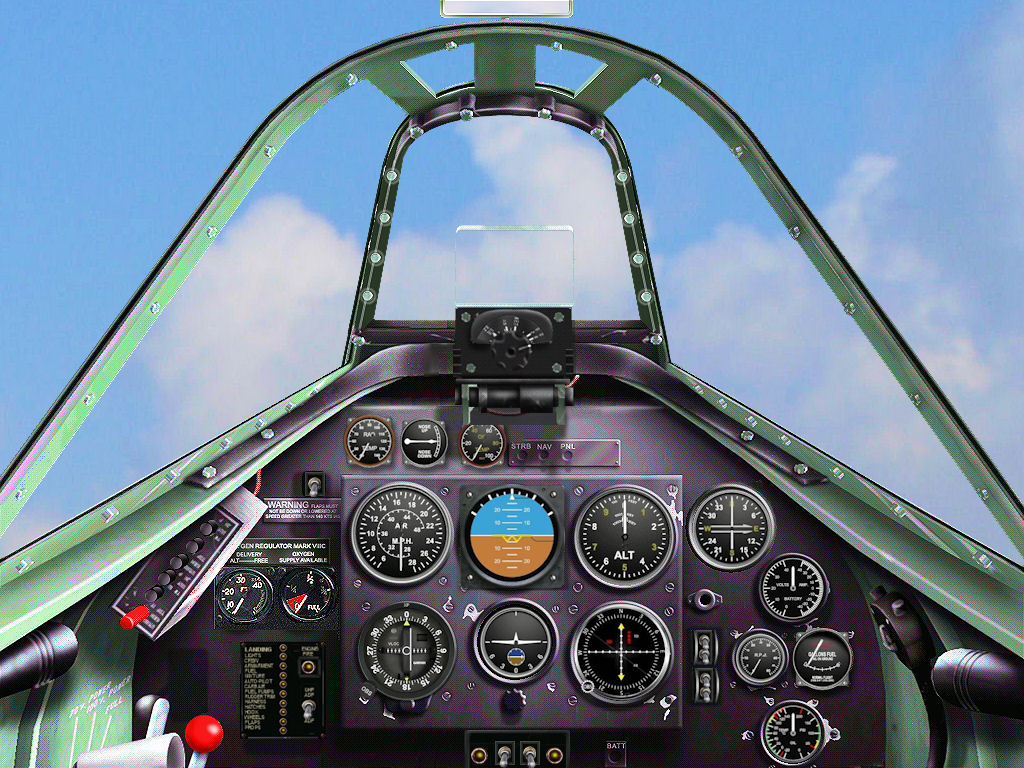
Mosquito panel
Nigel.....Yes indeed, I found a line drawing that fit the bill - the ones I had worked on before just didn't look convincing- so
I decided to do one from scratch...

Gentlemen - great to see some talented tweaking of such a nice base aircraft.
G_59; Dare we anticipate one of your beautiful panels for this beautiful Mossie?
Nigel.....Yes indeed, I found a line drawing that fit the bill - the ones I had worked on before just didn't look convincing- so
I decided to do one from scratch...
gaucho_59
Charter Member
working on Corsair repaints...
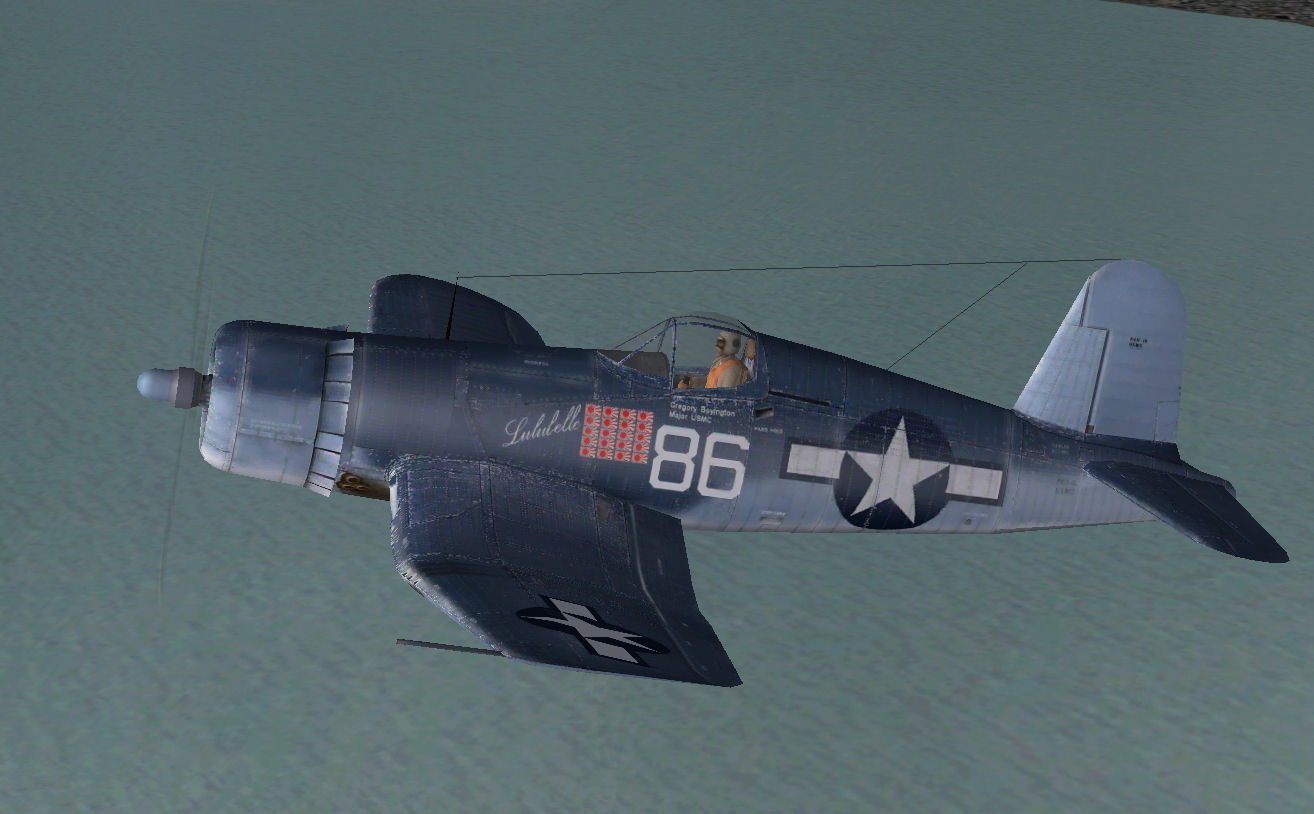
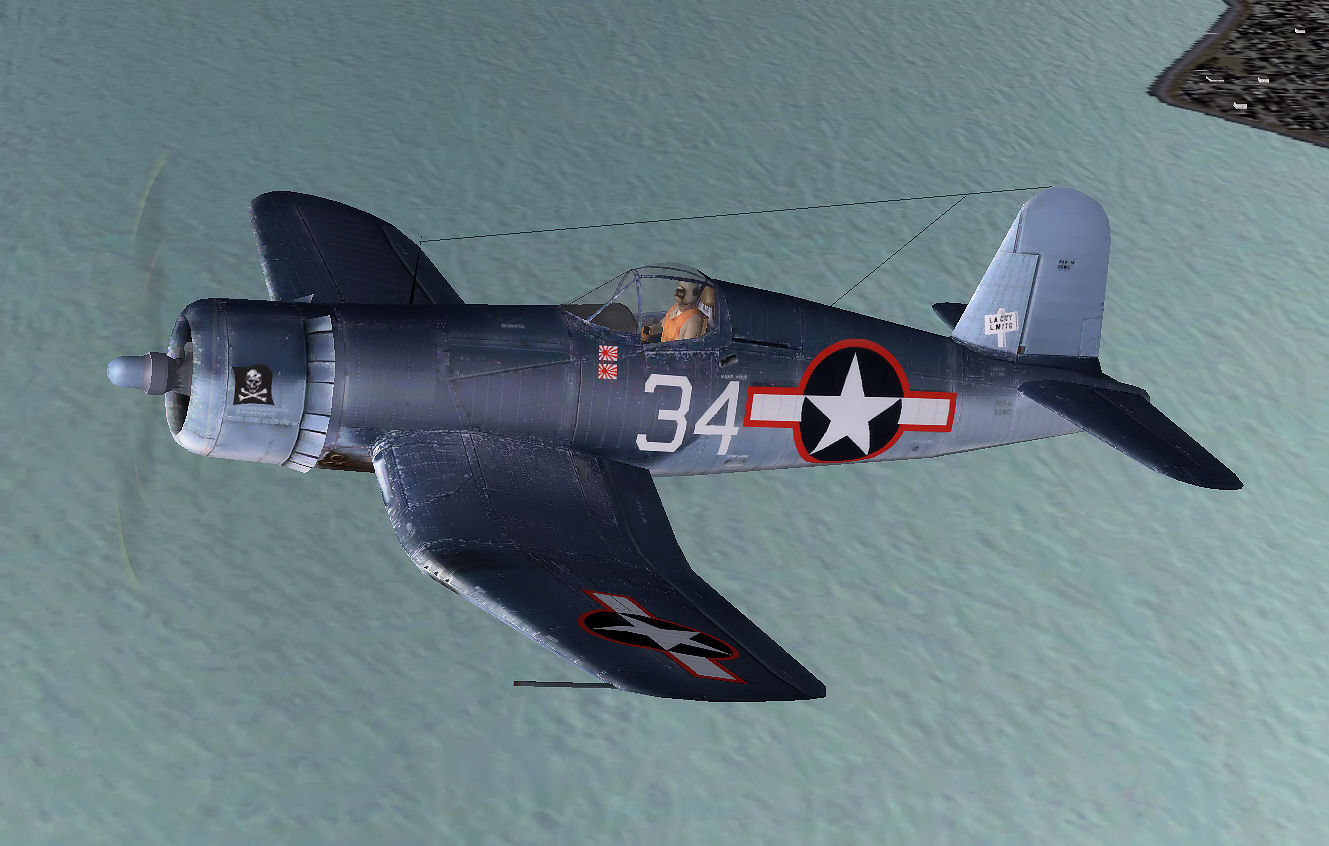
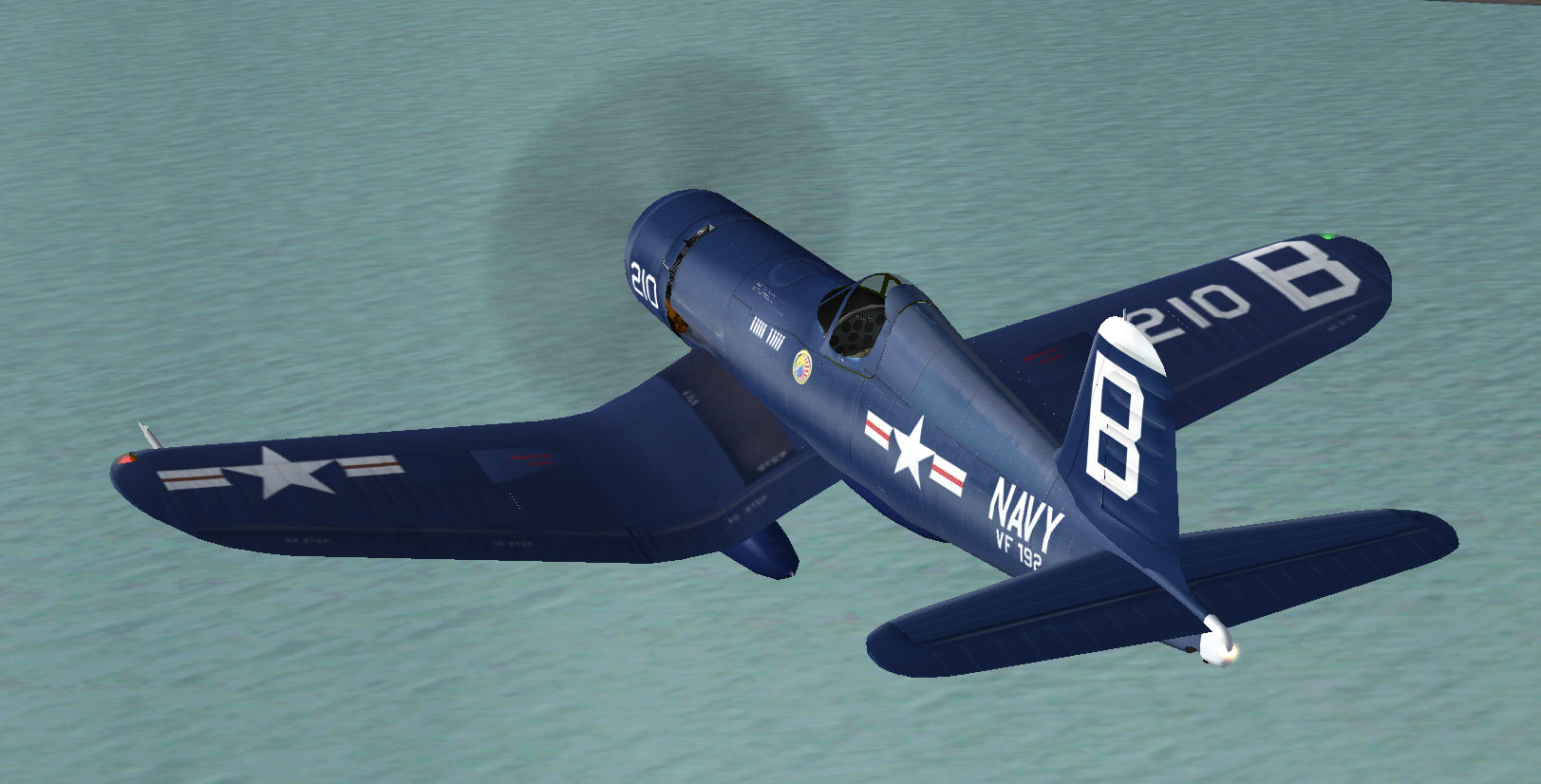
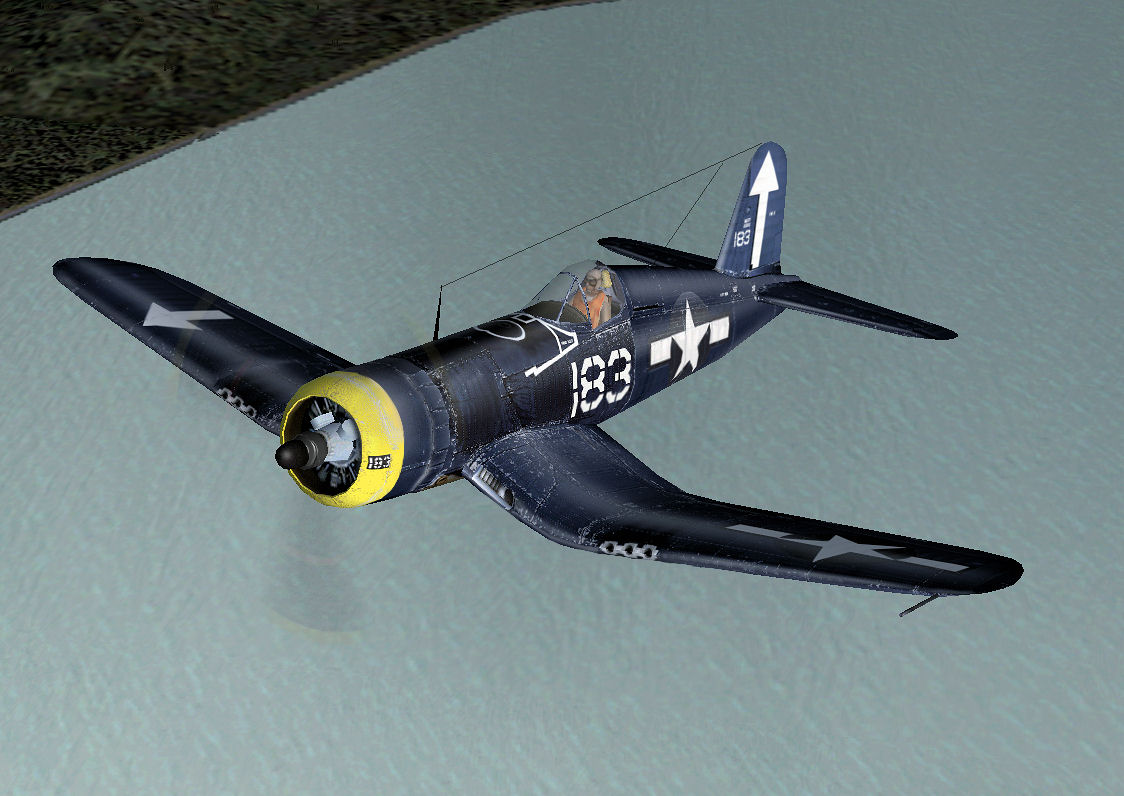
Starting a series of Pacific theater repaints of default CFS2 Corsair...
it's fun to see what can be done with this old model...
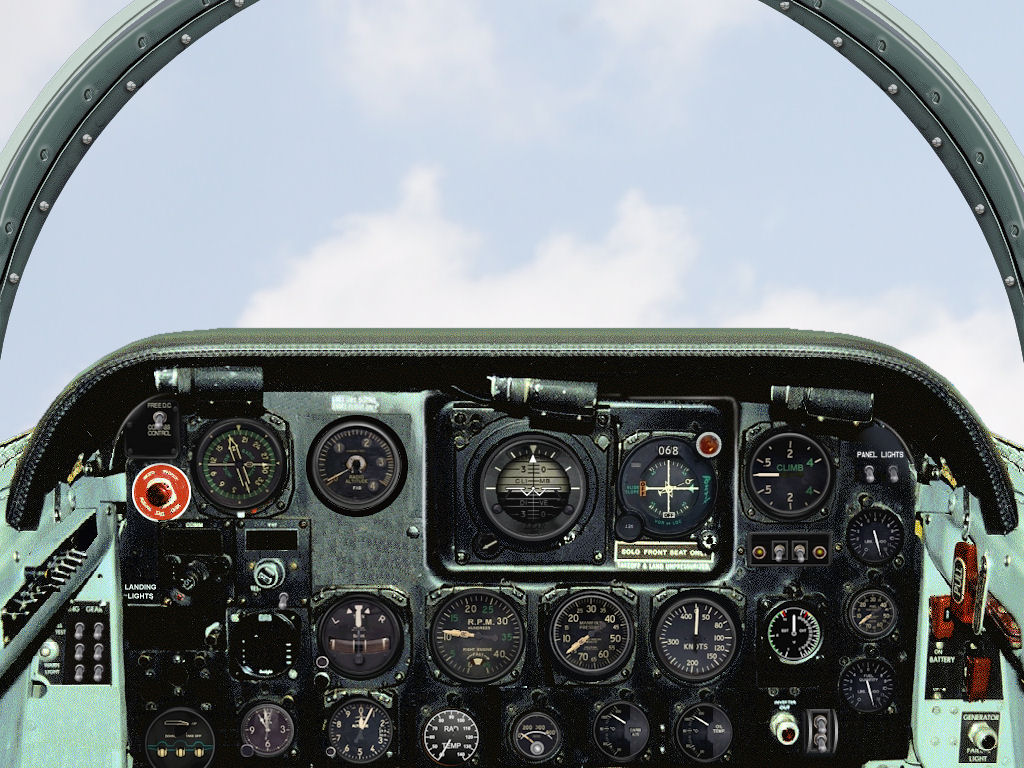
Thought to do a little rescue for the innumerable Corsair 2D panels floating around...
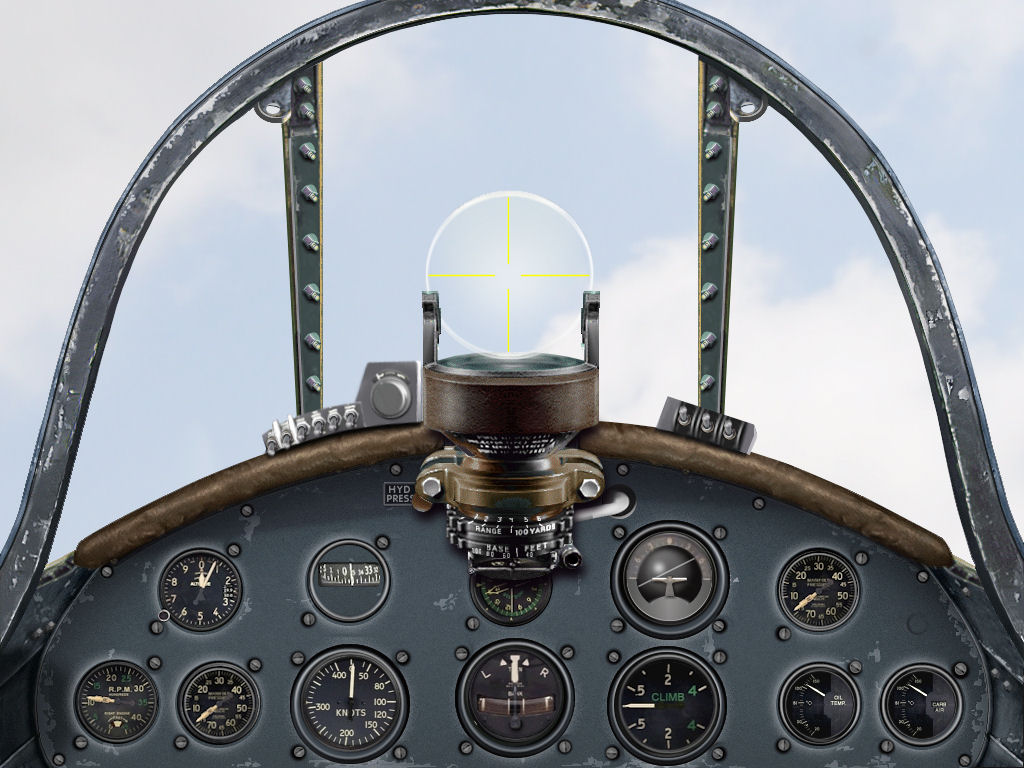
Starting a series of Pacific theater repaints of default CFS2 Corsair...
it's fun to see what can be done with this old model...


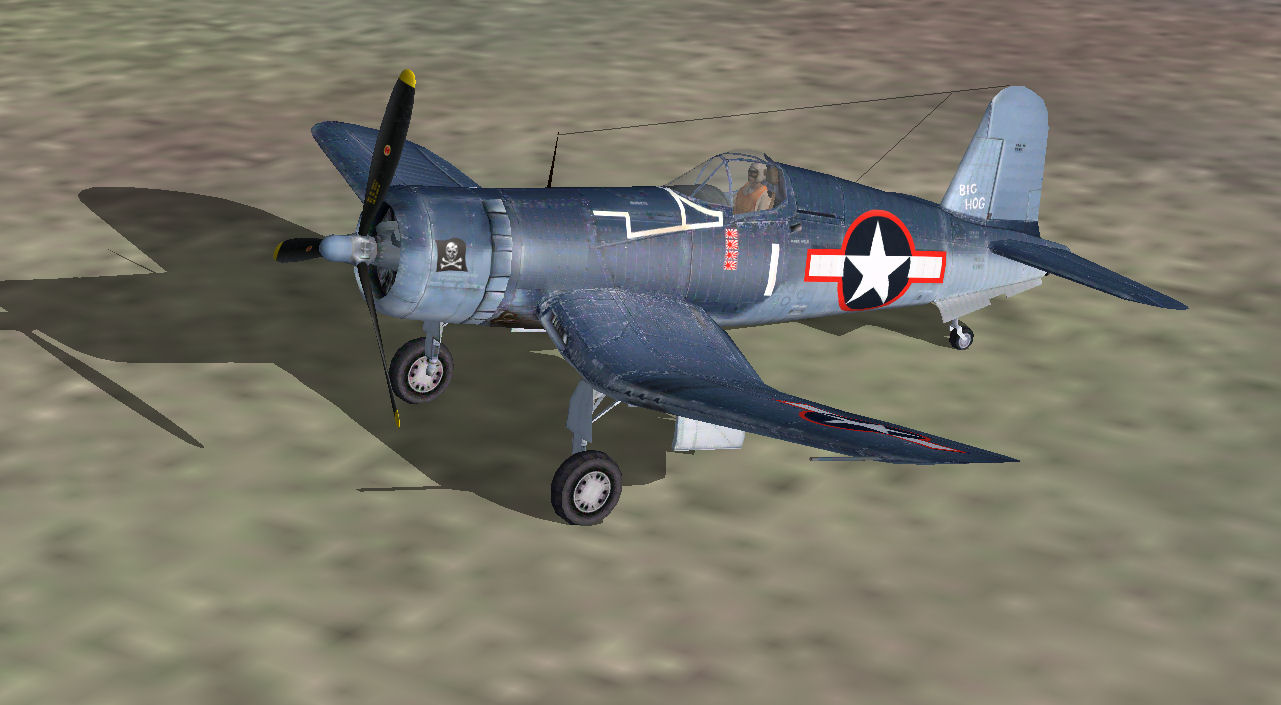
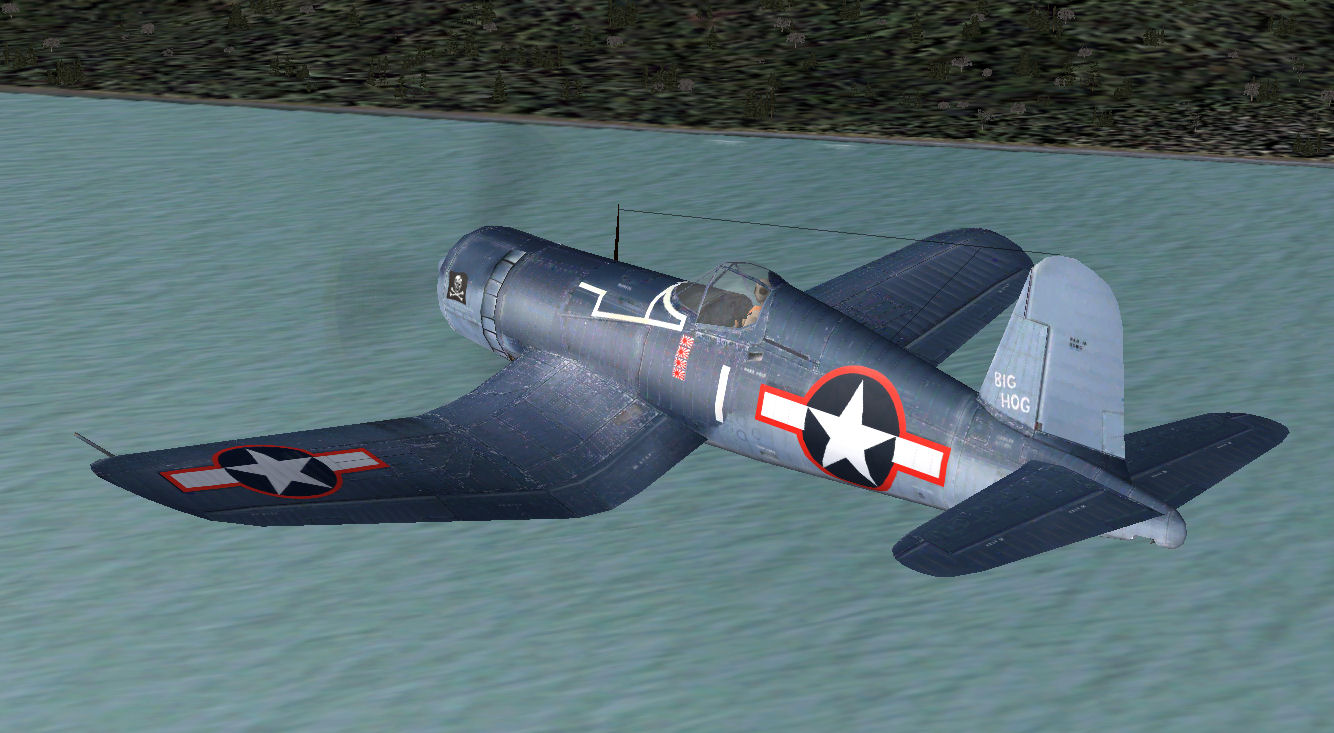
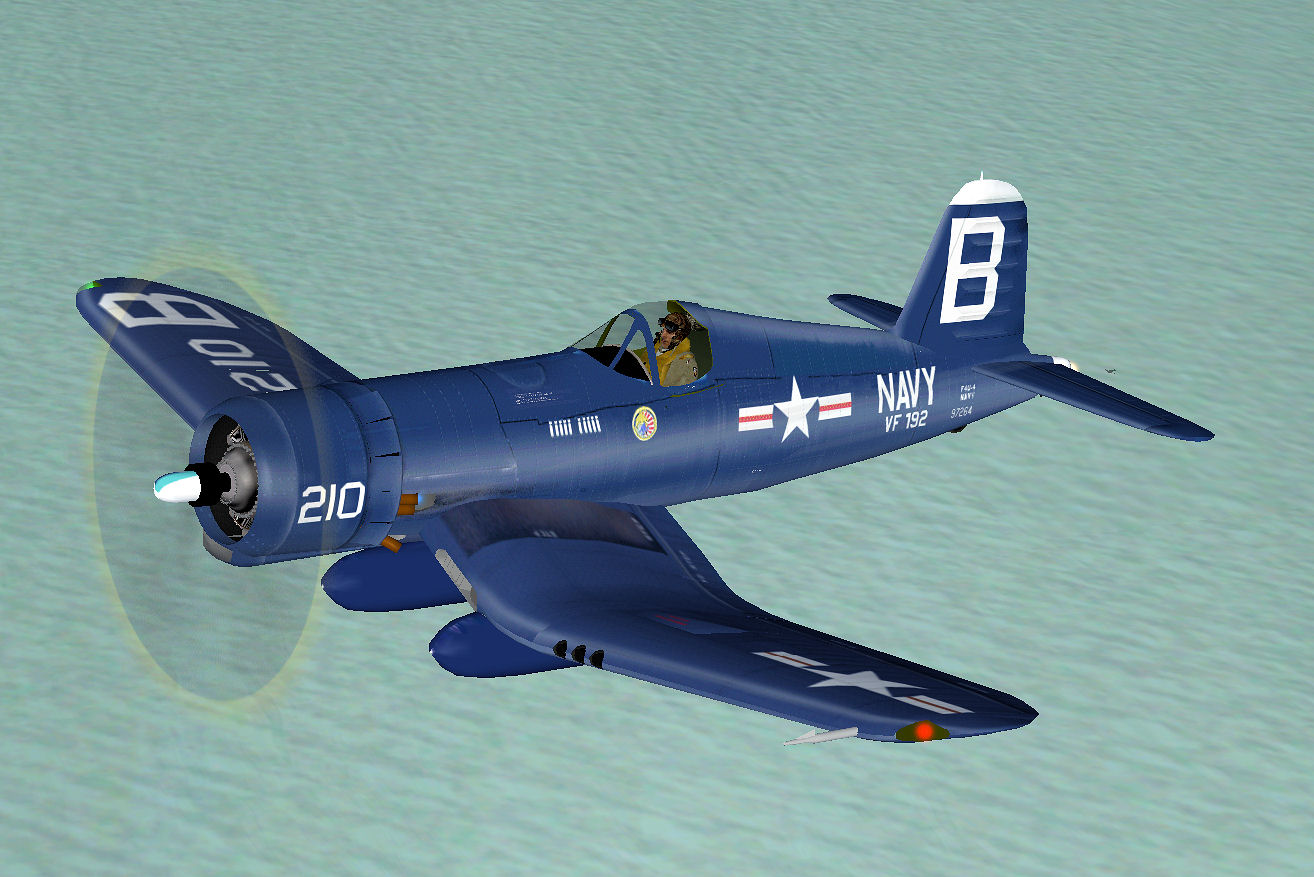


 )
) 
