

-
Please see the most recent updates in the "Where did the .com name go?" thread. Posts number 16 and 17.
-
IMPORTANT DOWNLOADING INFORMATION - ALL MEMBERS PLEASE READ
Please see this thread for updates. Update Thread
SOH ADMINISTRATION
You are using an out of date browser. It may not display this or other websites correctly.
You should upgrade or use an alternative browser.
You should upgrade or use an alternative browser.
Milviz T-38C has launched
- Thread starter dhazelgrove
- Start date
UnknownGuest12
New member
79.99$??? I need a drink!
Priller
May I join the bar?
Does anyone know how the aircraft flight model behaves with the air turbulences in P3D4, and with an external weather engine like Active Sky?
The Advanced Flight Model of the older T-38A was not compabilble : turbulences and Active Sky had to be deactivated for flying the plane...
I hope this issue has been solved on the new model.
Cheers
Vvince
The Advanced Flight Model of the older T-38A was not compabilble : turbulences and Active Sky had to be deactivated for flying the plane...
I hope this issue has been solved on the new model.
Cheers
Vvince
Naruto-kun
Charter Member
I think it got improved a bit, but still, ASN overdoes the turbulence considerably. It should be turned down quite a bit.
dhazelgrove
Charter Member
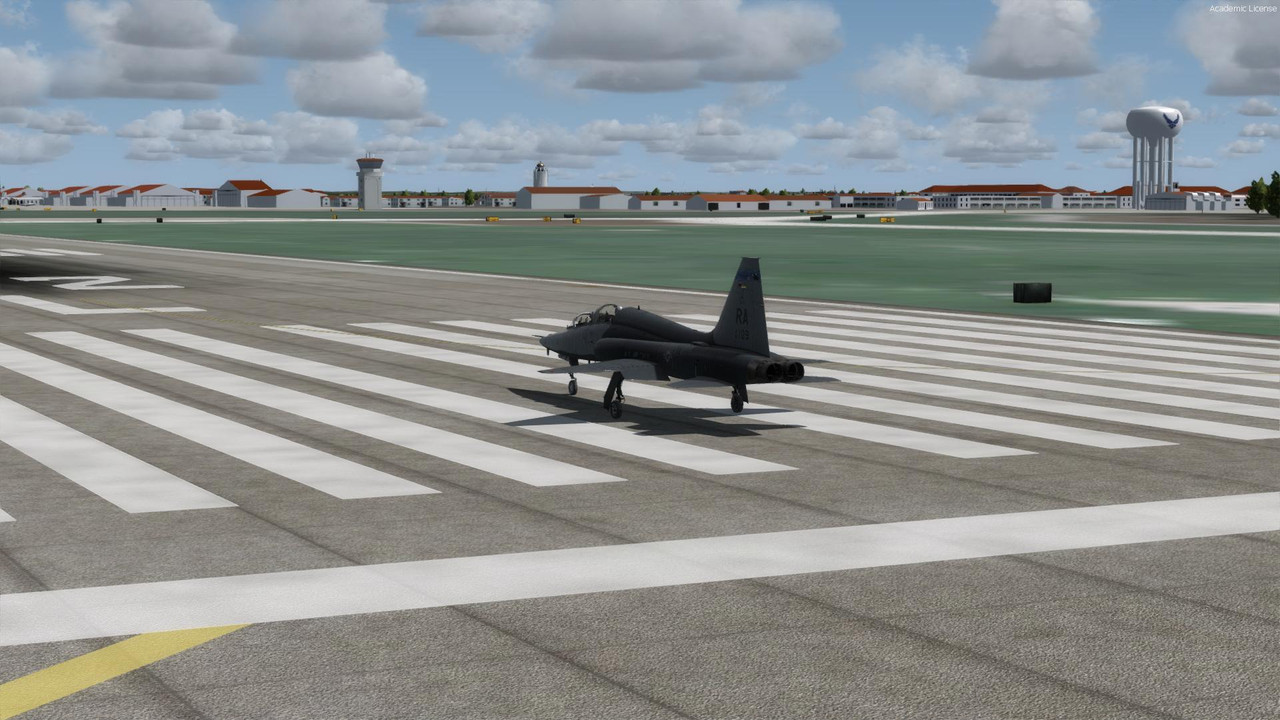
Lining up at KRND.
Dave

wombat666
Administrator
79.99$??? I need a drink!
Priller
That works out to over A$100.00 at the present inflated exchange rate!

I got a 15% discount email as an owner of the T-38A (expires in 30 days). I also got a 20% discount email as an owner of the T-38A Advanced (doesn't appear to expire?). It doesn't look like the discounts stack.
Obviously I'm a big fan of the T-38.
They seem to be pricing their jets with external flight models (F-4E, F-4J, T-38C) at the same $80 price point. If you're not a previous buyer of the T-38 it would probably be best to wait for one of their 30% off sales around Christmas.
Obviously I'm a big fan of the T-38.
They seem to be pricing their jets with external flight models (F-4E, F-4J, T-38C) at the same $80 price point. If you're not a previous buyer of the T-38 it would probably be best to wait for one of their 30% off sales around Christmas.

cortomalteseit
Charter Member
nice bird, but 80 bucks is 80 bucks! 
Naruto-kun
Charter Member
I think part of the surprise at the price point is simply due to not having seen military jets at this level of quality all that often. While Milviz does have a decent reputation from our past projects, I personally still held VRS and DCS as the bar, and personally didn't think we reached there. To hit this level is far from easy. The jet was in development for several years, during which we learned many lessons, and suffered some losses. An individual left with 2 years worth of source code which we had to redo. Ultimately though looking back, I am glad for the hard knocks because I can trace sequence of events leading to us having a much better product. But they came at a cost. Paying a team for several years, some full time, some part time, is not cheap. Easily hits 5-6 figures. So yes, something new is hitting the scene.


So yes, something new is hitting the scene.
As in greed? I'm sorry, but that price is just over the top!
priller

Naruto-kun
Charter Member
No weapons will leave the aircraft, or have any effect on targets. We are still working on tutorials for this system. But I will give a quick crash course here on ops for it.
A-A:
There are 2 gunsight options. LCOS and FNNL. LCOS is basically a fixed size reticule calibrated to a range of 2500 ft. It behaves much like the gyro gunsights of earlier era aircraft, meaning you have to match the manoeuvers of your target to get an accurate shot. The FNNL option is the more modern gun funnel. Target wingspan in feet can be set from the HUD page (where LCOS/FNNL modes can also be selected) on the UFC. The FNNL mode also displays simulated bullets flying out when you pull the TACPACK trigger.
There is also a simulated IR missile seeker circle on the HUD, which can be caged or uncaged (size changes) using the NWS button which is assigned in the MVAMS. Pressing the TACPACK pickle button will make the circle flash briefly, and the missile count (4 max) will decrease by 1. It will disappear when out of missiles. Both missile and gun ammo can be reloaded by cycling the master arm switch, or pressing the relevant MFD button on the MFD WPN page.
A-G:
Weapon profiles for release mode (CCIP/CCRP/MAN), type, reticle depression (MAN only), can be set up in the MVAMS as well as modified from the WPN page on the MFD. There are also some other parameters like dive angle, airspeed, release and break-X altitude etc that are used for reference on the No Drop Bomb Scoring system (NDBS), so you can see the difference between actual profile flown vs required profile.
A designated target (DEST point) is required for scoring purposes. It can be redesignated (target altitude must be predefined to match actual target since the T-38C has no radar or laser ranging abilities) by pressing the NWS button in A-G master mode. The CCIP designator will appear on the HUD (fall line with a diamond instead of a round reticle), and when the diamond is placed on the visual target, the NWS button must be pressed again. The MRK page on the UFC will appear with the new target coordinates, and the MRK button must be pressed to accept them, after which the target designation diamond will shift from the original location to the new target.
Simply press and hold the TACPACK defined pickle button to simulate a weapon release (you will hear a tone on release). After 20 seconds or so the NDBS score page will appear on the MFD showing actual impact (and in the case of delayed CCIP release, aim point) relative to the target.
A-A:
There are 2 gunsight options. LCOS and FNNL. LCOS is basically a fixed size reticule calibrated to a range of 2500 ft. It behaves much like the gyro gunsights of earlier era aircraft, meaning you have to match the manoeuvers of your target to get an accurate shot. The FNNL option is the more modern gun funnel. Target wingspan in feet can be set from the HUD page (where LCOS/FNNL modes can also be selected) on the UFC. The FNNL mode also displays simulated bullets flying out when you pull the TACPACK trigger.
There is also a simulated IR missile seeker circle on the HUD, which can be caged or uncaged (size changes) using the NWS button which is assigned in the MVAMS. Pressing the TACPACK pickle button will make the circle flash briefly, and the missile count (4 max) will decrease by 1. It will disappear when out of missiles. Both missile and gun ammo can be reloaded by cycling the master arm switch, or pressing the relevant MFD button on the MFD WPN page.
A-G:
Weapon profiles for release mode (CCIP/CCRP/MAN), type, reticle depression (MAN only), can be set up in the MVAMS as well as modified from the WPN page on the MFD. There are also some other parameters like dive angle, airspeed, release and break-X altitude etc that are used for reference on the No Drop Bomb Scoring system (NDBS), so you can see the difference between actual profile flown vs required profile.
A designated target (DEST point) is required for scoring purposes. It can be redesignated (target altitude must be predefined to match actual target since the T-38C has no radar or laser ranging abilities) by pressing the NWS button in A-G master mode. The CCIP designator will appear on the HUD (fall line with a diamond instead of a round reticle), and when the diamond is placed on the visual target, the NWS button must be pressed again. The MRK page on the UFC will appear with the new target coordinates, and the MRK button must be pressed to accept them, after which the target designation diamond will shift from the original location to the new target.
Simply press and hold the TACPACK defined pickle button to simulate a weapon release (you will hear a tone on release). After 20 seconds or so the NDBS score page will appear on the MFD showing actual impact (and in the case of delayed CCIP release, aim point) relative to the target.

Lining up at KRND.
Dave
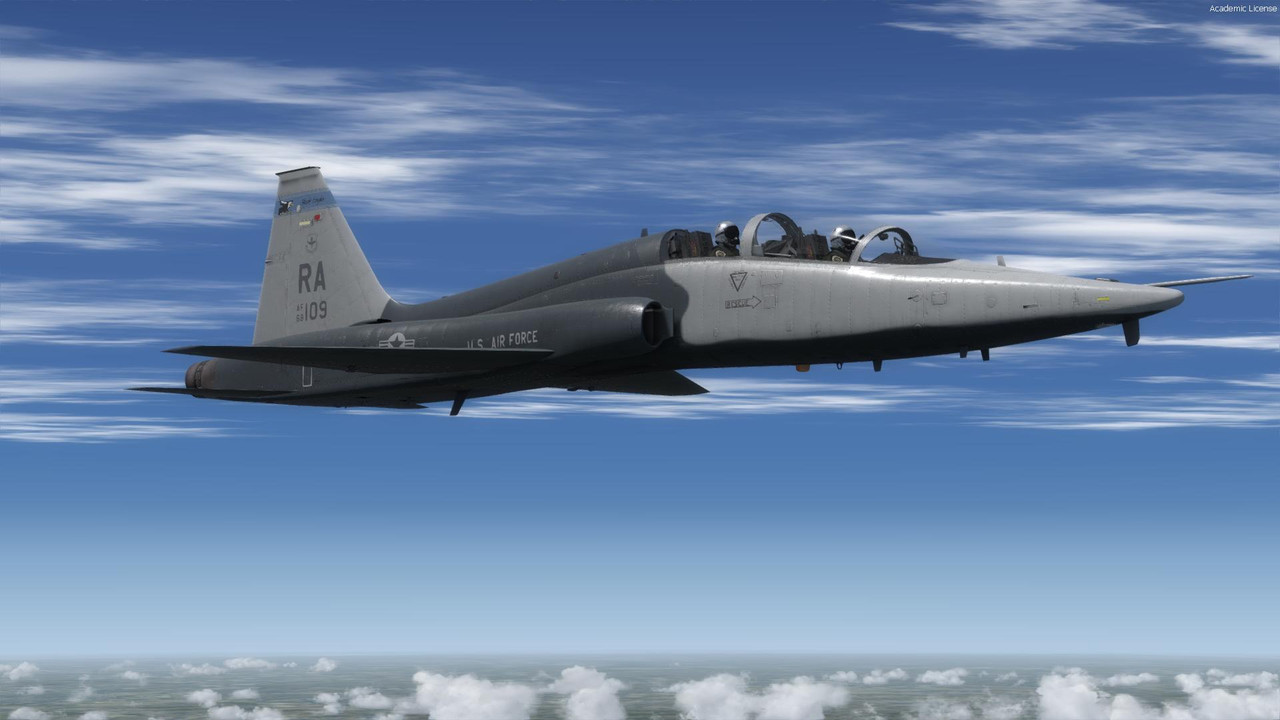
What's with the canopy glass ?.... PBR ?....
VC looks jawdropping!

For 80 bucks though i don't expect to see it flown by indentical twins. IMHO distracts significantly from the otherwise excellent realism..
Naruto-kun
Charter Member
Here is the full tutorial video:
Naruto-kun
Charter Member
What's with the canopy glass ?.... PBR ?....
VC looks jawdropping!
For 80 bucks though i don't expect to see it flown by indentical twins. IMHO distracts significantly from the otherwise excellent realism..
I'm working on it
 . Glass is surprisingly difficult to do in PBR. I got it working nicely under certain conditions, only to find it different under others. Expect updates.
There is way more to this baby than just the 2 external model pilots though
. It wasn't spun off from an actual training simulation for nothing.Is it expensive? Most probably but it depends how much you will fly it. If it's something you fly most days then you'll probably get your money's worth with it. It looks like it has the detail and quality to warrant the price. For me I wouldn't fly it all that much as its not a jet that interests me that much so maybe if it's on sale come Christmas. I also think that if the T-38 is set at this price then the F-15C will be to and hopefully that won't be far away and I'd rather spend my money on that since I'll fly it very often so for me anyway it'll be worth it.