
-
Please see the most recent updates in the "Where did the .com name go?" thread. Posts number 16 and 17.
-
IMPORTANT DOWNLOADING INFORMATION - ALL MEMBERS PLEASE READ
Please see this thread for updates. Update Thread
SOH ADMINISTRATION
You are using an out of date browser. It may not display this or other websites correctly.
You should upgrade or use an alternative browser.
You should upgrade or use an alternative browser.
MS Paint
- Thread starter Helldiver
- Start date

Cazzie
SOH-CM-2026
I'm now using Windows 7-64 bit. The new issue of Windows does not have the old MS Paint.
Can I import it from Windows XP and have it work in Windows 7. It's very handy when doing free hand drawing.
Get this instead HD, it was developed by Washington State University with help from Microsoft and was to be a replacement for the old MS Paint. It is free and has all the features of the old MS Paint plus many more features, including the ability to apply layers, thus it can be used for repaints fo FS aircraft.
http://www.getpaint.net/
Caz
cheezyflier
Charter Member
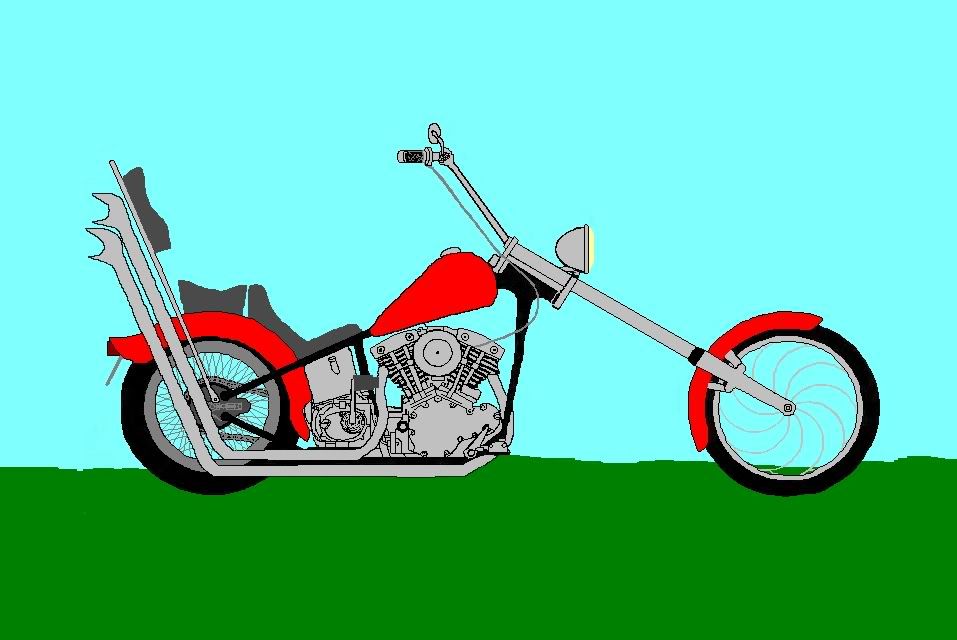
i liked ms paint. i used it to draw the cheezy cycle:

Get this instead HD, it was developed by Washington State University with help from Microsoft and was to be a replacement for the old MS Paint. It is free and has all the features of the old MS Paint plus many more features, including the ability to apply layers, thus it can be used for repaints fo FS aircraft.
http://www.getpaint.net/
Caz
That's Paint.NET and you're underselling it slightly!
 It also reads and writes .DDS files, so I use it a lot....
norab
Charter Member
While I understand that you may not like the software, I wouldn't want people to think Paint.net can't handle a curved line. You just need to learn how to use it. here are some drawings I did for another project a few years ago using only Paint.net
View attachment 13997View attachment 14000View attachment 13998View attachment 13999
View attachment 13997View attachment 14000View attachment 13998View attachment 13999

Naismith, I tried %windir%\system32\mspaint.exe several places and I can't seem to get get it.
The system that Cazzie had was too sophisticated for me. I like the simplicity of MS Paint, especially the ability to bend curved lines.
%windir% might be misinterpreted here.
If your windows path is on C:\ then look there under \system32\ . It would be also possible that someone could send you the mspaint.exe and you could run it in the compatibility mode if neccessary, if nothing else helps.
Cheers,
Mark
Butcherbird17
Charter Member 2012
MS paint is still in windows 7 is just called Paint now. Located here: Start/All Programs/Accessories/Paint. :salute:
Joe
Joe

Naismith
Charter Member
Naismith, I tried %windir%\system32\mspaint.exe several places and I can't seem to get get it.
The system that Cazzie had was too sophisticated for me. I like the simplicity of MS Paint, especially the ability to bend curved lines.
Sorry, I pasted it from the properties of the exe file. It is in C:\windows\system32\mspaint.exe.
The fellow above me is correct too it is in Start, all prgrams accessories.
Also if you copied %windir%\system32\mspaint.exe and pasted the text in the run option of the start button it would throw up paint. The % signs tell windows to look in the windows directory