
-
Please see the most recent updates in the "Where did the .com name go?" thread. Posts number 16 and 17.
-
Special Server Maintenance
Just when you think you have everything running some what better...
You get a message from the Hosting company. Short story they need to move us to a new server. I have been working with them to plan a good date for all concerned. Here is what we have come up with as a schedule.
- November 4th 17:00 -5UTC shut off the forums and start backup proceedures. During this time there will be no access to the forums or the Resource Section.
- November 5th Continue with Backups and download same until complete.
- November 6th 7:00 turn over server to hosting company to move system to new server
- November 7th - 8th restore backups and upgrade forum software.
If all goes well we should be back online on November 8th.
To keep you updated we will post updates on AVSIM forums.
Thank you for your support.
You are using an out of date browser. It may not display this or other websites correctly.
You should upgrade or use an alternative browser.
You should upgrade or use an alternative browser.
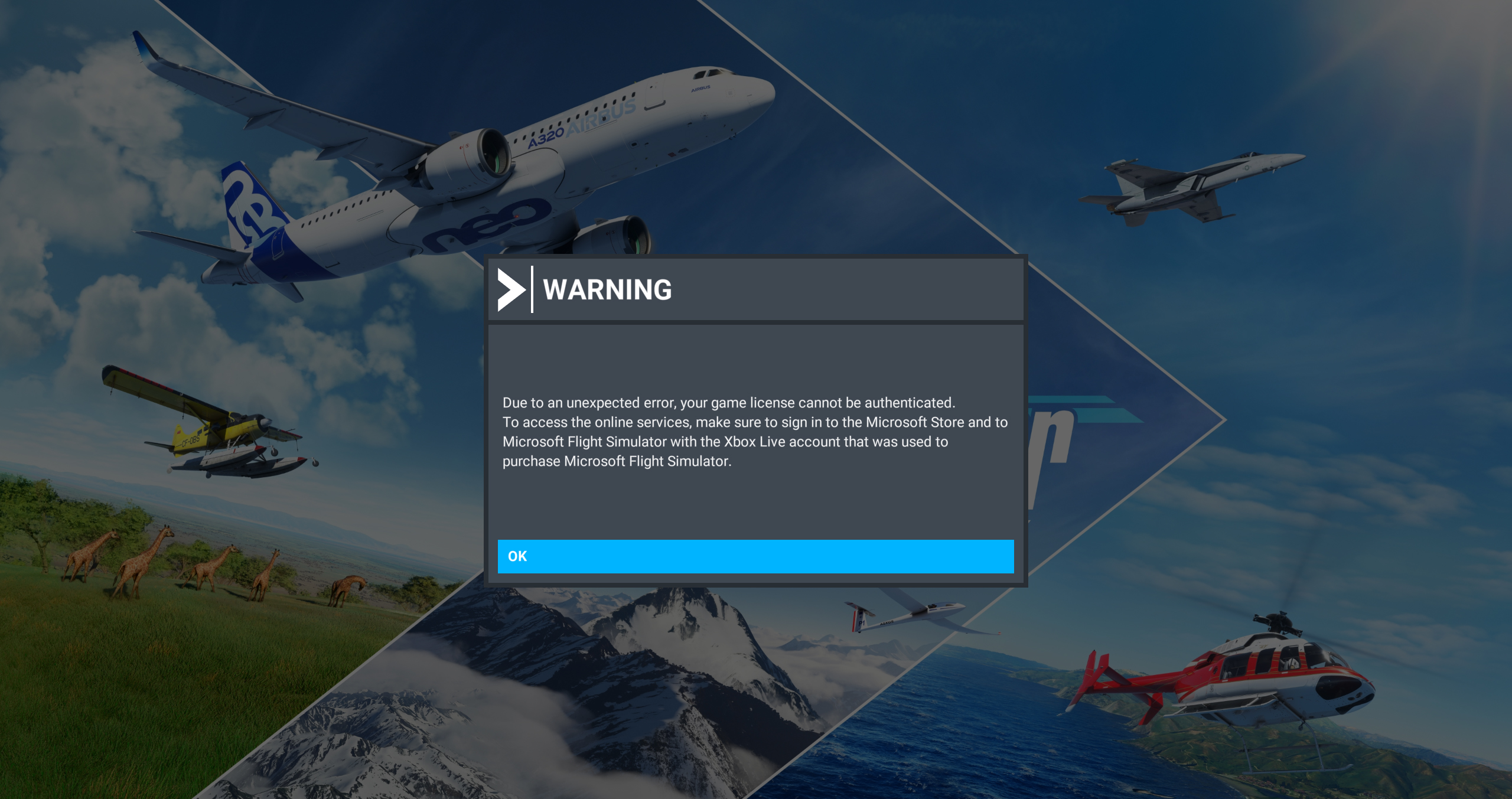
MSFS problem
- Thread starter ZsoltB
- Start date

Daube
SOH-CM-2026
Go to your XBox application.
First log out from the app.
Then log in again in the app.
Then try to relaunch your MSFS.
EDIT: I just launched my XBox app to take a look. I get an error message on top of the screen telling that they couldn't log me in. Maybe it's a general MS server issue.
EDIT2: I proceeded to relog in the XBox app and it worked without issues. Not sure what happened, but I could log in without problems, at least
EDIT3: I could launch MSFS without issues and reach the main menu. There was a micro-second update on the loading, not sure if anything got downloaded, but it disappeared immediately and loading continued until menu. No issues
First log out from the app.
Then log in again in the app.
Then try to relaunch your MSFS.
EDIT: I just launched my XBox app to take a look. I get an error message on top of the screen telling that they couldn't log me in. Maybe it's a general MS server issue.
EDIT2: I proceeded to relog in the XBox app and it worked without issues. Not sure what happened, but I could log in without problems, at least
EDIT3: I could launch MSFS without issues and reach the main menu. There was a micro-second update on the loading, not sure if anything got downloaded, but it disappeared immediately and loading continued until menu. No issues
Last edited:

ZsoltB
Charter Member
Go to your XBox application.
First log out from the app.
Then log in again in the app.
Then try to relaunch your MSFS.
EDIT: I just launched my XBox app to take a look. I get an error message on top of the screen telling that they couldn't log me in. Maybe it's a general MS server issue.
EDIT2: I proceeded to relog in the XBox app and it worked without issues. Not sure what happened, but I could log in without problems, at least
It's getting better


YoYo
SOH-CM-2023
Im at home now, no issue with log in for me. Fire XBox App and try to lunch MSFS from this App.
https://apps.microsoft.com/detail/9mv0b5hzvk9z
https://apps.microsoft.com/detail/9mv0b5hzvk9z

I have seen both of these screens over time. Usually logging into Microsoft and finding the XBox location where I downloaded MSFS solves the problem. I just tried going to that location. It shows that I own MSFS. The next step would be to play instead of buy. Hope that helps.
ZsoltB
Charter Member
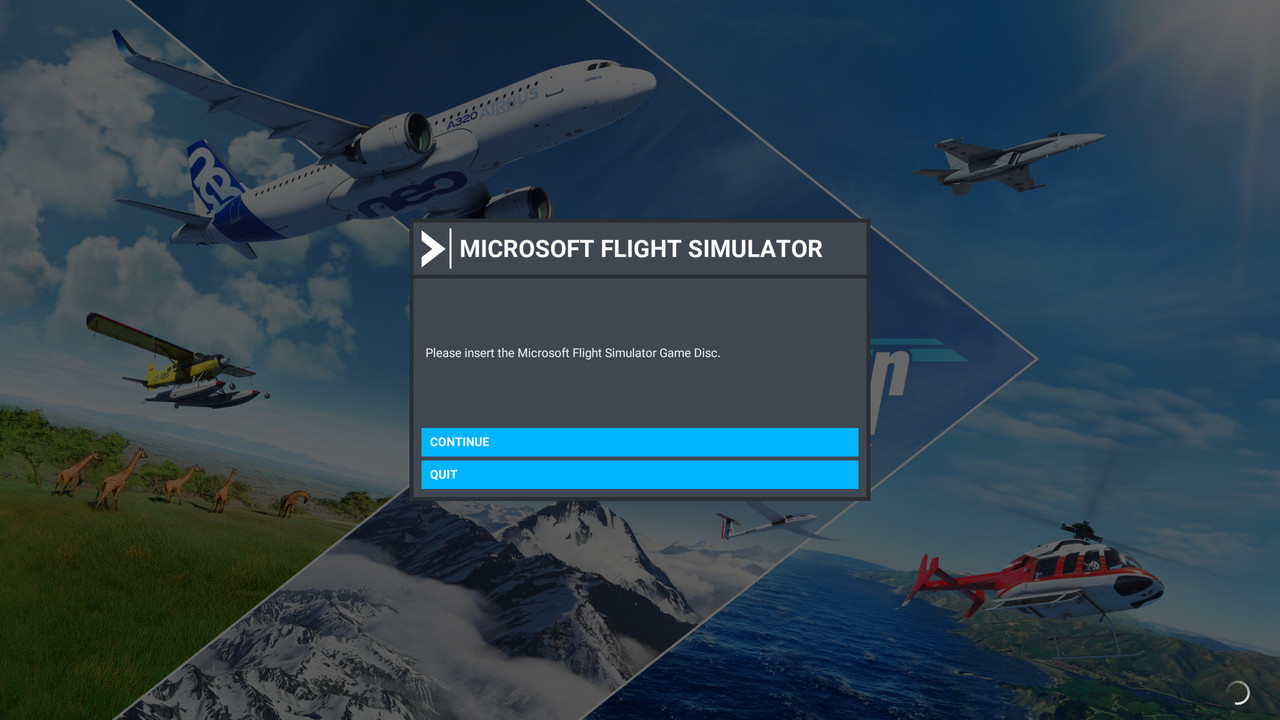
I got the 'insert disc' error yesterday - I just closed the application then booted up MSFS from the Xbox app - I usually use the MSFS2020 executable shortcut - but using the Xbox game launcher instead worked right away
Yes, I did the same
Although it keeps running MSFS in a window
I hope they fix that too

heywooood
Mayor Emeritus of Taco City
from the thread post made last week on the official forum it was stated that they had only recently been made aware of and found the problem causing the sim to open in windowed mode every time
It said they had fixed it and it would be part of the delayed Sim Update
It said they had fixed it and it would be part of the delayed Sim Update
YoYo
SOH-CM-2023
On PC, for the past couple of weeks, MSFS starts in windowed mode every time. The first thing I have to do each time I start the sim is change back to full-screen mode. It's irritating, but livable. I, like you, hope they fix these issues with SU15, whenever that is.
I have the same, here is a reason why Im waiting for next Sim Update. Very annoying, doesn't remember settings at all - full screen, windowed and size of the window :/.

Killbilly
SOH-CM-2026
To change from windowed to full screen press ALT + ENTER.
Seriously?!? How did I not know that before? Thanks, Akatsuki, I'll give it a try.
YoYo
SOH-CM-2023
To change from windowed to full screen press ALT + ENTER.
Im using MSFS not as full screen but as dedicated sized window. This is how it works if you use few monitors.

It's been that way since at least FS2002. When I first installed the current sim, I hit that combo out of instinct and was pleased to find that it works.To change from windowed to full screen press ALT + ENTER.