New Wx solution for FSX?

Haven't tried it yet but looks promising.

Yes seems this is what we all need to get back real weather in FSX! I've read this github page, and it seems very simple to use. But there is no installer, you need to build/compile by yourself the FsxWeather_Setup.exe executable. I'm a programmer, but find this step overly complicated... I hope the author will provide a complete 'exe' installer...
 
Active Sky 2016 still provides real weather in FSX. I use it with Active Sky Cloud Art and Envtex and the end result is impressive! This however looks like a good freeware option.

Bill
 
If you go to https://github.com/zeze1982/FsxWeather/releases/tag/v2.2 there are all the files needed. only updated within the last few days. I put a lot of blind trust into this and fingers crossed as I have FSXSE running pretty well. It works!!
from the text instructions :-

----------------------------------------------------
INSTALLATION
----------------------------------------------------

1. Double-click FsxWeather_Setup.exe.

2. Follow the wizard: Next -> Next -> Install.

3. If Windows asks for administrator permission, accept it.

4. When the wizard finishes, click Finish.

That's it. FsxWeather is now installed.

----------------------------------------------------
HOW TO USE
----------------------------------------------------

1. Open FSX.

2. Load a flight (any airport, any aircraft).

3. In the FSX menu bar, go to:
World -> Weather

4. Select "User-defined weather".

5. Click OK to close the Weather window.

6. In the FSX menu bar, go to:
Add-ons -> FsxWeather -> Refresh now

7. A green notification will appear in the top-right
corner. The weather will update within 5-10 seconds.

8. From now on, the weather refreshes automatically
every 15 minutes.

Seems to run seamlessly and stable.


11
 
Active Sky Cloud Art and the end result is impressive!

I am looking for holy grail to have extremely realistic clouds like MS2020/MS2024 has. However, I am afraid that any cloud software requires massive 20GB storage space. Am I right??

If you still have screenshots showing clouds in your pc, I would gratefully appreciate if you show in this thread your screenshots showing Active Sky cloud art, please if it is not too much trouble for you, please?

Regards,

Aharon
 
I only have Active Sky Cloud Art in P3D v4.5 but I can tell you the clouds are pretty impressive. I used REX in FSX but I prefer ASCA now.
 
I am looking for holy grail to have extremely realistic clouds like MS2020/MS2024 has. However, I am afraid that any cloud software requires massive 20GB storage space. Am I right??

If you still have screenshots showing clouds in your pc, I would gratefully appreciate if you show in this thread your screenshots showing Active Sky cloud art, please if it is not too much trouble for you, please?

Regards,

Aharon

Hi Aharon,

Just to clarify the AS Cloud Art download is about 2.5GB in size but Envtex, which I also use is about 18GB. The combination of AS16/ASCA/Envtex on my system however does not seem to cause any appreciable performance loss with FSX but I should point out that I don't max out the various sliders for the weather controls and cloud depictions in Active Sky.

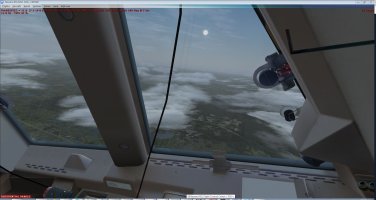
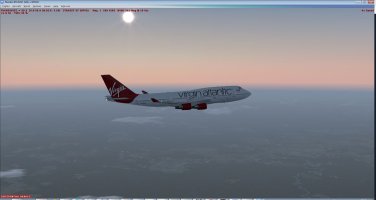
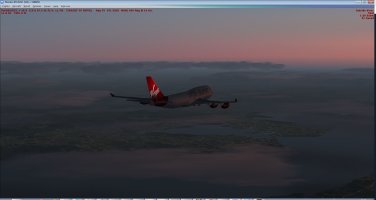
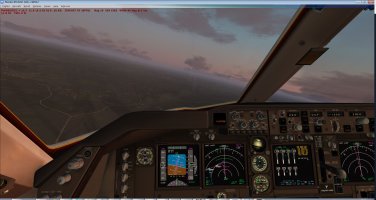
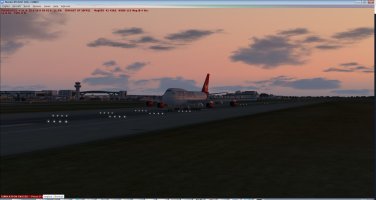
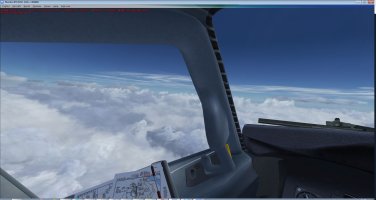
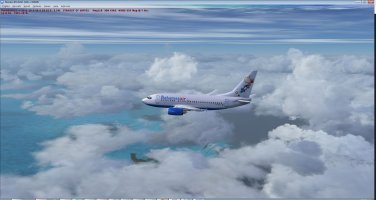
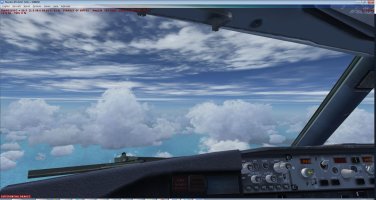
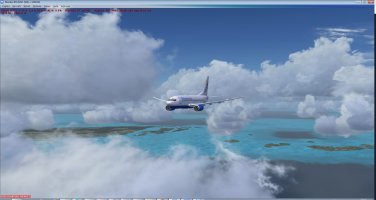
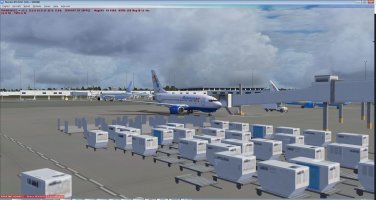
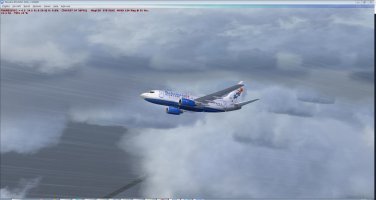
I actually haven't saved many screenshots showing clouds as I tend to shoot pictures of aircraft usually against the background of something interesting on the ground but I took some screenshots last night on a flight from Orlando to London Gatwick which I will post below. Unfortunately the real world weather was pretty good during this flight and the usual afternoon Florida thunderstorms didn't materialise! Nevertheless the screenshots might give you an idea of what ASCA is like although I should point out that also includes the shading and haze effects generated by Envtex. To be fair the screenshots on the ASCA page in Simmarket are pretty accurate if you want to look at those too.

Clouds.JPG

At gate KMCO (Taxi 2 Gate)

clouds2.JPG

Climbing out KMCO (iFly 747) - the clouds were categorised as scattered at 3000 at KMCO at that time

clouds3.JPG


clouds6.JPG

Looking west over Florida

clouds10.JPG

Dawn over the south coast of England

clouds12.JPG

Turning towards the FAF at EGKK


clouds13.JPG

Rollout EGKK

If you are considering getting ASCA, the Active Sky products are in sales fairly often so it might be worth your while waiting until that happens.

Cheers,
Bill
 
@Scianoir

Thank you very much for your consumer reviews and for your screenshots. You taking time from your busy life schedule to write consumer reviews and to create screenshots is MUCH appreciated.

With great thanks and great gratitude,

Aharon
 
@Scianoir

Thank you very much for your consumer reviews and for your screenshots. You taking time from your busy life schedule to write consumer reviews and to create screenshots is MUCH appreciated.

With great thanks and great gratitude,

Aharon
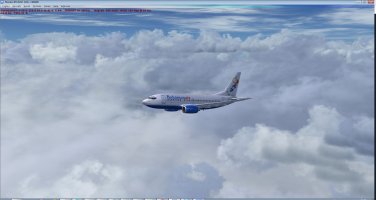
I have different fsx.cfg files for different scenarios (depending on predicted VAS demand) and I have just realised that the one I was using for the flight from which the previous screenshots were taken was my 'Extreme VAS Demand' cfg which has the cloud detail in FSX set to 'simple' to save resources! You can of course modify various weather settings in FSX as well as changing lots of different weather parameters in Active Sky and I had forgotten my FSX cloud detail was set to low for that particular scenario! So these really were not particularly representative shots of ASCA to show you and I apologise for that!! I therefore took some more screenshots today during a flight from KFLL to MYNN with the fsx cloud detail settings turned to 'detailed' and I am posting them here.

KFLL.JPG
Climbing out from KFLL through the rain


KFLL3.JPG


KFLL4.JPG


KFLL7.JPG


KFLL9.JPG

Clouds at different layers (you can choose the maximum number of cloud layers - up to 20 - that will be depicted in AS16 but the default is 5 which is what I generally use)

KFLL12.JPG
Approaching MYNN


KFLL14.JPG

MYNN with some storms developing nearby

Hope these give you a better idea of what you can experience with AS

Bill
 
Back
Top