• Please see the most recent updates in the "Where did the .com name go?" thread. Posts number 16 and 17.

    Post 16 Update

    Post 17 Warning old domain name stealing credentials

  • Special Server Maintenance

    Just when you think you have everything running some what better...

    You get a message from the Hosting company. Short story they need to move us to a new server. I have been working with them to plan a good date for all concerned. Here is what we have come up with as a schedule.

    1. November 4th 17:00 -5UTC shut off the forums and start backup proceedures. During this time there will be no access to the forums or the Resource Section.
    2. November 5th Continue with Backups and download same until complete.
    3. November 6th 7:00 turn over server to hosting company to move system to new server
    4. November 7th - 8th restore backups and upgrade forum software.

    If all goes well we should be back online on November 8th.

    To keep you updated we will post updates on AVSIM forums.

    Thank you for your support.

Nice is no longer nice to fly

hubbabubba

Charter Member
Since the last France/Belgium/Netherland/Luxembourg, I cannot land or takeoff without serious issues; stuttering, TrackIR blur when looking right or left, hiccups in the framerate.

It goes away as soon as I am some distance from it. I wouldn't mind too much if my rig was not up to par but, without bragging, it meets or goes above all specs for best performance with the exception of a RTX 2070 Super instead of a RTX 2080.

So such an obvious bottleneck is odd. Anyone else experiencing this?
 
I'm using only a GTX1070-ti, so less powerful than your current hardware.
In Nice, I don't really get stutters, excepted in ONE case: when I was looking away from the airport for long time, and then I look at it again: there is a kind of "loading" stutter for a second, and after that it's back to normal.
I haven't measured the FPS, though...
 
I have no problems whatsoever, you can check out my build in my signature.

But I'm not flying at "ultra", I might say. Most of it is high and medium, and still quality is more than acceptable.

Cheers,

Priller
 
It sounds like there's a lot of photogrammetry in that area, which can be hard on frames. I know that the first time I flew over London after its update, I was down to ~15 FPS instead of my normal 25-27.
 
Thank you all for your input.

It does tell me that the problem is mine, not a general issue.

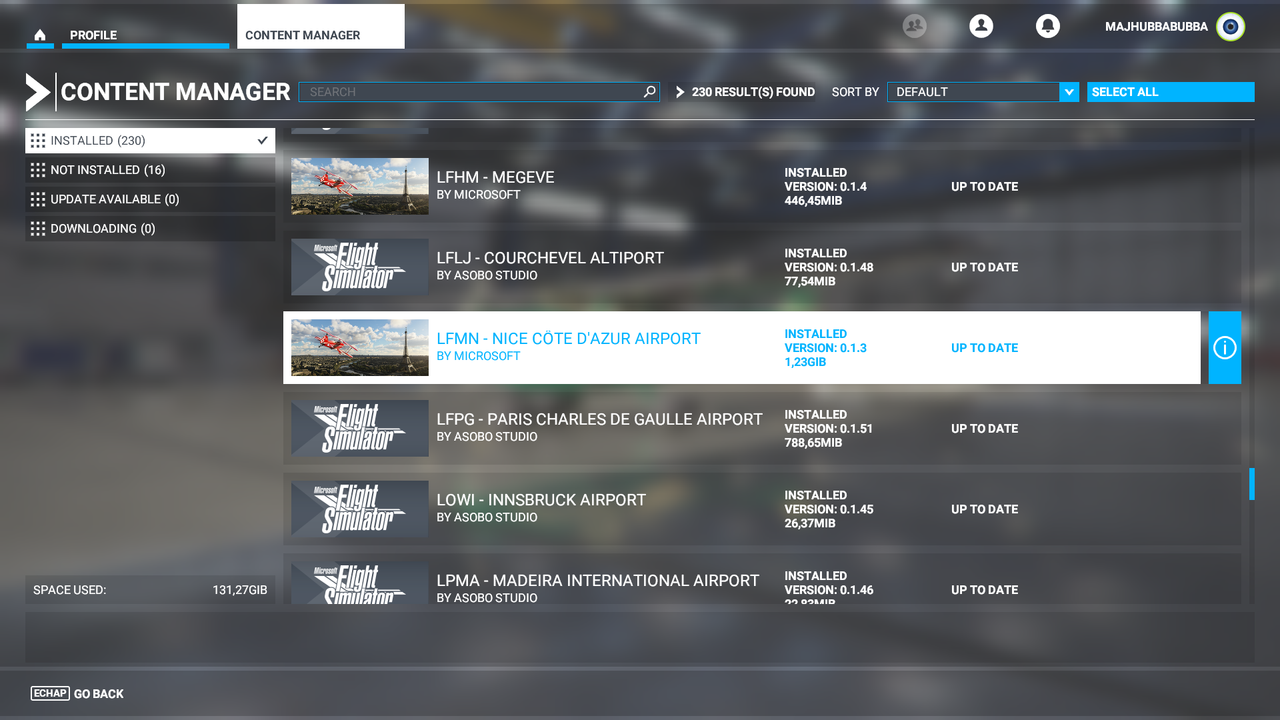
It also gave me an idea; removing and reinstalling the "new" Nice airport scenery;


It did help with the stuttering, but not with the TrackIR "flashing by" nauseating effect;


So: I will try uninstalling again and verify if it causes this visual issue. A bit of a head scracher this one:banghead:
 
This is a long shot but I had problems with my TrackIR months ago and it was going haywire, checked drivers and everything, come to find out it was keying on my Christmas tree lights behind me, LOL.
 
Your video shows the same effect I'm suffering from: a big lag due to "loading" of the scenery each time it comes on the screen.
However, I got that only the few first times after loading the flight. Later on, it didn't happen anymore. Loading was smooth.
I did only a very short test flight though, so my view on this is not reliable yet.

I believe this might be due to video settings though. Maybe not in the sim, maybe in the NVidia Control Panel, I don't know... Sounds like something like that...
 
If you are using the rolling cache, I saw one YT vid suggesting that you clear the cache, because it may have stored scenery that is incompatible or in conflict with the update.

August
 
I would also try flying offline or at least turning off traffic nameplates, they have caused stuttering and FPS drops for me since back in August when the sim first launched in a way that is nearly identical to what is shown in your video.
 
Last edited:
Back
Top