• There seems to be an uptick in Political comments in recent months. Those of us who are long time members of the site know that Political and Religious content has been banned for years. Nothing has changed. Please leave all political and religious comments out of the forums.

    If you recently joined the forums you were not presented with this restriction in the terms of service. This was due to a conversion error when we went from vBulletin to Xenforo. We have updated our terms of service to reflect these corrections.

    Please note any post refering to a politician will be considered political even if it is intended to be humor. Our experience is these topics have a way of dividing the forums and causing deep resentment among members. It is a poison to the community. We appreciate compliance with the rules.

    The Staff of SOH

  • Please see the most recent updates in the "Where did the .com name go?" thread. Posts number 16 and 17.

    Post 16 Update

    Post 17 Warning

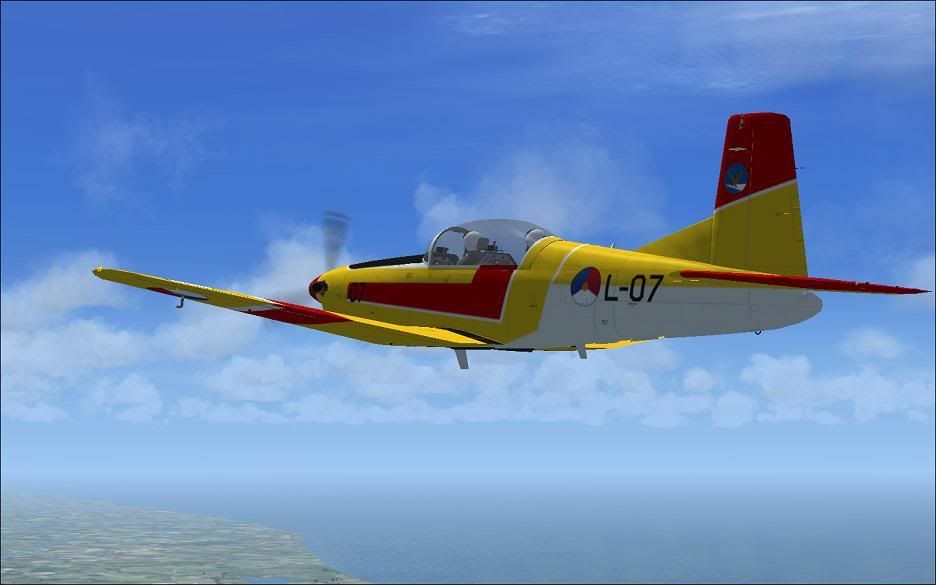
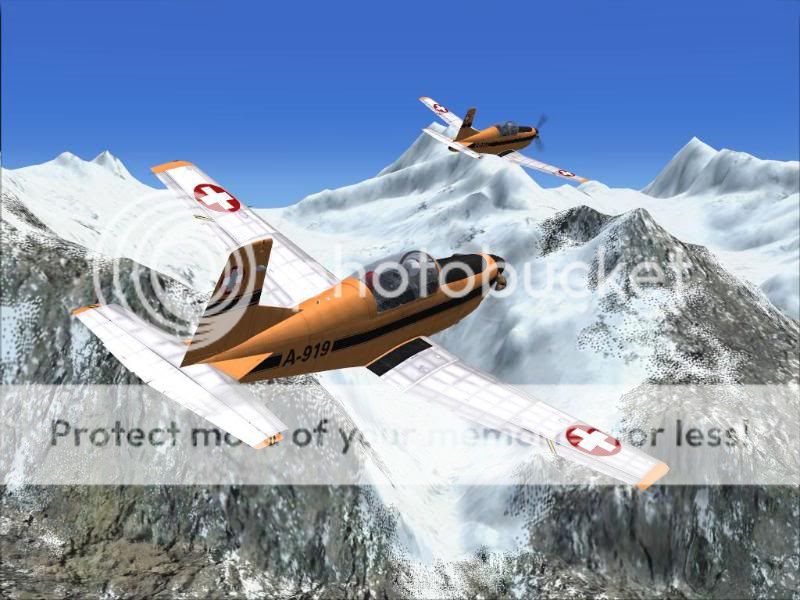
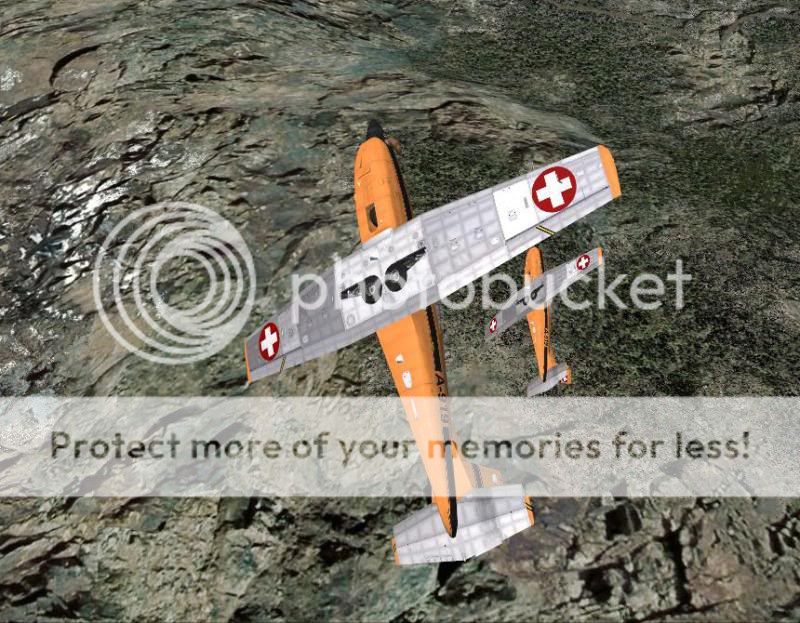
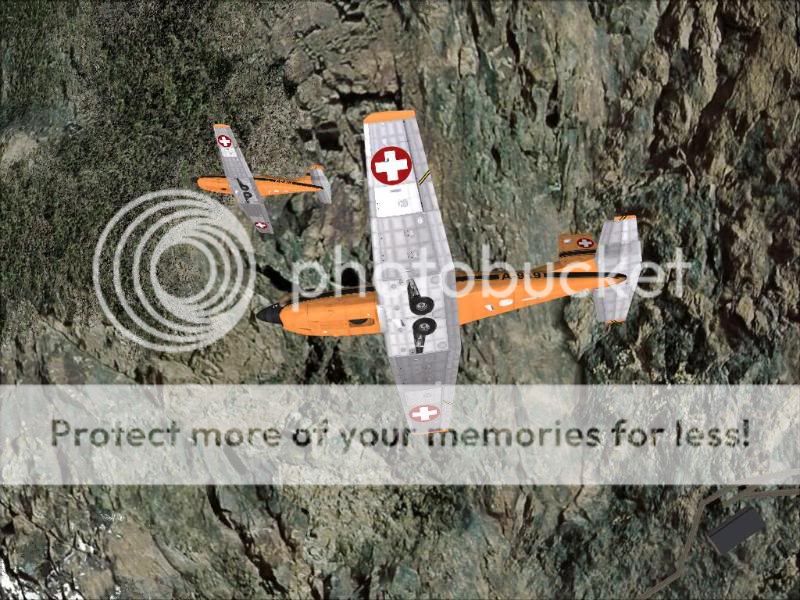
PC-7 V2.0 Released.

From recent experience I can tell you that the old repaints do work, however you need to rename them and they are of course in 1024x1024 resolution.

I don't know whether this will make any sense but I will try to explain. A complete repaint consists more or less of only one main texture. All other textures contain parts and bits which are shared with all versions. The main texture for the fs9 version was called pc7_01.bmp. However for the FSX version this textures was called pc7_01_T.dds.

So when you use a repaint which was originally done for FS9 you don't need to rename anything. Just copy a complete texture folder, rename it and and replace the pc7_01.dds by the pc7_01.bmp file from the repaint desired.

When you use a repaint which was originally done for FSX, copy a complete texture folder again, rename it and delete the pc7_01.dds from this folder. Copy the desired pc7_01_T.dds file in this folder and rename it in pc7_01.dds.

In both cases you need to adjust the thumbnail as well of course!

Again I hope that somebody could follow my explanation until here.......

Thanks again Tim and enjoy the model and all repaints done for it!

Cheers,
Huub

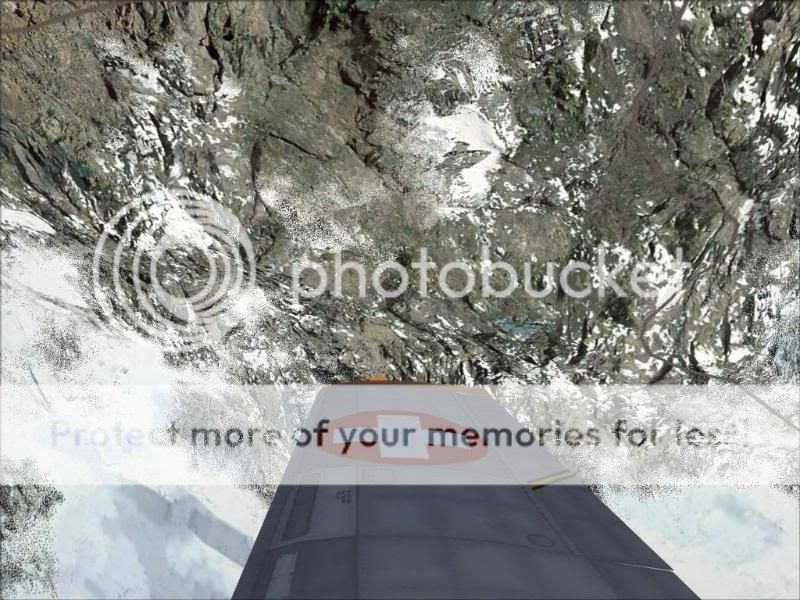
EVO_PC7.jpg
 
As Huub said with renaming the old textures do work but add a texture.cfg to get the new bump maps.
Thanks for this Tim:ernae:

pc71-2.jpg


pc71-1.jpg
 
717201018-16-22.jpg
717201018-19-58.jpg
Copyof717201018-20-9.jpg
717201018-20-41.jpg

<input id="gwProxy" type="hidden"><!--Session data--><input onclick="jsCall();" id="jsProxy" type="hidden"><input id="gwProxy" type="hidden"><!--Session data--><input onclick="jsCall();" id="jsProxy" type="hidden">
 
At the top of this page click on the 'Warbird's Library' tab.

From the menu select 'What's New'.

On the new page that opens scroll down several lines and Piglet's PC-7 will be there.

Click on the hard drive icon (the one with the red arrow) in the top line to download the file.


Thanks!!
 
I have already done the first one for V1.0 and Piglet says the external paints should still fit although I do intend to review them and check the VC texture fit.

All my PC-7 paints can be found in the SOH archive (not the current, new, library) by searching for my user name.
 
I took my first flight in v.2 today. All I can say is squeeeeeeee! :salute: All hail your porkly majesty! :salute:
 
............................................Piglet...........................................
.............................
 
Back
Top