Bomber_12th
SOH-CM-2025
As with Coningsby, the RAF Lakenheath scenery has been updated and is now populated with F-15s, depicting all three squadrons at the airbase: https://flightsim.to/file/11277/egul-raf-lakenheath

Please see the most recent updates in the "Where did the .com name go?" thread. Posts number 16 and 17.
Just when you think you have everything running some what better...
You get a message from the Hosting company. Short story they need to move us to a new server. I have been working with them to plan a good date for all concerned. Here is what we have come up with as a schedule.
If all goes well we should be back online on November 8th.
To keep you updated we will post updates on AVSIM forums.
Thank you for your support.


Zsolt,
Go to %appdata% and navigate to \Microsoft Flight Simulator\SceneryIndexes\
Delete everything in there, the scenery indexes will be recreated by the sim after restarting it.
Also, I don't know what the specs of your rig are, but you might want to take the scenery settings down a notch. Turn them up too high for your rig and anomalies will occur.
Cheers,
Jan
I mean that, if your scenery settings in options are set too high, that anomalies like floating objects can occur.
Cheers,
Priller
Here is a complete explanation about the settings in MSFS:
https://www.shacknews.com/article/119932/microsoft-flight-simulator-2020-graphics-and-settings-guide
Priller
And the embarrassing thing is that only EGUL has a problem Everything else is perfect
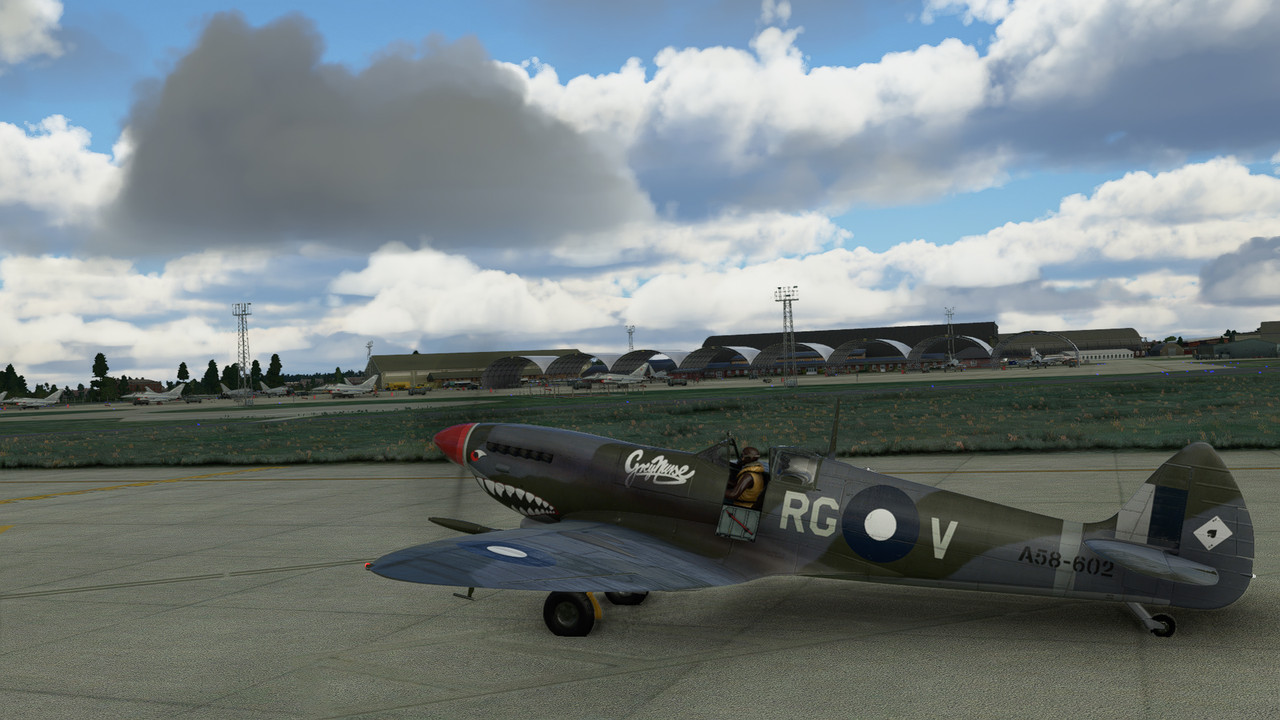
No issues with EGUL here either. My MSFS is stock, no other addons other than those provided by Asobo/Microsoft updates.
A definite yes. Go to the store and update the sim. grab a beer and some crips, you'll need them.
Priller
Here's a good explanation:
https://flightsimulator.zendesk.com...intain-and-update-Microsoft-Flight-Simulator-
Priller