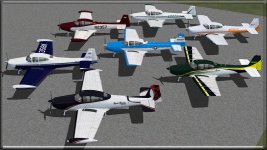
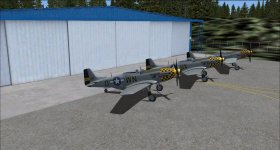
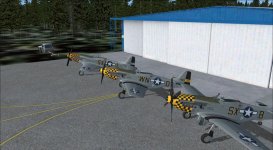
Good tip. But, the devil is in the details. I have messed with FSRecorder, and is a very friendly, although complicted sometimes, due to myriad of features. But once you become familiar with it you won't be able to stop using it. If you make videos, this is a great tool.
You have to be aware of 'time' when recording. So you give yourseflf, say 5 minutes total to move EACH of the 3 ac to ramp for that screenshot. What you do is record #1 going from point 'A' to point 'B' (ramp). But (THIS IS IMPORTANT) sit there until the 5 min time is up-you need to give yourself TIME to move the other 2 ac). Then load #2 ac, and playback the #1 (replay), then record #2 going from point 'A' to point 'B' (you will see the #1 ac so follow it. Park both side by side. WAIT until 5 mins is past. Then stop replay. Then load ac #3, and playback #1 and #2 recording (as AI) and now all 3 ac are 'in picture'. Record the playback and #3 as they follow each other to ramp.
When the 3 ac are parked how you want them, pause the sim and do 'Print Screen' to place screenshot to clipboard, then paste into IrFanView, or Paint to crop and save. Done. PM me and I will email with you to get you started. It's a brain buster to do, but only because we can't wrap our heads around what exactly it does (and does so well). Don't even try to 'understand' or 'explain' it all, just learn to 'use it' (like we use electricity). And installing FSRecorder is not hard. But if new at this type of thing I can help there too. Cheers.
Chuck B
Napamule