Here are some notes about using Shade, and making your own settings...
Each day in FSX, there are 14 different individual lighting/shading conditions, from Pre-Dawn to Post-Sunset/Midnight. When making your own values for light and shade, you must individually create/adjust both the light and shade values for each of those 14 different conditions throughout the course of a day in FSX. In creating the values, you are provided the entire PC color spectrum palette, including the lightness/darkness slider, and red/green/blue and hue/sat./lum. value boxes. This allows you to, individually, adjust how dark you want the shade, or how bright you want the light, for any time of the day, with as little to, or as much change, as you could want. When you are done establishing the look you want for one day, you can individually set a different look for any of the other days within the FSX 10-day cycle, or you can simply clone the first day to all of the others.
For instance, last night I worked on making my own preset - which admittedly took a bit longer than 10-minutes. What I did was use the default-FSX lighting/shading condition values as there would be without Shade running (which it provides you to see!), and I copied that same value, by simply copying the color numbers provided. But then I made each of the shading values a bit darker, and each of the light values a bit lighter, so as to provide more contrast than there would be by default. As a result, I was able to directly control the amount of extra light and extra shading that there would be, individually for each time of the day.
When you have so much room to play with, you can spend quite a while I am sure, adjusting until you reach just that right look you want, or at least something close to it. Your choices will also obviously depend on the sky textures you have installed, which will vary in lightness/darkness/color themselves, so one profile of Shade settings will not look as proper with one set of sky textures, as they might with another. However, Shade makes it quite easy, in that it shows you an image of the sky texture installed, for each time of the day, so the values you pick, especially color-wise, you can work to match to the sky texture.
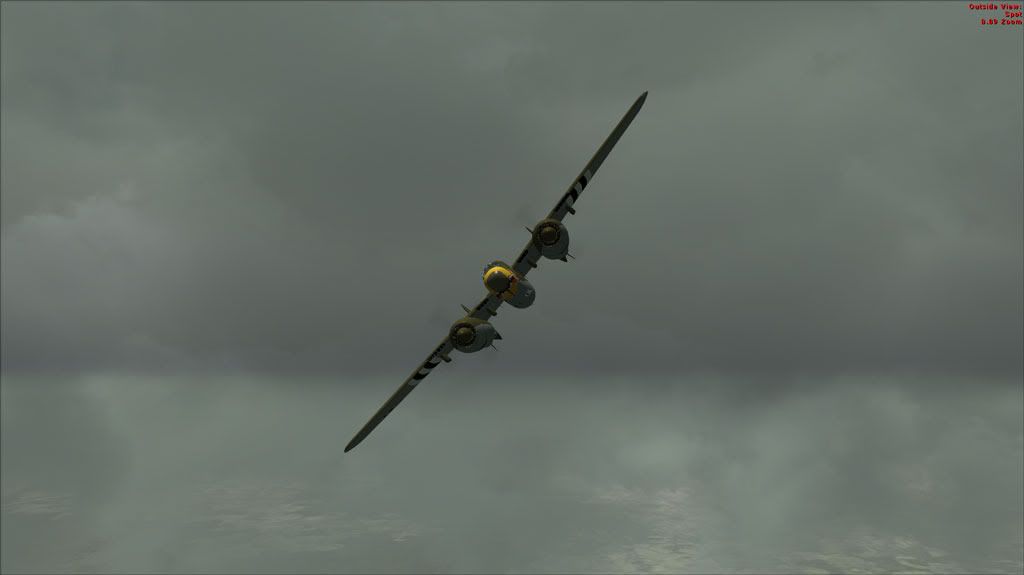
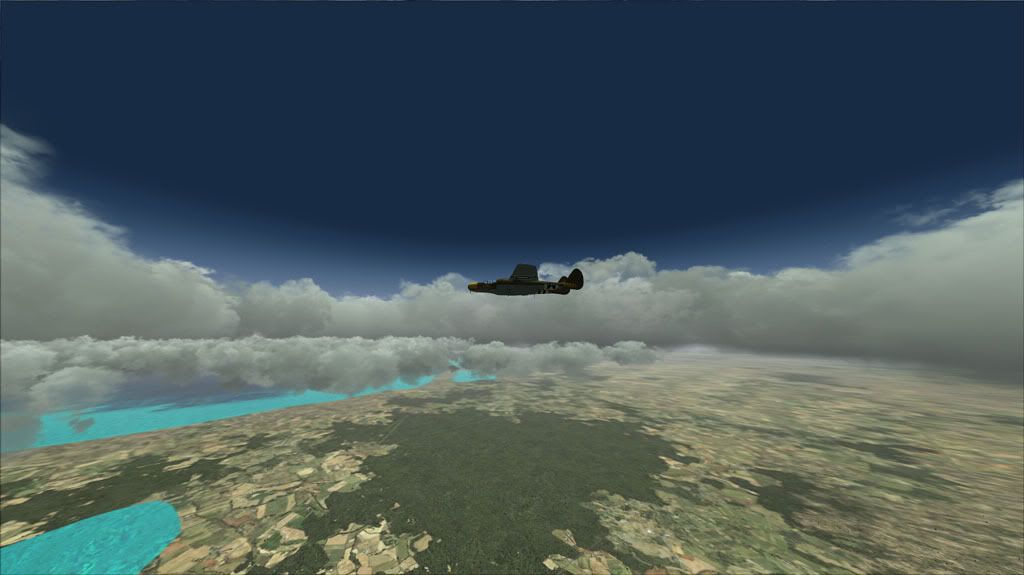
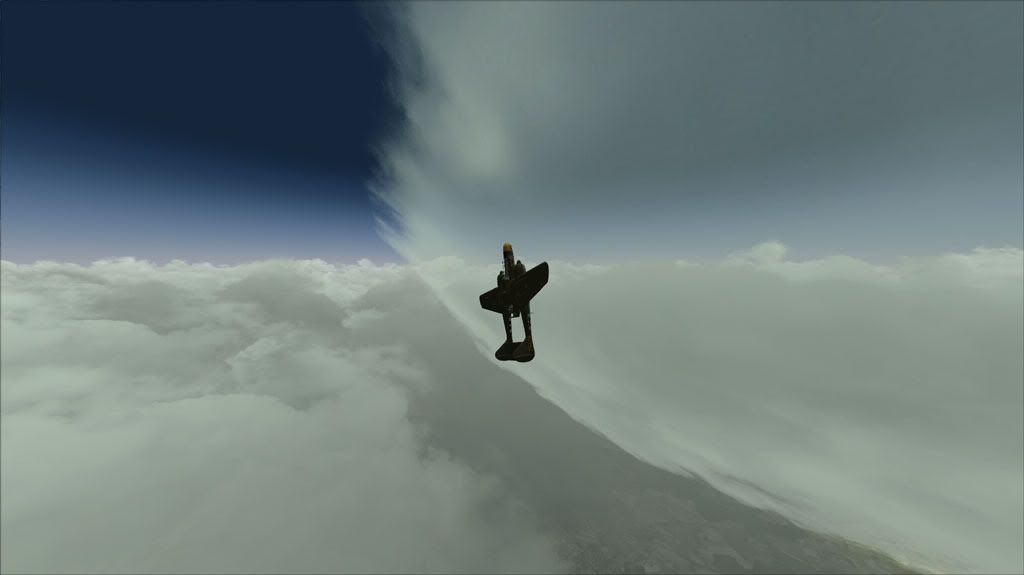
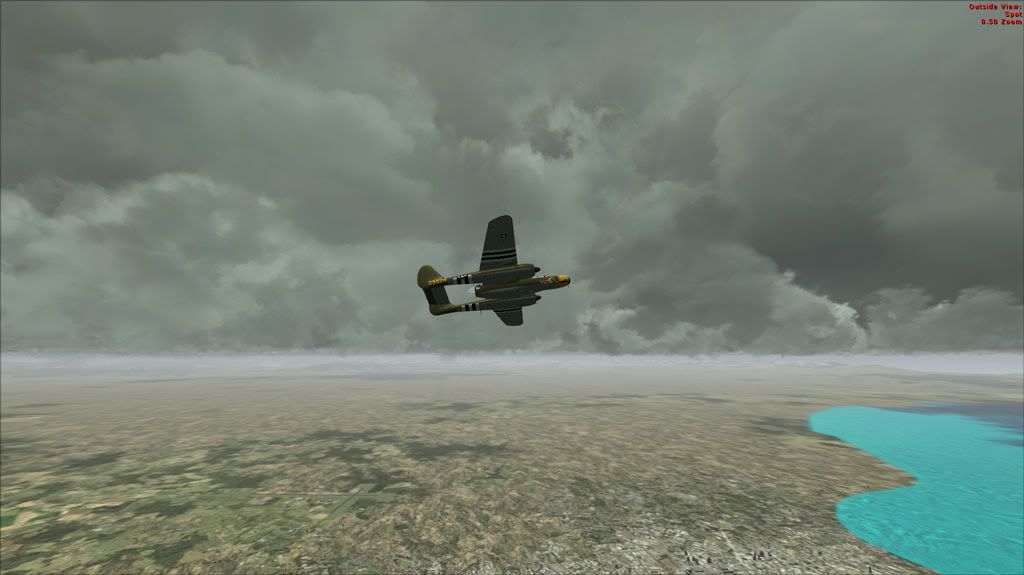
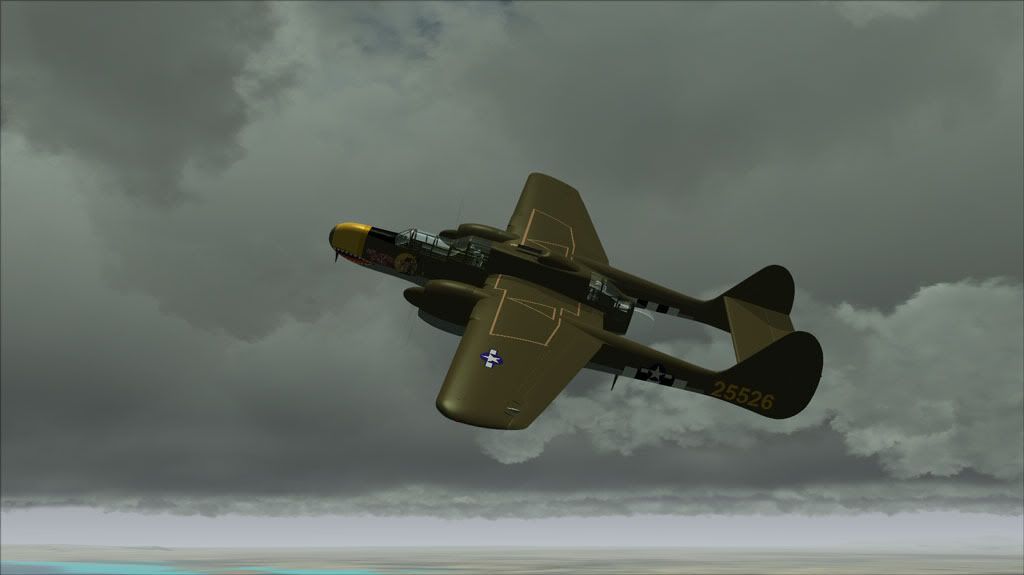
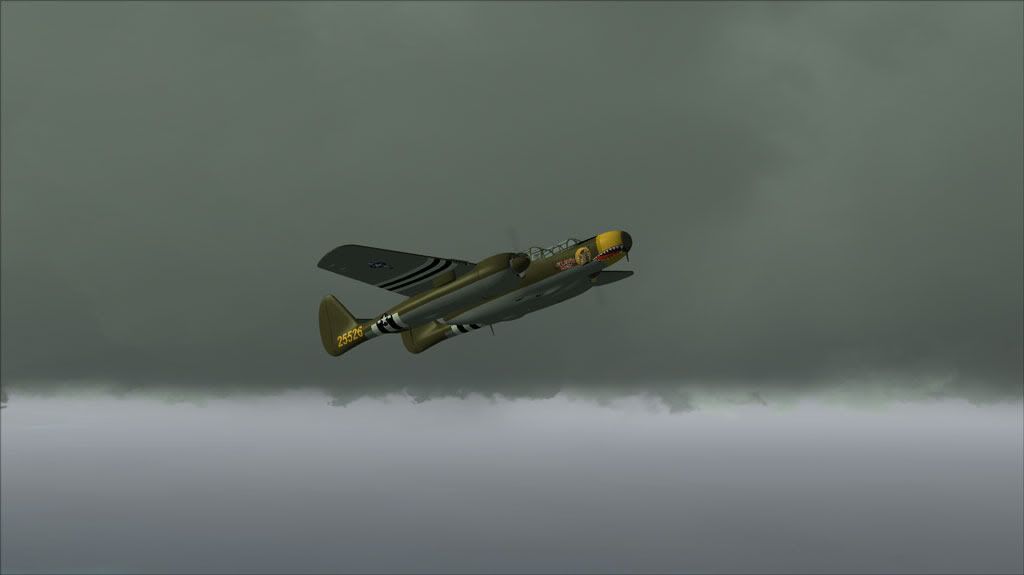
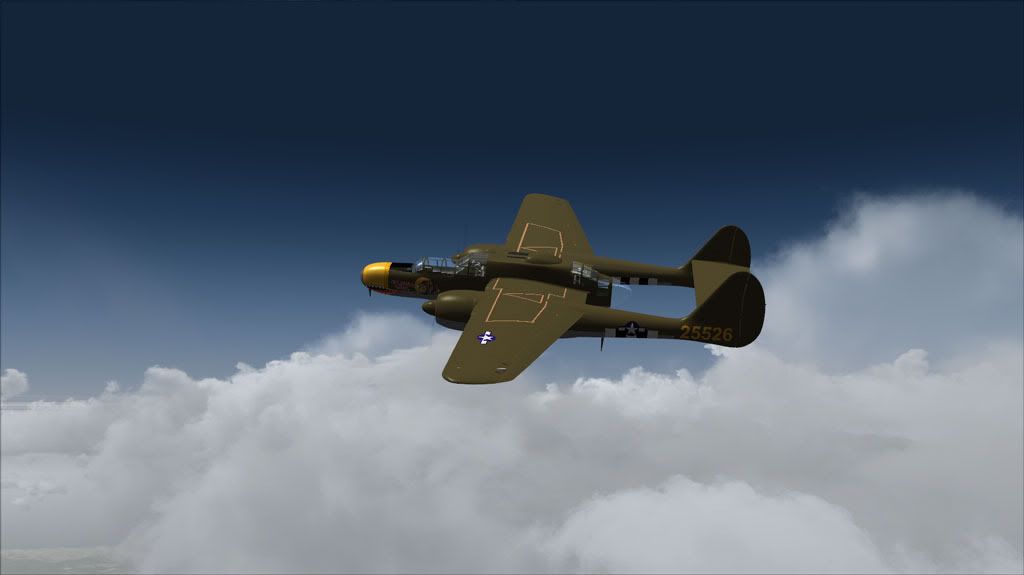
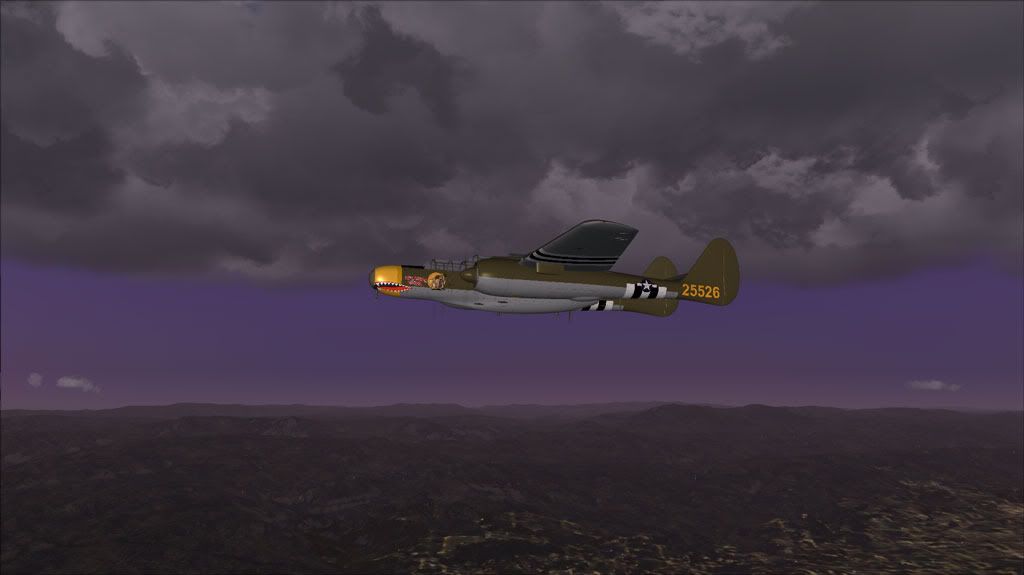
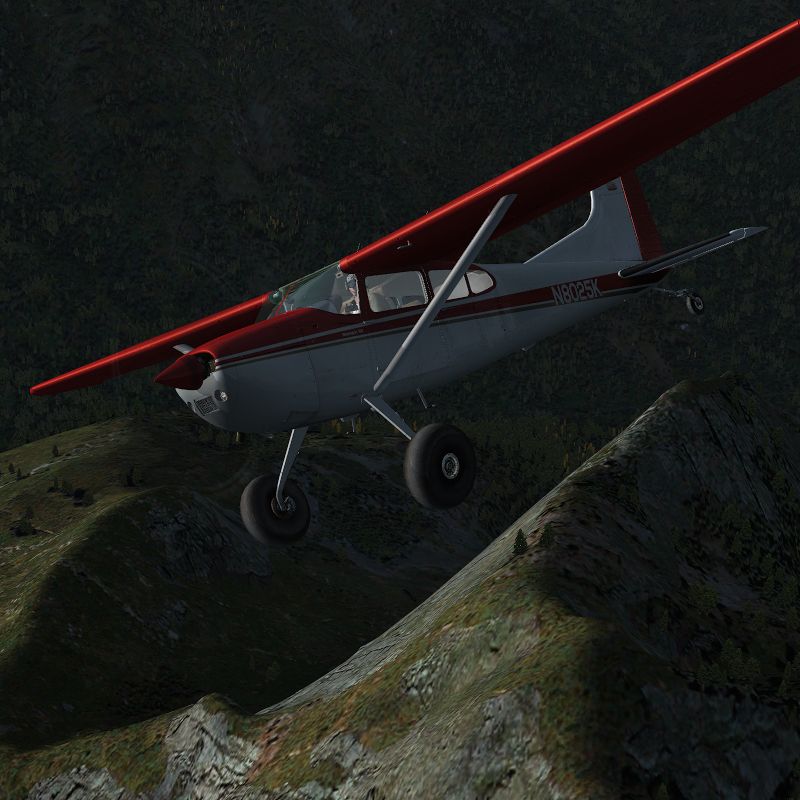
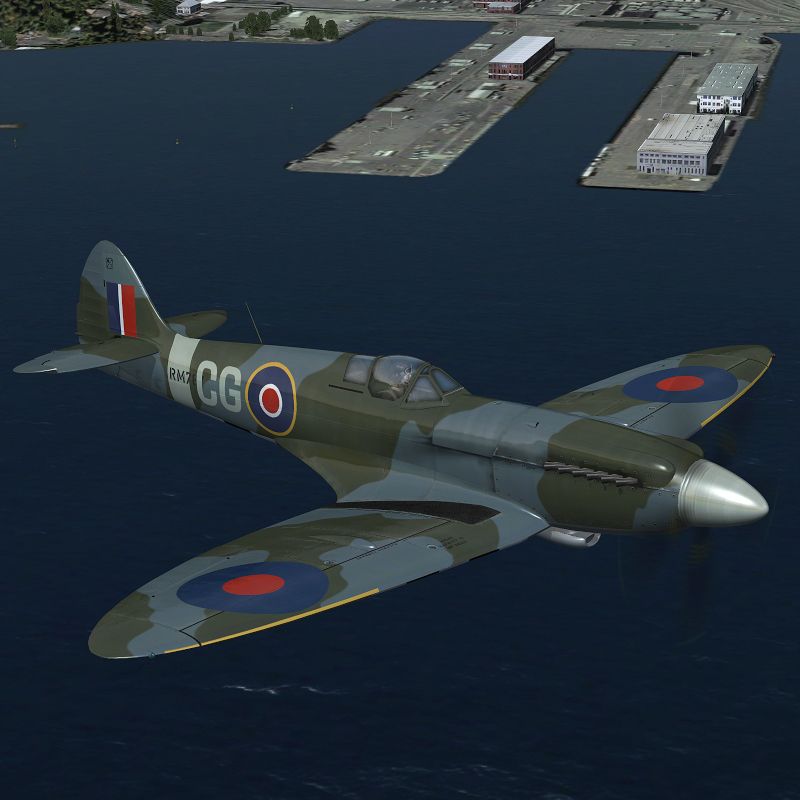
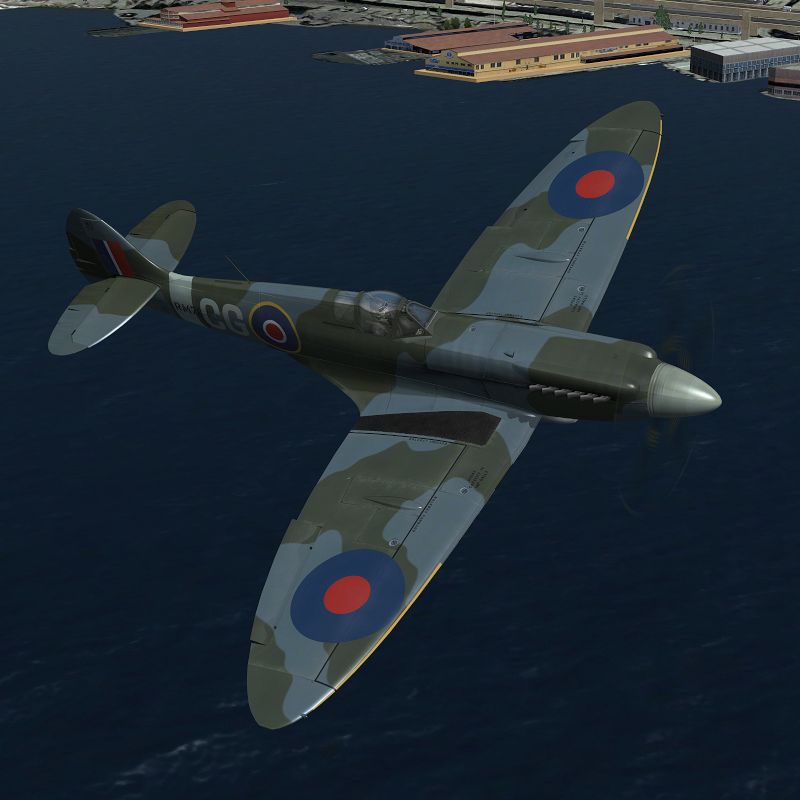
For me, personally, I am most interested in making the under-belly shadows on aircraft darker than what default FSX provides, which to me, from both seeing first-hand, and within countless photographs for however long I have been, isn't near enough. Shade allows you to improve this, but also by offering you all of the options available, it can very easily go too far as well.





 :salute: