
Anyone tested this one yet?

Cees
Cees

Please see the most recent updates in the "Where did the .com name go?" thread. Posts number 16 and 17.
Please see this thread for updates. Update Thread
SOH ADMINISTRATION


Cees,I have a problem with the joystick. The axes of my X55 won't work on this plane. On all other planes it works great. And I got a message during the installation:
Never seen this before.....
Cees


I don't have the other F-4, but this one looks great to me.Lol. And I know this may sound a bit awkward, but how is the model compared to the "other" Phantom?

Not an auspicious start for me... I cant get the setup file to run on my machine... never seen this type before. I have disabled the AV while doing it so its not that causing the problem. I'd have rather they use a .rar or .zip. never had any trouble with those.
Matt
This is a first. Will get in touch on Monday for a zipped version.
@Cees and others with no control, if VC++2010 is not installed this will happen. We are working on a permanent fix for that. Until then you can comment out F-4B_AFCS from panel.cfg but at the loss of Autopilot and SAS systems.
If encountering a problem, send us an e-mail with the problem at support@simworksstudios.com and we'll get back to you ASAP.

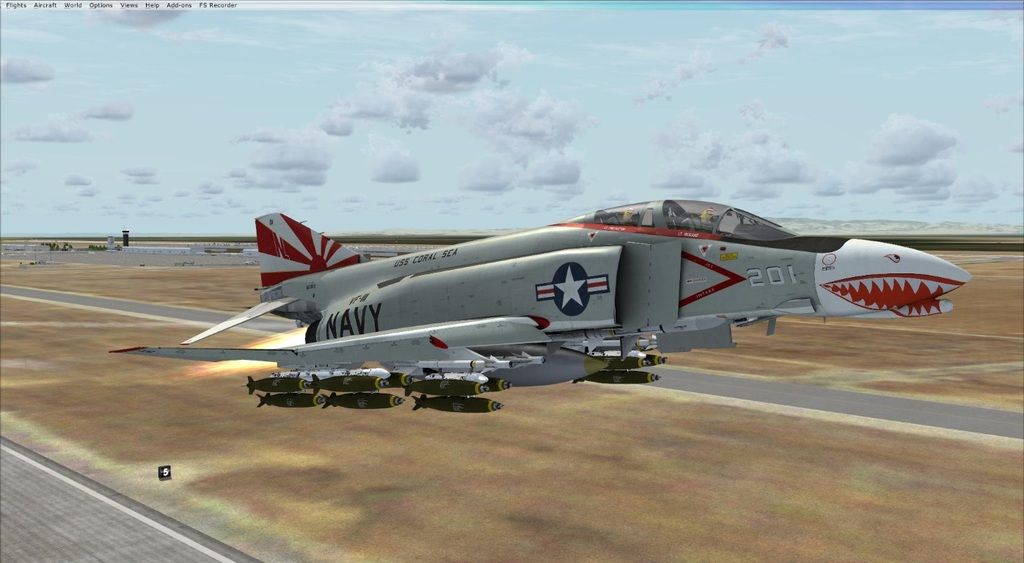
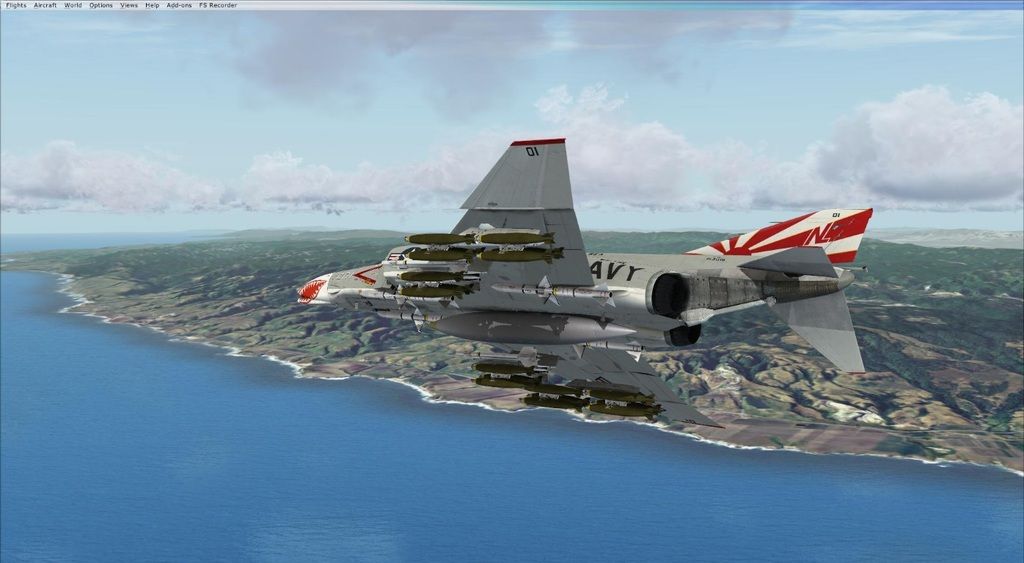


Weapons Loading Tip: Use Shift+2 for the Weapons/Payload Manager window to open instead of Shift+3 as stated in the Aircraft Familiarization manual. Then highlight a weapon and left mouse click on the number(s) that appear on the
fuselage bottom template to add the weapon(s). I'm probably slow, but it took me a while to figure this out.
Now that I've crossed that hump, I'll move on to learning how to fire them.

I uninstalled/installed the SW F-4B with my AV on park (off) upon completion of installing, I get this message and wonder if that is preventing me from loading
or external configuration? ^