
-
Please see the most recent updates in the "Where did the .com name go?" thread. Posts number 16 and 17.
-
IMPORTANT DOWNLOADING INFORMATION - ALL MEMBERS PLEASE READ
Please see this thread for updates. Update Thread
SOH ADMINISTRATION
You are using an out of date browser. It may not display this or other websites correctly.
You should upgrade or use an alternative browser.
You should upgrade or use an alternative browser.
T-28D Trojan released. payware
- Thread starter anthony31
- Start date


ryanbatc
Charter Member
That's what it looks like I'm afraid. I found out something interesting making this aircraft. Everytime you create a new VC entry it gobbles up about 50MB of RAM at runtime. To make the lighting system I used about 23 VC entries which ate nearly 1GB of RAM. I had reduce the nice pretty 1024x1024 VC textures down to 512x512 or even 256x256 to get the RAM load under control. The Switch panel suffered worst because of this reduction in resolution.
You can improve it be changing the VC resolution by changing all the 512,512 lines to 1024,1024 but as I said this will increase RAM usage considerably. This is the VC entry for the switch panel lights:
// Panel RH lights
[VCockpit03]
size_mm=512,512
pixel_size=512,512
texture=$pan03
background_color=0,0,0
gauge00=T28DGauges!T28D_Light_Panel_RH, 0,0,512,512
Thanks... that helped a lot!
Any ideas on the attitude indicator being inverted? Or am I just an idiot?


jojohnson9
Charter Member 2016
Wow, I love this airplane. No tailhook so I deck landed okay without it. Survived, but I think I burned out the brakes. Deck launch was much easier. Been waiting for a very long time for an FSX Trojan and this one is well worth the wait.


Is it just me or is the attitude indicator inverted? It may be the old school gauge but it seems backwards and not natural...
Anyway it looks cool, flies well, has an ILS gauge so that's great for me. The sounds come in a little muffled on my end... I thought the plane would be more "Throaty." Maybe it's something wrong on my end?
You may be right about the attitude indicator. I may have been confused as the aircraft had A-1, J-8 and J-3 attirude indicators at various times. The J-3 action was inverted. I'm sure I had a good reason for doing it the way I did, but then again maybe I got confused, I did the gauge so long ago I can't remember what my reasoning was. Something for the patch probably.
Important thing to note about the engine is that the RPM of the engine is actually rather low (only about 1600-1800rpm), a gearbox ups this for the propeller so that the prop goes at 2700rpm so the plane, even when at full throttle, just goes thump,thump,thump,thump. Interior sounds were recorded from the rear seat, exterior sounds were recorded from ground runups, the full throttle exterior sound I manufactured from a mixture of a flyby and the interior sound as it's pretty impossible to record full throttle exterior sounds cleanly.


WarHorse47
SOH-CM-2024
I didn't want to miss out on all the fun, so I went to the Flightsim Store. Great plane. I just love it. Thanks, much. :salute::salute:BTW Had an email from fspilotshop this morning and they said they will add the plane to their store in the next day or two.
Thought I'd try out the demo first, although I don't know why. I have all of Ant's other planes. Anyway, having a strange issue that may just be demo related. I can't get the throttle below 50% using my CH quadrant. Haven't had that issue on any other plane. I can pull the throttle all the way back using my mouse in the VC, but when I use my throttle lever on the quadrant, it jumps immediately to 50%, and I only have 50-100% as the range of throw on the lever. Any ideas? Anyone experienced this?
I should probably just go ahead and get the full version, but I'm sort of waiting for FSPilotShop to have it.
I should probably just go ahead and get the full version, but I'm sort of waiting for FSPilotShop to have it.

Many thanks for this beautiful rendition of the T-28, Anthony. Superb job ! Both external and internal ! 
I have been a big fan of the T-28 every since i made the Monogram model of it that i got for my 10th birthday. Sweet memories, certainly the yellow bird !
View attachment 86048
Since you are talking about a possible patch, may i be so bold and offer a suggestion ?
It concerns the external model's specular lighting. With the sun shining directly onto the fuselage the current specular material setting completely washes out the beautiful details. (Superb bumpmapped rivets and panellining !).
View attachment 86047
By adjusting the specular params for the fuselage and canopy glass textures in the material editor (plus possibly the specular map itself) you could easily get rid of the washout and just leave a nice narrow sunglint that plays around the fuselage rather then swallowing up all the beautiful details.
Hope you don't mind my comment/suggestion, Anthony. My concern is just because i love your T-28 model so much.
Thanks so much again ! :ernae:
Cheers,
Jan
I have been a big fan of the T-28 every since i made the Monogram model of it that i got for my 10th birthday. Sweet memories, certainly the yellow bird !
View attachment 86048
Since you are talking about a possible patch, may i be so bold and offer a suggestion ?
It concerns the external model's specular lighting. With the sun shining directly onto the fuselage the current specular material setting completely washes out the beautiful details. (Superb bumpmapped rivets and panellining !).
View attachment 86047
By adjusting the specular params for the fuselage and canopy glass textures in the material editor (plus possibly the specular map itself) you could easily get rid of the washout and just leave a nice narrow sunglint that plays around the fuselage rather then swallowing up all the beautiful details.
Hope you don't mind my comment/suggestion, Anthony. My concern is just because i love your T-28 model so much.
Thanks so much again ! :ernae:
Cheers,
Jan
BTW Had an email from fspilotshop this morning and they said they will add the plane to their store in the next day or two.
Really? I think I already have an account with SimMarket, if so, I guess they will get my 20 USD.
Thought I'd try out the demo first, although I don't know why. I have all of Ant's other planes. Anyway, having a strange issue that may just be demo related. I can't get the throttle below 50% using my CH quadrant. Haven't had that issue on any other plane. I can pull the throttle all the way back using my mouse in the VC, but when I use my throttle lever on the quadrant, it jumps immediately to 50%, and I only have 50-100% as the range of throw on the lever. Any ideas? Anyone experienced this?
I should probably just go ahead and get the full version, but I'm sort of waiting for FSPilotShop to have it.
Hi
The throttle and mixture controls are all read and then remapped (it's the only way to model the supercharger and mixture controls properly).
Open up the Animation Manager (Shift+4), select Diagnostic tab (lower right)
On the bottom of this page there is the values that I read for the throttle and mixture.
Move your throttle through the full range and post back the Throttle key data and mixture key data values. They should be around -16300 to 16300
Also tell me the Throttle key input text eg KEY_???
Many thanks for this beautiful rendition of the T-28, Anthony. Superb job ! Both external and internal !
I have been a big fan of the T-28 every since i made the Monogram model of it that i got for my 10th birthday. Sweet memories, certainly the yellow bird !
View attachment 86048
Since you are talking about a possible patch, may i be so bold and offer a suggestion ?
It concerns the external model's specular lighting. With the sun shining directly onto the fuselage the current specular material setting completely washes out the beautiful details. (Superb bumpmapped rivets and panellining !).
View attachment 86047
By adjusting the specular params for the fuselage and canopy glass textures in the material editor (plus possibly the specular map itself) you could easily get rid of the washout and just leave a nice narrow sunglint that plays around the fuselage rather then swallowing up all the beautiful details.
Hope you don't mind my comment/suggestion, Anthony. My concern is just because i love your T-28 model so much.
Thanks so much again ! :ernae:
Cheers,
Jan
I know what you mean. I mainly used those values because they look really good on VH-TRO which was the source aircraft (I much preferred the wider spec mapping on the polished metal than the original tighter spec effect I had). I will have a look at using alpha channels on the spec maps which should allow me to control those things on a per texture basis rather than globally.

Bomber_12th
SOH-CM-2025
Okay, I knew I was going to absolutely love this aircraft, but my gosh... Superb doesn't do it justice.
I can't wait for the next flight!
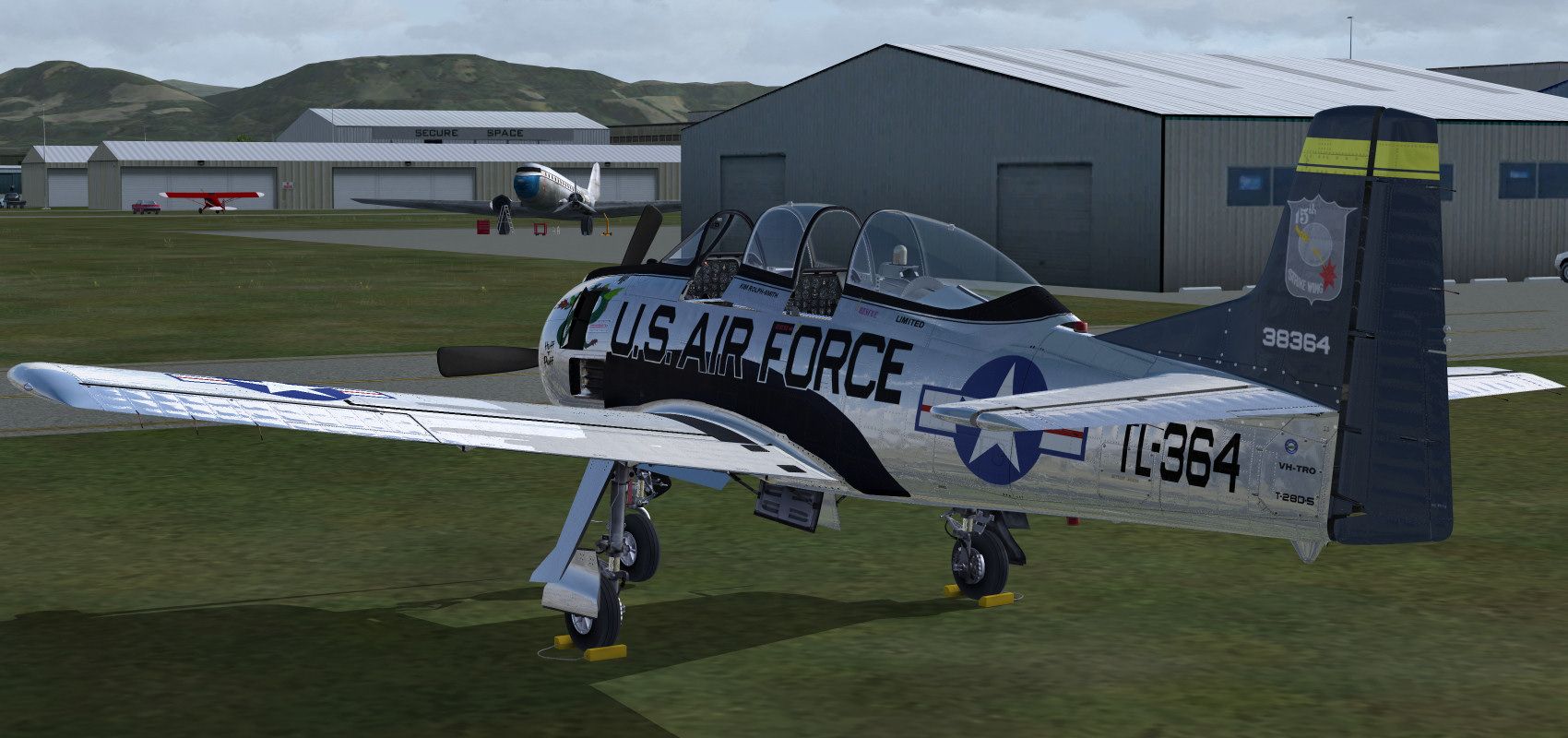
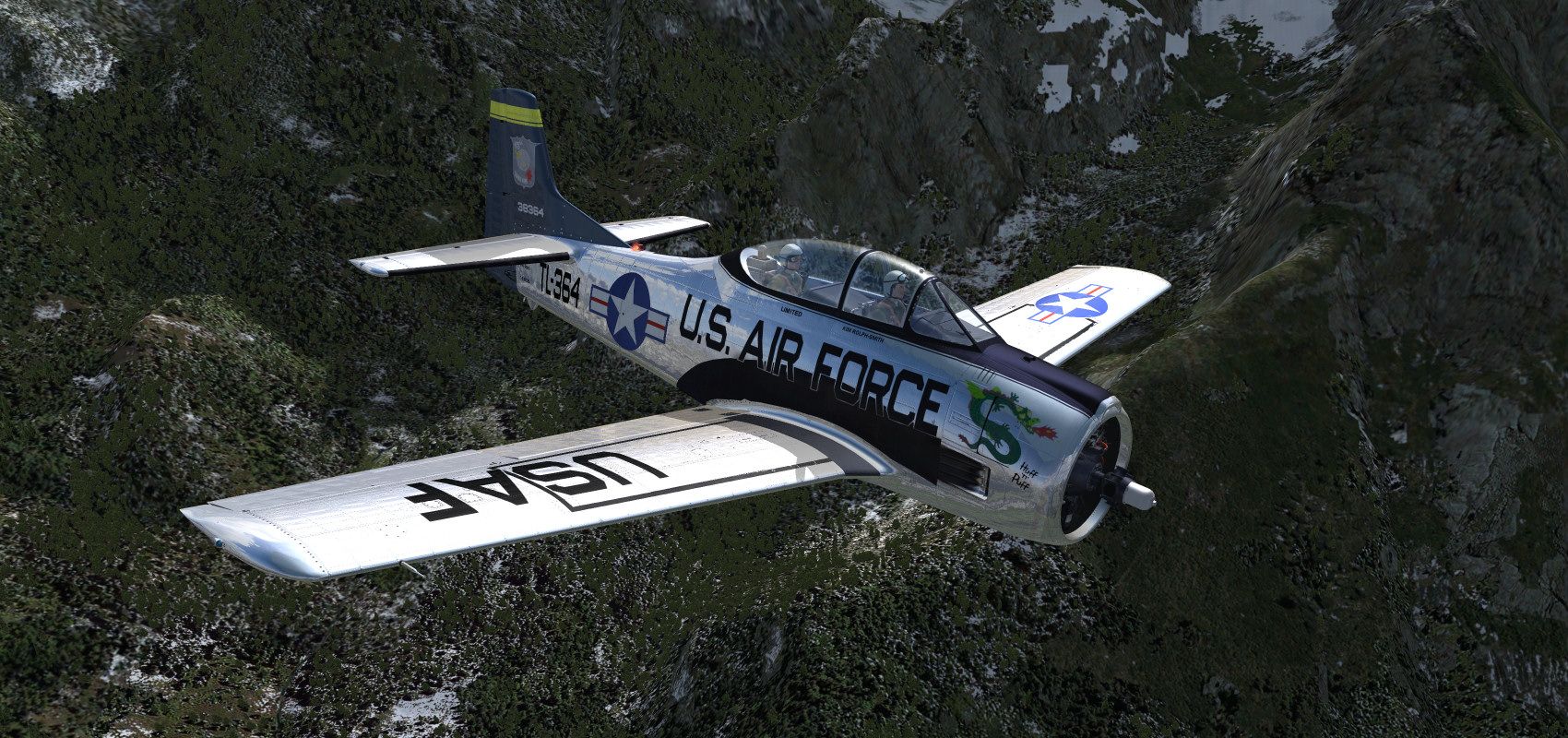
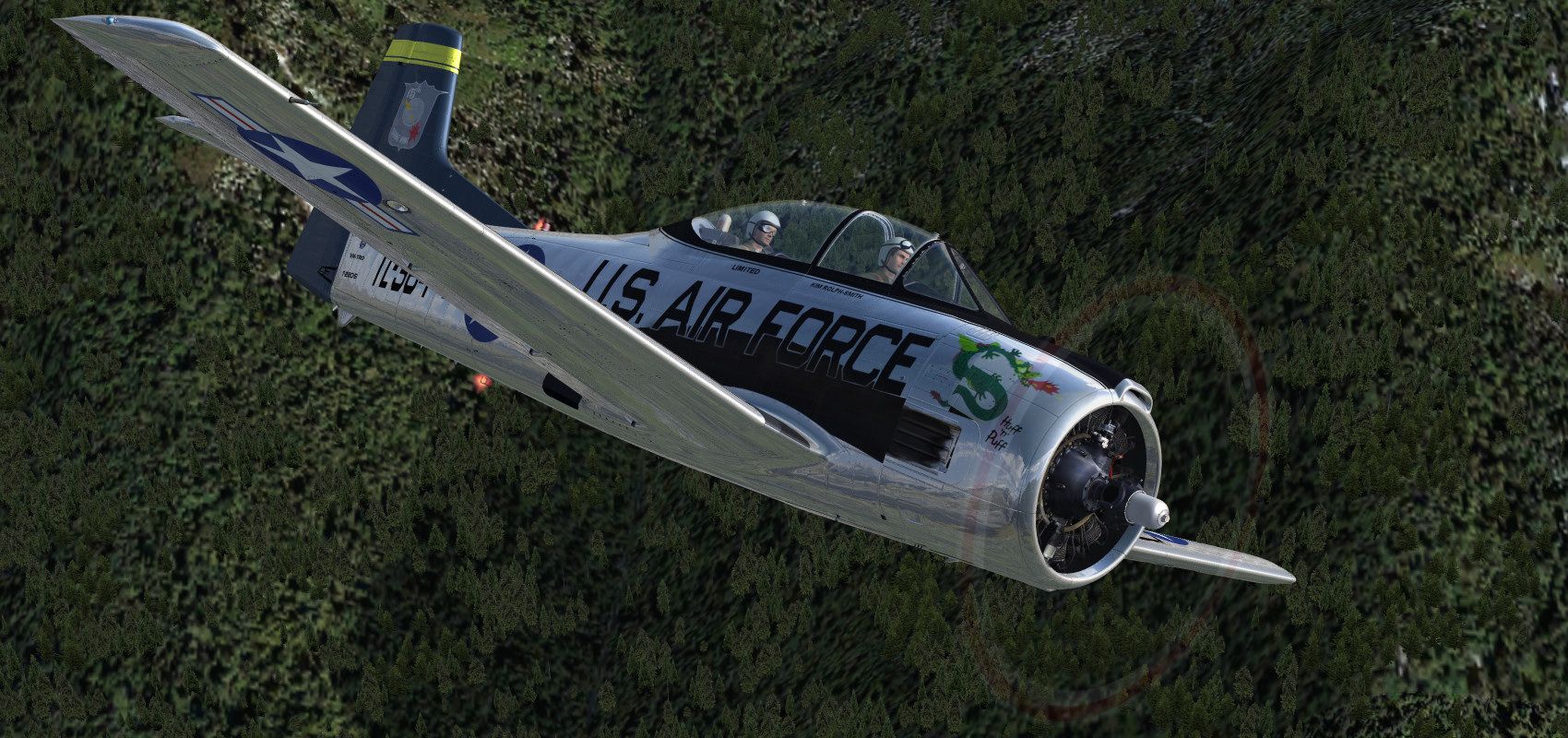
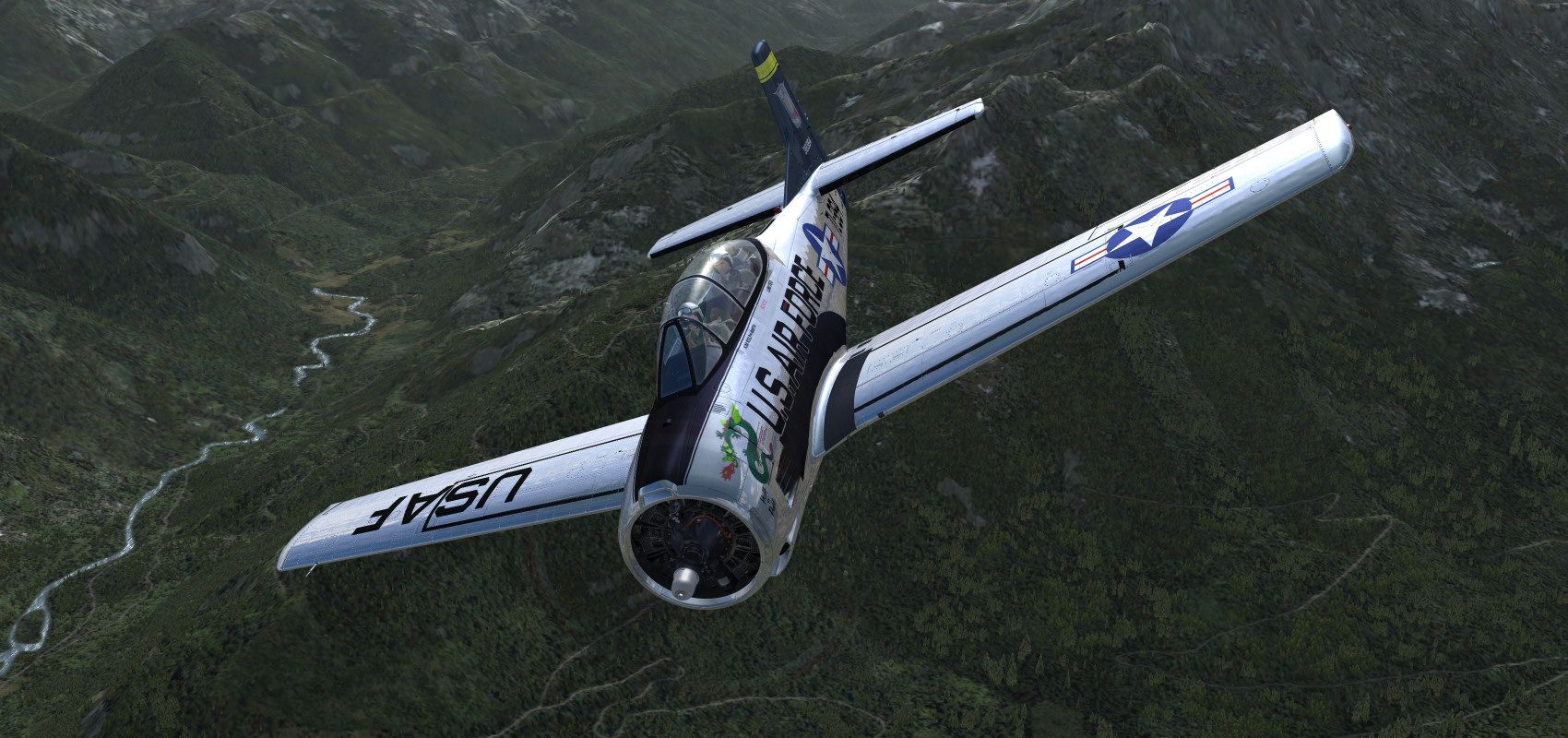
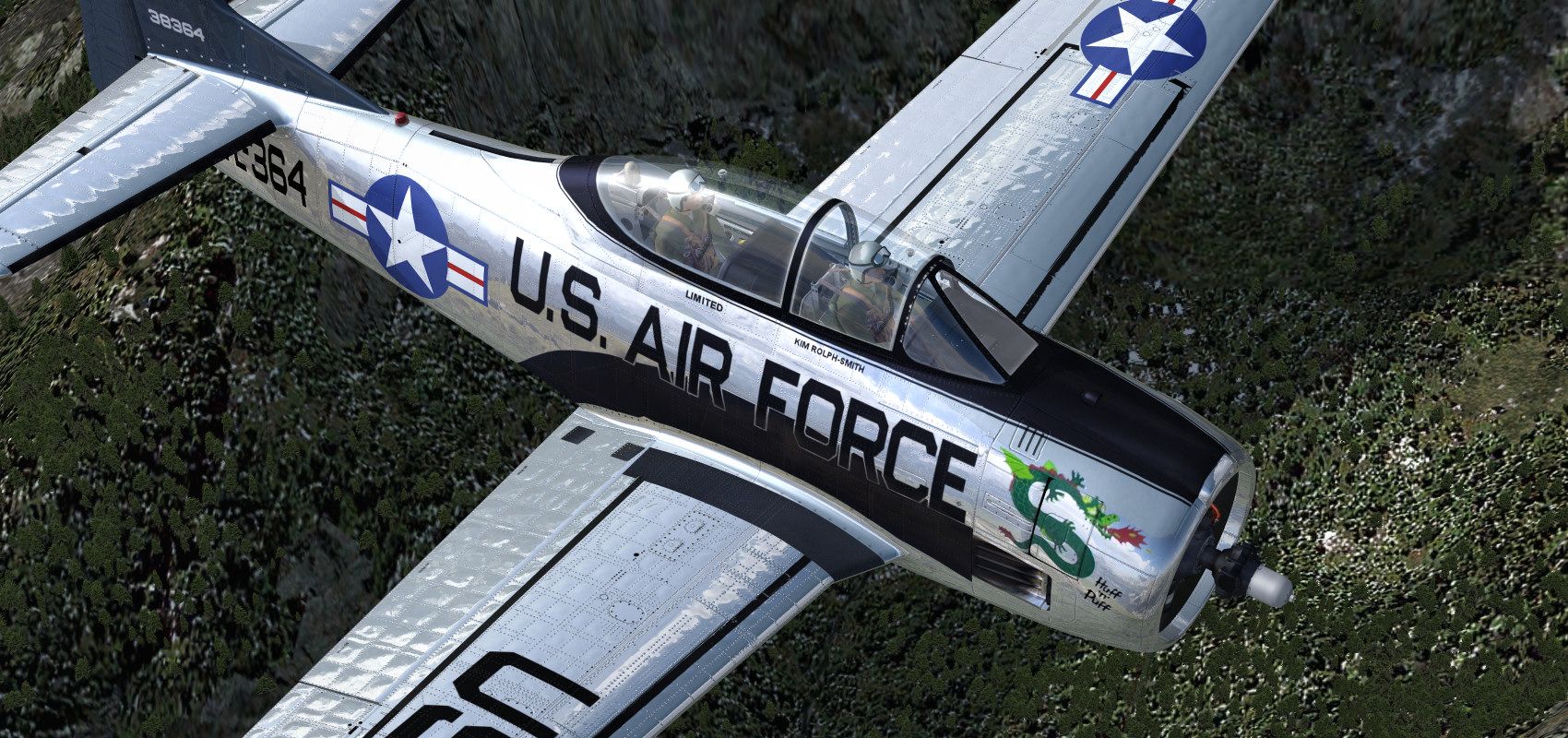
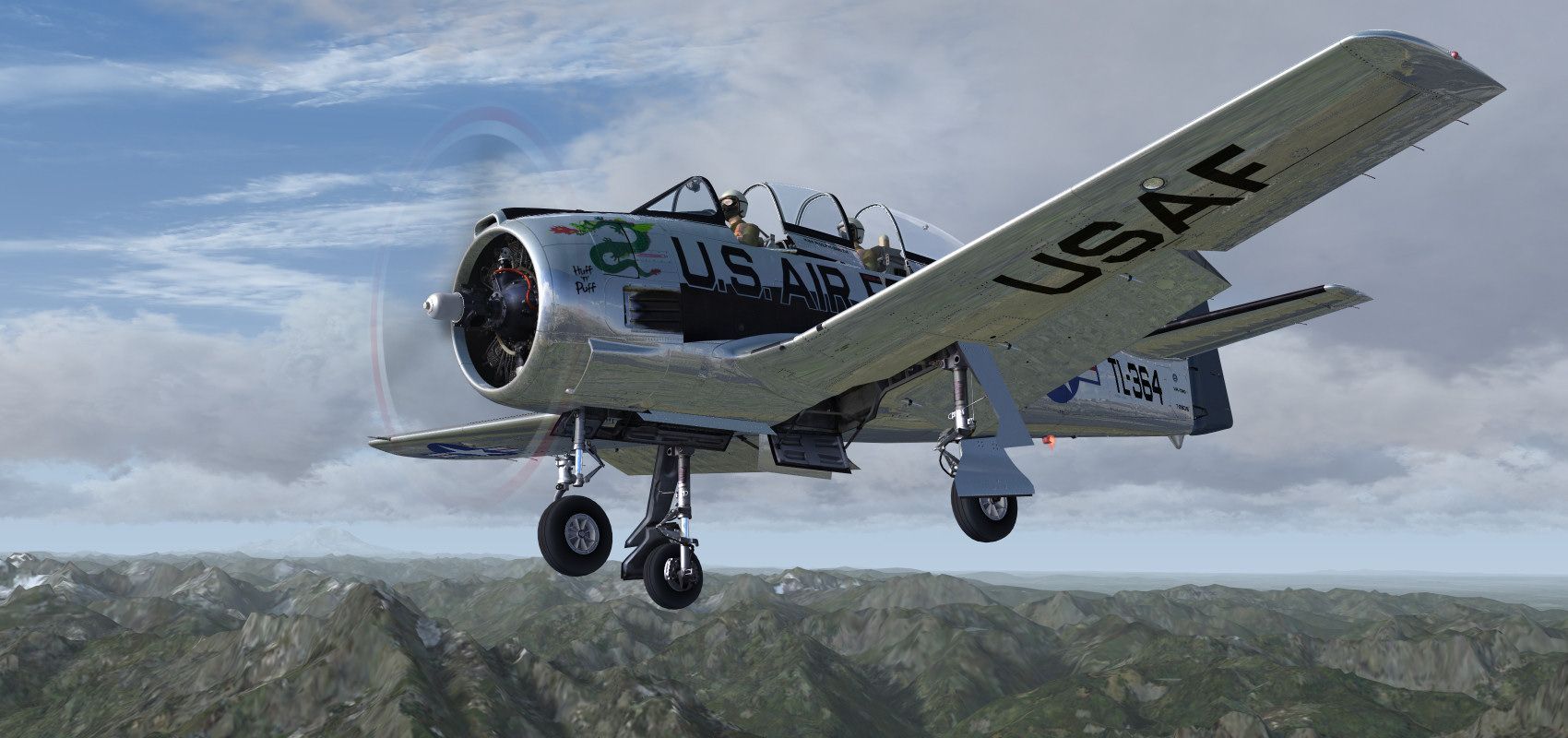

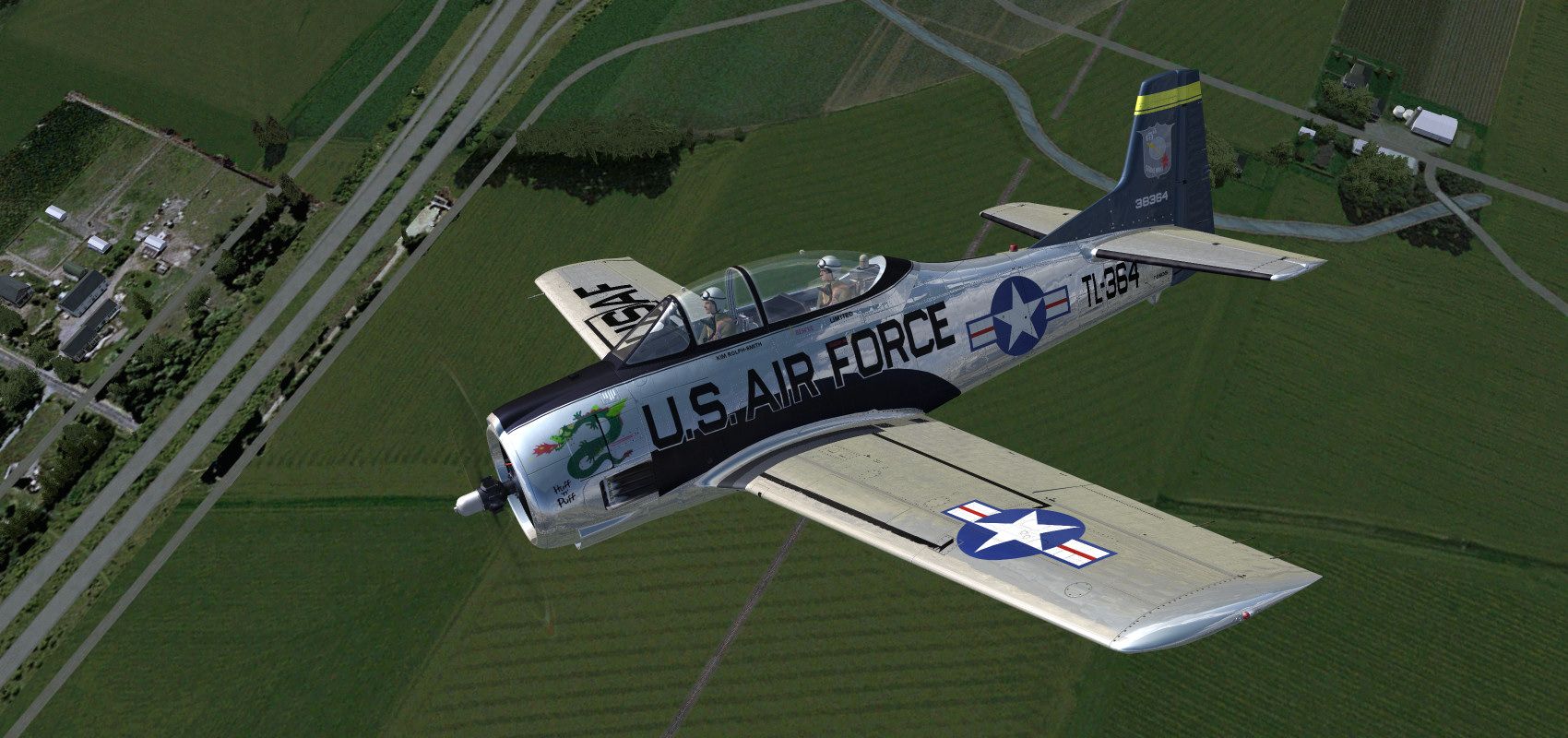
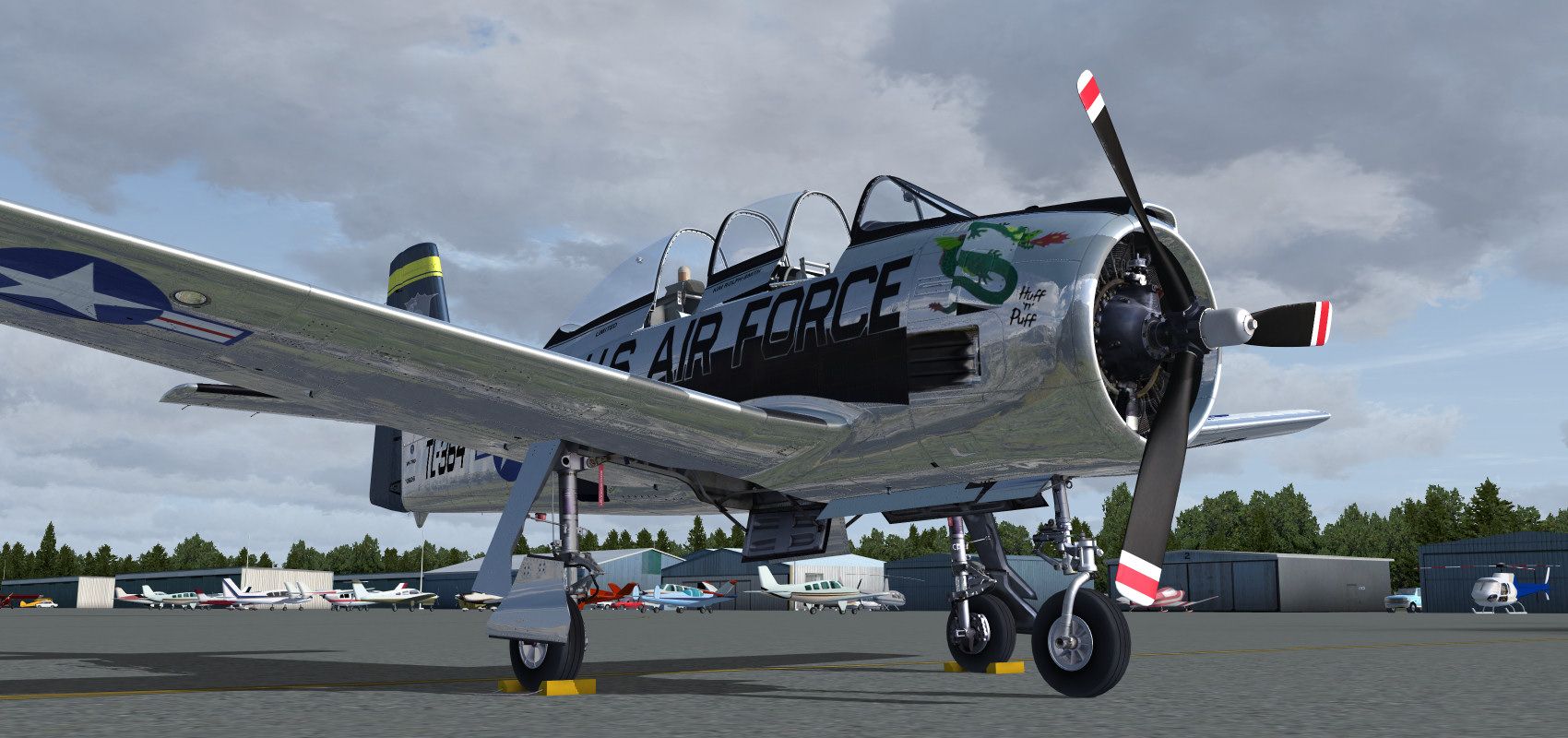
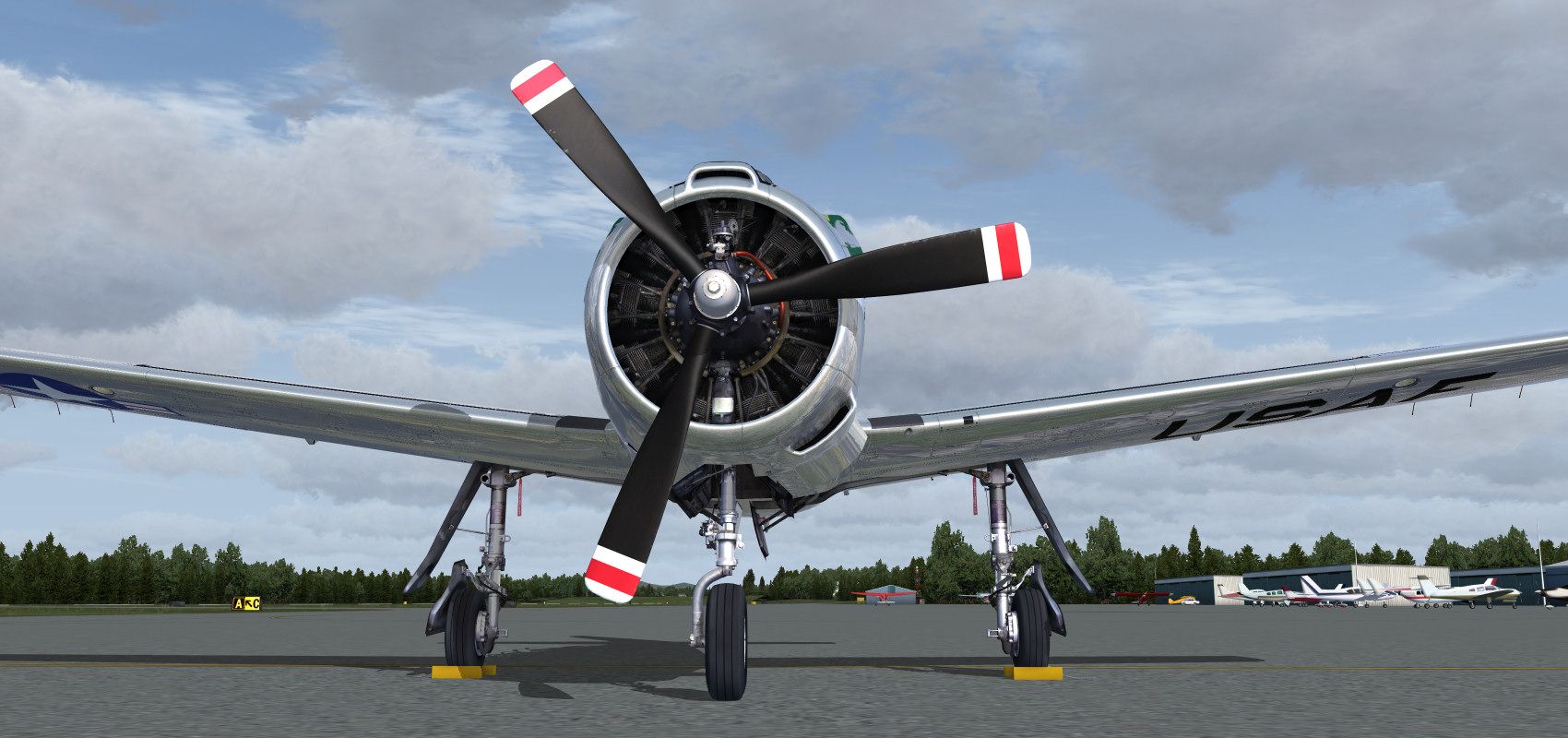
I can't wait for the next flight!


Bomber_12th
SOH-CM-2025
A few more:
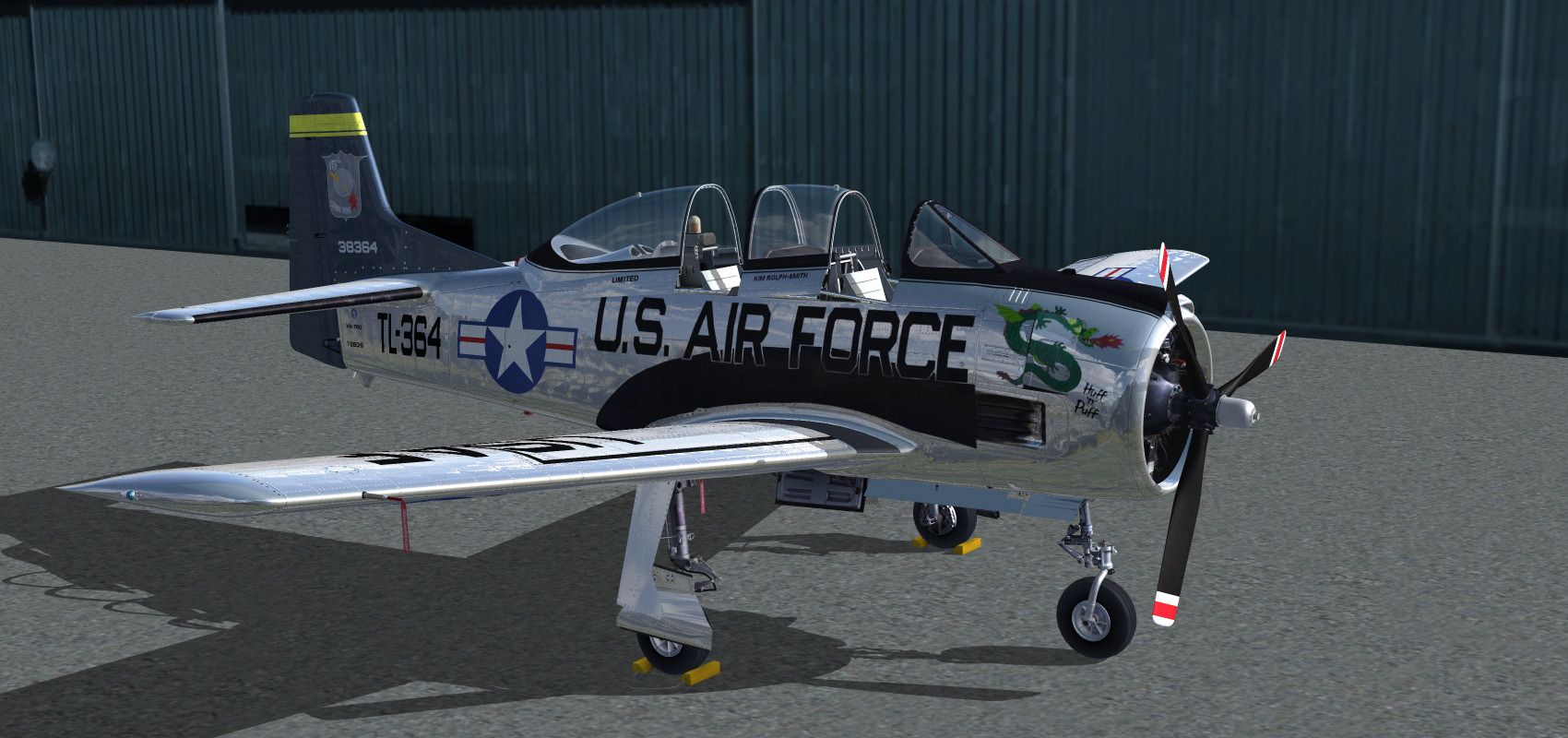
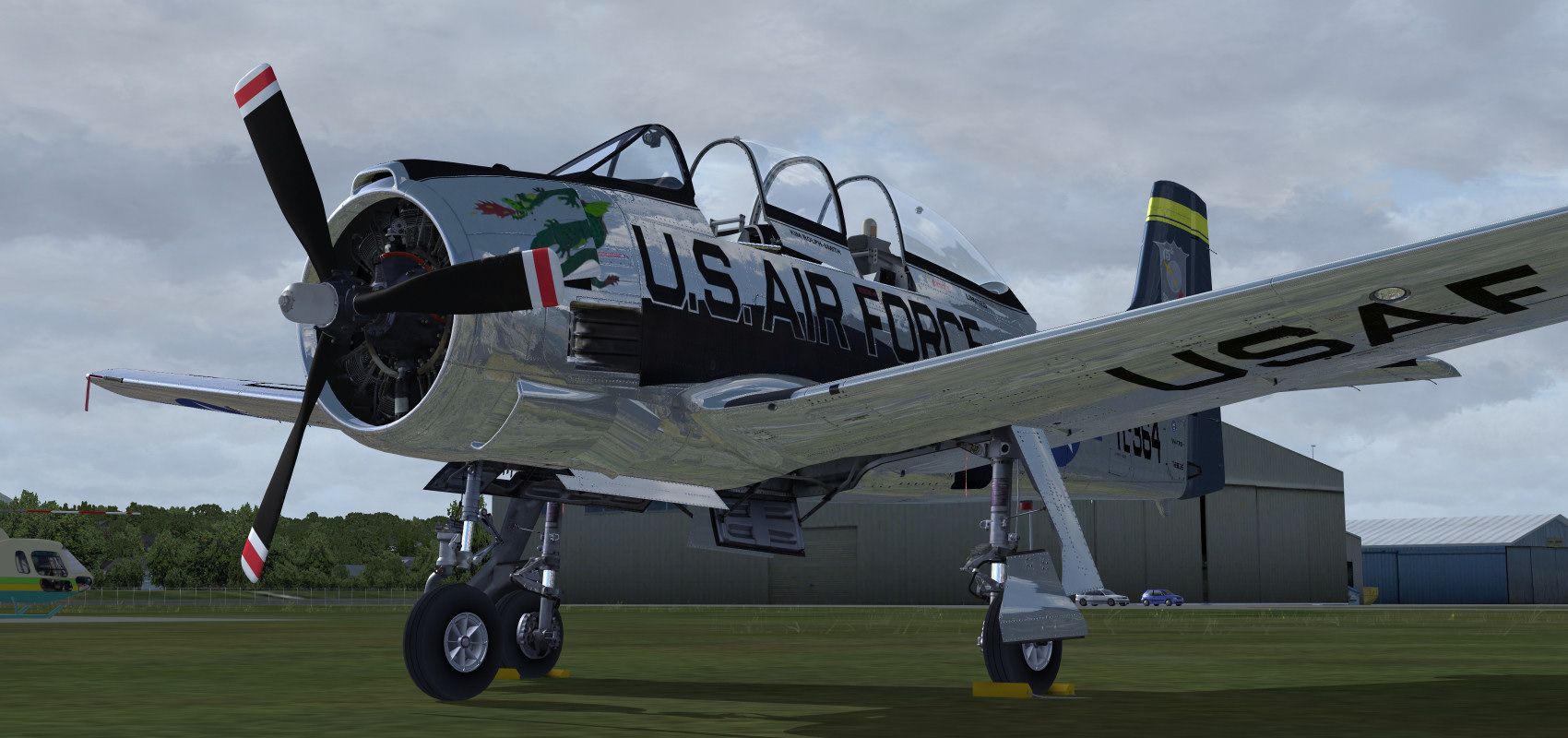
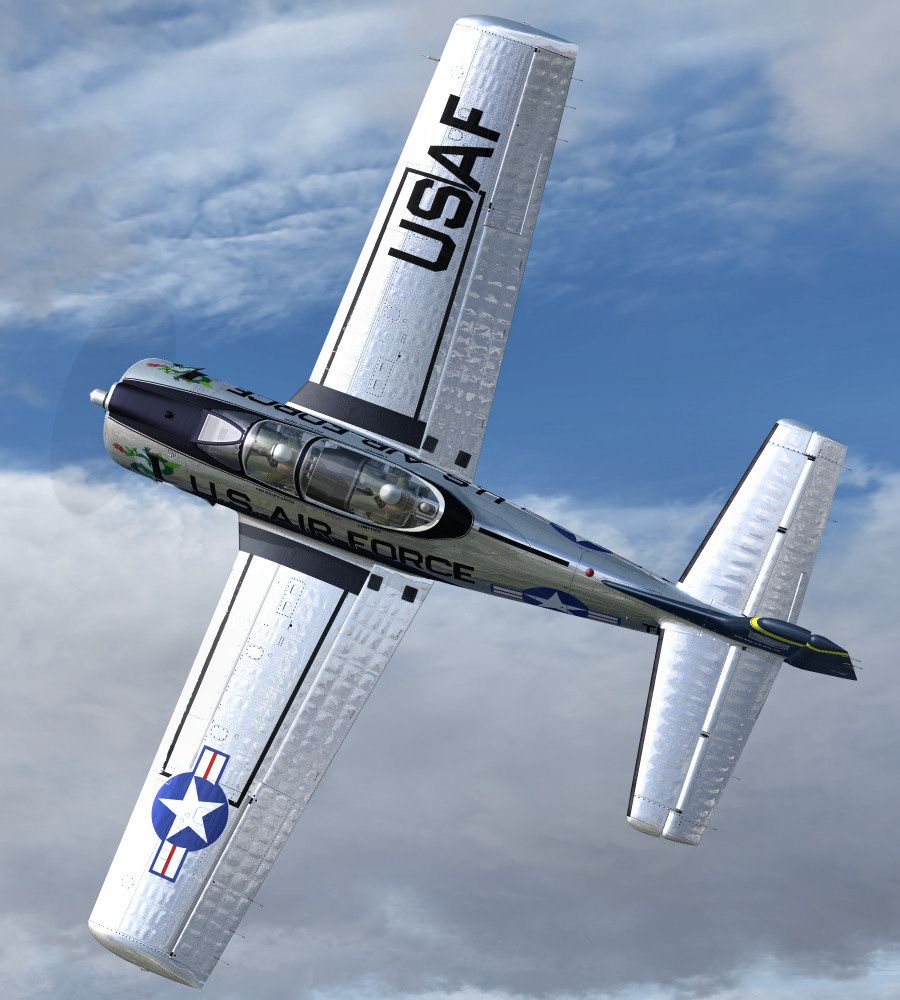


Hi
The throttle and mixture controls are all read and then remapped (it's the only way to model the supercharger and mixture controls properly).
Open up the Animation Manager (Shift+4), select Diagnostic tab (lower right)
On the bottom of this page there is the values that I read for the throttle and mixture.
Move your throttle through the full range and post back the Throttle key data and mixture key data values. They should be around -16300 to 16300
Also tell me the Throttle key input text eg KEY_???
Thanks for the quick reply Anthony. I'd noticed that page in the manager, but when I move my throttle lever, it only ever goes down to 0. It will go up to around 16300, as it should (between 16296 and 16384), but never below 0. The Throttle key input says: "KEY_THROTTLE_DECR_SMALL." Not sure what that is about, but it got me thinking. I checked my control settings, and in FSX, I have my two CH throttle levers mapped to Engine 1 and Engine 2. I know that the Dodo, for instance, won't work this way, needing the throttle assigned in FSX to "Throttle Axis" itself. So, I applied the Dodo profile I've set up in FSUIPC to the Trojan, and voila! It works fine now.
Something to keep in mind for those who don't use the regular Throttle Axis control in FSX. I wonder if those who use FSUPIC for all controls (not using FSX at all) might have trouble since you need to grab and remap for this bird to work correctly. It's probably time I bit the bullet and really learned how to use FSUIPC and just map all my controls through it.
EDIT: Okay, with the throttle fixed, I could take off and try her out. Excellent work! I did a BEAUTIFUL stall and spin and recovery in her. She's got a very nice feel of inertia and mass in the air. And she sure is pretty to look at. If FSPilotShop doesn't have her by tomorrow, I think they are going to lose a sale to one of the others.
You may be right about the attitude indicator. I may have been confused as the aircraft had A-1, J-8 and J-3 attirude indicators at various times. The J-3 action was inverted. I'm sure I had a good reason for doing it the way I did, but then again maybe I got confused, I did the gauge so long ago I can't remember what my reasoning was. Something for the patch probably.
I agree, it looks like the vertical axis is reversed. Another small thing to consider - to me the prop disc looks off centre (eccentric) in the VC view. At on the ground with low rpm it looks OK but I notice it while I'm flying. It's a nice plane to fly, though I've stalled a couple of times hauling it around a bit too tight! Fantastic work. :salute:

Obie311
Charter Member
Ant, I flew your demo this afternoon from Santa Paula to Pt Mugu to Van Nuys. Truly outstanding! A sweet flyer and lovely VC. When I buy it it's going to have a permanent home at my AirAm base at L20A.
However I noticed something I have never experienced with any other aircraft in FSX. I had an echo and some, I guess you would call it compression artifacts in the audio of contacting ATC. It sounds cool and realistic especially with a vintage round engine plane. Radio audio isn't always 5 by 5.
Did you do some sneaky effects with the audio somehow?
Highest Regards,
Obie
financially grounded aviator
However I noticed something I have never experienced with any other aircraft in FSX. I had an echo and some, I guess you would call it compression artifacts in the audio of contacting ATC. It sounds cool and realistic especially with a vintage round engine plane. Radio audio isn't always 5 by 5.
Did you do some sneaky effects with the audio somehow?
Highest Regards,
Obie
financially grounded aviator