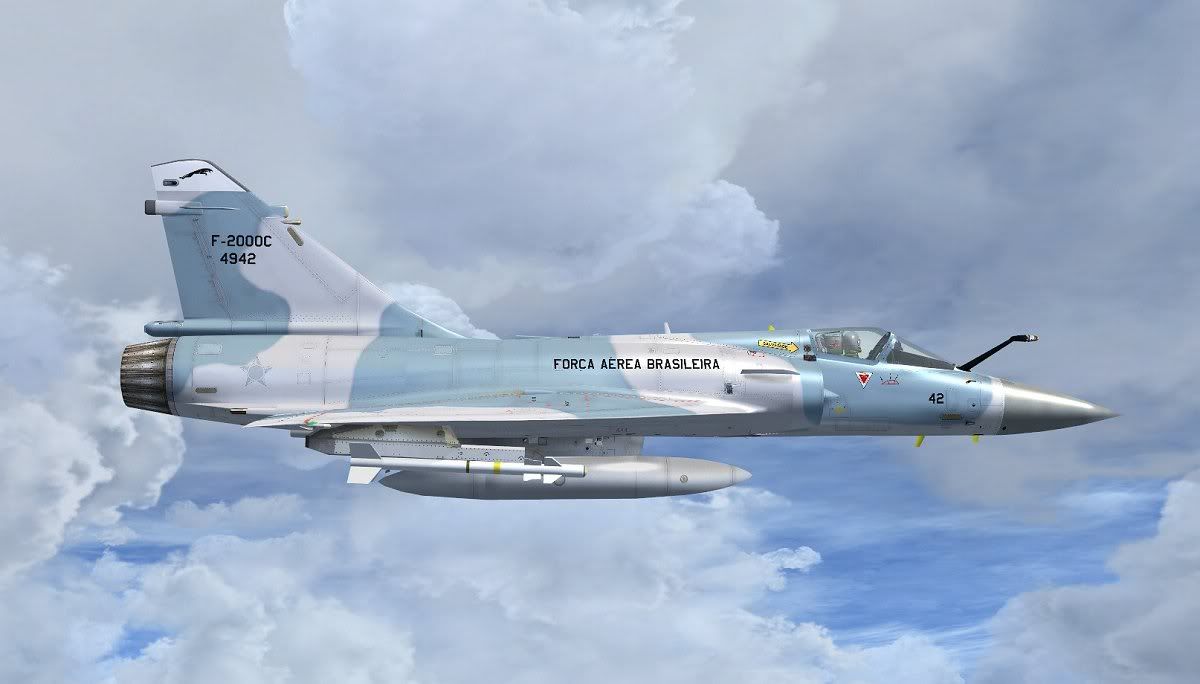
The Mirage 2000 by Rollus is out!

hi people,
I have a question: on page 77 in the manual can be seen in the VC a pilot in a flight suit in desert colors
why he does not appear to me??

best greetings
donjosh
 
you can select to have a pilot in the vc or not by flicking a switch on the right hand panel, I've forgotten what its called, but I'll get back to it later and post it!
 
Its a default paint Zsolt!
Thanks Nils but I can't read french lol!

But you should be able to see images and numbers :173go1::ernae:


1_57.jpg
 
Anyone know when or if you use the the SP version

They are intended only for FSX SP1/SP2 users: Replace Aircraft.cfg and M2005-AEP.air with the M2005-SP files

(FSX Acceleration users use the default files)

It is in the manual - page 24 :icon_lol:

regards, Henk.[FONT=Times New Roman,Times New Roman PSMT]
[/FONT]
 
:engel016:
For a second there I actually thought you were being serious. :applause:
The author's written request/instructions trump any and all "rules" or
scenarios people can dream up.
:ernae:

Well....what if his site goes offline for good?

Just look at Project Airbus. Site closed, downloads offline...where are you supposed to get their FSX native buses from?

It might be a good thing if Rollus uploaded the model to at least one other major french site like CheckSix or so. Just as a backup to save him all the traffic.


- Edit: Woah, PA is online again - might not be for good though...
 
They are intended only for FSX SP1/SP2 users: Replace Aircraft.cfg and M2005-AEP.air with the M2005-SP files

(FSX Acceleration users use the default files)

True, but the sim lines in the replacement aircraft.cfg all point at the default Acceleration AEP AIR file and not at the SP AIR file.
You have to edit all the "sim=" lines yourself.

Dave
 
Anybody else had a problem with the fluorescent strips on the fuselage not lighting up?
Also anybody know what file it is for the pilots flightsuit, I only want the green one!
 
Thanks Peter! And regarding the formation lights.. i can only enable them via the 2D Panel (Shift+5).. press the green F, under the Anti Collision light switch.
 
Thats great thanks Nils, Ive only been trying it from the Vc so thats where I'm going wrong!
A few shots from me here!
2009829212615843.png


200982921411278.png


Ran out of fuel, so easy to do in this thing if your careless like me, oops!!
200982921434406.png


Thanks again for the help!
 
Hello Peter,

13x.jpg


Is there a problem if you turn on the lights displayed on the vapor!
But the maneuvers would have to be shown!

Please help me,

Regards,

Zsolt
 
Zsolt I don't have that problem mate, I have no Idea why its doing that!
Make sure you add the Skysim.cab to the gauges folder and add the appropriate line to the panel.cfg
 
Back
Top