-
Please see the most recent updates in the "Where did the .com name go?" thread. Posts number 16 and 17.
-
IMPORTANT DOWNLOADING INFORMATION - ALL MEMBERS PLEASE READ
Please see this thread for updates. Update Thread
SOH ADMINISTRATION
You are using an out of date browser. It may not display this or other websites correctly.
You should upgrade or use an alternative browser.
You should upgrade or use an alternative browser.
Screenshots
- Thread starter noddy
- Start date


RichardLouis
Members +
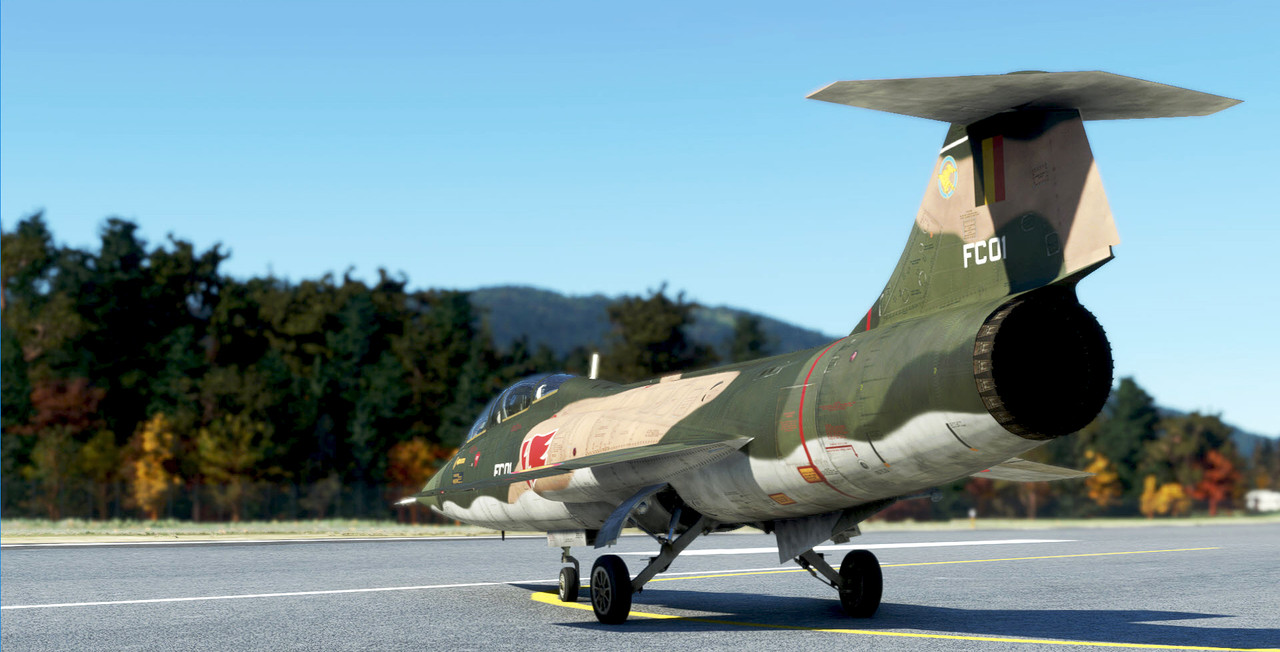
In honor of our brothers and sisters up north. Go low, go fast.
Nice job John. I appreciate, it's a nice reward for my tutorial.
 Richard
RichardLouis
Members +
"Also @Richard, damn you for showing off that NASA livery for the Starfighter. I wasn´t really tempted before. But due to my technical interest in the space program and their involvement I may need to take another look."
Thanks Muguel. It is a pleasure to share the same interest in the space project.
Richard
Thanks Muguel. It is a pleasure to share the same interest in the space project.
Richard

I did the blur in Photoshop.
Good job, John, looks great! Shows again we can never really trust our eyes.

If i may suggest: if you'd take a shot like that of a real flying aircraft, keep it in your lens, the close by surroundings will indeed look like your screenshot. Blurred. That effect however will diminish the further away the background is. Buildings further behind those at the front become slightly less blurred and clouds will never look blurred. They are just too far away to care about the movement of your camera.
I have always loved the motion blur effect in FS screenshots even way before MSFS. It really works, doesn't it. I used to take the shot with the blur effect in mind so i could easily mask (select) the area with the aircraft and nearby surroundings and only motion blur that part of the scene, leaving clouds in the distance unblurred.
Just saying ;-)

grunau_baby
SOH-CM-2026
There´s thunder roaring over the swiss Alps.

jmig
SOH-CM-2026
Good job, John, looks great! Shows again we can never really trust our eyes.
If i may suggest: if you'd take a shot like that of a real flying aircraft, keep it in your lens, the close by surroundings will indeed look like your screenshot. Blurred. That effect however will diminish the further away the background is. Buildings further behind those at the front become slightly less blurred and clouds will never look blurred. They are just too far away to care about the movement of your camera.
I have always loved the motion blur effect in FS screenshots even way before MSFS. It really works, doesn't it. I used to take the shot with the blur effect in mind so i could easily mask (select) the area with the aircraft and nearby surroundings and only motion blur that part of the scene, leaving clouds in the distance unblurred.
Just saying ;-)
I agree with you that the further away the less blurred. I considered using a graduated neutral density filter on a mask to gradually diminish the blur effect upward toward the clouds. However, I wanted the dramatic blur effect for artistic reasons. So, I didn't mitigate the motion blur effect produced by PS.
Thank you for the comment. Feel free to offer any advice or criticism of any screenshot I may post. I will get better artistically that way.

Sundog
SOH-CM-2026
You could add more layers in PS and edit them based on their distance to layer the different levels of blur. I hadn't thought about it until you guys discussed it. Having said that, that's still a cool shot with the Hawk.I agree with you that the further away the less blurred. I considered using a graduated neutral density filter on a mask to gradually diminish the blur effect upward toward the clouds. However, I wanted the dramatic blur effect for artistic reasons. So, I didn't mitigate the motion blur effect produced by PS. Thank you for the comment. Feel free to offer any advice or criticism of any screenshot I may post. I will get better artistically that way.
jmig
SOH-CM-2026
Good job, John, looks great! Shows again we can never really trust our eyes.
If i may suggest: if you'd take a shot like that of a real flying aircraft, keep it in your lens, the close by surroundings will indeed look like your screenshot. Blurred. That effect however will diminish the further away the background is. Buildings further behind those at the front become slightly less blurred and clouds will never look blurred. They are just too far away to care about the movement of your camera.
I have always loved the motion blur effect in FS screenshots even way before MSFS. It really works, doesn't it. I used to take the shot with the blur effect in mind so i could easily mask (select) the area with the aircraft and nearby surroundings and only motion blur that part of the scene, leaving clouds in the distance unblurred.
Just saying ;-)
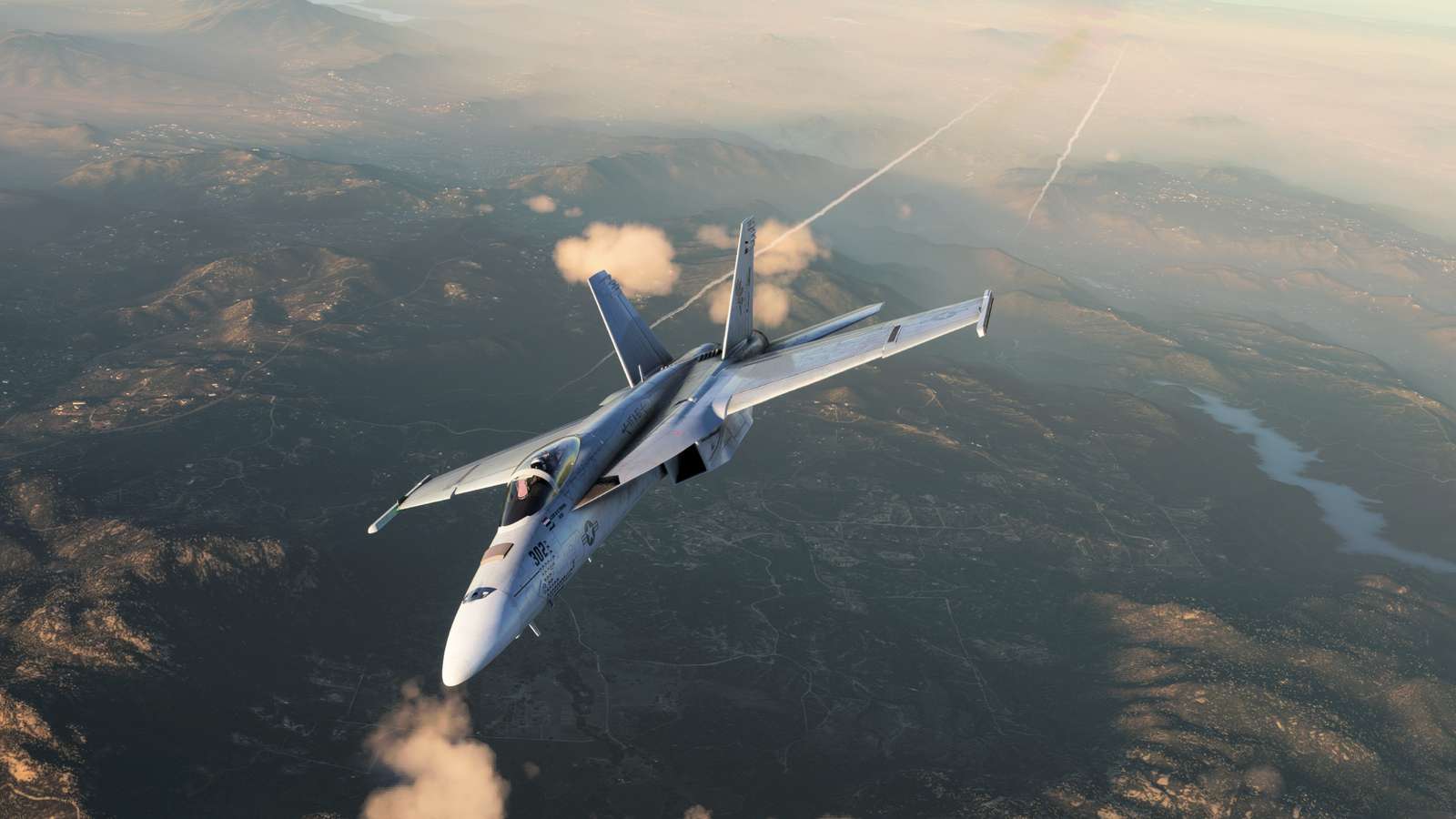
After I thought about what you said, decided to try it with the GND filter on a layer mask. I liked the result better than the original. Here it is.
Attachments


RichardLouis
Members +
RichardLouis
Members +
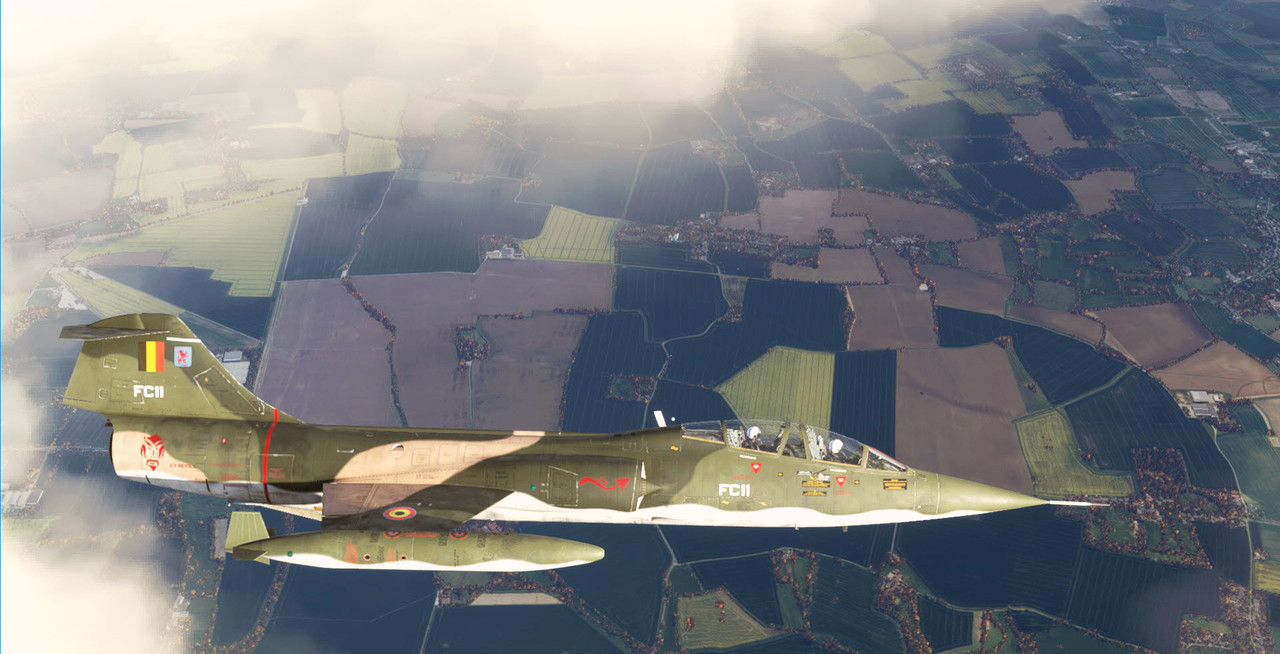
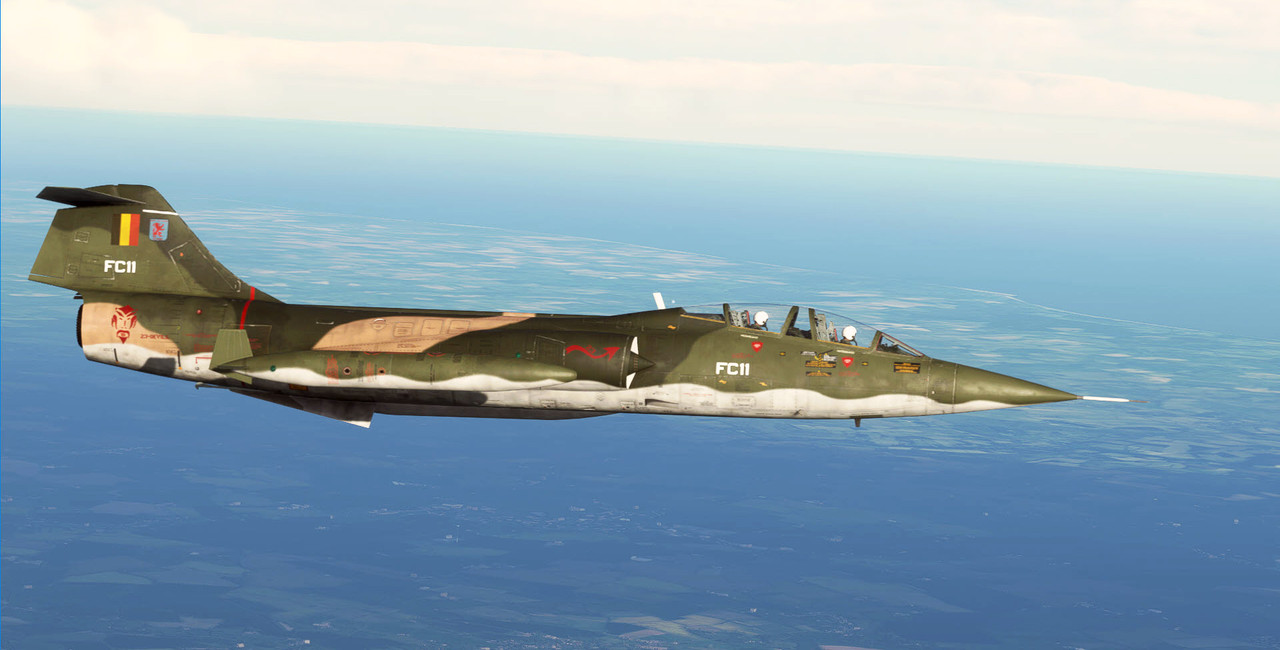
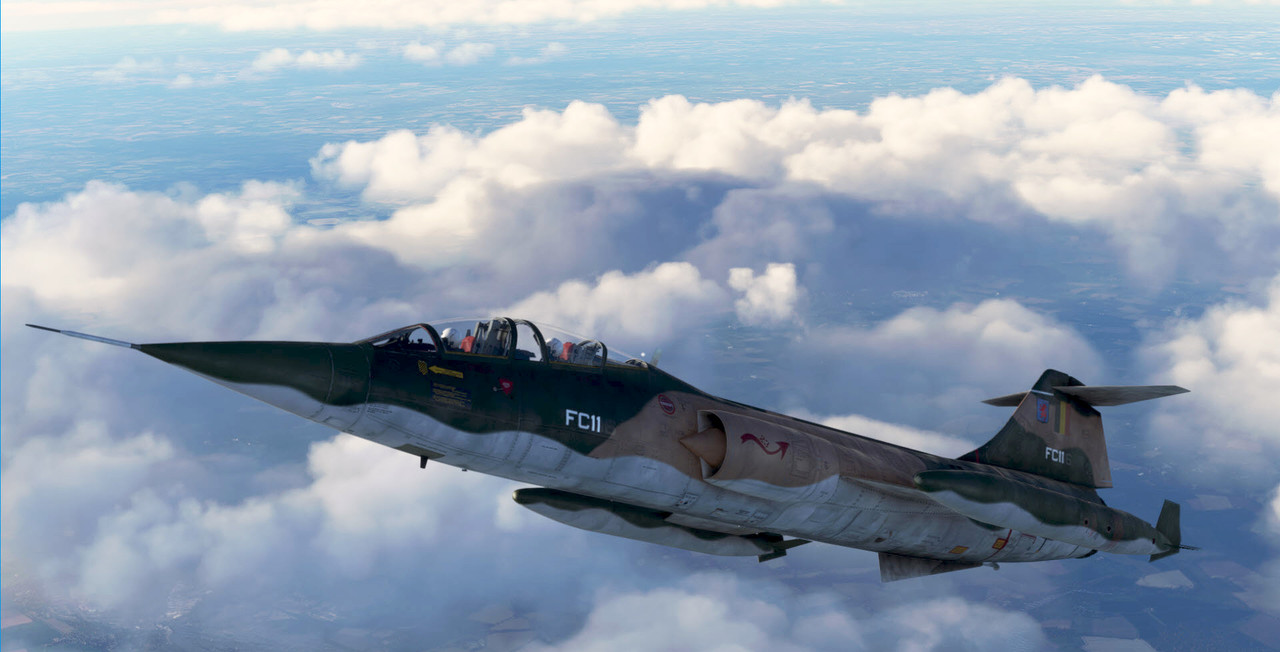

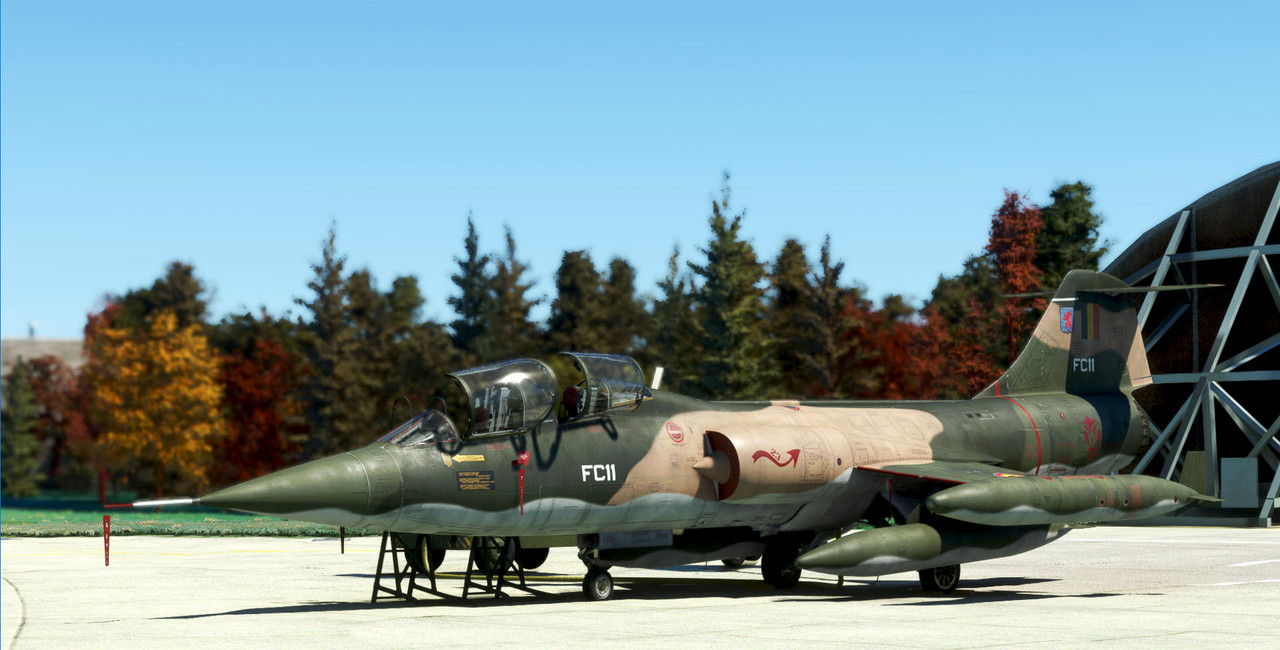
After I thought about what you said, decided to try it with the GND filter on a layer mask. I liked the result better than the original. Here it is.
Nicely done, John !

What's a GND filter ?...

BananaBob
SOH-CM-2022
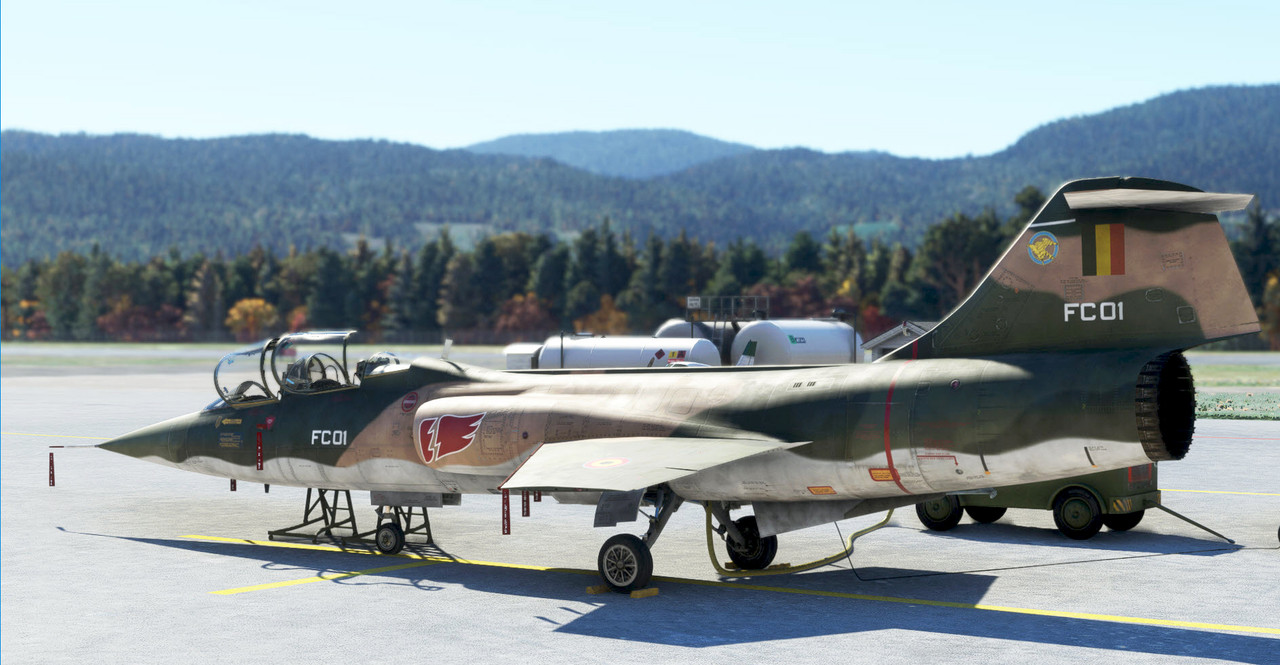
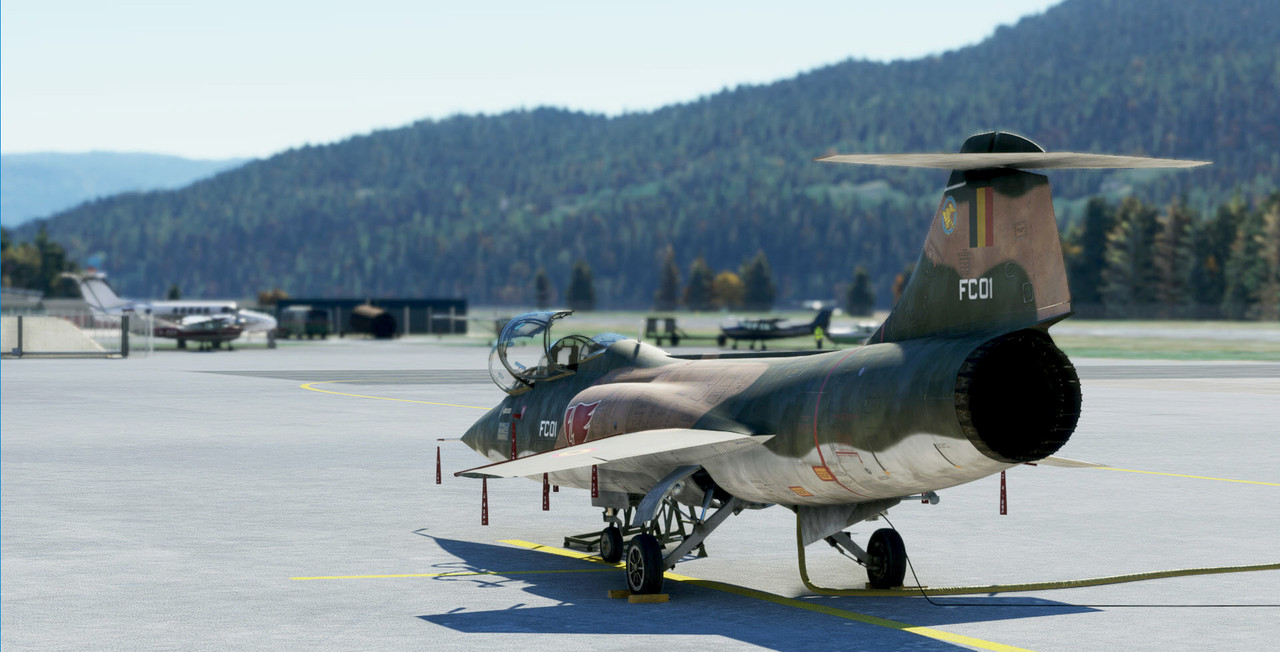
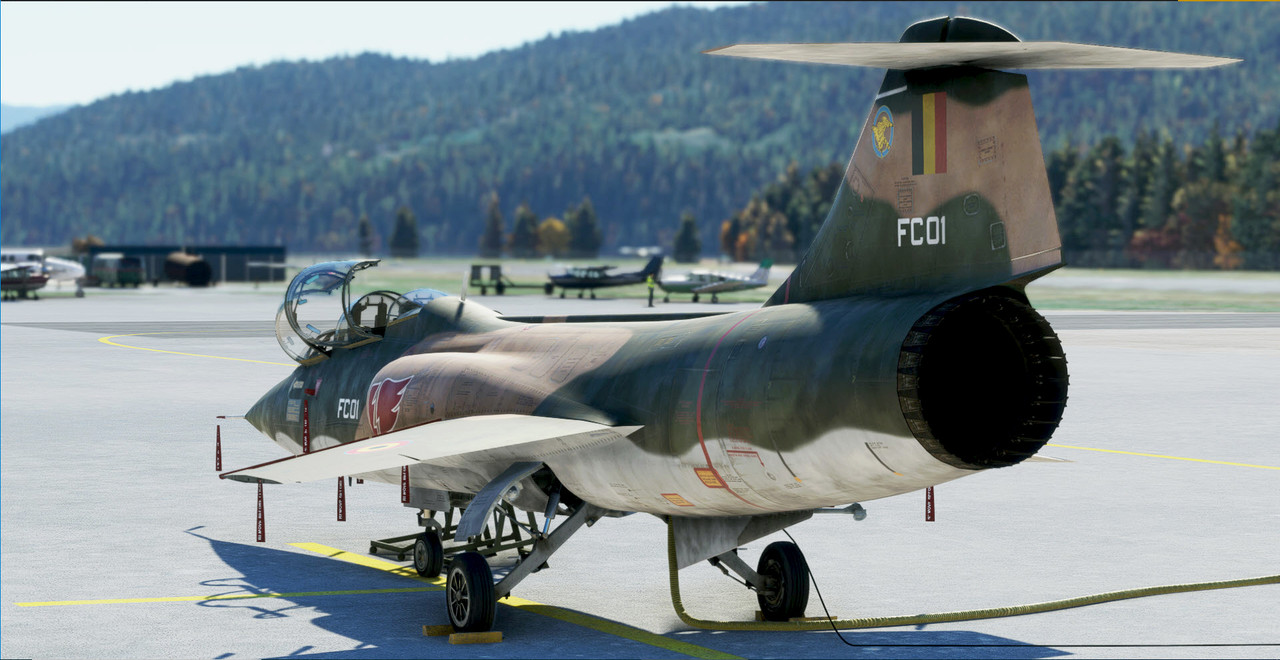
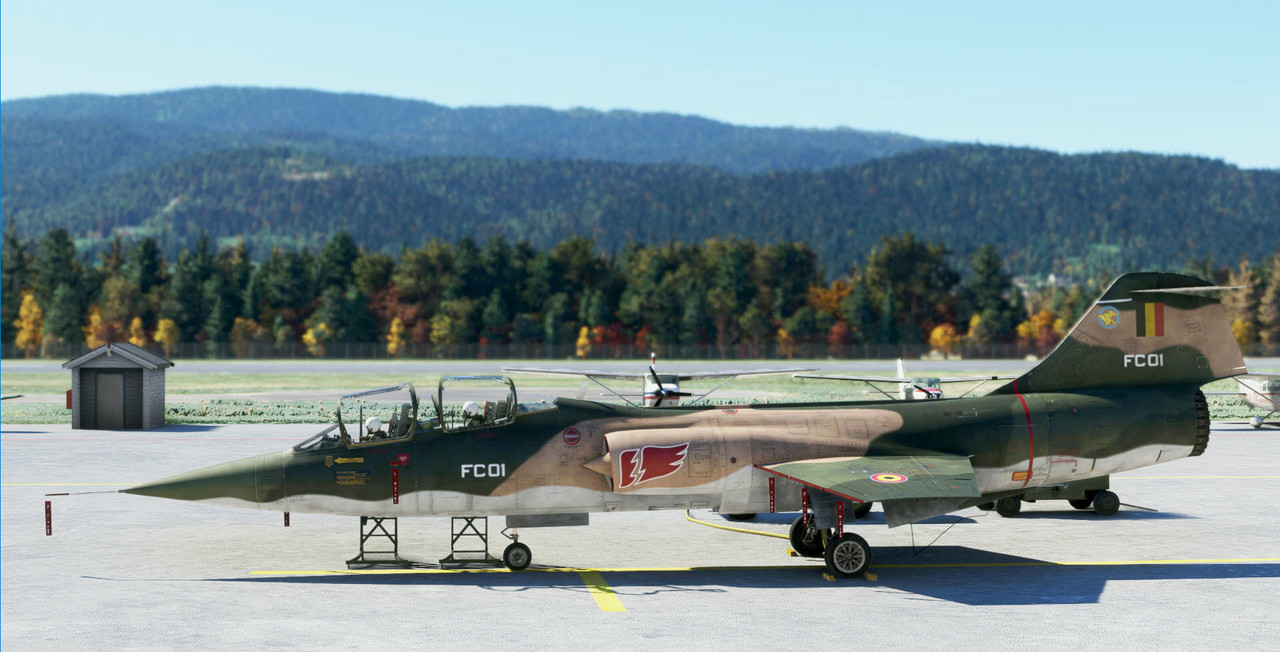
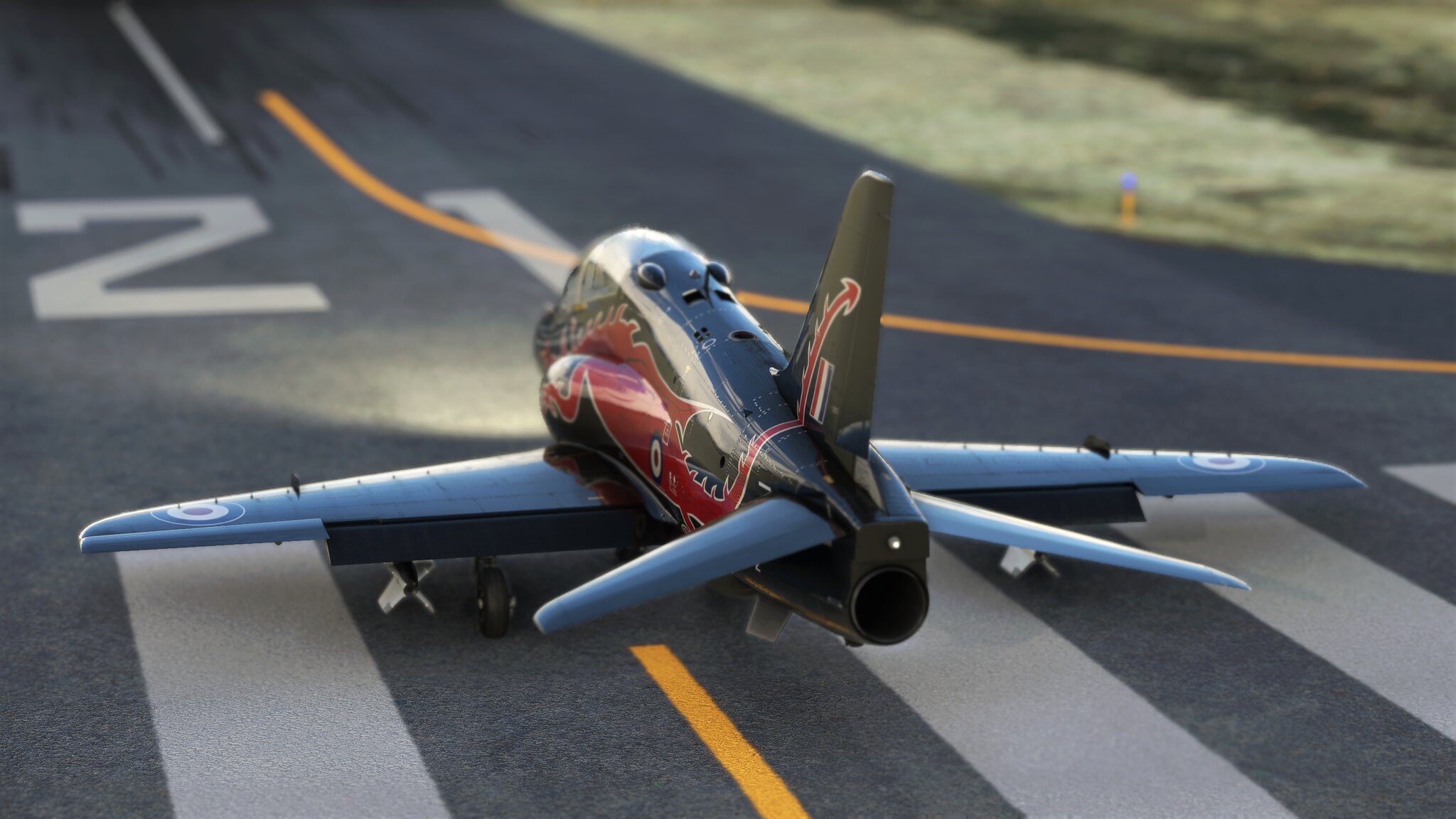 1250410_20211125204421_1 by Robert Rivera, on Flickr
 1250410_20211125204026_1 by Robert Rivera, on Flickr
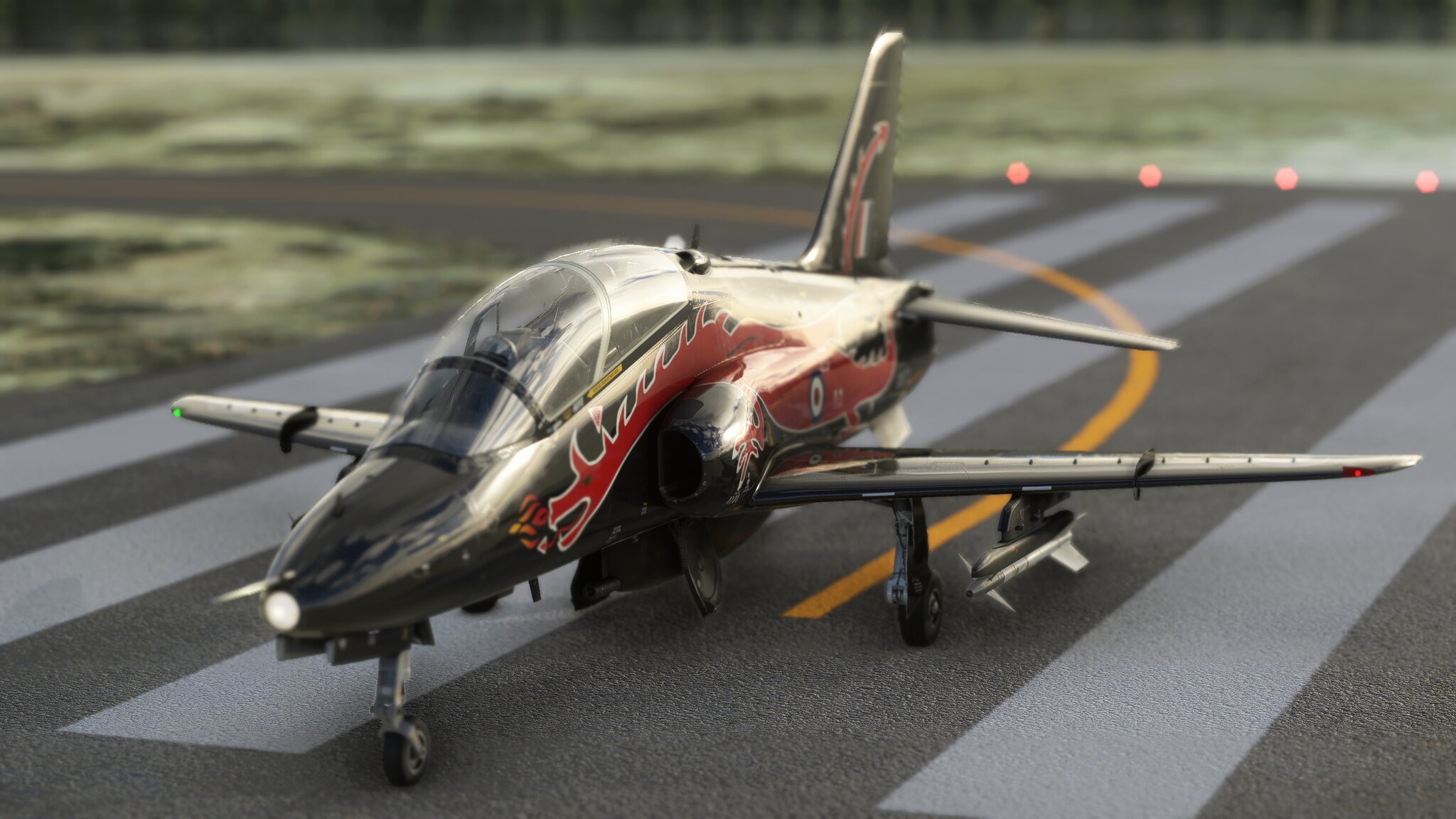 1250410_20211125203936_1 by Robert Rivera, on Flickr
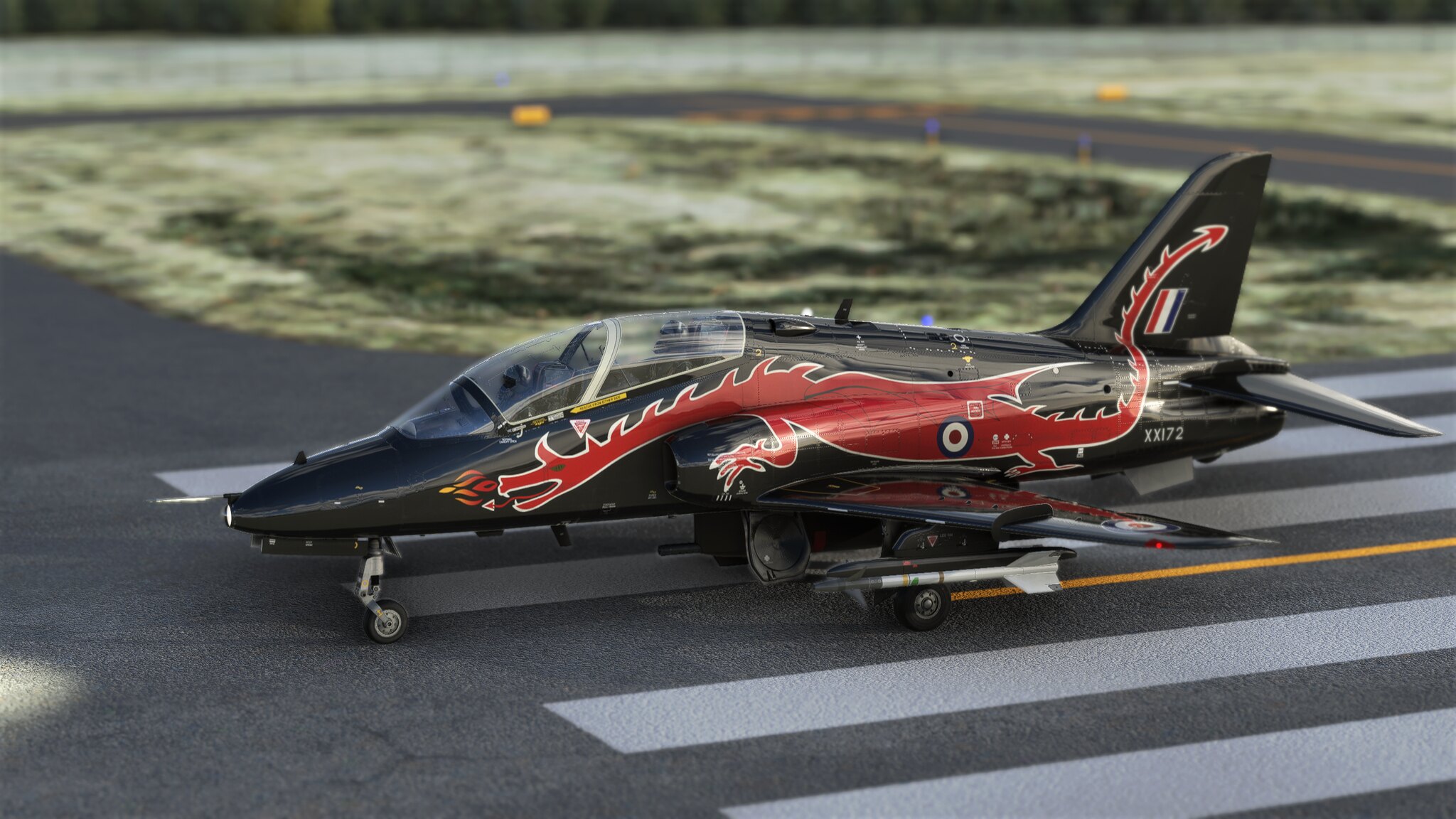 1250410_20211125204333_1 by Robert Rivera, on Flickr
 1250410_20211125210836_1 by Robert Rivera, on Flickr
jmig
SOH-CM-2026
Nicely done, John !
What's a GND filter ?...
GND = Graduated Neutral Density which is actually a Photography term. Photoshop calls it a Gradient Tool.

ryanbatc
Charter Member
Late afternoon cruise north of KLVN
 cruise by Ryan Butterworth, on Flickr
 cruise2 by Ryan Butterworth, on Flickr
cruise by Ryan Butterworth, on Flickrcruise2 by Ryan Butterworth, on FlickrRichardLouis
Members +
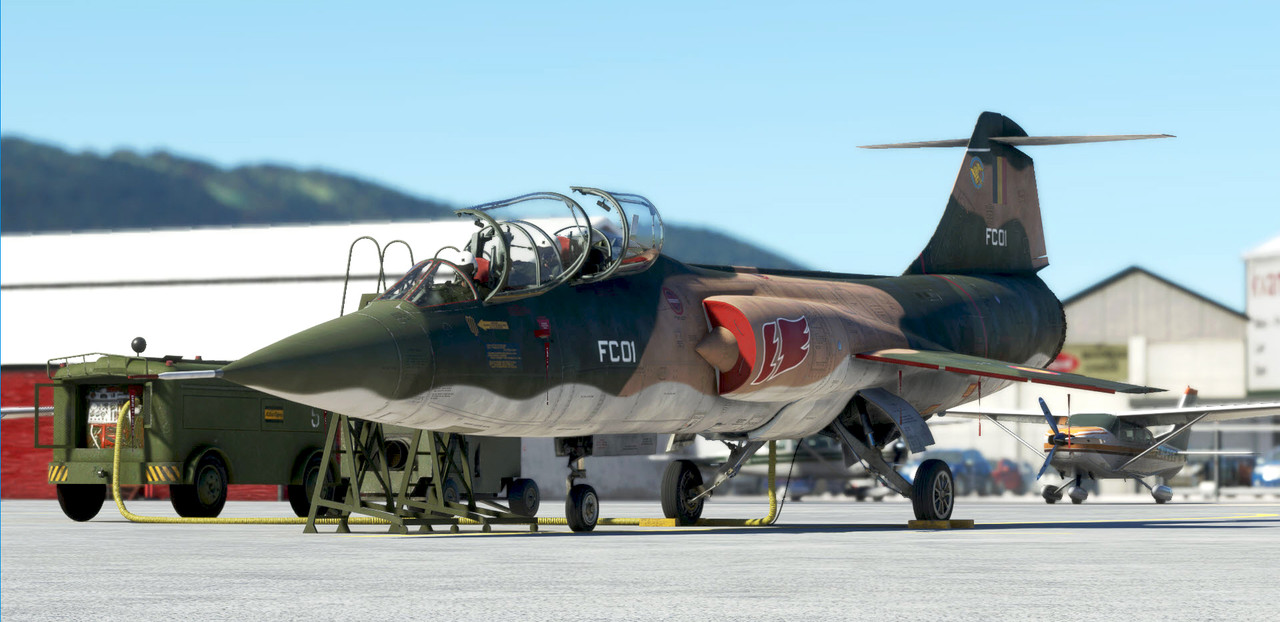
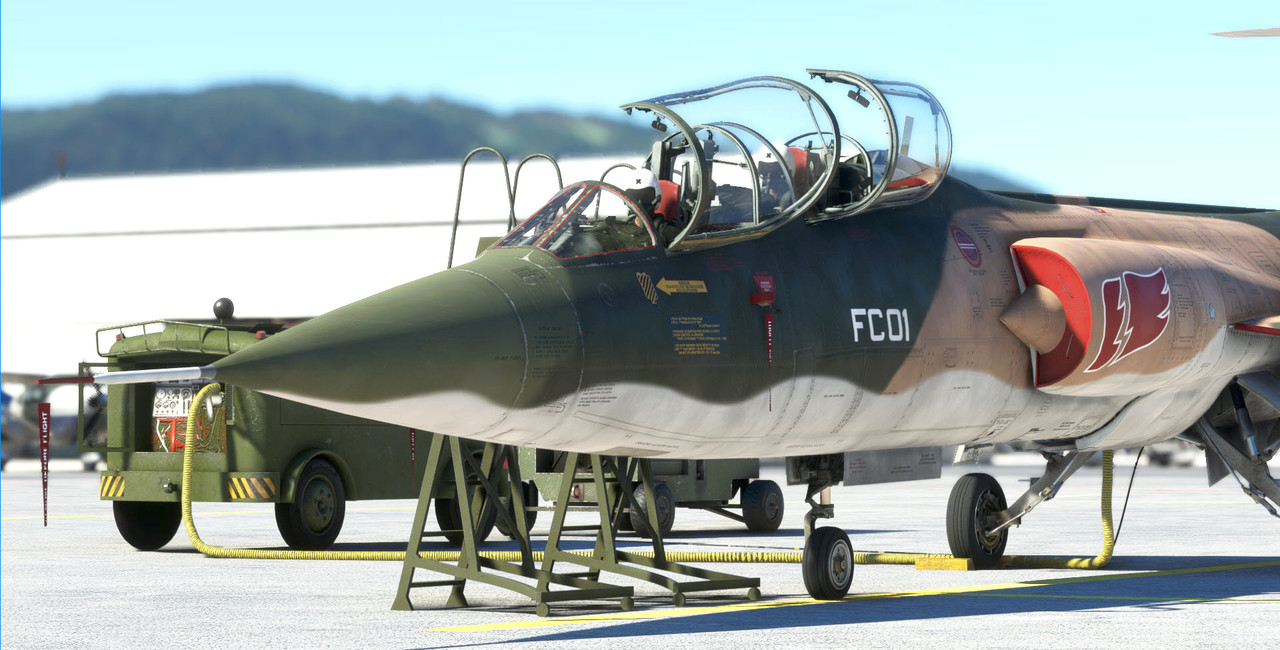
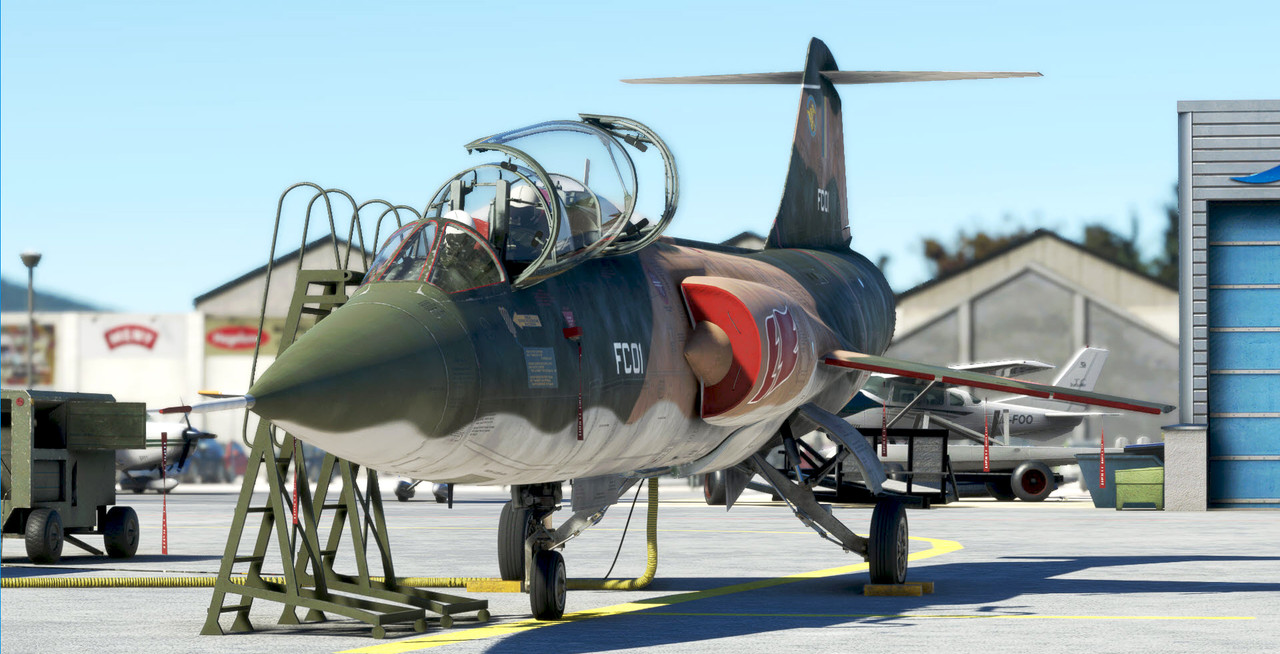
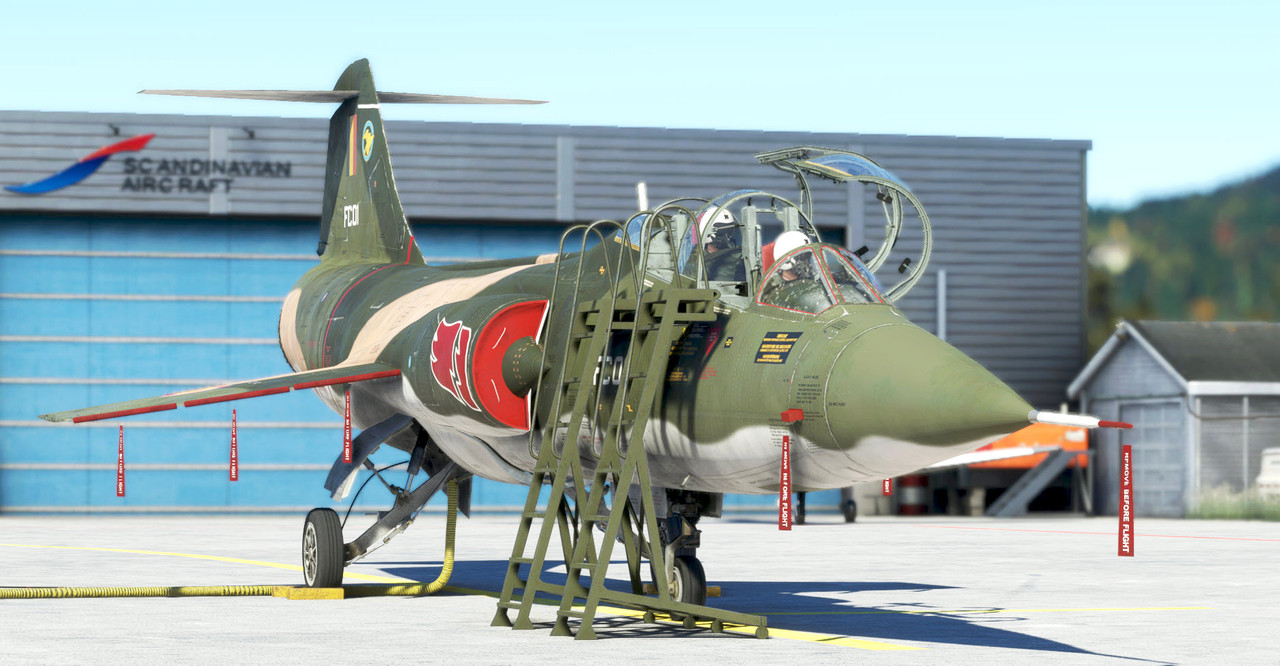
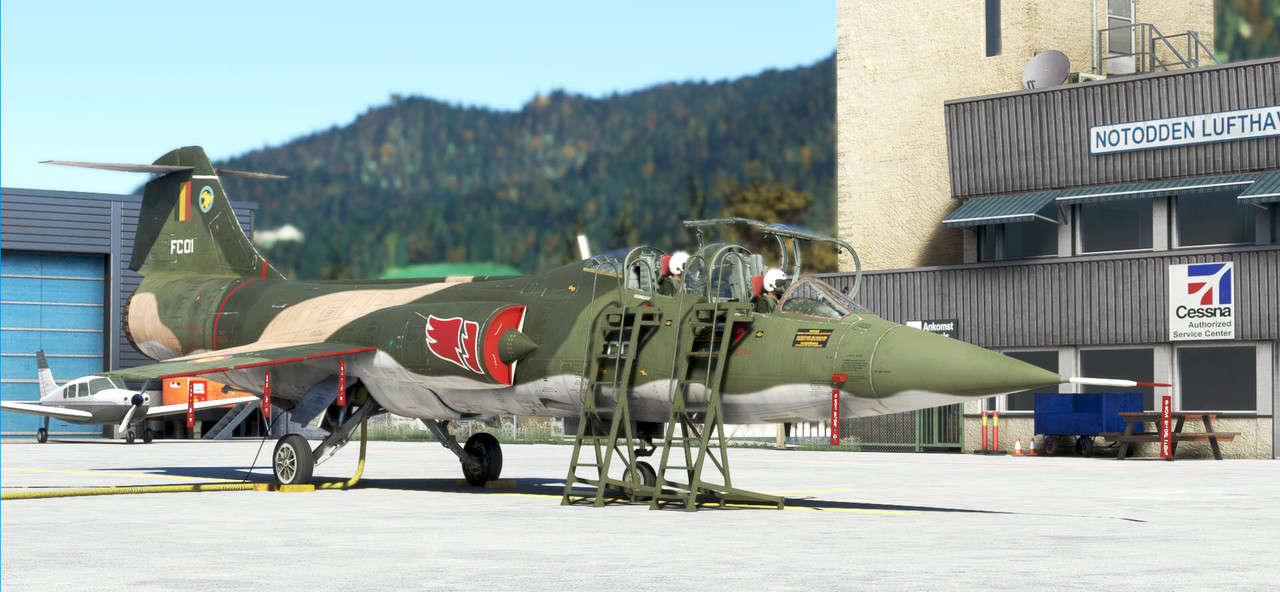
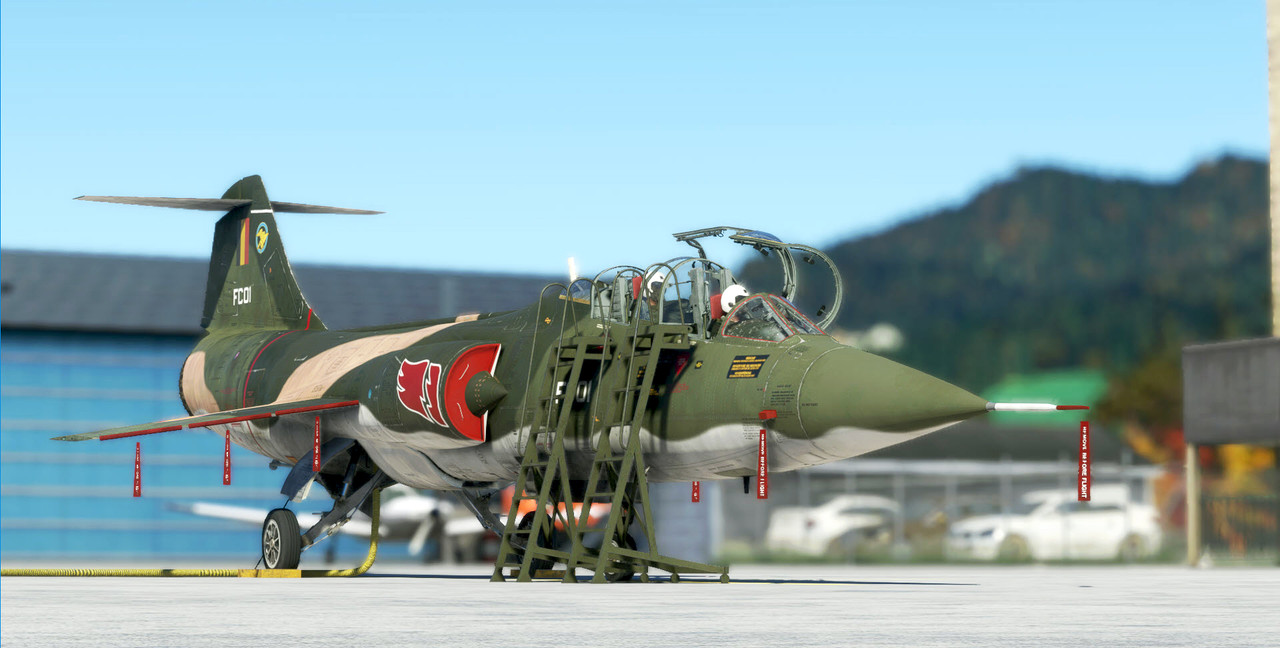
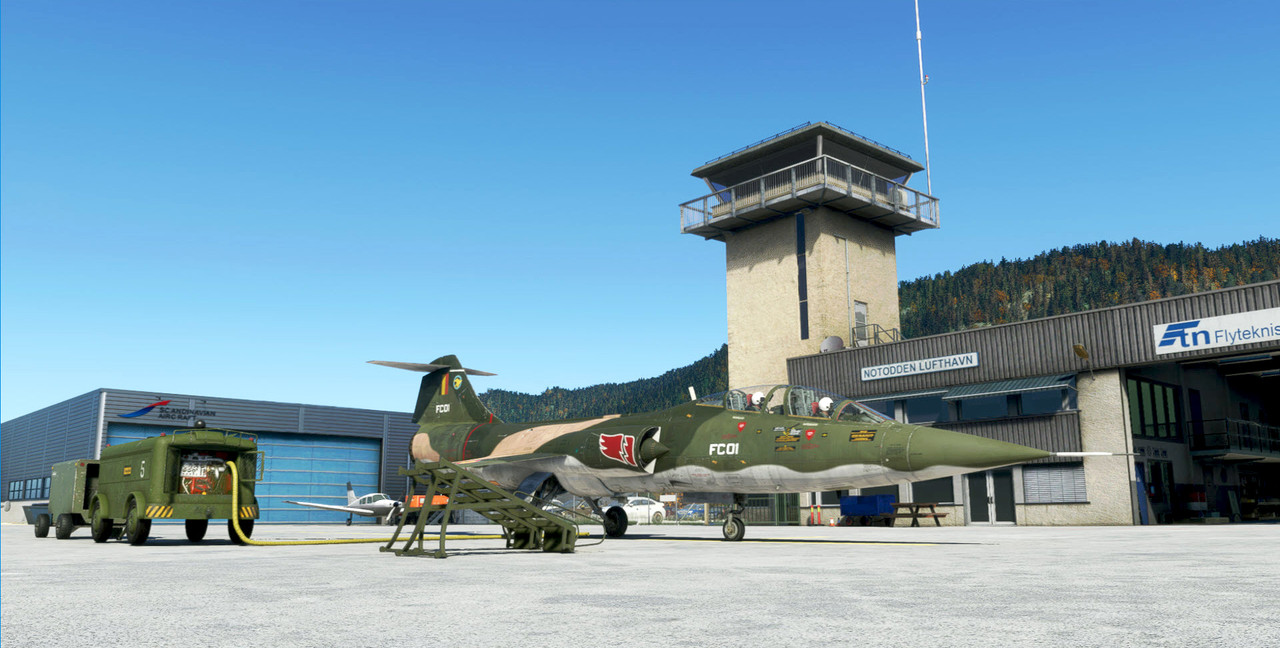
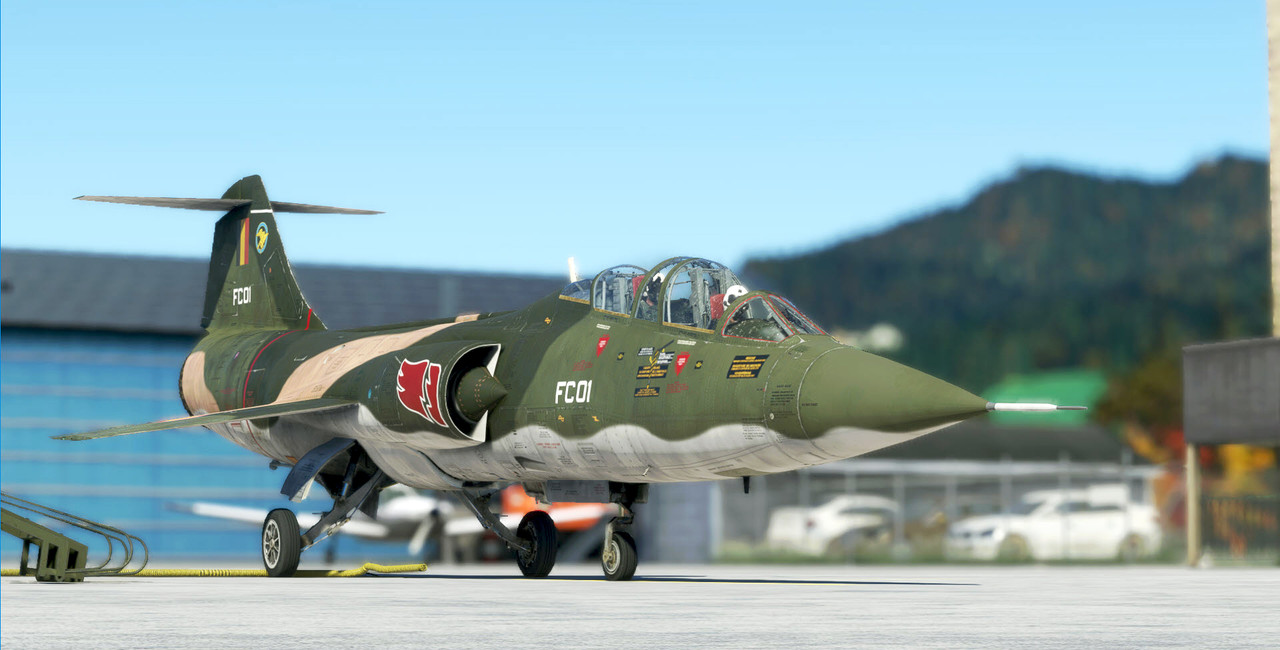
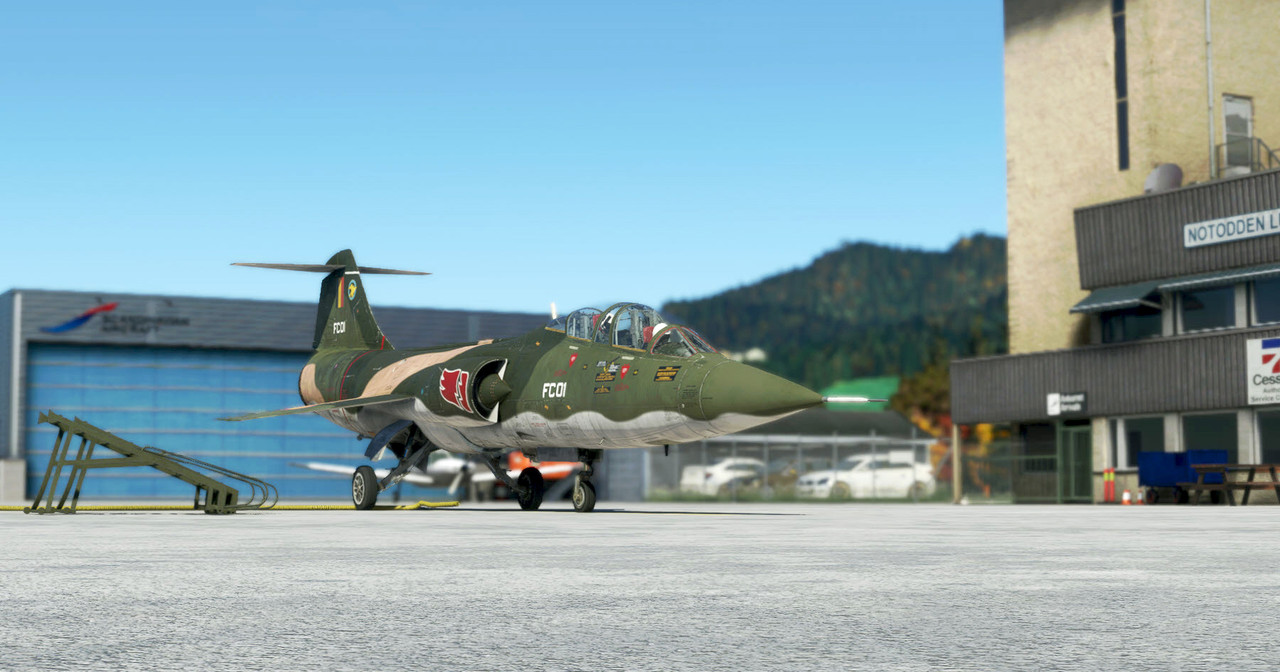
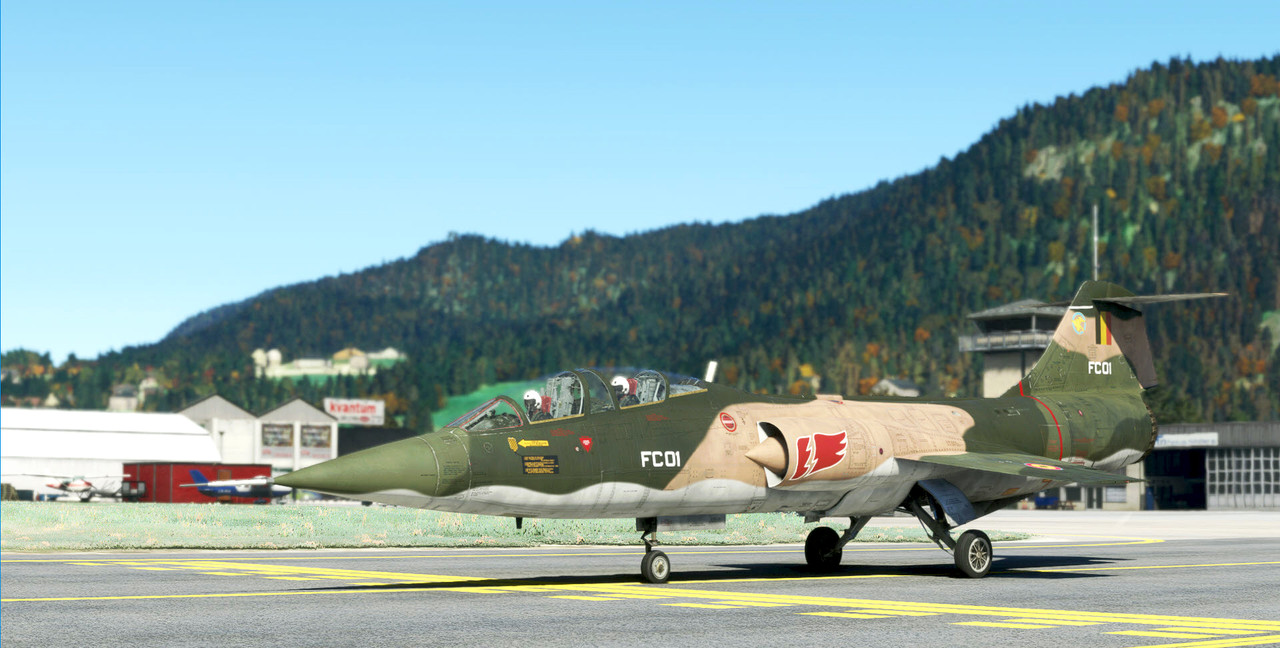
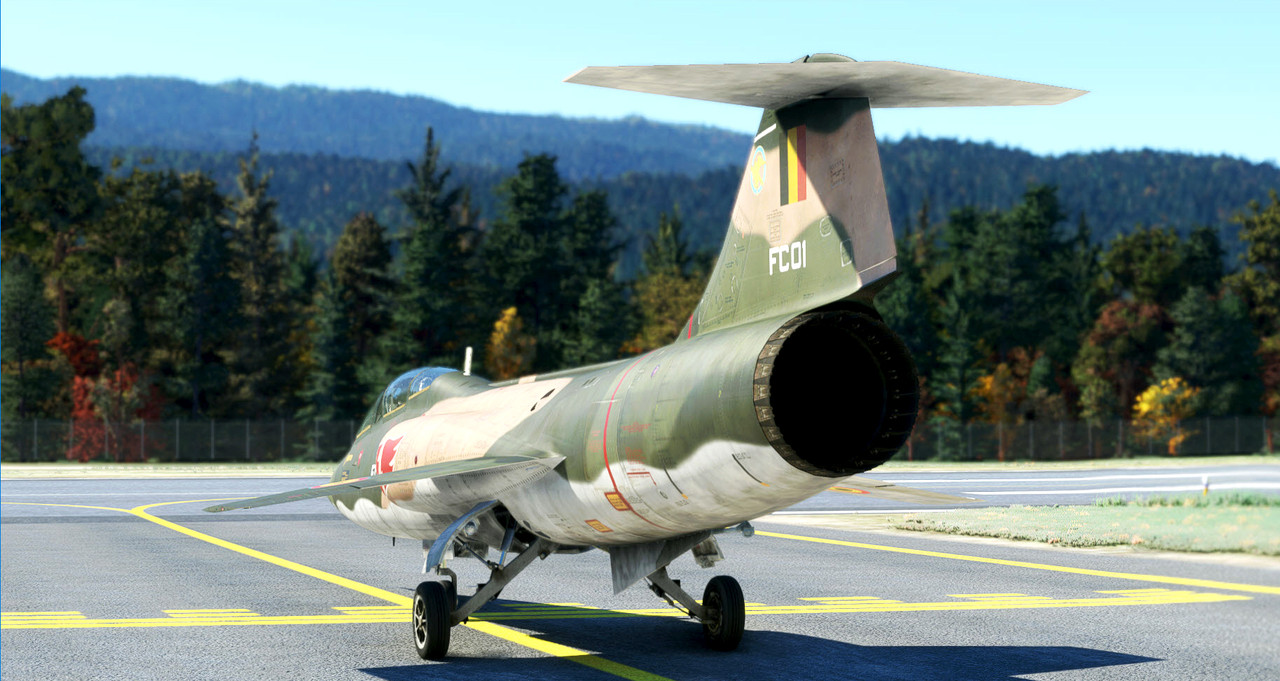
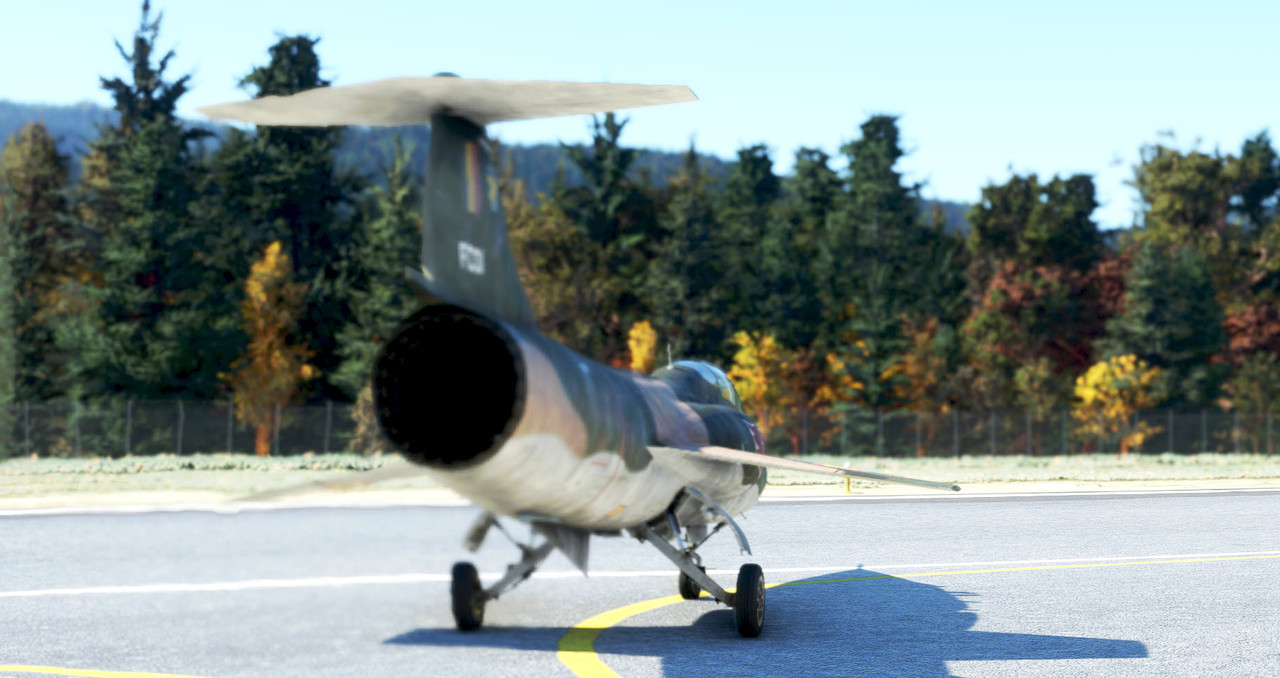
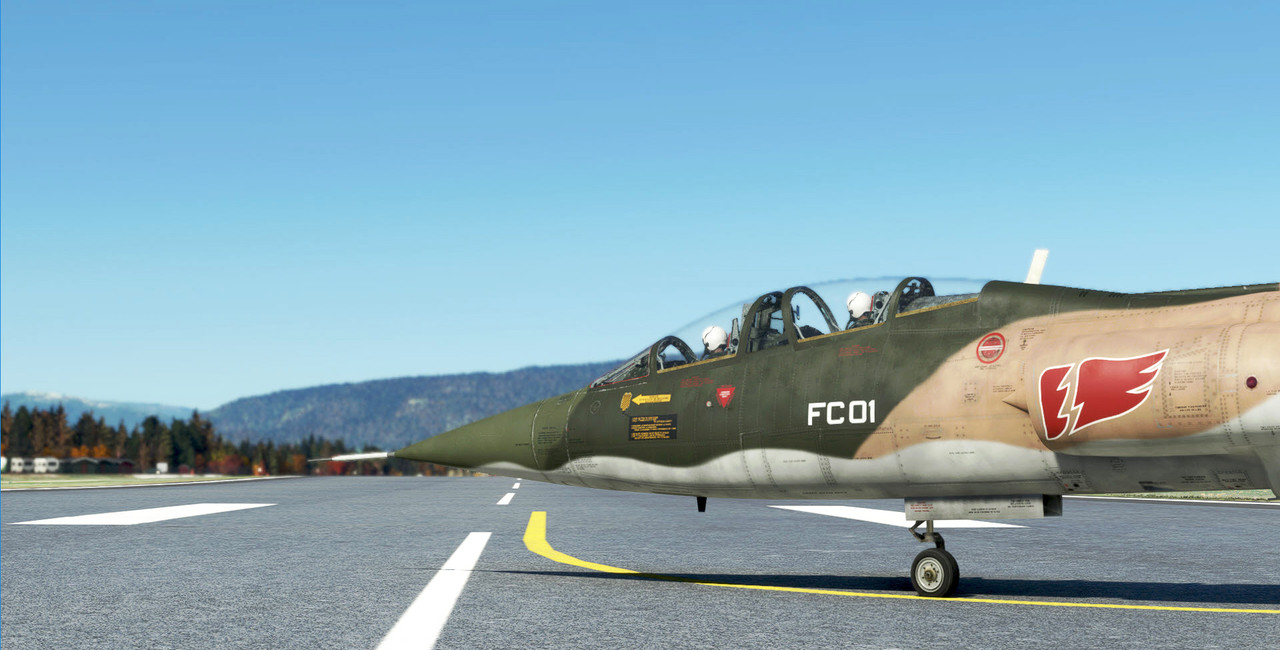
aah, a Belgian zipper, very nice!
Thanks JanKees.
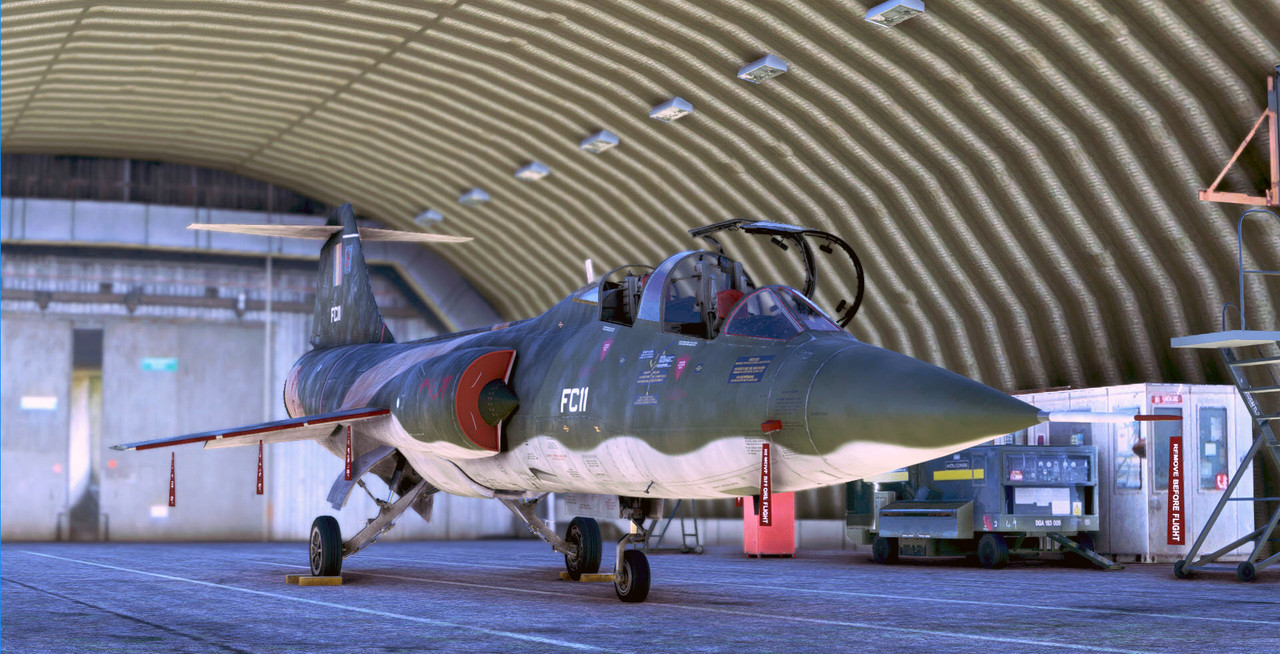
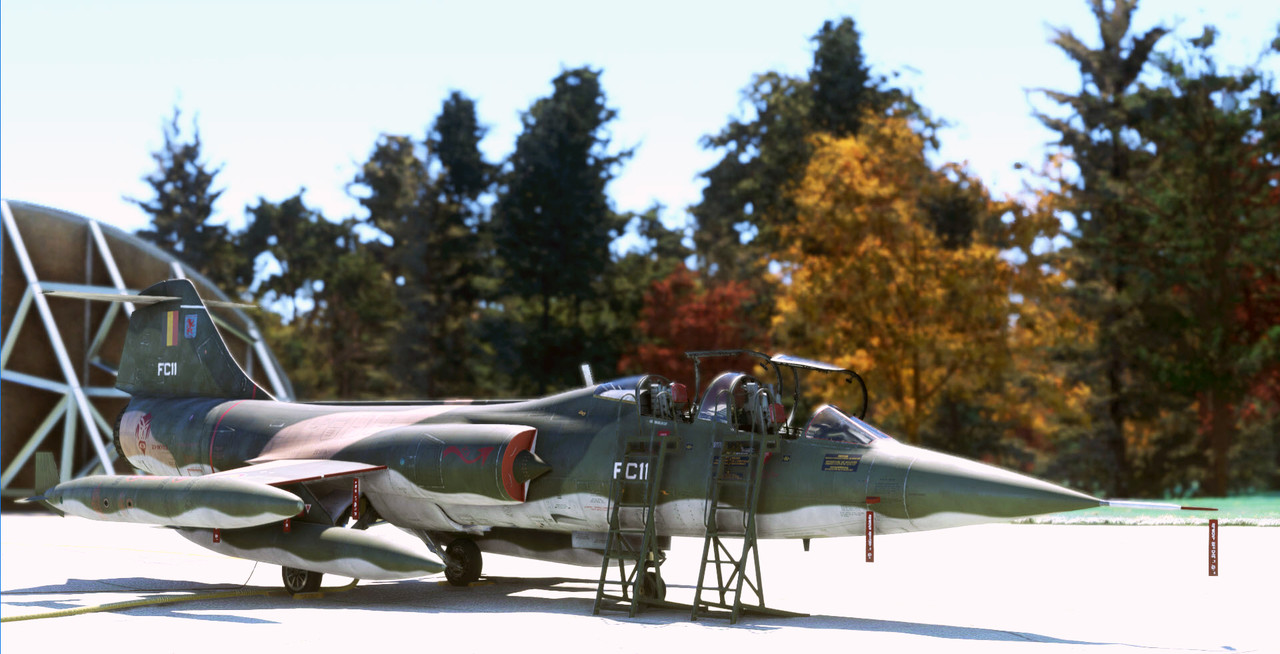
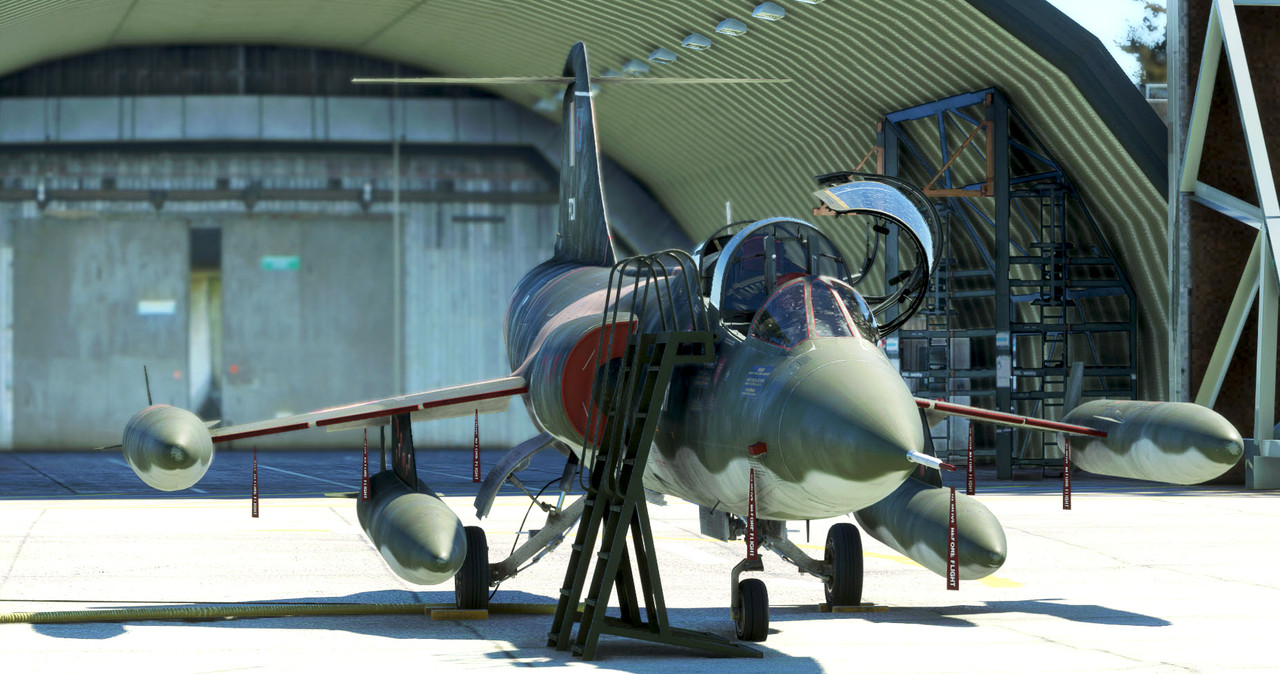
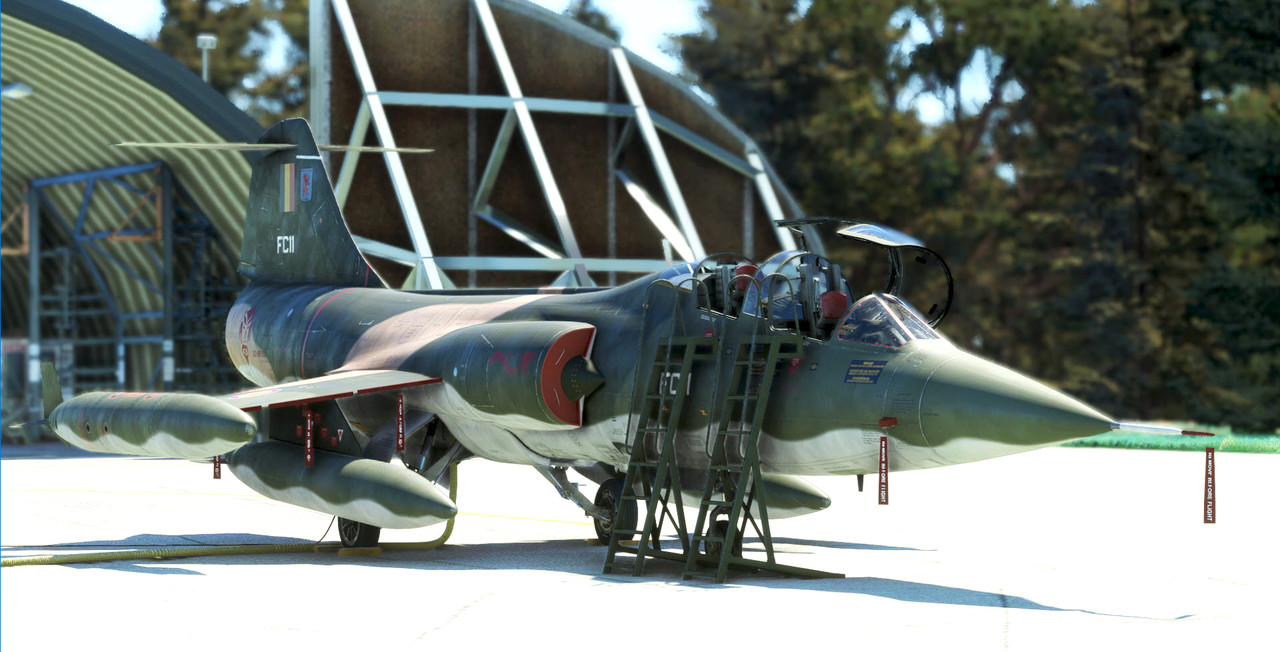
Some more with "Ambiorix" .