Many aircraft painters/re-painters for multiple flight simulators often find themselves in need of 'texture maps' in order to know where parts are laid out on the texture sheet. If you are lucky the developer will provide end users with a paint-kit that ideally includes the mapping layers so that painters/re-painters know exactly where the parts are and consequently where to apply their artwork.
Sometimes developers omit the mapping layers in their paint-kits for some reason and painters/re-painters have to resort to trial and error to find out where parts are, where the gaps between the parts are to prevent bleed over and where mapping features are located in order to align various parts of the artwork.
In the worst case scenario the developer will supply no paint-kit at all and simply provides a plain white texture for the aircraft and then expects end users to jump through hoops trying to get the various 'blending modes' in art programs like Photoshop and Paintshop Pro to display the required artwork (you know who you are Carenado and others)! This is always a hit and miss process and takes hours of extra time when the job could be done easily with a proper texture map in a proper paint-kit!
A Solution is at Hand!
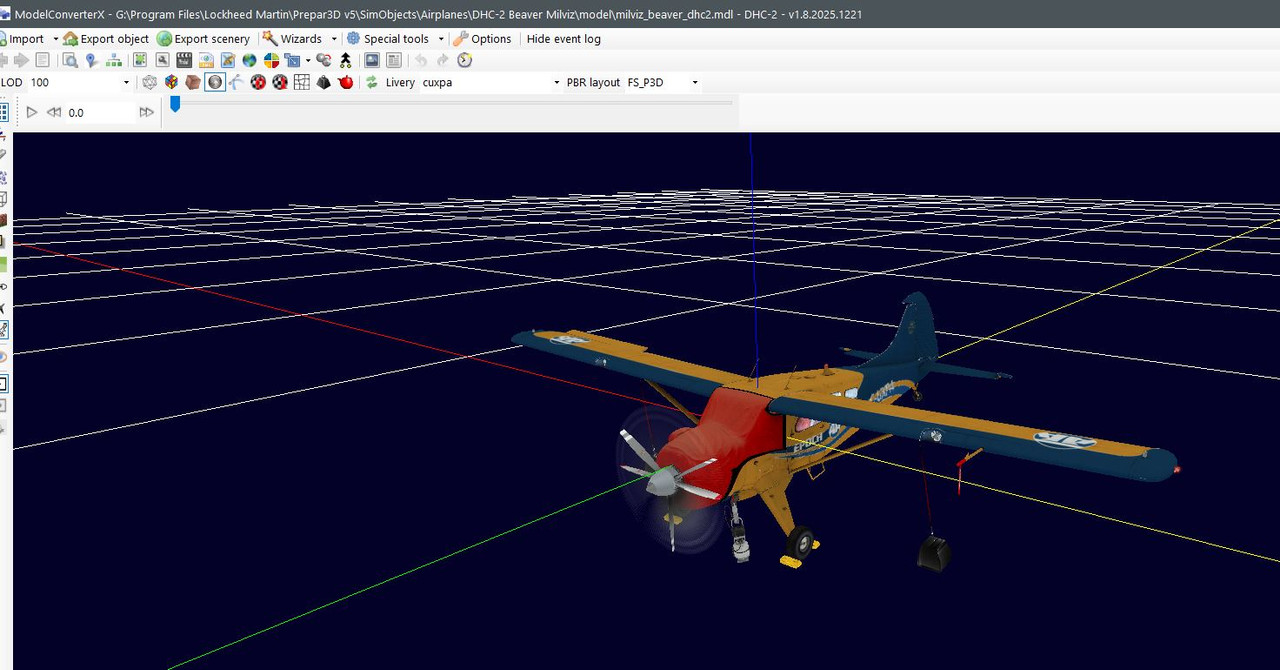
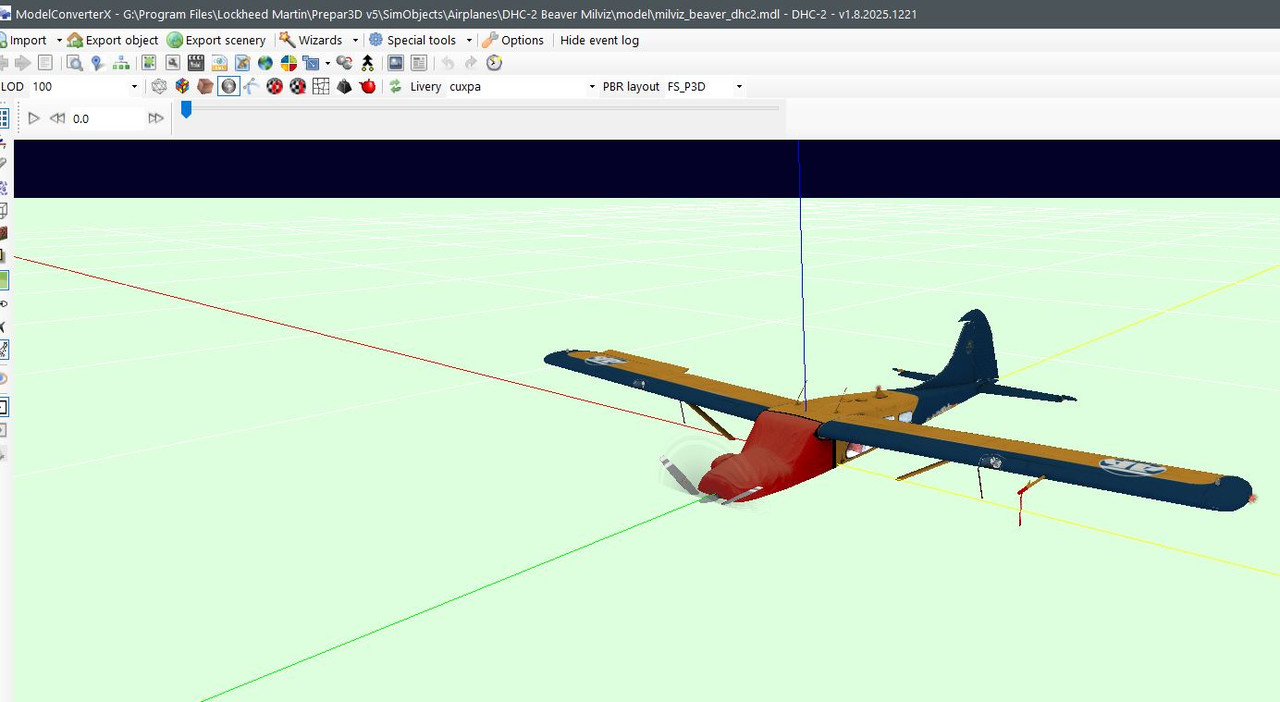
One of the tools that has been available to painters/re-painters and developers for many years is the utility known as 'Model Converter X' (MCX) which was created by 'Arno' and is available from the FSDeveloper website.
Recently 'Arno' has introduced a new feature to the tool that allows users to save the mapping directly from the model to a texture file so that even if no mapping layer is provided in the paint-kit or only a white texture is provided users can access all of the mapping to make re-painting easier!
The new feature is currently only available in the 'Development Release' but it is well worth the time for painters/re-painters to go and get the development version so that they can access the power of this new feature as it really is a massive help when painting/re-painting textures.
Here are a few images to whet your appetites:
First up we have the texture map pulled from a regular texture sheet and showing the mesh against a plain background. The line width and edge color can be selected/changed to suit your needs as required.

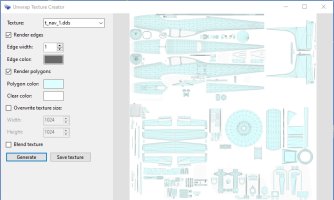
If you prefer you can use the 'Render polygons' option to fill in the polygons with a color of your choice and change the background colour too if required, like so:
You can even 'blend' the mesh back onto the original texture sheet if required:
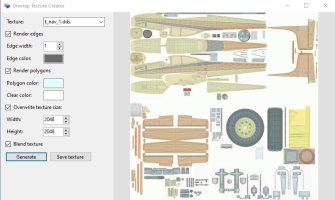
The default texture map size is identical to the original texture sheet but you can change this to suit your requirements by using the 'Overwrite texture size' controls. Make sure the 'Overwrite texture size' box is checked and then enter the dimensions you need for the resulting texture map. In this case I chose 2048 x 2048 as an example.
When you are happy with all of your changes you can save the file to a location of your choice and in many of the common texture formats available.
Conclusion
Hopefully this brief announcement will help you create texture mapping sheets for the aircraft that don't have full paint-kits or that don't have paint-kits at all (I'm looking at you again Carenado!)
Thanks again are due to 'Arno' from FSDeveloper for providing the amazing MCX in the first place and also for constantly updating it with new features for the developer and re-painter communities.
I have attached a PDF tutorial that will go through the steps of obtaining the Development Version of MCX and any additional utilities required and give examples of how to install and use it.
Happy painting!
Sometimes developers omit the mapping layers in their paint-kits for some reason and painters/re-painters have to resort to trial and error to find out where parts are, where the gaps between the parts are to prevent bleed over and where mapping features are located in order to align various parts of the artwork.
In the worst case scenario the developer will supply no paint-kit at all and simply provides a plain white texture for the aircraft and then expects end users to jump through hoops trying to get the various 'blending modes' in art programs like Photoshop and Paintshop Pro to display the required artwork (you know who you are Carenado and others)! This is always a hit and miss process and takes hours of extra time when the job could be done easily with a proper texture map in a proper paint-kit!
A Solution is at Hand!
One of the tools that has been available to painters/re-painters and developers for many years is the utility known as 'Model Converter X' (MCX) which was created by 'Arno' and is available from the FSDeveloper website.
Recently 'Arno' has introduced a new feature to the tool that allows users to save the mapping directly from the model to a texture file so that even if no mapping layer is provided in the paint-kit or only a white texture is provided users can access all of the mapping to make re-painting easier!
The new feature is currently only available in the 'Development Release' but it is well worth the time for painters/re-painters to go and get the development version so that they can access the power of this new feature as it really is a massive help when painting/re-painting textures.
Here are a few images to whet your appetites:
First up we have the texture map pulled from a regular texture sheet and showing the mesh against a plain background. The line width and edge color can be selected/changed to suit your needs as required.
If you prefer you can use the 'Render polygons' option to fill in the polygons with a color of your choice and change the background colour too if required, like so:
You can even 'blend' the mesh back onto the original texture sheet if required:
The default texture map size is identical to the original texture sheet but you can change this to suit your requirements by using the 'Overwrite texture size' controls. Make sure the 'Overwrite texture size' box is checked and then enter the dimensions you need for the resulting texture map. In this case I chose 2048 x 2048 as an example.
When you are happy with all of your changes you can save the file to a location of your choice and in many of the common texture formats available.
Conclusion
Hopefully this brief announcement will help you create texture mapping sheets for the aircraft that don't have full paint-kits or that don't have paint-kits at all (I'm looking at you again Carenado!)
Thanks again are due to 'Arno' from FSDeveloper for providing the amazing MCX in the first place and also for constantly updating it with new features for the developer and re-painter communities.
I have attached a PDF tutorial that will go through the steps of obtaining the Development Version of MCX and any additional utilities required and give examples of how to install and use it.
Happy painting!