Killbilly
SOH-CM-2026
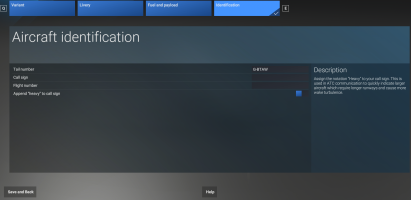
So, as I'm adding liveries, I've found that sometimes I can't change what the ATC calls me. For example, in the C-130, ATC calls me "Air Force 774." I would like it to call me "Flight N85AX." In MSFS2020, I could just change the "atc_airline" and "atc_flight_number" lines in the aircraft.cfg for the livery. In MSFS2024, I've tried adding those lines under "[FLTSIM]" in the livery.cfg (where the "atc_id" line is; but it doesn't work.
Anyone understand the new livery.cfg file well enough to help me figure out how to change what ATC calls me?
Anyone understand the new livery.cfg file well enough to help me figure out how to change what ATC calls me?