• There seems to be an uptick in Political comments in recent months. Those of us who are long time members of the site know that Political and Religious content has been banned for years. Nothing has changed. Please leave all political and religious comments out of the forums.

    If you recently joined the forums you were not presented with this restriction in the terms of service. This was due to a conversion error when we went from vBulletin to Xenforo. We have updated our terms of service to reflect these corrections.

    Please note any post refering to a politician will be considered political even if it is intended to be humor. Our experience is these topics have a way of dividing the forums and causing deep resentment among members. It is a poison to the community. We appreciate compliance with the rules.

    The Staff of SOH

  • Please see the most recent updates in the "Where did the .com name go?" thread. Posts number 16 and 17.

    Post 16 Update

    Post 17 Warning

Dino's Cat is out!!

Repaint Texture Reverting ::

there are issues with the fallback texture calls in the texture.cfg ,, dunno why or if it's just me
This is true for me with any aircraft , especially the acceleration FA-18 which always wants to revert to a blue angels texture ...

- to get around it i copy all the textures from the TEXTURE folder and paste them into the VF101 folder
- !!! say NO to any prompted Overwrite

-then i edit the texture.cfg in VF101 removing the fallback call to the texture folder , and resequence the fallback entries

========
[fltsim]
fallback.1=..\..\..\..\Scenery\Global\texture
fallback.2=..\..\..\..\..\..\Scenery\Global\texture
========

- works for me

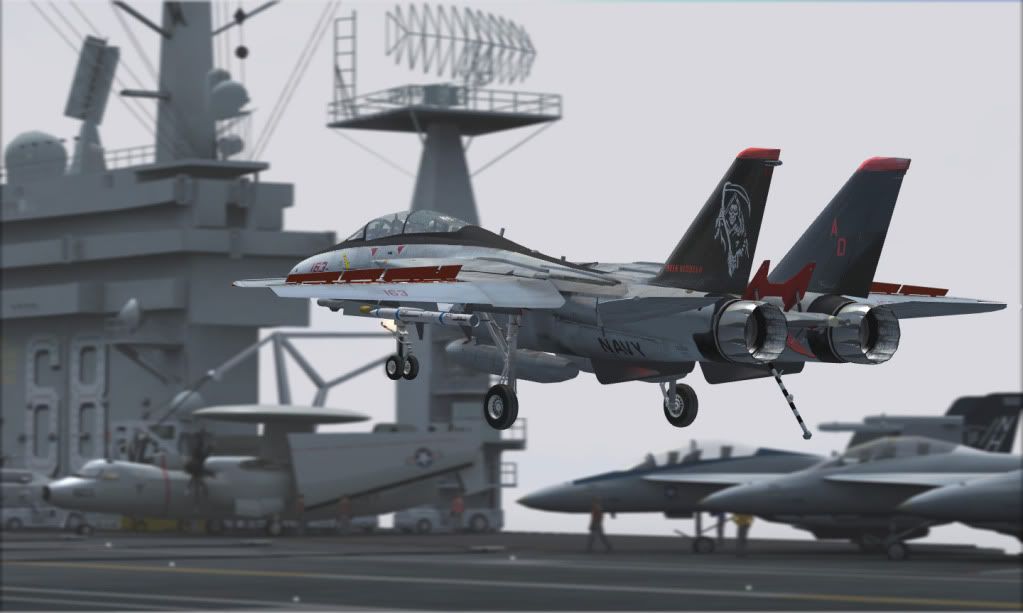
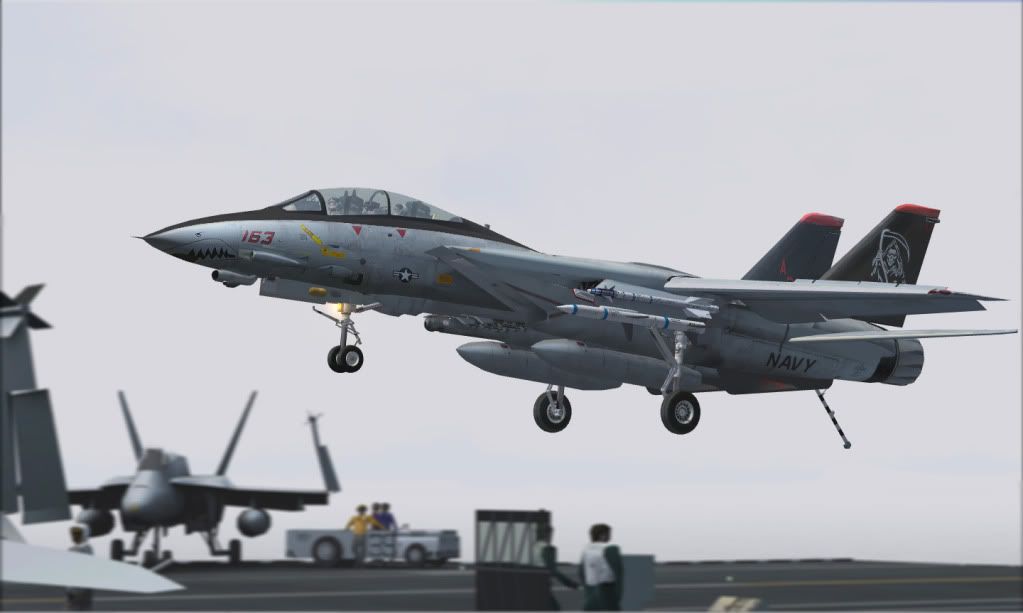
Many thanks to Dino for this beautiful jet and to Bob for the repaint

Thanks :medals::USA-flag::applause::ernae::guinness::icon29:
 
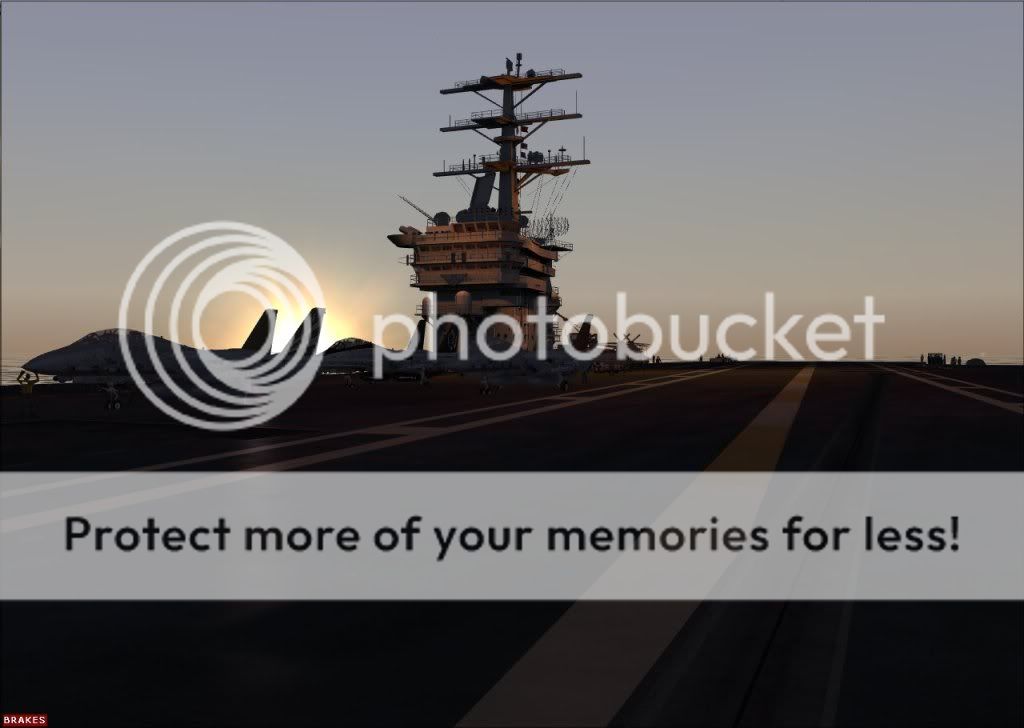
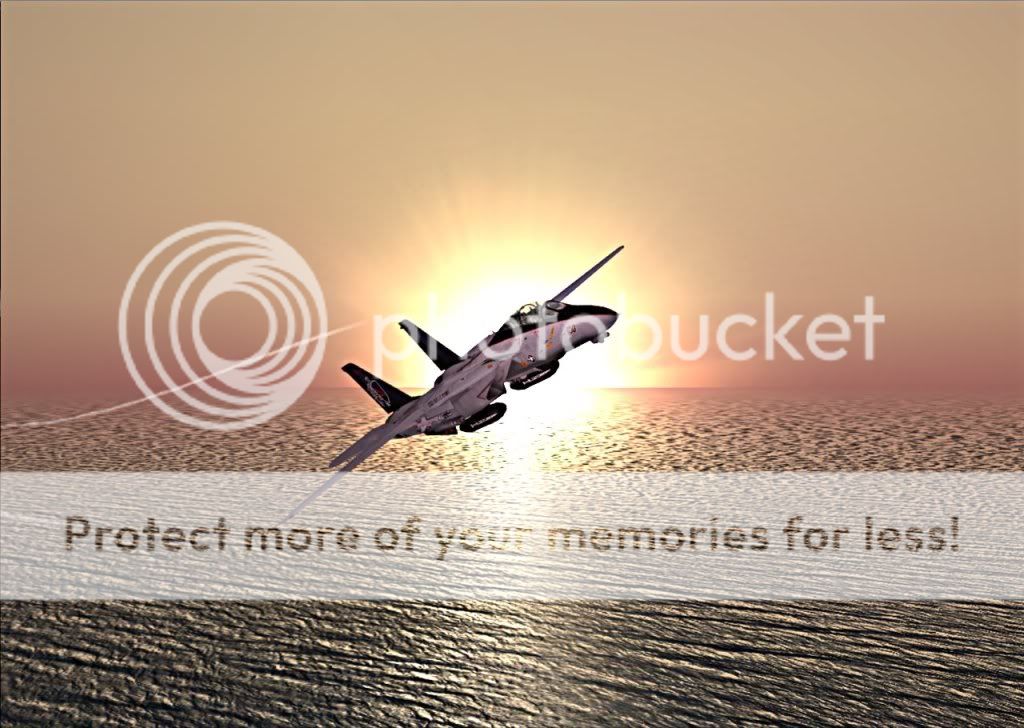
Goodness that's a great shot, nice work Yago! Beautiful shot Thunder!! :ernae:
 
Yeah, stunning shot there Thunder. Also showing what amazing talents the sim community has. What an amazing job you have done Yago, Bananabob and Dino. I am very impressed by your talents. :medals:
 
Untitled-2-1.jpg


Untitled-3.jpg


Untitled-6.jpg


tomcat.jpg

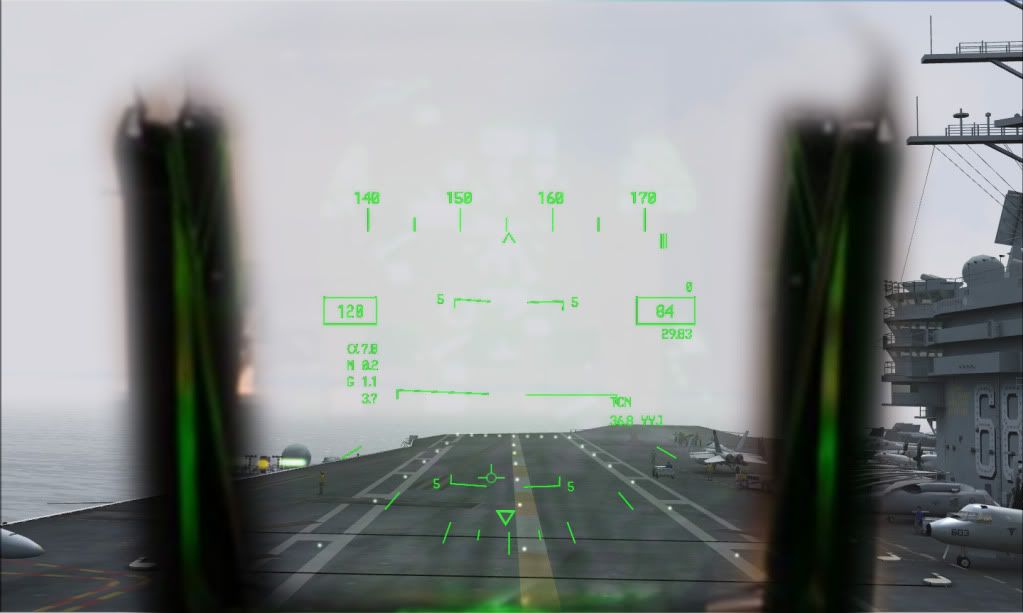
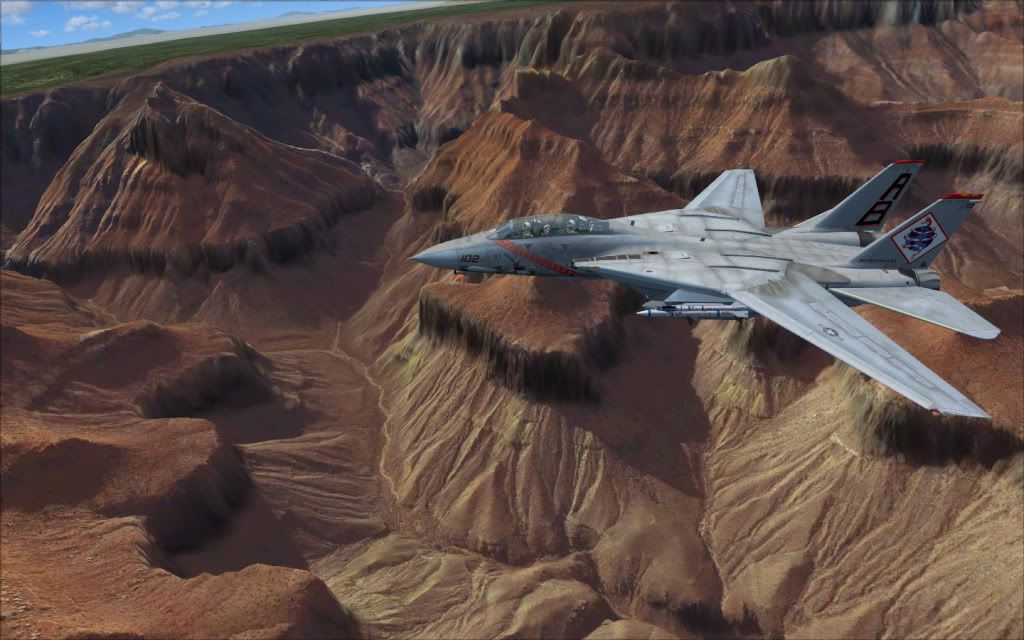
The most stunning screenshots I've ever seen!!!!! Incredible!!!:medals:
 
Thanks guys! One of my side jobs is in the photography world and I guess it carries over to the sim world....there are times I end up wanting to fly somewhere in FS and get sidetracked halfway through with 'photo' ideas...
 
Thanks guys! One of my side jobs is in the photography world and I guess it carries over to the sim world....there are times I end up wanting to fly somewhere in FS and get sidetracked halfway through with 'photo' ideas...

Same here man, from one pause, I can take so many different shots from different angles, I get stuck, LOL. Cheers.:ernae:
 
How are people getting these different AB effects exactly? Is it the SMOKE or LIGHTS section you need to modify?

Changed around the coordinates (for Smoke) as per BananaBob's cfg. above and then substituted a freeware - there are plenty around - AB effect (eg F16; KBT Hornet) but the new effect is still is a no show.

Can someone explain - precisely - where you need to add and/or comment out the entries?

Thank and regards

expat
 
How are people getting these different AB effects exactly?
Hey expat,

Just so you know, the AB effects in my screenshots are not from the simulator...I added them in graphics software after the fact.

I havent tried messing with the F-14's AB. The AB effects for some airplanes are actually part of the model, textured with semi transparent effects. I think this is the case with Dino's Tomcat, but as far as I know it can be in directly edited by placing AB effects (in the lights section) overtop of existing effect.

I dont have access to the .cfg right now, but its the lights section you want. I think there was some discussion of how to do this a few pages back in this thread.

EDIT: Page 14 of this thread towards the bottom is what you want.
 
@Wingmate.I love your VF-102 Diamondbacks skin!! I was wondering if you'd take a request? The one and only time I've seen a F-14 Tomcat up close and personel was at the 2001 Chicago Air and Water show,It was from VF101[Low Vis] scheme,Those Naval Aviator's put on a heck of a show!!!
I would really like if you could do that skin if you had the time.

Thanks very much!
Cheers!:medals:
 
Thanks!
Yago9's already working on one there are some screenshots of it back on page 2 of this thread. althoguh I could still make one if you would like.
 
Finally got to use Dino's TomCat and Javiers Nimitz......both totally awesome. I have a couple of issues I need to resolve thou. I had installed the .90 version and it had the missing bottom by the foot pedals.....well dang it....my feet were getting cold. I installed overtop with the new .94 version and I'm still missing that lower part of the model....am I correct this was fixed in the new release? It might be as simple as forcing FSX to reinitialize. If someone can point me to the correct way to do that....I'd much appreciate it.

Thanks,
Dan
 
Yago9, the file is the attachement found in the post above. It has all the instructions and files needed to make the AB work with the throttle.

Sorry to be a pain or just thick, but I cannot see in the discussion at the bottom of p14 (between Yago and Stovall) where in anyone's post there is an attachment re the AB mods.

Was it removed?

expat
 
Was it removed?

Oh. Yeah...looks like it was because it was part of a copyrighted package.

Well, your best bet then is to take Yago's advice with the lights section code and apply it to an afterburner effect from a plane from flightsim.com, simviation.com or another site...

I did a quick search at flightsim.com and found f14dburn.zip which looks promising, and has full install instructions.
 
Back
Top