

Dino Cattaneo
Charter Member
A/B bleed problem
@ Chis H and Noddy
There should be an explanation of the A/B "bleed" issue in the manual FAQ, but, in short, it happens because the FSX graphics engine (and its implementation on some machines).
From what I know, changing the graphic card settings to maximum quality will help (actually should solve the issue on Nvdia cards - not sure about ATi).
If the problem persists, it is also possible to remove the custom afterburner effects. An experienced user could also shrink the effects by editing them.
I am sorry for the issue and I hope it doesn't spoil the fun too much.
@ Chis H and Noddy
There should be an explanation of the A/B "bleed" issue in the manual FAQ, but, in short, it happens because the FSX graphics engine (and its implementation on some machines).
From what I know, changing the graphic card settings to maximum quality will help (actually should solve the issue on Nvdia cards - not sure about ATi).
If the problem persists, it is also possible to remove the custom afterburner effects. An experienced user could also shrink the effects by editing them.
I am sorry for the issue and I hope it doesn't spoil the fun too much.


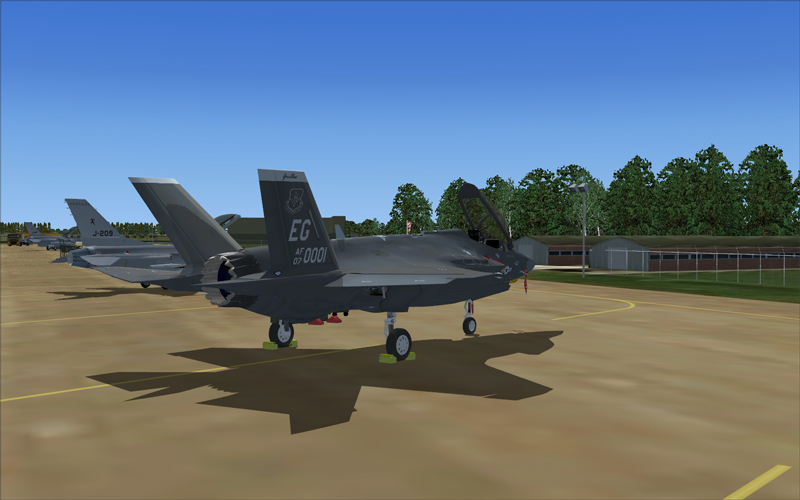
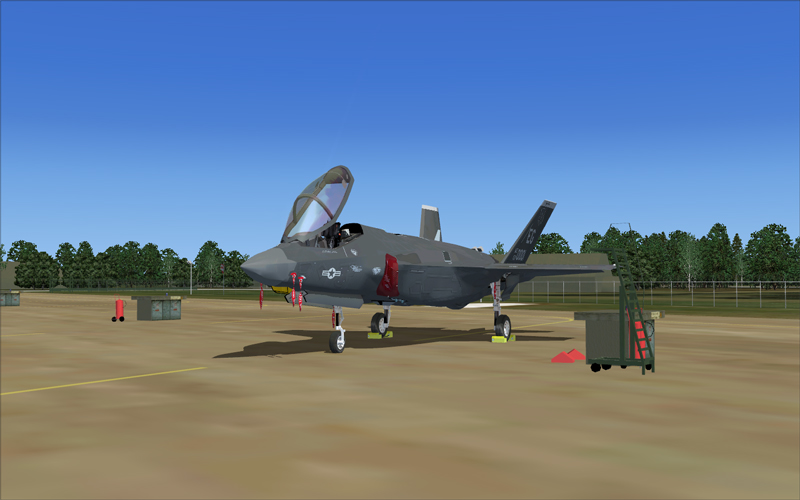
 you're right, cracking good, my bad dummy piloting.