Mike Johnson G-111 HU-16 issues

gray eagle

SOH-CM-2026
I am using the Steam standard edtion version of FS2024 and downloaded from Marketplace the G-111 HU-16, It was the first download addon I have made for this sim.
I noticed that is automatically did a download; where can I find the archived download?
My sim is installed on a P drive (WD 2TB DDS) and I did manage to find one of the liveries in one location and the other liveries in another location.
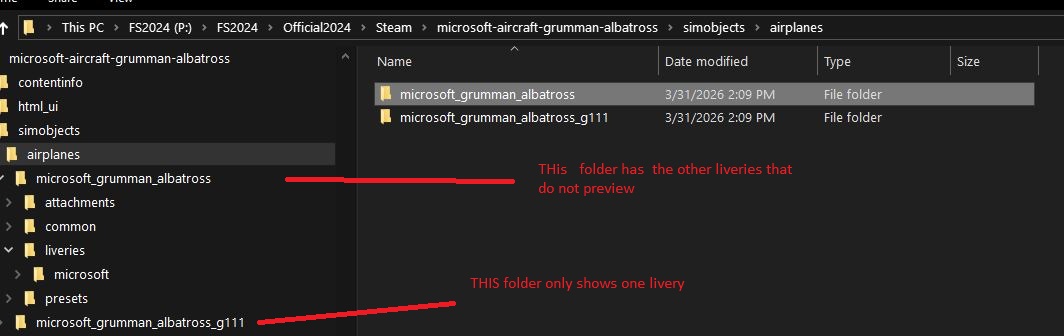
Capture3.jpg


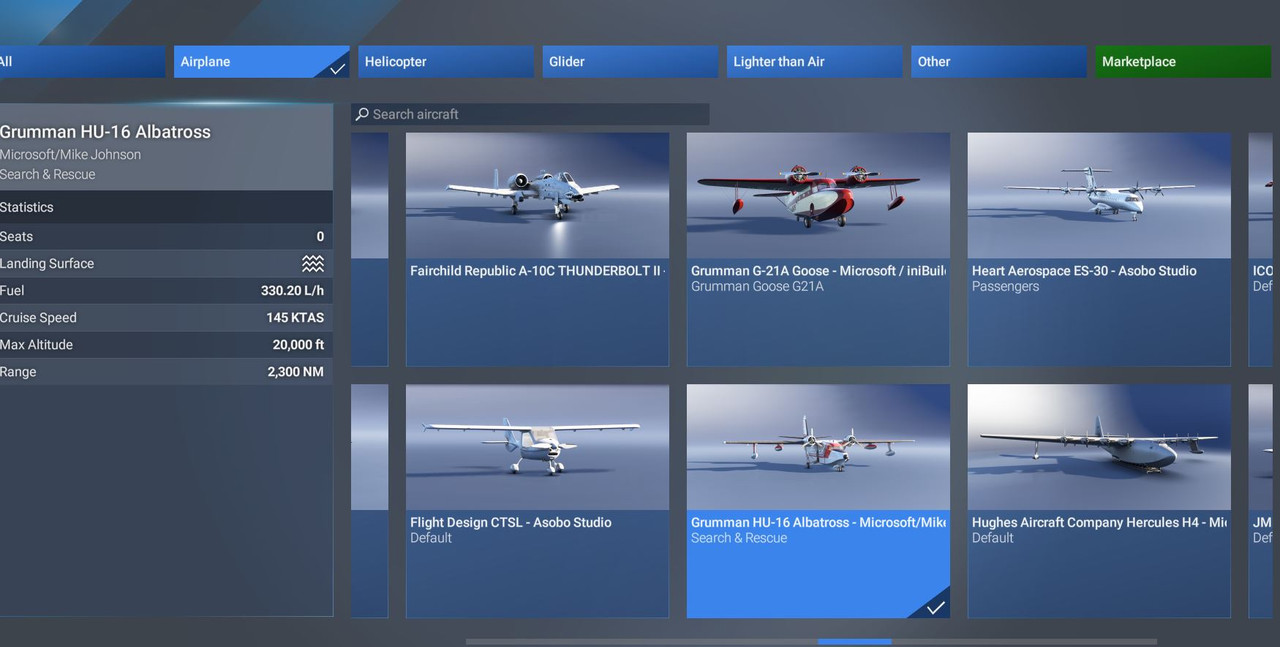
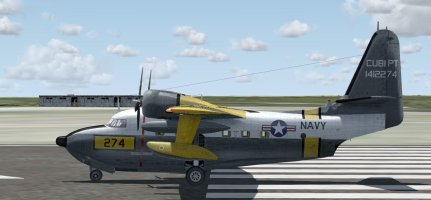
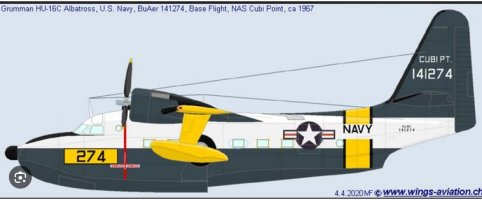
Only one of the planes show in the change plane preview screen and none of the others show.
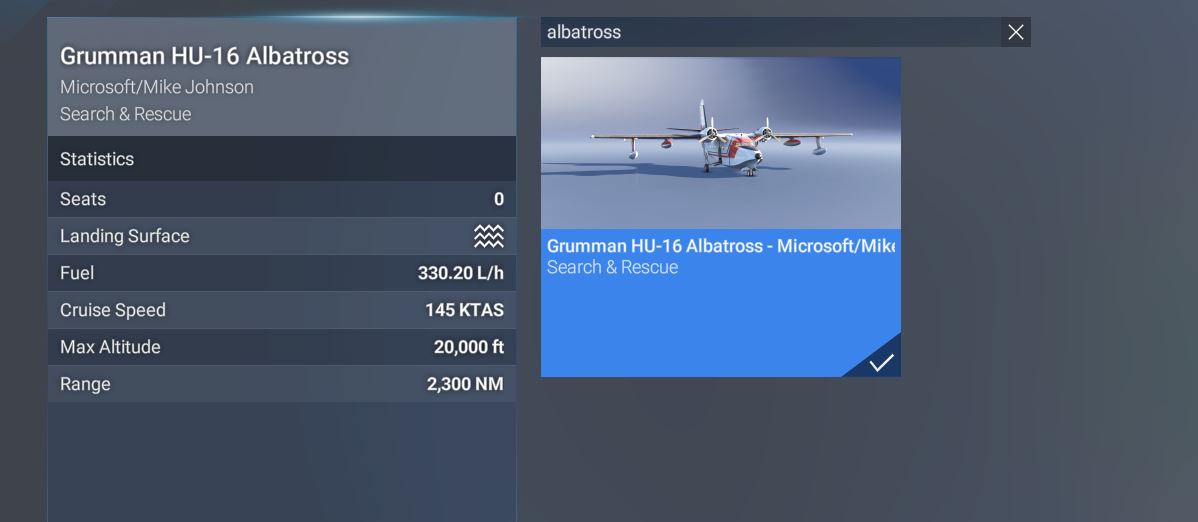
Capture.jpg


Capture1.jpg


So how can this issue be corrected so that I can see ALL the liveries in the preview screen?
 
Last edited:

There probably isn't an issue. In MSFS2024, different liveries (normally) don't show up as separate entries in the aircraft selection screen. From the screenshot, I see you got the Albatross selected. In the bottom left part of your screen there should be a button called "Configure". Click it and it will take you to another screen where there are four buttons at the top. One is called "Livery". Click it and you can select another livery (if the aircraft comes with multiple liveries or you've added one on your own).

P.S. In the aformentioned screen there's also a button called "Variant". If the aircraft comes with multiple variants you first select the variant you want and then click on the "livery"-button to select a repaint that comes with that specific variant.
 
Last edited:
TAA DAH! Thank you very much! Now I have to find out where Market place downloads the uninstalled addons.

View attachment 185117
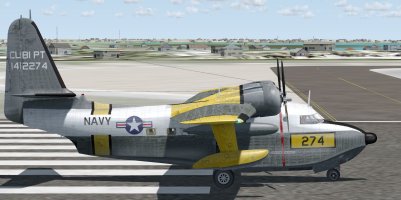
Liveries are usually installed in you Community folder, [not the Community 24 folder]. The aircraft should find them in the Community folder.
T43

From Chatgpt.com:
"When you buy/download an aircraft from the in-sim Marketplace:
  • It gets installed into the Official packages directory, not Community
  • Typical paths (PC):
Microsoft Store version

C:\Users\<YOU>\AppData\Local\Packages\
Microsoft.Limitless_8wekyb3d8bbwe\LocalCache\Packages\Official\OneStore\

Steam version

C:\Users\<YOU>\AppData\Roaming\Microsoft Flight Simulator 2024\Packages\Official\

👉 These files are usually encrypted/packaged, not normal folders you can edit easily"
 
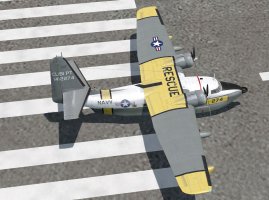
Liveries are usually installed in you Community folder, [not the Community 24 folder]. The aircraft should find them in the Community folder.
T43

From Chatgpt.com:
"When you buy/download an aircraft from the in-sim Marketplace:
  • It gets installed into the Official packages directory, not Community
  • Typical paths (PC):
Microsoft Store version

C:\Users\<YOU>\AppData\Local\Packages\
Microsoft.Limitless_8wekyb3d8bbwe\LocalCache\Packages\Official\OneStore\

Steam version

C:\Users\<YOU>\AppData\Roaming\Microsoft Flight Simulator 2024\Packages\Official\

👉 These files are usually encrypted/packaged, not normal folders you can edit easily"
So I noticed that Marketplace will go thru a download process then an install process. Where in the download process is the file located or saved to? I use the steam standard version (MS2024) Is it C:\Users\<YOU>\AppData\Roaming\Microsoft Flight Simulator 2024\Packages\Official\ that you mentioned ^? Thank you.
 
Back
Top