
• Please see the most recent updates in the "Where did the .com name go?" thread. Posts number 16 and 17.

    Post 16 Update

    Post 17 Warning old domain name stealing credentials

  • Special Server Maintenance

    Just when you think you have everything running some what better...

    You get a message from the Hosting company. Short story they need to move us to a new server. I have been working with them to plan a good date for all concerned. Here is what we have come up with as a schedule.

    1. November 4th 17:00 -5UTC shut off the forums and start backup proceedures. During this time there will be no access to the forums or the Resource Section.
    2. November 5th Continue with Backups and download same until complete.
    3. November 6th 7:00 turn over server to hosting company to move system to new server
    4. November 7th - 8th restore backups and upgrade forum software.

    If all goes well we should be back online on November 8th.

    To keep you updated we will post updates on AVSIM forums.

    Thank you for your support.

Military aircraft library for MSFS2024

gray eagle

SOH-CM-2026
I found this library of Mil aircraft on Flightsim.to and after I installed it at KNZY NAS North Island, no aircraft were visible. From the comments I read, a developer would have to add the library of Mil aircraft to his scenery. This is were I miss how P3D would let the user add static aircraft to any scenery with the tools from FSDeveloper. Any way, here is the location of the FS24 static aircraft. I do believe that this library is for the Devs to work with at least I get that impression.
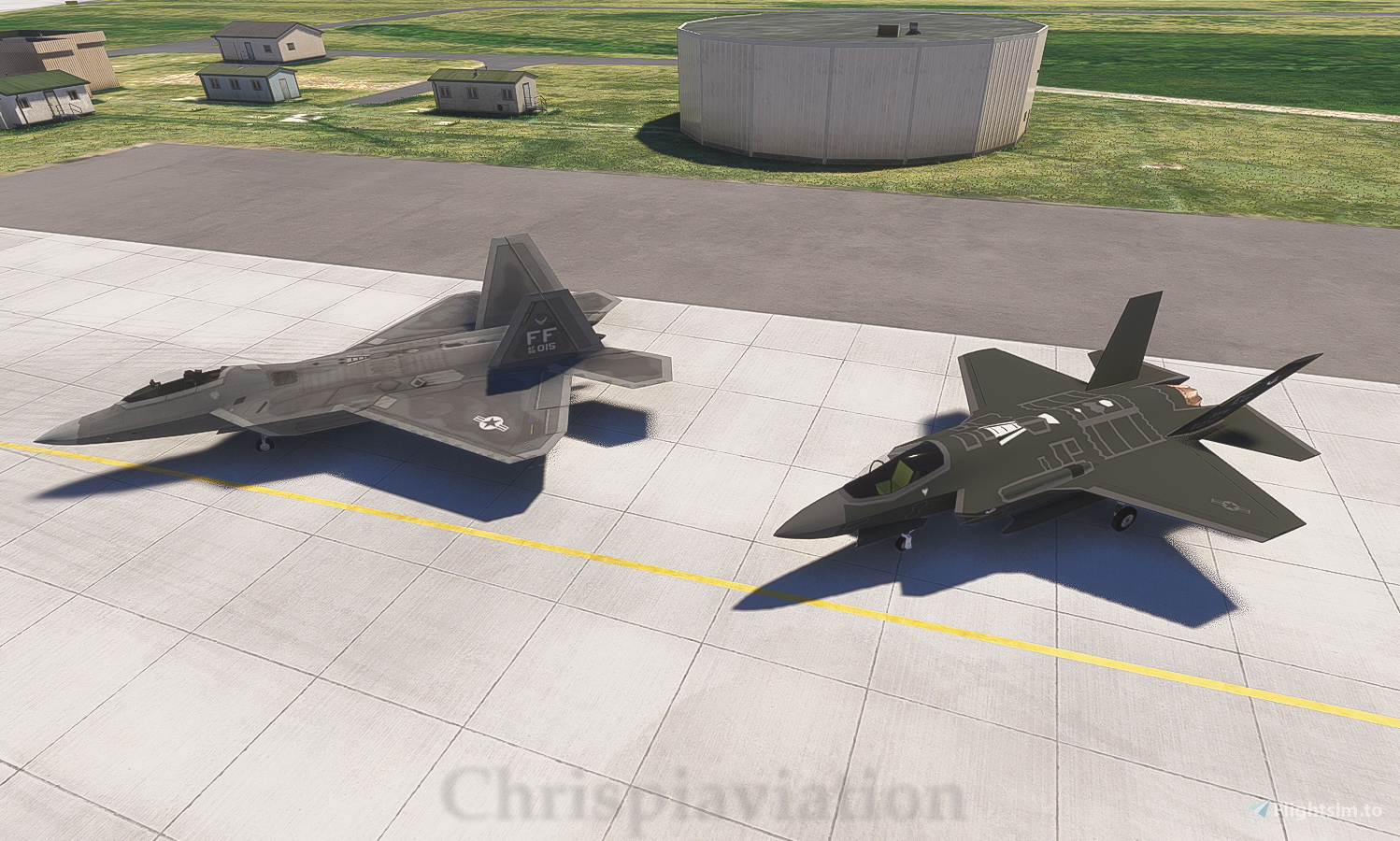
 
I received this response from the developer

This is a ordinary library. Developers can use it in their sceneries and people that want to use the scenery need to have this library inside their community folder. I don't know why it's showing for some, and not for others. It works fine on my system.


But I did install it in my community folder.
 
Last edited:
Installing a "Library" just makes the objects it contains available to other scenery packages. It's like having the "Windy Things" library available for addon airports to display flags that blow in the breeze.

Now that you have it in your Community folder, all that needs to happen is for some scenery dev to use the planes within the library in their scenery. Then when you install that scenery, the library objects will be called to be loaded and displayed on the screen.
 
Installing a "Library" just makes the objects it contains available to other scenery packages. It's like having the "Windy Things" library available for addon airports to display flags that blow in the breeze.

Now that you have it in your Community folder, all that needs to happen is for some scenery dev to use the planes within the library in their scenery. Then when you install that scenery, the library objects will be called to be loaded and displayed on the screen.
Thanks for the bump back. So not knowing which scenery airport that may of used this would be just a guess otherwise, it would be dormant in my community folder.
 
Most, if not all sceneries on .to will list required libraries as "Dependencies." You could try searching the site for that filename, but their search is iffy at best. I have better luck finding what I want there by going through Google.
 
Back
Top